World Series Watch Party Website Checklist for Local Restaurants and Bars
A practical website checklist for restaurants and bars promoting World Series watch parties, from game times to reservations and parking.
Make watch-party information easy to find before guests arrive
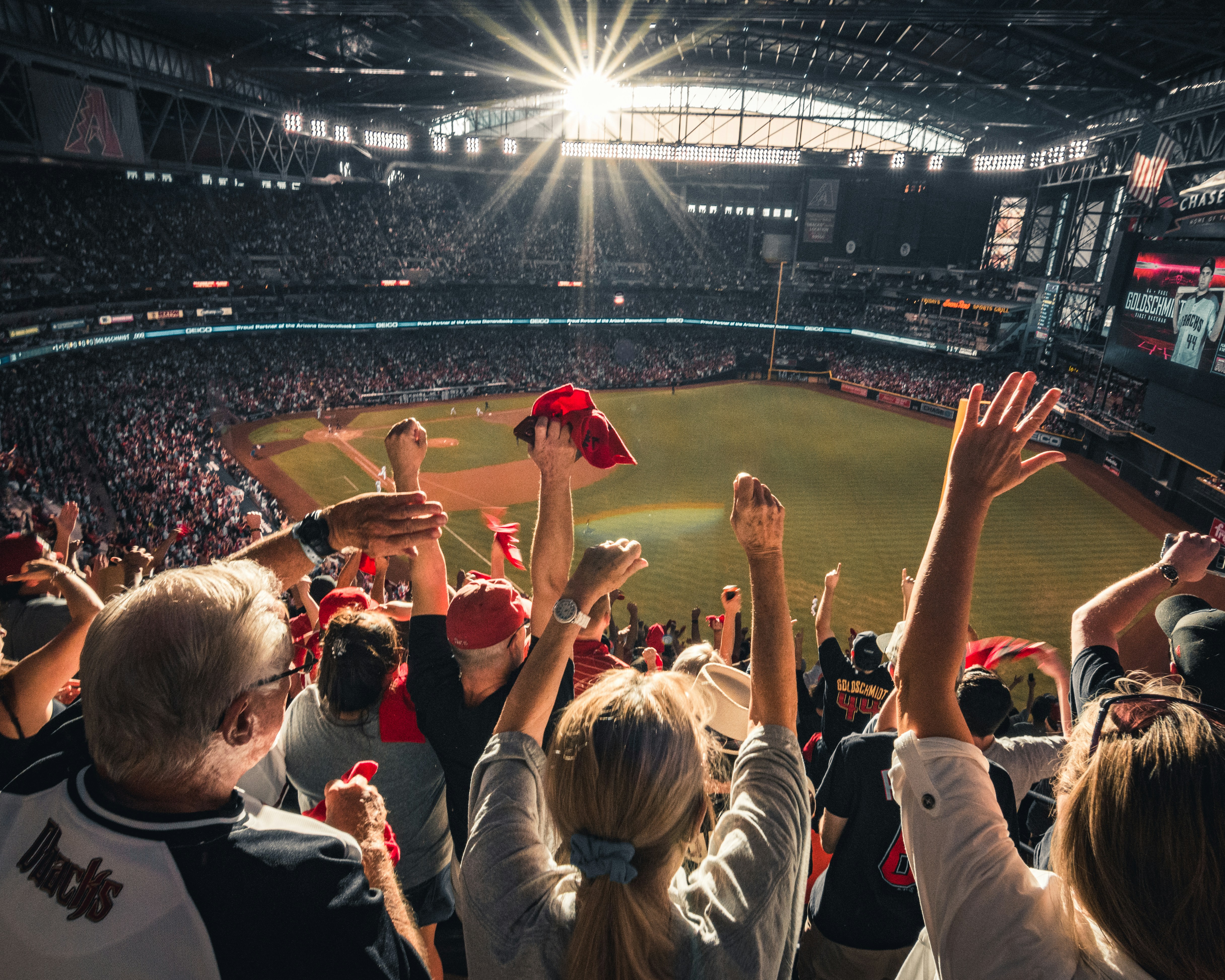
World Series watch parties in the area have drawn large crowds, and Brewers fans have traveled to support the team. That kind of heightened interest does not prove that every local restaurant or bar will see more reservations or inquiries—but it does make clear, current event information more important for businesses preparing to host fans.
A guest deciding where to watch may be comparing several options from a phone shortly before first pitch. They should not have to search through social posts, call repeatedly, or guess whether your venue has space.
Create one dedicated watch-party page or event section on your website, then link to it prominently from your homepage, menu, and social profiles. Keep the page focused on the practical questions guests need answered.
Table of contents
- Publish the essential event details
- Explain reservations, walk-ins, and capacity
- Set clear food, drink, and age expectations
- Help guests plan their arrival
- Make the booking or contact path obvious
- Use an update process for changing game details
- Avoid common watch-party page mistakes
- A copy-ready page structure
Publish the essential event details
Start with the information a guest needs to decide whether your watch party fits their plans. Put these details near the top of the page—not below a long introduction or image gallery.
Your page should include:
- The game or series you plan to show. Use plain, descriptive language such as “World Series Game 4 Watch Party.”
- The date. Include the day of the week as well as the calendar date.
- The scheduled game time. State the time zone if guests may be traveling.
- When your doors open. This matters when tables, bar seats, or standing-room space may fill before the game begins.
- Your venue name and full address.
- Whether the game will have sound. Guests often care whether a venue will play broadcast audio or show the game silently.
- Where the game will be shown. For example, “main dining room,” “bar area,” “patio,” or “all screens.”
- A last-updated timestamp. A simple line such as “Last updated: [date and time]” tells visitors that someone is maintaining the page.
Official game information can change during a series. MLB’s published World Series coverage includes timely game details such as lineups and pitching matchups, so verify game timing and related details against official MLB or team sources before updating your own page. Do not rely solely on an old social post or a saved schedule graphic.
Example event summary:
World Series Watch Party
[Day, date] · Scheduled first pitch: [time]
Doors open at [time] · Game sound [on/off]
[Restaurant or bar name] · [full address]
Reservations [required/recommended/not accepted]
Last updated: [date and time]
Explain reservations, walk-ins, and capacity
“Come watch the game with us” is not enough when a guest needs to know whether they can actually get in.
State your seating policy in straightforward terms. Avoid vague wording such as “limited seating available” unless you also explain what guests should do next.
Include these reservation details
- Whether reservations are accepted, required, recommended, or unavailable
- Whether reservations apply to tables, bar seats, or both
- The size limits for reservations, if you have them
- Whether there is a minimum spend, deposit, cancellation policy, or time limit—only if applicable
- Whether walk-ins are welcome
- How walk-in seating is handled: first come, first served; waitlist; standing room; or another process
- Whether larger groups should contact you directly
- What happens when the venue reaches capacity
If your availability changes quickly, do not leave a booking link active without context. Add a short status message, such as:
- “Reservations are currently available.”
- “Online reservations are full; walk-ins are welcome while space remains.”
- “We are at capacity for tonight’s watch party.”
- “Please check back after [time] for updated walk-in availability.”
A visible status note can reduce avoidable calls and help guests make a better decision before traveling.
For the booking form itself, keep the required fields limited to what your staff needs to handle the request. See our guide to local business website lead form fields for a practical approach to asking for useful information without making forms unnecessarily difficult.
Set clear food, drink, and age expectations
Watch-party guests may be choosing between venues based on food availability, service format, and age policies. Give them enough detail to plan without making claims you cannot support.
Food and drink information to publish
Include what is relevant to your event:
- Whether your regular menu will be available
- Any limited event menu or kitchen hours
- Whether food service ends before the game ends
- Whether table service, bar service, counter ordering, or another format applies
- Whether guests need a reservation for dining
- Any applicable drink specials, clearly described and subject to your local rules and policies
- Whether outside food or beverages are permitted, if this is a common question
Do not imply that alcohol is included, unlimited, or part of a promotion unless that is accurate and permitted. Clear, factual language is safer and more useful than hype.
Age and entry policies
If your venue has age restrictions, put them near the reservation and arrival information. Examples include:
- “Guests must be 21+ after [time].”
- “All ages are welcome in the dining room until [time].”
- “Valid ID is required for alcohol service.”
- “Minors must be accompanied by a parent or guardian.”
Only publish policies your team is prepared to enforce. If the policy differs by room, patio, or time of night, say so plainly.
Help guests plan their arrival
Large watch-party crowds and traveling fans can make arrival logistics part of the decision. Your page should answer the questions that usually lead to last-minute calls: Where do I park? Can I get dropped off? Is the entrance accessible? How early should I arrive?
Add parking and transportation details
Include:
- On-site parking availability, if any
- The location of your lot or garage entrance
- Nearby public parking options, if you choose to list them
- Validation information, if applicable
- Rideshare pickup and drop-off guidance
- Public transit information only when you can keep it current
- Any nearby road, event, or construction considerations you know affect access
- Whether guests should allow extra arrival time
Avoid promising parking availability if spaces are not reserved. “Street and public parking may be available nearby” is more accurate than “plenty of parking” when you cannot guarantee a space.
Include accessibility information
Accessibility details are practical event information, not an afterthought. Explain what you can confirm, such as:
- Step-free entrance availability
- Accessible seating options
- Accessible restroom availability
- Whether guests should call ahead for a particular accommodation
- Where to enter if the accessible route differs from the main entrance
Use descriptive image text for any parking map, entrance photo, or seating diagram. Our alt text checklist for local business websites can help you write useful descriptions that explain what is visible.
Make the booking or contact path obvious
A watch-party page should have one clear next step. Do not make a visitor hunt for a phone number in the footer after reading the event details.
Place a button near the top of the page and repeat it after the key logistics section. Choose the action that matches your policy:
- Reserve a table
- View availability
- Call for group seating
- Get directions
- Join the waitlist
- Contact us about a private watch party
If you accept reservations online, link directly to the relevant booking screen rather than your general homepage. If calls are the best way to handle changing availability, make your phone number tappable on mobile.
A page may be viewed most often from a phone shortly before guests leave home. Check that buttons are easy to tap, the address opens correctly in a map app, and the event summary appears before visitors need to scroll. For a broader mobile review, read Why Your Local Business Website Has to Work on a Phone First.
Use an update process for changing game details
The page is only useful if it remains accurate. Assign one person per shift or event day to verify details and make changes.
A simple watch-party update workflow
1. Verify official game information
Before publishing or revising the page, check official MLB or team channels for the scheduled game time and other relevant changes. Do this again on game day if the series is ongoing.
2. Update the website first
Your website should be the detailed source of truth. Update:
- Game date and scheduled start time
- Doors-open time
- Reservation status
- Capacity or walk-in status
- Menu or kitchen information
- Parking notes
- Last-updated timestamp
3. Update your supporting channels
After the website is current, update your Google Business Profile, social posts, and email or text communications if you use them. Link back to the event page for complete details rather than trying to fit every rule into a single social caption.
Learn more about keeping your website and business listing aligned in Google Business Profile and Your Website: How They Work Together to Get You Found.
4. Give staff the same information
Hosts, bartenders, servers, and whoever answers the phone should know the current policy on reservations, walk-ins, capacity, and kitchen hours. A website update cannot prevent confusion if staff are working from outdated instructions.
5. Archive or update the page after the game
After each game, either update the page for the next one or add a clear notice that the event has ended. Do not leave an old “tonight” message live after the game is over.
Avoid common watch-party page mistakes
A few preventable issues can make a page harder for guests to use.
Putting details only on social media
Social posts are useful for reminders, but they are easy to miss and difficult to keep organized as plans change. Keep the complete event details on your website.
Using an image with no readable event summary
A game-themed graphic can catch attention, but it should not be the only place where the date, time, or reservation rules appear. Use selectable text on the page so visitors can scan it, copy the address, and use assistive technology.
Making guests guess about availability
If reservations are required, say so. If you only accept walk-ins, say so. If capacity is limited, explain how guests can check the latest status.
Forgetting regular business information
A special event page should not hide your normal hours, phone number, address, or directions. Guests may still be visiting for dinner, drinks, or a different service.
Suggesting an affiliation you do not have
Do not imply that your business is officially affiliated with MLB, the Brewers, or the Rays unless that is true. Use team names, logos, photos, and promotional language only within applicable rights and platform rules.
A copy-ready page structure
Use this as a starting point for a dedicated event page:
[Game or event name] Watch Party at [Business Name]
Join us on [day, date] for the game. Scheduled first pitch is [time]. Doors open at [time].Watch-party details
- Game shown in: [areas/screens]
- Game sound: [on/off]
- Food service: [details]
- Age policy: [details]
Reservations and walk-ins
[Reservations required/recommended/not accepted.]
[Walk-in and capacity policy.]
[Reservation button or phone number.]Getting here
[Full address]
[Parking details]
[Rideshare/transit details, if applicable]
[Accessibility details]Updates
Game times and availability may change. We will update this page when details change.
Last updated: [date and time]
Keep the wording direct. The goal is not to create a long promotional page; it is to help a potential guest understand the plan and take the right next step.
A short website checklist for game day
Before publishing or promoting your watch party, confirm that your site has:
- [ ] Correct game date and scheduled time, verified against an official source
- [ ] Doors-open time
- [ ] Full address and map link
- [ ] Parking, drop-off, and accessibility details
- [ ] Reservation and walk-in policy
- [ ] Current availability or capacity status
- [ ] Food, drink, kitchen-hour, and service details
- [ ] Applicable age and ID policy
- [ ] A prominent booking, call, or directions button
- [ ] A visible last-updated time
- [ ] Staff instructions that match the page
- [ ] An update plan if game information or availability changes
Keep event pages useful without adding more to your plate
A current, mobile-friendly event page can help restaurants and bars communicate watch-party logistics more clearly when fan interest is high. StoopCraft builds websites for local businesses and includes on-page SEO as part of its $69/month service. Visit StoopCraft to see whether a done-for-you website is the right fit for your business.
Sources and related reading
World Series crowd and travel context:
- BizTimes: World Series watch parties draw big crowds
- ESPN: Brewers fans traveling for World Series Game 4
- MLB: World Series Game 4 lineups and pitching matchup
Related reading: