Google Business Profile and Your Website: How They Work Together to Get You Found
Your Google Business Profile and your website aren't competing — they do different jobs. Here's how to get both right for local search.
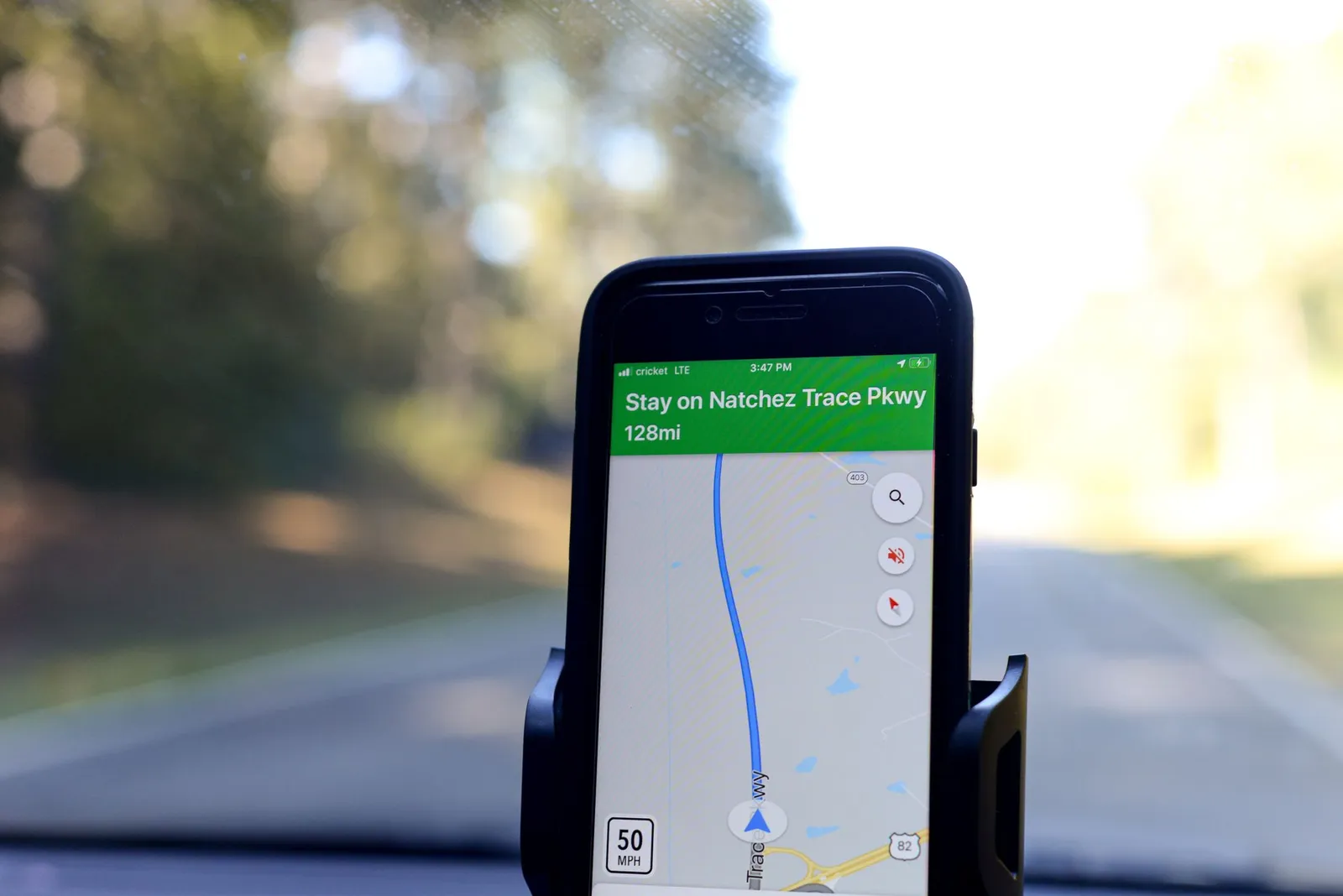
If you search for almost any local business — a plumber, a bakery, a dentist — the first thing that shows up usually isn't a website. It's a map, a name, a star rating, and a row of photos. That's the Google Business Profile, and for a lot of customers, it's the entire first impression before they ever click through to a site.
That doesn't make your website less important. It makes the two pieces work together, each covering a job the other can't do well on its own.
What a Google Business Profile actually is
A Google Business Profile is the free listing that shows up in Google Maps and in the local results (often called the "map pack") when someone searches for a business like yours nearby. It's not a website — it's a summary card: your name, address, phone number, hours, category, photos, reviews, and buttons for directions, calling, or visiting your site.
You manage it directly through Google Business Profile, and for most local businesses it's the very first thing a nearby customer encounters, often before they've formed any opinion about you at all. Someone searching "electrician near me" or "bakery open now" is usually looking at profiles side by side, comparing distance, hours, and star ratings, before they decide who's even worth a click.
That's what makes the profile so important — and also why it can't do the whole job by itself.
The profile and the website aren't competing — they do different jobs
It's easy to think of these as two versions of the same thing, but they're built for different moments in a customer's decision.
Your Google Business Profile is built for discovery and quick facts. It answers "who's nearby, are they open, and are they any good?" in about three seconds. Reviews do a lot of the trust-building here — a strong set of recent, genuine reviews can be the difference between a click and a scroll past.
Your website is built for depth and for actually converting. Once someone has decided you're worth a look, the website is where they confirm you do the specific thing they need, see more of your work, understand your process or pricing approach, and take the next step — call, request a quote, or book. A profile has no room for any of that; it's a summary, not a pitch.
Think of the profile as the doorway and the website as the room behind it. A great doorway with an empty room loses the sale just as easily as a shabby doorway that no one walks through in the first place.
Getting your profile right
None of this works if the basics on your profile are wrong, outdated, or thin. Here's what's worth getting right.
Name, address, and phone — match exactly
Your business name, address, and phone number (often shortened to "NAP") should be identical everywhere they appear — your profile, your website, your social pages, any directory you're listed in. Small inconsistencies (a suite number here, an abbreviated street name there) can create confusion for customers and make your listing look less trustworthy.
Categories that actually describe what you do
Your profile has a primary category and room for several additional ones. Pick the primary category that's the closest match to your main business, then add secondary categories for the other real services you offer. Avoid piling on categories that don't genuinely apply — the goal is accuracy, not casting the widest possible net.
Hours that are actually current
Keep your regular hours accurate, and update special hours for holidays or one-off closures. A customer who shows up to a locked door because your listed hours were wrong is a customer you likely won't get back.
Real photos, not stock images
Businesses with more genuine photos tend to look more active and trustworthy to a browsing customer than ones with just a logo and a handful of stale images. Add real photos of your storefront or workspace, your team, and your actual work — see Google's guidance on managing photos for size and quality specifics. Skip stock photography here; customers can usually tell, and it undercuts the trust you're trying to build.
Reviews — ask for them, and respond to them
Reviews are one of the clearest trust signals on your profile, and they're visible before a customer clicks anything else. Make it a habit to ask satisfied customers for a review, and respond to the reviews you get — good and bad. A thoughtful response to a negative review often does more for your credibility than the review itself did damage.
Posts that show you're active
Google Business Profile lets you publish short posts — an update, an offer, a photo from a recent job. Posting occasionally signals that someone is actually running the business and paying attention, which can help a browsing customer feel more confident choosing you over a profile that looks abandoned.
Consistency matters more than perfection
You don't need a flawless profile to benefit from having one. What matters most is that the information is accurate and current, and that it tells the same story as your website. A profile and a website that contradict each other — different hours, different service lists, different phone numbers — undermine both.
How your website should support the profile
Once someone clicks through from your profile (or finds your site directly), the website has to pick up where the profile left off.
- Match your business info exactly. Same name, address, phone number, and hours as your profile. If you're not sure they match right now, it's worth a five-minute check.
- Build out service and location pages if you cover them. If you offer several distinct services or serve multiple towns, dedicated pages for each give both customers and Google a clearer picture of everything you actually do — rather than cramming it all onto one homepage.
- Show reviews on the site itself, not just on your profile. A customer who's already on your website shouldn't have to leave to find proof you're good at what you do.
- Make sure it's fast and genuinely usable on a phone. Most of the traffic coming from a Google Business Profile click is on a phone, mid-search, often comparing you to whoever else they clicked on. A slow or clunky page loses that comparison by default.
- Give visitors one obvious next step. Whatever got them this far — a search, a profile click, a referral — the website's job is to make calling, requesting a quote, or booking the obvious next move.
That last point is worth dwelling on, because it's where a lot of local business websites quietly fall short even after the traffic problem is solved.
Is this a visibility problem or a conversion problem?
It helps to know which piece is actually underperforming before you spend time fixing the wrong one.
If you rarely show up when you search your service plus your city — on your own phone, not logged into your business account — that points to a visibility problem, which usually starts with your Google Business Profile and how complete and active it is. If people are finding you (your profile gets views, your site gets visitors) but they're not calling or filling out a form once they arrive, that's a conversion problem, and the fix lives on your website, not your profile. We cover that side of things in Why Your Website Isn't Getting Calls.
Either way, don't guess — check both sides before you decide where to spend your time.
A practical checklist
On your Google Business Profile:
- Business name, address, and phone number match your website exactly
- Primary category is accurate; secondary categories reflect real services
- Regular and special hours are current
- At least a handful of real, recent photos — no stock images
- A process in place for asking customers for reviews, and for responding to them
- An occasional post so the profile doesn't look abandoned
On your website:
- Same business name, address, phone number, and hours as your profile
- Clear pages for each major service and each area you serve, if that applies to you
- Real reviews visible on the site, not just linked out to Google
- Fast, comfortable to use on a phone
- One clear, unmissable next step — call, quote, or book
For a broader walk-through of what a local business website needs beyond this, The Local Business Website Checklist covers the rest of it in one place.
None of this requires guesswork or guessing at a magic formula Google isn't going to publish. It's mostly about being accurate, complete, and consistent in the places customers actually look — and giving them a website that's ready the moment they click through. That's the part we handle at StoopCraft: we build the website side of this for you — matched to your business info, fast on mobile, and set up so the next step is obvious — and you see it before you pay anything.
Frequently asked questions
- Do I need both a Google Business Profile and a website?
- For most local businesses, yes. Your Google Business Profile is usually the first thing a nearby customer sees in Maps or local search — it's built for a quick decision (call, get directions, check hours). Your website is where someone goes to learn more, see your full range of work, and actually book or request a quote. Each one covers a gap the other leaves open.
- Will optimizing my Google Business Profile guarantee I show up first in local search?
- No, and be wary of anyone who promises that. Local search results depend on a mix of factors, including your profile completeness, your location relative to the searcher, and your reviews — and Google doesn't publish an exact formula. What you can control is giving your profile accurate, complete information and keeping it active, which puts you in a better position than a profile that's neglected or inconsistent.
- My website and Google Business Profile show different information — does that matter?
- It can. If your business name, address, phone number, or hours don't match between your website and your profile, it can create confusion for customers and make your business look less reliable. Go through both and make sure the basics line up exactly.
- I have a Google Business Profile but no real website — is that enough?
- It can cover the basics for a while, especially for a simple, single-location business. But a profile alone can't show the depth of your work, answer detailed questions, or give you a place to fully control your message and your calls to action. Most owners find that customers who are close to deciding want more than a profile can offer before they call.