Walton County Evacuation: Website and Customer Communication Checklist for Local Businesses
A practical website and customer communication checklist for Walton County businesses during a mandatory evacuation.
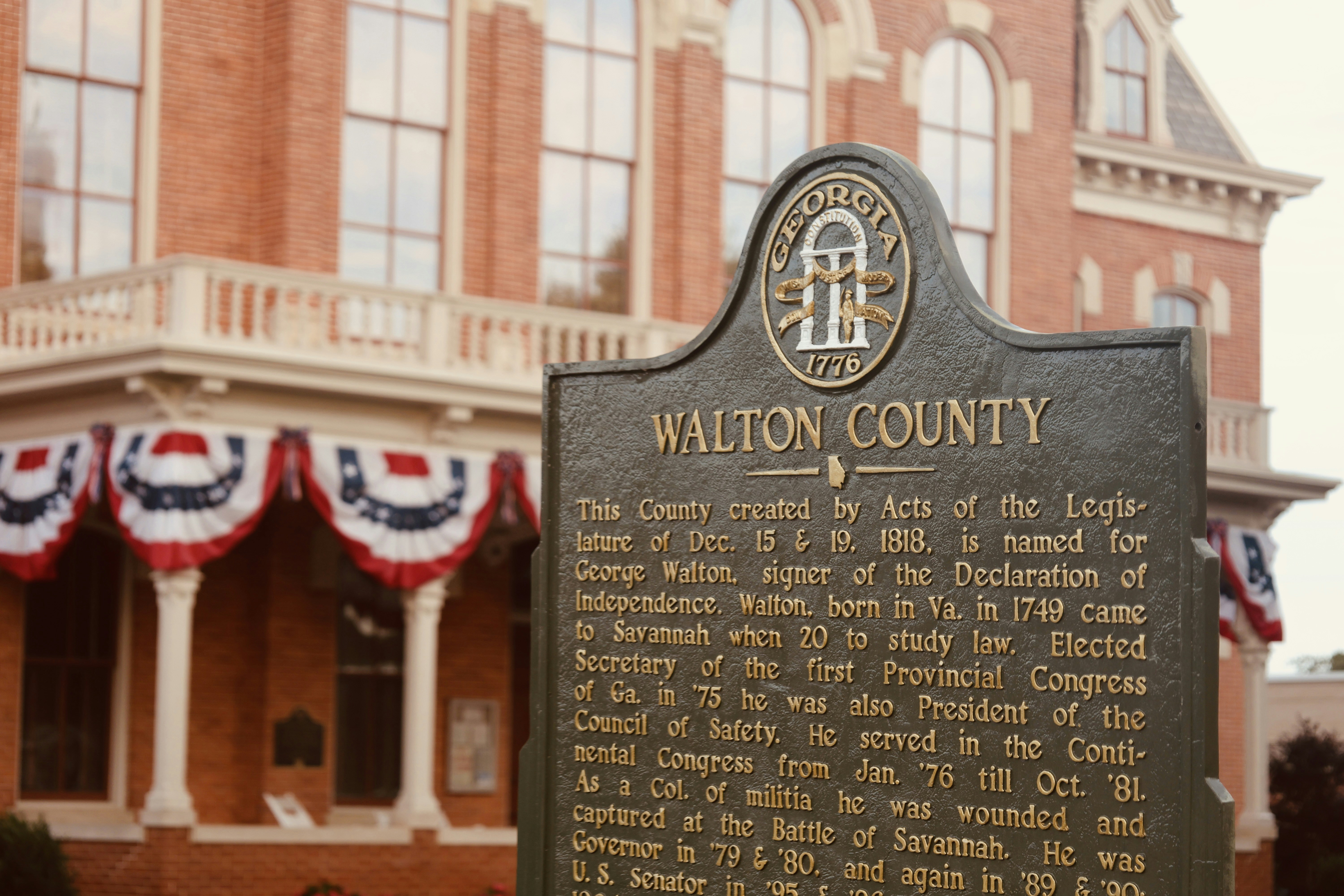
Publish a clear business-status update first
Local news outlets report that Walton County, Florida, issued mandatory evacuation orders for parts of the county. The reports do not indicate that the order applies to the entire county, so business owners should verify affected zones, timing, reentry information, and their own operating status through official Walton County or emergency-management sources before publishing an update. WJHG and myPanhandle provide local reporting on the evacuation order.
Safety decisions come before customer communication. Do not use a business website to give evacuation, shelter, road, or reentry guidance unless that information is confirmed by the relevant authority. Instead, use your site to answer the customer questions your business is qualified to answer:
- Are you open, closed, relocated, or operating remotely?
- Which service areas are temporarily affected?
- What should customers do about appointments, deliveries, pickups, or active projects?
- Which channel should customers use for urgent business questions?
- When will you provide the next update?
A short, specific update can prevent customers from driving to a closed location, submitting time-sensitive requests that no one can monitor, or assuming service is available where it is not.
Table of contents
- The emergency website-update checklist
- Copy-and-paste notice templates
- Where to publish the update
- How to handle appointments, delivery, and service areas
- Before reopening or resuming normal service
- Keep the message accurate as conditions change
- Related reading
The emergency website-update checklist
Use this checklist after confirming your business’s status and any relevant operating restrictions.
1. State the operating status in the first sentence
Customers should not need to read several paragraphs to learn whether they can visit, call, book, or expect service.
Choose the statement that accurately reflects your current position:
- Temporarily closed: “Our location is temporarily closed.”
- Open with limited operations: “We are operating with limited availability.”
- Remote only: “We are temporarily assisting customers remotely.”
- Relocated: “Our usual location is unavailable; we are currently operating from [verified location or remote channel].”
- Service paused in certain areas: “We are temporarily unable to serve [specific areas].”
Avoid vague language such as “We are monitoring the situation.” Monitoring may be true, but it does not tell a customer what they can do now.
2. Identify the affected location or service area
Walton County’s order applies to parts of the county, according to the supplied reporting. Do not imply that every neighborhood, customer, employee, or business is affected.
Be precise about what the update covers:
- Your physical address or location
- A named service area, if applicable
- Delivery or pickup availability
- On-site versus remote appointments
- Jobs already scheduled in the affected area
For service businesses, a focused service-area note is better than a broad statement that creates confusion. If you need to clarify your normal coverage after the disruption, see Local Business Website Service Areas: What to Include Without Creating Confusion.
3. Explain what happens to bookings, orders, and existing work
A closure notice without instructions leaves customers guessing. Add one short section for the transactions most likely to be in progress.
For example:
- Appointments: “Appointments scheduled during this period will be rescheduled. We will contact affected customers when our team can safely do so.”
- Orders: “Orders awaiting pickup will remain on hold until we confirm pickup availability.”
- Deliveries: “Delivery availability may be limited in affected areas. Please check this page before placing a time-sensitive order.”
- Service calls: “If you have an existing appointment, please use [monitored contact method] rather than submitting duplicate requests.”
Do not promise a rescheduling date, delivery window, or reopening time unless you can support it. A conditional update is more useful than a deadline you later need to retract.
4. Add a visible timestamp
Emergency updates go stale quickly. Include a plain-language timestamp near the top of the notice.
Use a format such as:
Updated: October 8, 2026, at 2:30 p.m. CT
Then add a realistic next-update commitment:
We will update this page by 10:00 a.m. CT tomorrow, or sooner if our operating status changes.
A next-update time is not a reopening promise. It simply tells customers when to return for confirmed information.
5. Route urgent business questions to one monitored channel
Do not list every phone number, inbox, social account, and personal contact. During a disruption, too many options can make it harder for your team to see urgent requests.
Choose the channel someone is actively monitoring, such as:
- A business phone line with current voicemail instructions
- A designated email inbox
- A contact form, if submissions are being monitored
- A temporary SMS or messaging line, if your business already uses one
Be specific about what the channel is for:
For urgent questions about an existing appointment or order, email hello@example.com. Please include your name, scheduled date, and order or appointment number if available.
If your normal form collects more information than necessary during a disruption, simplify it. This local business lead-form checklist can help you keep requests clear without asking customers to submit sensitive or unnecessary details.
6. Link customers to official emergency information rather than summarizing it yourself
Your business notice should stay focused on your business. If customers need evacuation, safety, road, shelter, utility, or reentry information, direct them to official Walton County or emergency-management sources.
Do not copy unverified emergency details into a website banner, and do not tell customers that an area is safe, accessible, or cleared for reopening.
Copy-and-paste notice templates
Adapt these only after confirming the details are accurate.
Temporary closure template
Temporary operating update — [date and time]
Our [location/business] is temporarily closed due to current conditions affecting parts of Walton County. We are not accepting in-person visits at this time.Existing customers with appointments or orders will receive an update when we are able to confirm next steps. For urgent questions about an existing appointment or order, contact us at [monitored contact method].
We will update this page by [next-update date and time], or sooner if our operating status changes.
Limited-service template
Limited service update — [date and time]
We are currently operating with limited availability. Service is temporarily unavailable in [specific areas], and appointment or delivery times may change.Before traveling to our location or scheduling a time-sensitive service, please check this page for the latest confirmed information. For questions about an existing booking, contact [monitored contact method].
Our next update will be posted by [next-update date and time].
Remote-operations template
Remote operations update — [date and time]
Our physical location is currently unavailable, but our team is assisting customers remotely through [phone, email, or other monitored channel].We cannot confirm in-person appointments, pickups, or service in [affected area] at this time. Customers with existing appointments or orders can contact [monitored contact method] for business-specific updates.
We will update this page by [next-update date and time].
Where to publish the update
Put the same core message in the places customers are most likely to check. Keep the status, timestamp, and contact method consistent across each location.
Website homepage
Use a prominent banner above the main content, linking to a fuller update page if needed. The banner should contain the status, not just “Important announcement.”
Example:
Temporary closure: Our [location] is currently closed. View our latest operating update.
A homepage notice is often the fastest way to reach people arriving from search, shared links, or direct visits.
Contact and booking pages
Update the contact page and any booking flow so customers do not schedule unavailable services or expect an immediate response.
Possible changes include:
- Pausing unavailable booking slots
- Adding a short status note above the form
- Revising delivery or pickup instructions
- Updating automated confirmation messages
- Directing existing customers to the monitored channel
For a more complete review of booking information, see Local Business Appointment Booking Website Checklist.
Google Business Profile
If your profile is active, make sure its visible hours and business-status information do not contradict your website. Your website should remain the detailed source for current service-area, booking, and contact instructions.
Learn more about how the two work together in Google Business Profile and Your Website.
Social profiles and email
A social post or customer email can point people to the website update, but avoid making a social feed the only source of operational information. Posts can be missed, shared without context, or become outdated. Link to the page you will keep current.
How to handle appointments, delivery, and service areas
An evacuation-related update needs more than a general closure message when customers have commitments on the calendar.
Separate new requests from existing customers
New inquiries and existing appointments require different instructions.
For new customers, say whether you are accepting requests and which areas you can currently serve.
For existing customers, explain the next step:
- Wait for your team to contact them
- Use one monitored channel for urgent questions
- Do not travel to a location until the business confirms availability
- Check the timestamped update page before acting
This distinction can reduce duplicate messages while giving current customers a clear path.
Do not leave outdated availability online
Check pages that may contain operational claims, including:
- Service-area pages
- Product availability pages
- Online ordering pages
- Appointment calendars
- Event pages
- Pop-ups and announcement bars
- Confirmation emails
- Location and contact pages
A customer should not see “Book today” on one page and “temporarily closed” on another.
Keep language conditional when conditions are uncertain
Use language that reflects what is known now:
- “We are temporarily unable to confirm…”
- “Availability may be limited…”
- “Please check this page before traveling…”
- “We will share a confirmed update by…”
Avoid “back to normal soon,” “open tomorrow,” or “all services are available” unless you have verified that is true.
Before reopening or resuming normal service
When operations begin to resume, replace the emergency notice with a confirmed reopening update. Do not simply delete the alert and leave customers to infer that everything is unchanged.
Before publishing, verify:
- The location’s operating status
- Current hours
- Which services are available
- Whether all service areas are available
- Booking, pickup, and delivery instructions
- The monitored contact channel
- Any temporary limitations that remain
Then update the homepage, contact page, booking flow, Google Business Profile, and recent social posts where appropriate. For a fuller sequence, use the local business website reopening checklist.
Keep the message accurate as conditions change
The goal is not to publish the longest possible emergency statement. It is to give customers a reliable, dated answer about your business without presenting unconfirmed local conditions as fact.
For Walton County businesses, that means confirming evacuation-related details with official sources, publishing only your verified operating information, and revisiting the notice at the time you promised. If conditions change, update the timestamp and revise the message everywhere customers may encounter it.
For broader preparation guidance, read What Local Businesses Should Put on Their Website During a Wildfire Evacuation Warning and Flood Watch Website Checklist for Hawaii Local Businesses. The specific emergency may differ, but the communication principle is the same: make the current business status easy to find and easy to understand.
A simple way to keep emergency updates manageable
If updating several website pages, contact forms, and booking messages during a disruption feels difficult, a site built with clear service pages and an easy-to-find contact path can make future updates more manageable. StoopCraft builds done-for-you websites for local businesses and includes on-page SEO as part of its $99/month service. Visit StoopCraft to learn more.
Related reading
- Local Business Website Reopening Checklist: What to Update Before You Resume Service
- Google Business Profile and Your Website: How They Work Together to Get You Found
- Local Business Website Service Areas: What to Include Without Creating Confusion
- How Kauai Vacation Rentals Should Update Their Websites After a Hurricane


