What Local Businesses Should Put on Their Website During a Wildfire Evacuation Warning
A practical website-update checklist for local businesses during wildfire smoke, road closures, and evacuation warnings.
Put safety information ahead of business information
If your area is under an evacuation warning, has active road closures, or is experiencing hazardous smoke, make safety the first priority. Customers and staff should use official emergency-management, fire, and evacuation sources for decisions about evacuation routes, safety conditions, and emergency instructions.
A website notice is not an emergency alert system. It should not tell people whether to evacuate, where to go, or whether an area is safe. Its job is simpler: help customers understand your current business status without adding confusion.
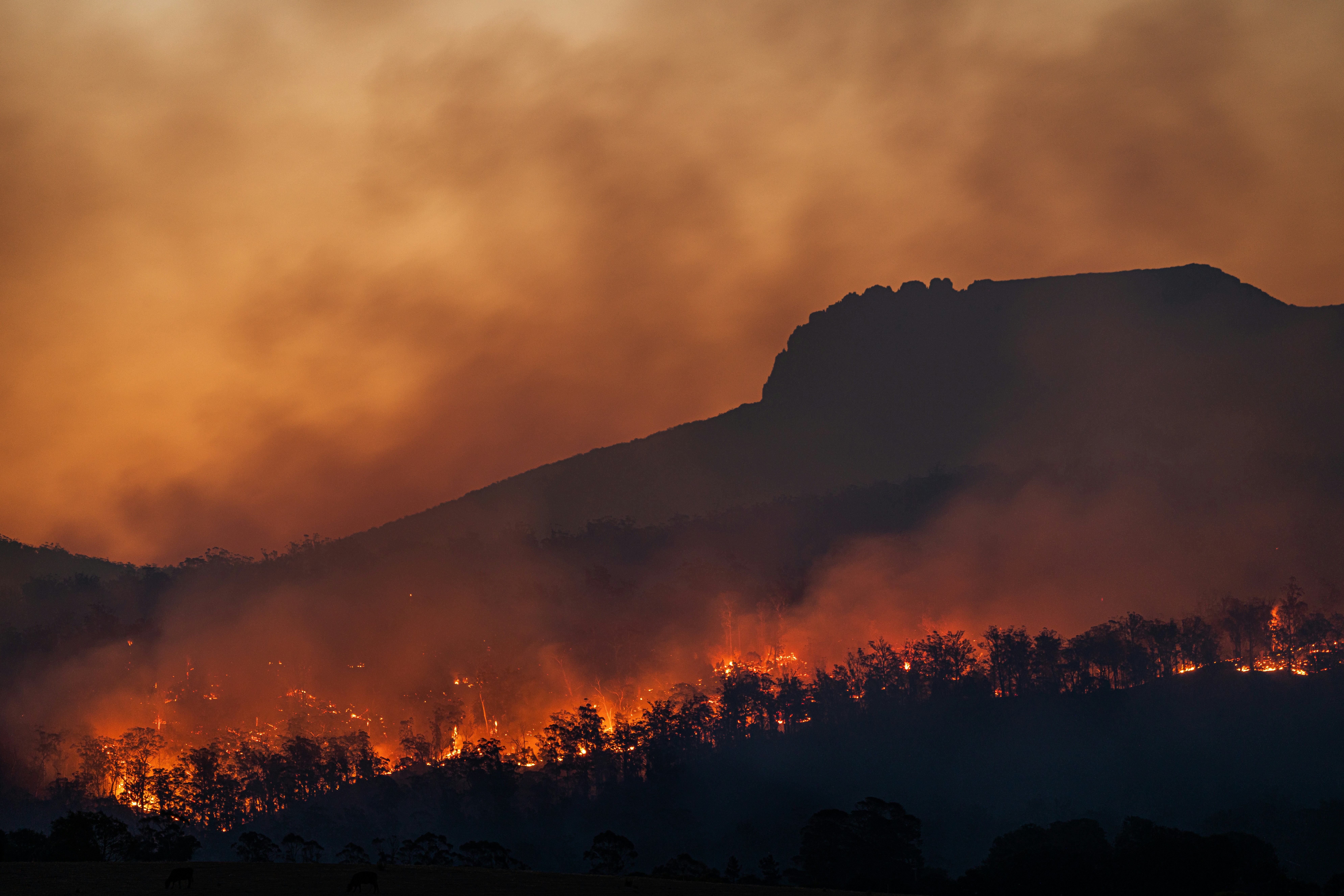
That matters in situations like the recent Boulder-area fires reported by the Daily Camera. A wildfire near Eben G. Fine Park prompted warnings to prepare for evacuation, while a separate fire north of Boulder led to road closures. Those events may leave some local customers wondering whether a business is open, reachable, accepting appointments, or able to travel to them. Read the Eben G. Fine Park coverage and the report on the fire north of Boulder.
Not every Boulder business will be affected, and a wildfire does not automatically create more website inquiries. But if conditions affect your operations, a clear, current website update can reduce avoidable calls and help customers find the right next step.
Quick checklist: the information to update first
When conditions are changing quickly, start with these items:
- Your current operating status: open, closed, limited hours, remote-only, or temporarily relocated
- The date and time the notice was last updated
- Appointment, delivery, pickup, and service-call changes
- Roads, neighborhoods, or service areas you cannot reach
- A working alternate way to contact you
- A clear instruction for existing customers with scheduled appointments
- The same status on your Google Business Profile
- A plan to remove or revise the notice when conditions change
Keep the message short. Customers looking for an answer during an urgent situation should not need to read a long explanation to learn whether you are open.
Add a homepage notice that answers the immediate question
Your homepage is usually the best place for a temporary wildfire or evacuation-related update. Put the notice near the top of the page, above promotional banners, service descriptions, and general calls to action.
A good emergency-status notice answers four questions:
- Are you currently operating?
- What has changed?
- What should customers do next?
- When was this information last updated?
Homepage notice template: open with limited availability
Service update — [Day, Date, Time]
We are currently open, but smoke conditions and road closures may affect appointment times and service availability in some areas. Please call or submit a request before traveling to our location. For evacuation and safety information, follow official local emergency alerts.
Homepage notice template: temporarily closed
Temporary closure — [Day, Date, Time]
Our location is temporarily closed due to local wildfire conditions. We will share an update here as soon as operations resume. If you have an upcoming appointment, please contact us at [phone number or email] before traveling.
Homepage notice template: serving a reduced area
Service-area update — [Day, Date, Time]
We are accepting requests in areas that remain safely accessible. Road closures and emergency conditions may limit service in some locations. Tell us your address when you contact us so we can confirm availability.
These are templates, not standing notices. Update the date and time every time you revise the message, and remove it once it is no longer useful.
State your operating status precisely
Avoid vague language such as “We’re monitoring the situation” without explaining what that means for customers. A customer needs an operational answer.
Use the status that best reflects reality:
| Current condition | Say this on your website |
|---|---|
| Open as usual | “We are currently open during our regular hours.” |
| Open with delays | “We are open, but travel conditions may affect response and appointment times.” |
| Limited staffing | “We are operating with limited staff and may take longer to respond.” |
| Remote operations only | “Our physical location is closed, but our team is available by phone/email.” |
| Temporarily closed | “We are temporarily closed and will post an update here when we reopen.” |
| Operating from another location | “We are temporarily operating from [location or service method]. Please contact us before visiting.” |
Only publish what you know. Do not estimate reopening times, travel times, or service availability unless you can keep those details current.
For example, “Open until further notice” can become inaccurate quickly. “Open as of 2:00 p.m. on August 20” gives customers a clearer picture and gives your team a reminder to revisit the notice.
Explain what happens to appointments, pickups, deliveries, and service calls
A generic “contact us with questions” message can create more work for a team already dealing with disruptions. Give existing customers a direct instruction based on the type of business you run.
Appointment-based businesses
Dental offices, salons, consultants, repair shops, fitness studios, and similar businesses should address scheduled visits directly.
Include:
- Whether today’s appointments are still on
- Whether customers should wait for confirmation before traveling
- How to reschedule
- Whether cancellation fees are being waived, if that is actually your policy
- Whether virtual or phone appointments are available, if you truly offer them
Example:
Customers with appointments today: please check this page before leaving and call us if you have not received confirmation. We may need to reschedule appointments affected by road access or staff availability.
Field-service businesses
Contractors, landscapers, plumbers, cleaners, mobile repair providers, and other service businesses should clarify where they can travel.
Include:
- Whether crews are currently being dispatched
- Which areas may be unavailable due to closures or access limits
- Whether new requests are being accepted
- Whether response timing may change
- A request for the customer’s address and preferred contact method
Example:
We are reviewing new service requests based on safe road access and crew availability. Include your address and best callback number so we can confirm whether service is available in your area.
Do not imply that your team can reach an area under evacuation or travel through closed roads. Safety and official restrictions come first.
Restaurants and retail businesses
If customers may travel to your location, make the visit status obvious.
Include:
- Whether the storefront is open
- Adjusted hours
- Pickup or delivery availability
- Whether customers should call before making a trip
- Any temporary alternate location, if applicable
Example:
Our storefront is open today from 11 a.m. to 4 p.m. Please call before visiting, as local road conditions may change.
Update service areas when roads or smoke affect travel
A road closure can matter as much as a closure at your own location. The Boulder-area fire north of the city is an example of why businesses should avoid making broad “we serve the whole area” claims during a disruption. The Daily Camera reported road closures connected with that fire.
If your team travels to customers, add a temporary service-area note to the homepage, contact page, and relevant service pages.
Keep it practical:
- Name only the areas you know you cannot serve.
- Use “availability may be limited” when conditions are uncertain.
- Ask customers to provide an address before you confirm a visit.
- Remove temporary geographic limits when they no longer apply.
Avoid publishing a constantly changing list of roads unless someone is assigned to keep it accurate. Customers should consult official transportation and emergency sources for closure information; your website should explain only how those conditions affect your business.
For a stronger long-term setup, local service businesses can also use clear city and service-area pages. See Local Landing Pages for Service Businesses: What to Include on Each City Page.
Give customers an alternate contact path
During an evacuation warning or smoke event, your usual front desk, office line, or staff schedule may not work as expected. Make sure customers have at least one contact option you can actively monitor.
Possible options include:
- A primary phone number
- A monitored email address
- A contact form
- A text-capable business number, if you use one
- An appointment rescheduling link, if available
Do not list a number that forwards to an unattended office or a form that no one can review. If staffing is limited, set expectations:
We are checking messages periodically while our team’s availability is limited. Please include your name, phone number, and the best time to reach you.
A short form can be especially useful if calls are difficult to answer. Ask only for the information needed to respond: name, phone number, address or neighborhood where relevant, and a brief description of the request. For more contact-page guidance, read 7 Contact Page Mistakes That Cost Local Businesses Leads.
Coordinate your Google Business Profile with your website
Customers may find your Google Business Profile before they reach your website. Conflicting information creates uncertainty: for example, a website says “temporarily closed” while Google still shows normal hours.
When your operating status changes, review both places:
- Update special or temporary hours on your Google Business Profile when appropriate.
- Confirm your phone number is correct.
- Add a short business update if that feature is available to you.
- Make sure the homepage notice and Google status say the same thing.
- Update both again when normal operations resume.
Your website should remain the fuller source of business-specific details: appointment instructions, limited service areas, alternate contact options, and the time of the latest update. Your Google Business Profile can help customers see the status before they click through.
Learn more in Google Business Profile and Your Website: How They Work Together to Get You Found.
Handle new inquiries without overpromising
Wildfire conditions may cause customers to ask whether you are open or available. If inquiries rise, your team needs a response that is honest about changing availability.
Use a simple internal process:
- Check official conditions and your own operational status before responding.
- Confirm the customer’s location if travel is involved.
- Do not promise an arrival time until you know access is safe and practical.
- Tell the customer when they can expect an update.
- Record requests that need follow-up once conditions stabilize.
A useful reply might be:
Thanks for contacting us. We are currently reviewing availability based on local conditions and road access. Please send your address and best callback number, and we will confirm whether we can help.
That response acknowledges the request without implying service is guaranteed. For a broader process once your team is available to respond, see Local Business Lead Follow-Up Checklist: What to Do After a Website Inquiry.
Avoid these common emergency-update mistakes
Leaving an old notice up
A notice from yesterday can be worse than no notice if conditions have changed. Add a timestamp, assign someone to review it, and take it down when it is no longer relevant.
Making safety claims you cannot verify
Do not write “the area is safe,” “roads are clear,” or “evacuation is not necessary.” Those are not business-status updates, and they may be wrong. Direct readers to official emergency sources.
Burying the update in a blog post
A blog post can provide context, but a customer trying to decide whether to travel needs the status on the homepage, contact page, booking page, or location page.
Using a popup as the only notice
Popups can be dismissed, blocked, or difficult to use on a phone. If you use one, also place a visible notice in the page content.
Forgetting mobile visitors
During an urgent event, many people will check your site from a phone. Make the notice readable, keep the phone number tappable, and avoid forcing visitors to scroll through a large image or long introduction. Why Your Local Business Website Has to Work on a Phone First explains why this matters in everyday conditions, too.
Create a reusable emergency-status page before you need it
The best time to build an emergency-update process is before conditions are changing by the hour.
Prepare a simple hidden or unpublished page template with fields for:
- Current status
- Last updated date and time
- Hours or closure details
- Appointment instructions
- Service-area restrictions
- Contact options
- A reminder to follow official emergency alerts
You can also prepare short versions for your homepage banner and Google Business Profile. Then, when an outage, wildfire, severe-weather closure, or other disruption occurs, you are editing clear information instead of writing from scratch.
A wildfire-specific notice should still be adapted to the real situation. Smoke, evacuation preparation, road closures, staff displacement, and access restrictions do not affect every business in the same way.
For another disruption-planning example, see What to Put on Your Local Business Website During a Prolonged Power Outage and How Local Businesses Should Prepare Their Websites for the 2026–27 Winter Weather Season.
Keep the message current, calm, and useful
During a wildfire evacuation warning, your website does not need to explain the entire emergency. It needs to answer the customer’s immediate business question accurately:
- Are you open?
- Can I reach you?
- Should I keep my appointment?
- Can you serve my location?
- What should I do next?
Put safety guidance first, use official sources for evacuation decisions, and make only the business claims you can verify at that moment. A short notice with a timestamp and a working contact method is more useful than a long statement full of uncertain details.
If keeping website updates current during changing conditions is difficult, StoopCraft builds and manages websites for local businesses, including on-page SEO, for $99/month. Visit StoopCraft to learn more.


