September Nail Trends: What Salons Should Update on Their Websites
A practical website update checklist for salons adding September-inspired nail designs, photos, pricing details, and booking guidance.
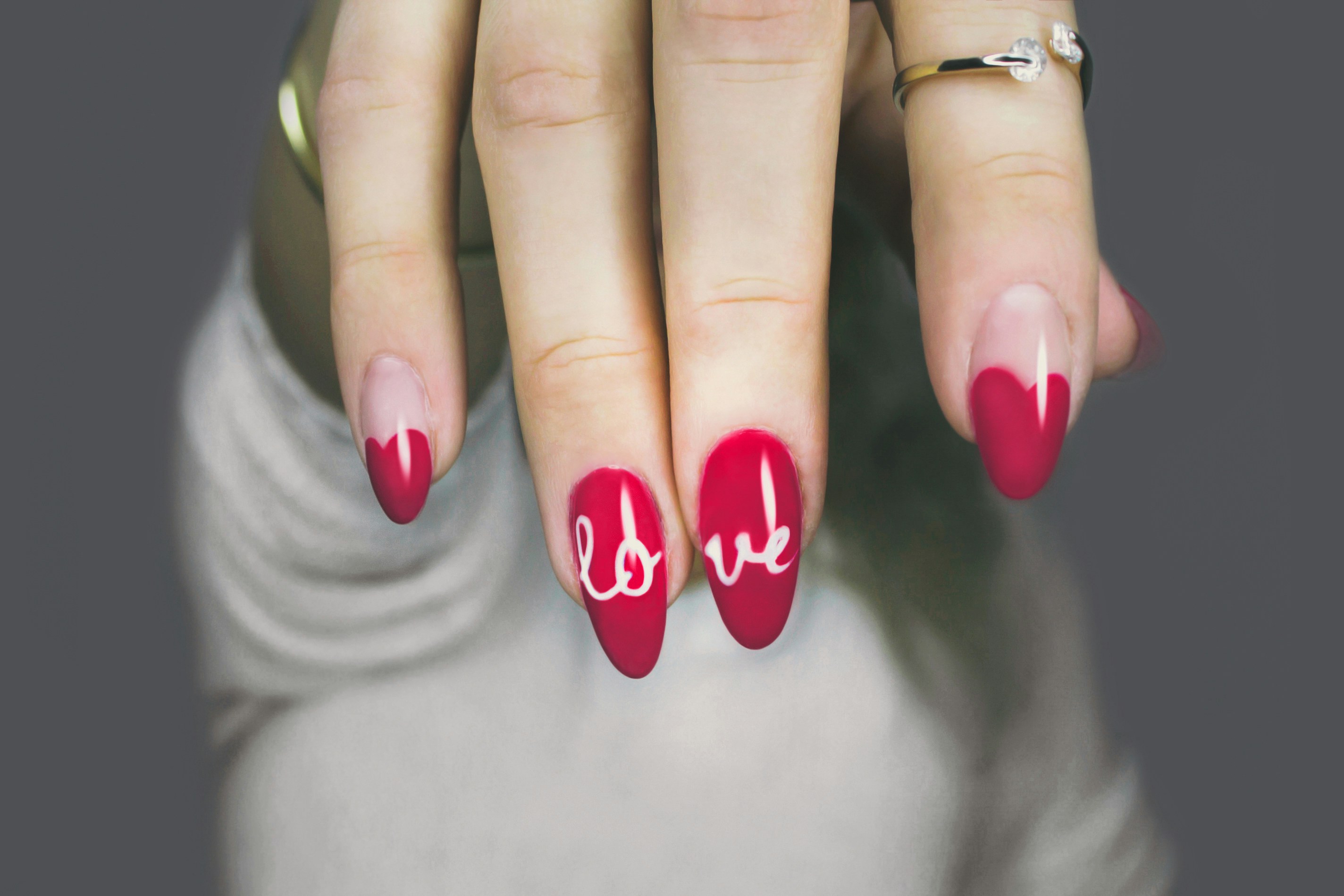
Refresh seasonal nail content without rebuilding your salon website
September manicure ideas are receiving editorial attention, including aura nail looks, gel designs, fall tones, and related seasonal inspiration. InStyle highlighted September aura nail ideas, while Yahoo featured gel nail design inspiration.
That does not prove a salon will receive more bookings or inquiries because of these looks. But if clients begin asking about seasonal designs, a clear website can help them understand what your salon actually offers, what requires extra time, and how to book appropriately.
The goal is not to replace your regular manicure menu with a temporary trend page. It is to add a useful seasonal layer that makes available options easier to find without creating confusion around prices, appointment lengths, or technician availability.
This is a focused update to the broader guidance in What Every Salon and Barbershop Website Needs to Fill the Book.
In this guide
- Decide whether a seasonal collection belongs on your website
- Name designs without overpromising what is available
- Show prices, add-ons, or consultation guidance clearly
- Update photos legally and credibly
- Set booking requirements and technician availability
- Check the mobile booking path
- Prepare for inquiries about designs not yet listed
Start by confirming what your salon can actually provide
Do not publish a seasonal design collection based only on editorial inspiration. Before adding any look to your site, confirm the operational details behind it.
For each design or category, ask:
- Do you offer this look now?
- Which service does it apply to: gel manicure, acrylic set, structured manicure, nail art add-on, or another existing service?
- Can every technician perform it, or only specific team members?
- Does it require additional time or products?
- Is there a fixed add-on price, a price range, or a consultation requirement?
- Can clients select it through your booking system?
- Do you have original or properly licensed images that accurately represent the work?
If the answer is unclear, do not list the design as a bookable standalone service. You can still acknowledge the style as inspiration and direct clients to submit a reference photo for confirmation.
For example, instead of publishing:
September Aura Nails — $65
use wording that reflects what is actually known:
Aura-inspired nail art
Available as an add-on to select manicure services when appointment time and technician availability allow. Send a reference photo before booking or select “nail art consultation” when available.
That approach is more useful than assigning a price or duration that may not fit every variation.
Add a seasonal collection, not a second full menu
A seasonal collection works best as a short, clearly labeled section within your existing nails page. It should supplement your permanent services rather than compete with them.
Good locations include:
- A “Seasonal Nail Inspiration” section on the nail services page
- A short homepage feature linking to the full nails page
- A gallery category for current work
- A booking note attached to relevant manicure services
- A temporary page if your salon has enough confirmed seasonal offerings to justify it
Avoid creating several near-duplicate services for slight variations of the same technique. For instance, “brown aura nails,” “burgundy aura nails,” and “autumn aura nails” may all be better presented under one design category if they use the same base service and booking process.
A simple seasonal collection structure
Use a heading that signals inspiration without implying every pictured variation is always available:
September Nail Inspiration
Ask about aura-inspired finishes, gel nail art, and warm fall color palettes during your next manicure. Availability, pricing, and appointment time depend on your selected service, design complexity, and technician.
Then list only the categories your salon can support:
- Aura-inspired finishes
- Gel nail art
- Warm-toned or fall-color manicure options
- Chrome, glazed, or dimensional finishes, if offered
- Custom nail art consultations, if offered
Each category should connect back to the underlying service a client must book. That prevents a client from choosing a basic polish appointment when they need a longer gel service with nail art.
For a fuller framework on organizing additions without making navigation messy, see How to Add a New Service to a Local Business Website Without Confusing Customers.
Use service names that explain the booking decision
Seasonal wording can make a page feel current, but clients still need practical service information. A design name alone does not tell someone whether they need gel, extensions, a nail art add-on, or a consultation.
Pair trend-oriented language with plain booking language.
| Less helpful label | More useful website label |
|---|---|
| September Aura Nails | Aura-Inspired Nail Art Add-On |
| Fall Gel Set | Gel Manicure With Seasonal Nail Art |
| Autumn Nails | Seasonal Color and Design Options |
| Custom September Set | Custom Nail Art Consultation |
Under each label, answer the basic booking questions:
- What appointment should the client select?
- Is the design included or an add-on?
- Does the price vary by complexity?
- Should the client submit an inspiration photo?
- Is the look available with all technicians?
- Are there limitations, such as appointment length or nail condition?
A concise example:
Gel Manicure With Seasonal Nail Art
Choose a gel manicure as your base service. Nail art pricing and time may vary based on the number of nails, detail level, and requested finish. Please send inspiration photos before booking when possible.
If your salon uses fixed prices, show them. If pricing varies, explain why rather than hiding the issue behind “contact us for details.” The right level of detail depends on your actual service model; Should You Put Prices on Your Local Business Website? can help you choose a clear approach.
Update photos without copying editorial images or designs
Seasonal nail content is visual, so your gallery matters. But the fastest-looking update can create the most trust problems if it uses copied publisher photography or images that do not represent your team’s work.
Use:
- Original photos of work completed by your salon
- Images you have permission or a license to publish
- Images that show the actual quality and style range your technicians can provide
- Captions that identify the service or finish when helpful
Do not copy photos from the articles that inspired the update. Do not imply that your salon created a specific look when it is only a reference image.
A useful gallery caption might read:
Gel manicure with a warm-toned aura-inspired finish by our team. Design availability may vary by technician and appointment length.
The wording keeps the gallery honest while helping visitors connect the image to a bookable service.
Real images can also answer practical questions that a service description cannot: length, finish, color range, nail art detail, and overall style. Read Why Real Photos Sell Your Local Business Better Than Stock for more guidance on selecting and presenting authentic business photography.
Make appointment requirements visible before the client books
A seasonal design may take more time than a standard manicure. If that is true for your salon, the booking path needs to say so before the client reaches the confirmation screen.
Place key requirements in at least two locations:
- On the relevant service page
- In or immediately beside the booking flow
Depending on your actual policies, clients may need to know:
- Whether nail art must be selected as an add-on
- Whether a reference photo is required before the appointment
- Whether intricate designs need approval
- Whether certain technicians offer custom art
- Whether designs are available only on particular service types
- Whether a consultation is needed for extensions, repairs, removals, or highly detailed work
Do not bury these details in a general policy page. A visitor browsing nail photos on a phone may never reach it.
If custom art requires more time, say what to do—not merely what not to do:
For custom nail art or designs with multiple finishes, please submit your reference photo before booking. We will confirm the appropriate service and appointment length if needed.
Keep cancellation, late-arrival, and no-show terms separate from seasonal design instructions, but make sure the two do not conflict. See How Local Businesses Should Explain Cancellation and No-Show Policies on Their Websites for help making those policies easier to understand.
Show technician availability accurately
Do not use a seasonal collection to imply that every member of the team performs every technique. If only certain technicians offer detailed nail art, aura finishes, extensions, or design consultations, make that easy to see.
You could add:
- Technician specialties on staff profile pages
- A “book with” option in the booking flow
- A note under the seasonal collection
- A short availability notice during fully booked periods
For example:
Custom nail art is available with select technicians. Review individual profiles or contact the salon before booking if you have a specific design in mind.
If availability changes, update the website promptly. An outdated “now booking” banner is worse than no banner because it creates a booking expectation your team may not be able to meet. Use the workflow in What to Put on a Local Business Website When Your Hours or Availability Change when schedules shift.
Check the update on a phone before publishing
Many visitors will discover a manicure idea on social media, then open your website from the same phone. Your seasonal section must work in that context.
Before publishing, test these tasks on a mobile device:
- Can a visitor see the design photos without excessive zooming?
- Is the text readable over or beside images?
- Can they tell what service to book?
- Can they find price, consultation, or add-on information?
- Can they see technician restrictions?
- Does the booking button stay easy to tap?
- Can they submit an inspiration photo if that is part of your process?
Keep image files reasonably sized so the gallery does not become slow or awkward to use. One strong, accurate photo with useful text is better than a large carousel that obscures the booking action.
For a broader mobile review, read Why Your Local Business Website Has to Work on a Phone First.
Prepare a response for designs you do not list
Editorial interest in seasonal manicure ideas may lead some clients to ask about styles that are not on your menu. That does not mean you should immediately add every requested design to the website.
Instead, create a simple response process for your team.
A practical inquiry workflow
- Ask for a reference photo. The design name alone may not communicate the desired length, finish, colors, or complexity.
- Confirm the base service. Determine whether the client needs a gel manicure, extensions, a removal, a repair, or another service before discussing art.
- Check technician and timing needs. Confirm that the requested design fits the available appointment and the technician’s services.
- Give only confirmed guidance. State the applicable price, range, or consultation process only after your team can support it.
- Decide whether the request is repeatable. If several clients ask for a design your salon can reliably provide, it may be worth adding a clear category or gallery example later.
A website form can help collect the right information. Add fields such as “preferred appointment date,” “current nail condition,” “reference photo,” and “design notes” only if your salon can use that information responsibly and respond to it.
For follow-up guidance, see Local Business Lead Follow-Up Checklist: What to Do After a Website Inquiry.
Keep the seasonal update small, accurate, and easy to reverse
A good September refresh does not require a new website. It can be a focused update consisting of:
- One seasonal design section
- A few original gallery photos
- Clear service and add-on guidance
- Accurate technician information
- A mobile-friendly booking link
- A process for custom-design inquiries
Review the section after the season or whenever your available colors, products, technicians, or appointment policies change. Remove outdated wording rather than leaving old “limited seasonal” messaging live indefinitely.
Need help keeping your salon website current?
Seasonal inspiration can change quickly, but your website should always reflect what your salon can genuinely offer. StoopCraft builds websites for local businesses and includes on-page SEO as part of its $99/month service.
Visit StoopCraft to see whether a done-for-you website is a fit for your salon.


