Local Business Website Essentials for a Roofing Company
A roofing company website checklist for services, inspections, storm damage, trust signals, quote forms, mobile calls, and more.
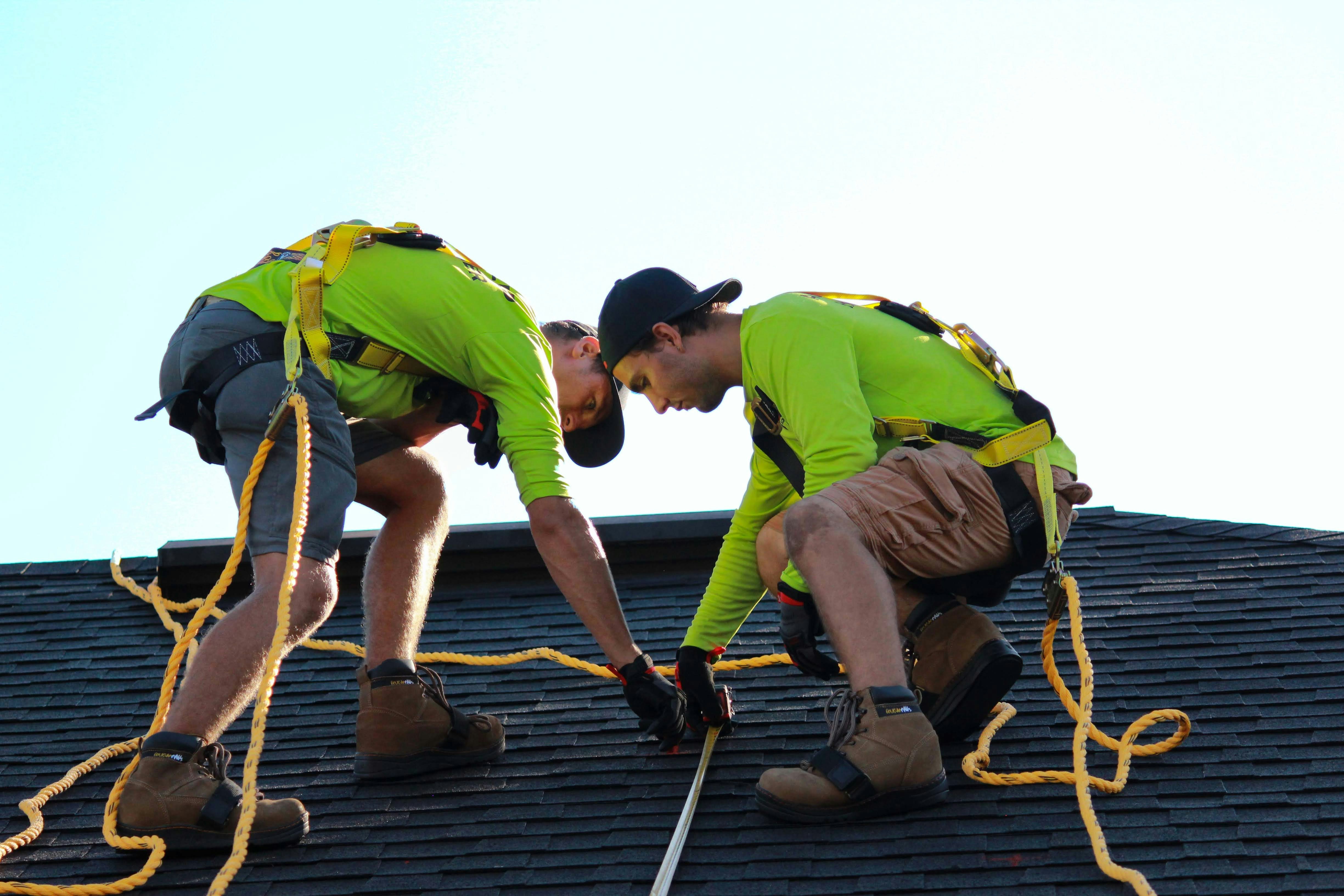
What a roofing company website needs before homeowners request an estimate
A roofing decision can involve storm damage, a possible repair, a full replacement, or a planned inspection. Before a homeowner contacts your company, they may want to understand what you do, where you work, what an inspection involves, and how to reach you from a phone.
Your website does not need to answer every roofing question at once. It does need to remove the basic uncertainty that can stop someone from requesting an inspection or estimate.
This checklist focuses on the pages, details, and contact paths a roofing company should review. Publish only information you can substantiate—especially for licensing, insurance, warranties, financing, emergency availability, and response times.
Table of contents
- Make the homepage immediately clear
- Give each roofing service its own explanation
- Explain inspections and estimate requests
- Handle storm-damage information carefully
- Show service areas without creating confusion
- Publish trust details you can verify
- Use project photos that help homeowners evaluate your work
- Make warranty and financing language precise
- Build a quote form for roofing inquiries
- Make calling and contacting you easy on mobile
- Review the website before publishing
Make the homepage immediately clear
A homeowner should not need to hunt through a menu to learn whether you handle their type of roofing need.
Near the top of the homepage, make these points easy to find:
- Your primary roofing services
- The locations or region you serve
- A clear next step, such as “Request an Inspection” or “Request an Estimate”
- A phone number that can be tapped on a mobile device
- A concise trust statement based on facts you can support
For example, a direct homepage introduction might say:
Residential roofing repair, replacement, and inspections in [service area]. Request an estimate or call [phone number] to discuss your roof.
Avoid broad statements that do not help a visitor decide what to do, such as “quality you can trust” without supporting details. If you have a license number, insurance information you are authorized to share, manufacturer credentials, or a documented warranty policy, place those details where visitors can find them.
The homepage should guide visitors toward the right service page rather than trying to contain every detail. For more help organizing those paths, see what to put in a local business website menu.
Give each roofing service its own explanation
A single page that says “roofing services” can leave important questions unanswered. Separate pages can help visitors find the information that matches their situation and can give your business a clearer place to explain each service.
Depending on what your company actually offers, consider dedicated pages for:
- Roof inspections
- Roof repair
- Roof replacement
- Storm-damage repair
- Leak investigation or repair
- Residential roofing
- Commercial roofing
- Specific roofing materials or systems you install
- Gutter-related services, if offered
Each service page should answer practical questions, including:
- What problem is this service meant to address? For example, repair may be relevant for a localized issue, while replacement may be relevant when a homeowner is evaluating a larger project. Do not diagnose a roof remotely through website copy.
- What does your company do during the service? Describe your real process at a useful level. For an inspection, that could include an on-site evaluation and a discussion of findings, if that is how your business operates.
- What information should a homeowner provide when contacting you? For storm-related work, that might include the property address, visible concerns, and whether the issue followed a weather event.
- What should they do next? End with a service-specific call to action, such as “Request a Roof Inspection” rather than a generic “Contact Us.”
A good service page is not a sales brochure. It gives a homeowner enough context to decide whether an inspection, conversation, or estimate request makes sense. Use the service-page framework in what to include on a local business service page before customers request a quote to check the basics.
Explain inspections and estimate requests
For many roofing inquiries, the inspection is the step before a repair or replacement decision. Your website should make that step feel understandable rather than vague.
Create an inspection or estimate section that explains only what you can accurately promise:
- Whether the homeowner can request an inspection, estimate, or both
- What information you need before scheduling
- Whether someone will need access to the property
- What the visitor can expect after submitting the form
- Your actual response-time expectation, if you have one you can consistently meet
- Any preparation you ask homeowners to complete before an appointment
Be careful with phrases such as “free inspection,” “same-day response,” or “instant estimate.” Use them only if they are true for the relevant service area and circumstances. If availability varies, say so clearly instead of creating an expectation your team may not be able to fulfill.
A short expectation-setting block can work well:
Submit your address, preferred contact method, and a brief description of the concern. Our team will review your request and contact you about next steps.
That copy is more helpful than leaving visitors to wonder what happens after they click “Submit.”
Handle storm-damage information carefully
Storm damage deserves its own website treatment because a homeowner may be trying to assess a new concern quickly. A storm-damage page can clarify that your company handles this type of work—if it does—without making unsupported claims about damage, insurance, availability, or repair outcomes.
Include details such as:
- The storm-damage services you actually provide
- The locations where those services are available
- The kinds of visible concerns a homeowner can mention in an inquiry
- Whether you offer inspections following severe weather
- What documentation or photos, if any, homeowners may send through your approved contact process
- What your team can and cannot help with regarding insurance-related paperwork, if applicable
Do not present website content as emergency or safety instruction. If your business offers emergency availability, define it accurately. For example, identify the contact method to use outside normal hours only if that channel is genuinely monitored and staffed as stated.
A storm-specific page should also avoid implying that every weather event requires roof work or that a particular condition guarantees insurance coverage. Keep the page focused on your actual service and a clear path to request an inspection. For an event-driven version of this content, see the storm damage repair website checklist.
Show service areas without creating confusion
Roofing is local, so location information should be easy to find. A homeowner who cannot tell whether you serve their address may leave before contacting you.
Your website can list:
- Your primary city or headquarters area
- Cities, towns, counties, or neighborhoods you actively serve
- Any geographic limits that affect availability
- A note asking visitors outside the listed area to contact you only if you are open to considering those requests
Do not publish a long list of locations simply to make the site look broader. A smaller, accurate list is more useful than a vague claim that you serve “the entire region.”
Include service areas in the header, footer, contact page, and relevant service pages where appropriate. If you create individual location pages, make sure each has real, location-specific value rather than repeated copy with city names swapped out. Read local business website service areas: what to include without creating confusion before expanding this section.
Publish trust details you can verify
Roofing customers may look for signals that help them evaluate a company before inviting someone to inspect their property. Your website should make factual business information accessible.
Possible trust elements include:
- Your legal business name, if different from your brand name
- License information where applicable and appropriate to publish
- Insurance information you are permitted to share
- Years in business, only if accurate
- Roofing manufacturer credentials or certifications, only when current
- Professional association memberships, if applicable
- Team or owner information
- A physical business address, where suitable for your operation
- Links to reviews on platforms where your business has an active profile
Do not use badges, seals, “best of” labels, review widgets, or certification logos unless they are current and authorized. If your business has customer testimonials, use real ones with permission and enough context to be credible. Our guide to using customer testimonials on a local business website covers how to present them without making them feel generic.
Use project photos that help homeowners evaluate your work
Roofing photos are more useful when they show the type and scope of work rather than functioning as a random image gallery.
Organize project photos around real categories, such as:
- Roof replacement projects
- Repair work, where appropriate to show
- Roofing materials or colors you install
- Residential or commercial projects, if you serve both
- Before-and-after images, when they accurately represent the same project
- Different roof styles or project types you are authorized to display
Add concise captions that explain what the visitor is seeing. A caption might identify the material, the type of project, and the general service area without revealing a customer’s private information.
Avoid using stock photos as proof of your own work. Stock images can still support page design, but label your project gallery through copy and captions so visitors understand which images show completed work by your company.
Make warranty and financing language precise
Warranty and financing information can influence a homeowner’s decision, but these topics need careful wording.
If your company offers a workmanship warranty, manufacturer warranty support, financing, or payment options, create a dedicated section or page that explains the details you can substantiate.
For warranties, clarify:
- Whether the warranty relates to workmanship, materials, or both
- Which work or products may be covered
- The stated term, if applicable
- Important conditions, limitations, or documentation requirements
- Where a homeowner can request the full terms
For financing, clarify:
- Whether financing is available
- That approval, terms, rates, and offers may vary, when that is true
- The financing provider or process, if you are authorized to identify it
- Where visitors can review disclosures or apply
Never use vague claims such as “lifetime protection” or “easy financing” without complete, supportable details. A clear explanation may help homeowners ask better questions; unclear language can create confusion before the estimate process begins.
Build a quote form for roofing inquiries
A roofing quote form should collect enough information to route the request without asking for unnecessary personal details.
A practical starting set of fields is:
- Name
- Property address
- Phone number or email address
- Preferred contact method
- Service needed, using a short selection list
- Brief description of the concern or project
- Optional preferred appointment timing
- Optional photo upload, only if your team can securely receive and review uploads
For service-needed options, use the services you genuinely offer, such as “inspection,” “repair,” “replacement,” or “storm damage.” An “other” option can prevent a visitor from choosing an inaccurate category.
Do not make every field required. Someone concerned about a recent leak may be more likely to submit a short form than a lengthy questionnaire. At the same time, do not request sensitive financial, insurance, or identification details through a basic quote form unless you have a legitimate reason and an appropriate process for handling them.
Review local business lead form fields: what to ask and what to leave out and the lead form privacy checklist before publishing.
Make calling and contacting you easy on mobile
A homeowner may reach your website from a driveway, a workplace, or while looking at a ceiling stain. On a phone, the next action should be obvious.
Check that your mobile site includes:
- A visible tap-to-call phone number
- A clear “Request an Inspection” or “Request an Estimate” button
- A short contact form that works without excessive scrolling
- Business hours, if you publish them
- Accurate emergency or after-hours contact information, if offered
- A confirmation message after form submission
- Fast access to your service areas and main service pages
Test the experience on an actual phone, not only a desktop browser. Can a visitor call you, find the right service, and submit a request without pinching, zooming, or decoding tiny text? If not, simplify the page.
For a deeper mobile review, read why your local business website has to work on a phone first.
Review the website before publishing
Use this final checklist to audit your roofing website.
Homepage and navigation
- [ ] The homepage states your core roofing services and service area.
- [ ] Visitors can reach repair, replacement, inspection, and storm-damage information where applicable.
- [ ] The primary call to action matches the next step you actually offer.
- [ ] Your phone number and contact page are easy to find.
Service and inspection information
- [ ] Each major service has an accurate explanation.
- [ ] Inspection and estimate expectations are clear.
- [ ] Response-time language is published only if your team can support it.
- [ ] Storm-damage content reflects your actual services and availability.
Trust and decision details
- [ ] Licensing, insurance, certifications, and affiliations are current and supportable.
- [ ] Project photos represent work you are authorized to display.
- [ ] Reviews and testimonials are genuine and properly attributed.
- [ ] Warranty and financing language includes meaningful qualifications and disclosures where needed.
Contact experience
- [ ] The quote form asks only for information your team needs.
- [ ] Form submissions have a clear confirmation message.
- [ ] Tap-to-call works on mobile.
- [ ] Emergency availability is not claimed unless it is accurate and operational.
A short website checklist is not the same as a finished roofing website
A good checklist gives you a clear standard, but gathering details, organizing service pages, writing accurate copy, and keeping everything current can still take time.
StoopCraft builds done-for-you websites for local businesses and includes on-page SEO as part of its $99/month service. If you want help turning your roofing services, service areas, project work, and contact process into a clear website, visit StoopCraft.


