Storm Damage Repair Website Checklist: What to Update After Severe Winds
A practical checklist for storm damage repair contractors updating their websites after severe winds or power outages.
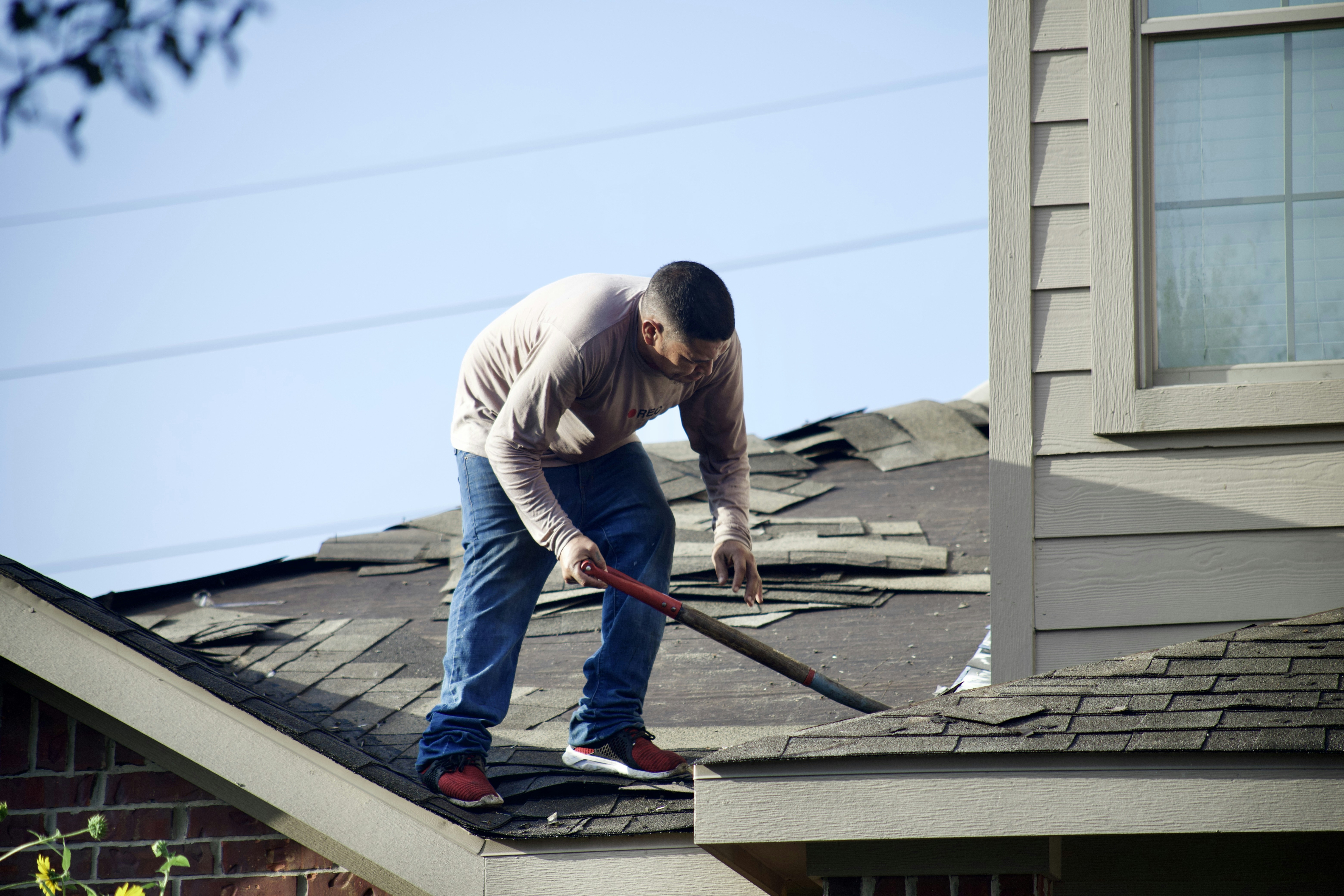
Update safety information before promoting services
Severe winds recently knocked out power to thousands of customers across the Kansas City metro, according to KCTV5. The report establishes a timely reason for storm damage repair companies to review their websites—not proof that local contractors have received more calls, claims, or quote requests.
Safety comes first. If your website addresses conditions involving downed power lines, gas leaks, fire, carbon monoxide, medical equipment losing power, or an immediate threat to people or property, direct visitors to follow instructions from their utility provider and local emergency services. Do not let a service promotion appear to replace emergency guidance.
Once your business has confirmed what it can actually offer, a focused website update can help customers understand whether to contact you, what details to provide, and what happens next.
Table of contents
- Start with a verified availability check
- Publish a clear storm-service message
- Make service areas and services easy to confirm
- Improve the contact path for damaged-property inquiries
- Set expectations without making promises
- Use careful insurance-related language
- Prepare for after-hours inquiries
- Review the page on a phone before publishing
- A practical publish checklist
Start with a verified availability check
Do not publish “24/7 emergency service,” “same-day response,” or “available now” because those phrases sound useful in the moment. Publish them only if your team has verified that they are true for the current situation.
Before changing the homepage, service pages, Google Business Profile, or social profiles, confirm:
- Whether your business is accepting new storm-related inquiries
- Which services are currently available
- Whether inspections, temporary protective work, repairs, or estimates are being scheduled
- Which neighborhoods, cities, or zip codes your team can serve
- Whether phones, forms, text messages, and email are being monitored
- Who owns after-hours responses
- What your team can reasonably say about next steps
This internal check prevents a common problem: a banner promises immediate help while the phone rolls to voicemail and the contact form goes unread.
If availability is limited, say so plainly. For example:
We are currently reviewing storm-related service requests in [service area]. Send photos and your property address through our request form, and our team will follow up based on availability.
That wording gives visitors a clear action without guaranteeing a response time, inspection date, or repair outcome.
Publish a clear storm-service message
A temporary website message should answer the questions a worried property owner is likely to have in the first few seconds:
- Does this company handle the kind of issue I am seeing?
- Does it serve my property’s location?
- Is it safe for me to contact the company now?
- What information should I send?
- What will happen after I submit my request?
Put the message where visitors will see it:
- A temporary banner at the top of the homepage
- A short section on the relevant roofing, siding, exterior, restoration, or repair service page
- Your contact page
- Your Google Business Profile, if you are updating it
- A dedicated storm-service landing page when the update needs more detail
A concise homepage banner example
Storm-related service requests: If you need help with roof, siding, gutter, or exterior damage, submit a request with your address, contact details, and photos if it is safe to take them. We will review requests based on service availability. For urgent safety concerns, follow guidance from your utility provider and local emergency services.
Adapt the listed services to your actual business. A roofing company should not imply it performs electrical, tree-removal, structural, water-mitigation, or insurance-adjusting services unless it truly does.
Do not turn the banner into a vague sales pitch
Avoid messages such as:
- “Storm damage? Call the experts!”
- “We fix everything after a storm.”
- “Fast help is on the way.”
- “We’ll get your insurance claim approved.”
They do not tell a visitor what to do, and several may create expectations your team cannot meet.
Make service areas and services easy to confirm
After severe weather, visitors may be trying to determine whether a contractor serves their address before they spend time calling. Make that answer easy to find.
State your active service area
Use recognizable locations customers use when searching:
- Cities and towns you serve
- Counties or metro areas, if accurate
- A map or service-area list
- A clear note if service is limited to certain locations
If conditions change, update the message rather than leaving a broad, permanent claim in place. For example:
We serve homeowners and property managers in [City], [City], and nearby communities. Storm-related requests outside these areas may be reviewed based on scheduling and travel availability.
A service-area list is especially important if your business may receive inquiries from a wider region after a weather event.
Name only the services you provide
Create a short, scannable list such as:
- Roof inspections
- Roof repair
- Roof replacement estimates
- Siding repair
- Gutter repair or replacement
- Exterior property assessments
- Temporary protective work, if your business offers it
Link each service to its existing service page where possible. If you are adding a storm-specific page, do not duplicate every service page word for word. Use the storm page to help visitors choose the right next step, then direct them to detailed services.
For more guidance on what a service page should include before someone requests help, see What to Include on a Local Business Service Page Before Customers Request a Quote.
Improve the contact path for damaged-property inquiries
A standard “Name, Email, Message” form can leave your team without the information needed to route a storm-related request. A focused form can make the handoff clearer for both the customer and your staff.
Add only the fields that help you respond
Consider adding:
- Name
- Phone number
- Email address
- Property address
- Preferred contact method
- Type of property
- Service needed
- Brief description of the issue
- Whether the customer can safely provide photos
- Photo upload, if your website supports it
- Best time to contact the customer
Keep required fields limited. A person dealing with a possible property issue may be using one hand on a phone with an unreliable connection.
Give safe, plain-language photo instructions
If you accept photo uploads, explain what is useful without asking visitors to put themselves at risk. For example:
If it is safe to do so, upload photos you can take from the ground or from an accessible area. Do not approach downed lines, unstable structures, or other hazards. Follow local emergency and utility guidance.
Do not instruct visitors to climb on a roof, enter a damaged area, or inspect electrical equipment.
Offer more than one contact option
A contact page can include a phone number, request form, email address, and text option only if each channel is monitored. The goal is not to create more buttons. The goal is to give customers one reliable route to reach your business.
Your mobile contact experience matters most in this situation. Read Why Your Local Business Website Has to Work on a Phone First for practical mobile-first priorities.
Set expectations without making promises
Visitors may want an arrival time, a repair date, a cost, and reassurance about insurance. Your website should explain the process without inventing certainty.
Use language that describes what your team will do after an inquiry:
After you submit your request, our team will review the information provided and follow up about availability and next steps.
If you can provide a typical response window and have confirmed it is currently achievable, state it carefully. If you cannot, do not guess. A short acknowledgment message is still useful:
Thanks for contacting [Business Name]. We have received your request. If you included photos and your property address, our team can review the details when following up.
Include a visible response-status update
If request volume or your operating status changes, update a small timestamped note on the page:
Status updated: [Month Day, Time]
We are currently accepting requests for [services] in [areas].
Remove or revise this notice when it is no longer accurate. An old storm banner can confuse customers weeks later, especially if it contains temporary limitations.
Use careful insurance-related language
Insurance is often part of a customer’s decision process after a weather-related concern, but contractors should avoid implying claim approval, coverage, or payment outcomes.
Your website can explain your own process. For example:
If you are planning to file an insurance claim, keep copies of your photos, communications, and any documents related to your property. [Business Name] can explain the services we provide and the information we may need to prepare an estimate.
Avoid claims such as:
- “We guarantee insurance approval.”
- “Your insurer will cover this repair.”
- “We handle every claim from start to finish.”
- “You will pay nothing out of pocket.”
Those statements may be inaccurate for a particular policy, property, or repair scope. Keep the website focused on the work your business provides and encourage customers to consult their insurer about coverage and claim requirements.
Prepare for after-hours inquiries
Severe weather may prompt visitors to submit forms outside your normal business hours. That does not mean you need to promise round-the-clock service. It means your website should make the next step clear.
A useful after-hours message can say:
Our office is currently closed. You may submit a service request using this form, and our team will review it when available. For immediate safety concerns, follow guidance from local emergency services and your utility provider.
Then make sure the internal workflow matches the message:
- Route storm-related form submissions to the right inbox or team member.
- Use a clear subject line or form label, such as “Storm Service Request.”
- Send an automatic receipt confirmation.
- Identify who checks new requests after hours, if anyone.
- Record whether the customer needs an inspection, repair estimate, or a call to discuss services.
- Update the site if your availability changes.
For a deeper workflow, see How Local Businesses Should Handle Website Leads That Arrive After Hours.
Review the page on a phone before publishing
A storm-related update is often viewed on a mobile device. Before publishing, test the page as a customer would.
Check that:
- The phone number is tap-to-call
- The main request button is visible without excessive scrolling
- The form works on a small screen
- Photo uploads are functional, if offered
- Temporary notices are readable and dated
- Service areas are easy to find
- Safety language appears before promotional language where relevant
- Old pop-ups, holiday notices, and outdated availability messages are removed
- The confirmation page or email matches the message on the form
Also test the page without relying on an office Wi-Fi connection. Customers dealing with an outage or poor signal may have limited connectivity.
If your own business is affected by a prolonged outage, use What to Put on Your Local Business Website During a Prolonged Power Outage to communicate changes in operating status.
A practical publish checklist
Use this checklist before and after publishing a severe-weather website update.
Before publishing
- [ ] Confirm actual service availability with the team
- [ ] Confirm which services may be mentioned
- [ ] Confirm current service areas
- [ ] Add safety-first language where relevant
- [ ] Avoid claims about repair results, arrival times, or insurance coverage
- [ ] Add a visible contact option and working form
- [ ] Add photo-upload instructions only if photo uploads are supported
- [ ] Add an accurate form confirmation message
- [ ] Set up internal routing for storm-related requests
- [ ] Review the update on a mobile phone
After publishing
- [ ] Test the phone link, form, and confirmation message
- [ ] Check that the temporary banner links to the right page
- [ ] Update your Google Business Profile only with verified availability information
- [ ] Monitor submitted requests and contact channels
- [ ] Revise or remove the notice when conditions change
- [ ] Keep a record of the final published message for your team
Keep the update useful, accurate, and temporary
The Kansas City outage report is a reminder that weather-related disruption can make clear website communication more important. It does not establish that every contractor will experience more demand or that a particular storm caused property damage in every neighborhood.
The best storm-service update is not the loudest one. It is the one that accurately explains your availability, helps visitors submit the information you need, puts safety before sales language, and avoids promises your team cannot control.
StoopCraft builds done-for-you websites for local businesses and includes on-page SEO as part of its $99/month service. If you want a website that is easier to update when your services or availability change, explore StoopCraft.


