Northern Lights Website Checklist for Local Tourism Businesses
Update your tourism website for possible last-minute aurora interest without promising Northern Lights visibility or bookings.
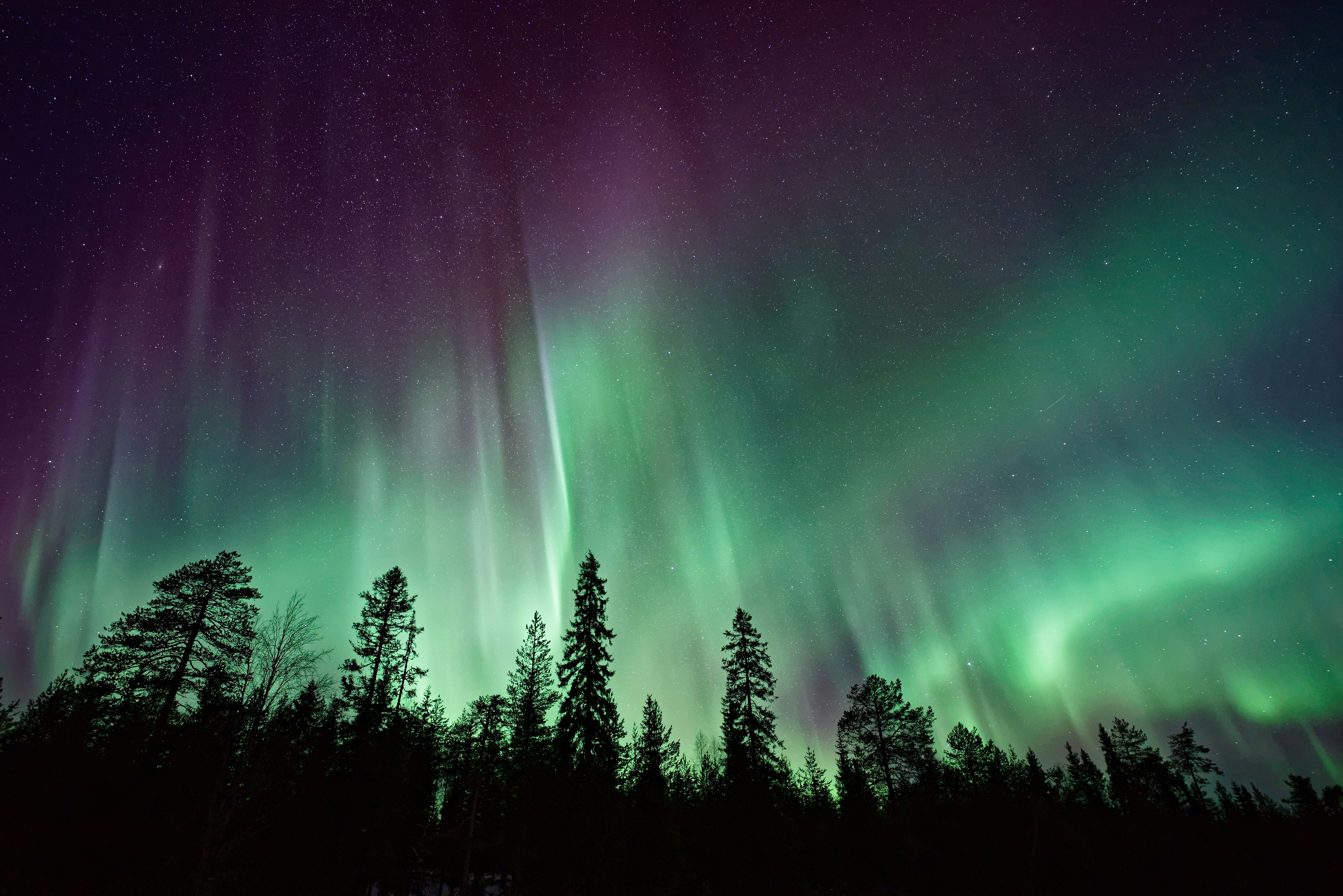
A possible aurora weekend is a reason to make your website clearer
Recent travel coverage says the Northern Lights could be visible across multiple U.S. states this weekend. That may prompt travelers to look for places to stay, guided viewing options, photography help, and practical information close to potential viewing areas. Travel + Leisure and People both emphasize that viewing depends on current conditions and location.
For local lodging providers, tour operators, photographers, campgrounds, and other tourism businesses, this does not mean an increase in bookings or inquiries is guaranteed. But it is a sensible time to review whether your website can answer the questions a last-minute visitor may have.
The goal is not to market a promise that visitors will see the aurora. The goal is to publish accurate, useful details about your business, your location, and what guests should expect if they decide to visit.
In this checklist
- What to say about Northern Lights forecasts
- Which availability and booking details to review
- How to explain viewing logistics without making promises
- What mobile visitors need before they contact you
- How to handle last-minute inquiries consistently
- What to monitor after you publish updates
1. Add a short, careful aurora notice where visitors will see it
If your business is in an area that may be relevant to travelers hoping to view the aurora, consider adding a brief notice to your homepage, booking page, or local information page.
Keep the message factual and conditional. Avoid language such as “guaranteed viewing,” “the best place to see the lights,” or “book now to see the aurora.”
A useful notice could say:
Northern Lights viewing may be possible in parts of the region this weekend. Aurora activity, cloud cover, and visibility can change quickly. Please check current space-weather and local-weather information before making plans.
Then link visitors to the relevant current forecast sources rather than trying to turn your site into an astronomy forecast service.
What this notice should include
- The date or date range your notice applies to
- A reminder that visibility is not guaranteed
- A link to current space-weather information
- A link to local weather information, if you have a relevant source
- A clear explanation of what your business does and does not provide
For example, a cabin rental could explain that its property offers a rural overnight stay and provide accurate directions, but should not claim that every cabin has a clear or unobstructed view.
A tour business can describe its actual itinerary, meeting location, transportation arrangements, and weather policy. It should not frame the tour as a guarantee that guests will see the Northern Lights.
2. Check your availability before publishing anything
A sudden travel opportunity can lead to quick questions about rooms, campsites, tours, and photography sessions. If inquiries rise, outdated availability creates avoidable frustration.
Before you mention the possible aurora opportunity on your site or social channels, verify:
- Which dates are actually available
- The number of guests each lodging option accommodates
- Tour capacity and minimum booking requirements
- Photography-session openings and session lengths
- Arrival, check-in, and meeting times
- Whether same-day or late-evening bookings are possible
- Whether your booking calendar reflects current inventory
- Whether phone, email, and form inquiries route to someone who can respond
If you cannot accept last-minute reservations, say so plainly. A clear “Reservations must be made by 4 p.m.” is more helpful than leaving visitors to discover the restriction during checkout.
For businesses that accept requests rather than instant bookings, label the next step accurately. Use “Request availability” or “Ask about tonight’s openings” instead of a button that implies a booking is confirmed.
For a broader review of the information customers need before reserving, see Local Business Appointment Booking Website Checklist: What Customers Need Before They Schedule.
3. Make location and nighttime logistics easy to find
A visitor interested in aurora viewing may be making a quick decision from a phone, possibly while traveling. They need practical details more than broad promotional claims.
Review the location information on your homepage, contact page, and booking flow.
Publish the details guests need
Include:
- Your complete physical address
- A tappable map or directions link
- The correct entrance, parking area, or meeting point
- Check-in or arrival instructions
- Whether roads, driveways, trails, or viewing areas require particular preparation
- Your actual operating hours and after-hours contact process
- Whether facilities such as restrooms, indoor waiting space, food, or seating are available
- What guests should bring, if your business already provides that guidance
Be specific about the experience you provide. A rural inn might say, “Guests can access the property after check-in using the arrival instructions sent with their reservation.” A photographer might say, “Sessions begin at the agreed meeting point and are confirmed in advance.”
Do not imply public access to private land, property, or facilities that you do not control. If a viewing location has restrictions, include them before someone submits a booking request.
Your service-area and location language should also be easy to understand. This guide to local business website service areas can help you clarify where you operate without confusing prospective customers.
4. Put cancellation and weather policies near the booking decision
Northern Lights viewing depends on conditions that can change. Guests may understandably ask what happens if cloud cover, weather, or aurora activity does not meet their expectations.
Your website should answer policy questions before a visitor pays or submits a request.
Review whether your policy clearly explains:
- Cancellations initiated by the guest
- Rescheduling options, if you offer them
- Weather-related changes to tours, sessions, or outdoor activities
- Refund or credit terms, if applicable
- The deadline for contacting your business about a change
- How you will notify guests if your own plans change
Do not create a new policy in a rushed homepage banner if you cannot honor it consistently. Instead, link to your existing policy and make the wording easier to find.
A helpful distinction is:
- Aurora visibility: Not guaranteed and outside your control.
- Your service: Clearly defined by the reservation, itinerary, session agreement, or lodging terms.
- Weather-related operational changes: Governed by your published cancellation or rescheduling policy.
For tourism businesses dealing with event-driven disruptions, this same principle applies beyond aurora weekends. Read Zion National Park Closure Website Checklist for Local Tourism Businesses for another example of communicating changing visitor conditions without overpromising.
5. Review your booking forms for last-minute visitors
When someone is deciding quickly, every unnecessary form field can slow them down. But a form that gathers too little information can make it harder to answer accurately.
For a possible aurora-related inquiry, request only what you need to determine fit and availability:
- Name
- Best contact method
- Preferred date
- Number of guests
- Type of request: lodging, tour, photography, or another service
- Arrival time or timing question, when relevant
- A short message field for special logistical questions
Avoid asking visitors to share more personal information than necessary. You do not need a long questionnaire just to answer whether a room, tour, or session is available.
Make the confirmation message clear, too. If a form submission is not a reservation, say that directly:
Thanks for your inquiry. We’ll confirm availability and next steps as soon as we can. Submitting this form does not confirm a booking.
For more guidance on choosing useful fields, see Local Business Website Lead Form Fields: What to Ask and What to Leave Out.
6. Test the experience on a phone
Visitors may search for lodging or tours while they are already on the road. Your aurora-related update is only useful if people can read it, find directions, and contact you from a phone.
Test these tasks on a mobile device:
- Open your homepage and find the current notice.
- Find availability, rates, or your request form.
- Call your business from the contact link.
- Open the map and verify the pin is correct.
- Read your cancellation policy without pinching or excessive scrolling.
- Submit a test inquiry and confirm it reaches the right inbox.
- Check that buttons for booking, calling, and directions are easy to tap.
Pay close attention to the top of the page. If visitors have to scroll through large images and generic welcome copy before they see your location, availability, or contact option, they may leave before asking a question.
For a deeper mobile review, see Why Your Local Business Website Has to Work on a Phone First.
7. Prepare a simple response process for inquiries
The travel coverage does not establish that local tourism businesses will receive more leads this weekend. Still, preparing a short response process can help if last-minute inquiries do increase.
Create one shared reference for whoever answers calls, emails, direct messages, and website forms. It should include:
- Current availability
- The latest booking cutoff
- Standard rates or the correct link to rates
- Your cancellation and weather policy
- Directions or meeting instructions
- What your business can honestly say about viewing conditions
- Who handles exceptions, refunds, or special requests
A response template for lodging or tours
Thanks for reaching out about availability. We currently have [availability status] for [date]. Northern Lights viewing is not guaranteed, and conditions can change quickly, so please check current space-weather and local-weather information before planning your trip. Our [lodging/tour/session] includes [only the services you actually provide]. You can review [booking or policy link] for next steps.
A response template when you are fully booked
Thanks for your interest. We are currently fully booked for [date]. Northern Lights visibility is not guaranteed and conditions may change, but we recommend checking current space-weather and local-weather information if you are making travel plans.
Do not fill gaps with guesses about the forecast, roads, public viewing locations, or nearby businesses. It is better to say, “We don’t have confirmed information on that,” than to provide a visitor with unreliable guidance.
8. Keep your Google Business Profile and website consistent
If you update your website with temporary hours, booking cutoffs, or a special notice, check the same practical details on your Google Business Profile.
The information does not need to use identical wording, but it should not conflict. A visitor should not see one set of hours in Google and another on your site, or a “book tonight” message that leads to an unavailable calendar.
Review:
- Business hours
- Address and map pin
- Phone number
- Website link
- Booking link
- Recent photos, if they accurately represent your property or service
- Messages or posts, if you use those features
Learn more about keeping these channels aligned in Google Business Profile and Your Website: How They Work Together to Get You Found.
9. Monitor the questions you receive, then remove stale notices
A temporary notice should stay current. If the weekend passes or the information no longer applies, remove or revise the aurora-specific banner, homepage callout, and social links.
While the notice is live, keep track of the questions people actually ask. For example:
- Do visitors ask about check-in after dark?
- Are they unclear about your location?
- Do they assume a form submission is a confirmed reservation?
- Are they asking about weather policies that are difficult to find?
- Do guests struggle to use your directions on a phone?
Those questions can reveal permanent website improvements worth making, even after the immediate aurora opportunity has passed.
A short website checklist before you publish
Before you promote a possible aurora-viewing weekend, confirm that your website:
- States that visibility and conditions are not guaranteed
- Links visitors to current space-weather and local-weather information
- Shows accurate availability or explains how to request it
- Clearly explains booking, cancellation, and weather policies
- Provides a precise address, directions, and arrival details
- Makes nighttime logistics easy to find
- Uses a short, mobile-friendly inquiry form
- Sends inquiries to a monitored inbox or person
- Gives staff a consistent response process
- Removes or updates temporary notices when they expire
Make timely updates without turning them into a promise
An aurora forecast can create a useful reason to make your tourism website more practical for visitors. Clear availability, accurate directions, honest policies, and mobile-friendly contact options can reduce uncertainty for people making last-minute plans.
The key is restraint: explain what you offer, identify what is outside your control, and direct visitors to current forecast sources rather than promising an experience no business can guarantee.
If you want a local-business website that is easier to keep clear, current, and ready for changing customer questions, explore StoopCraft’s done-for-you website service. StoopCraft builds websites for local businesses and includes on-page SEO for $99/month.


