Miami Local Business Website Checklist for Planned I-95, I-395, and SR 836 Closures
A practical website checklist for Miami businesses preparing for possible customer-access questions during planned I-95, I-395, and SR 836 closures.
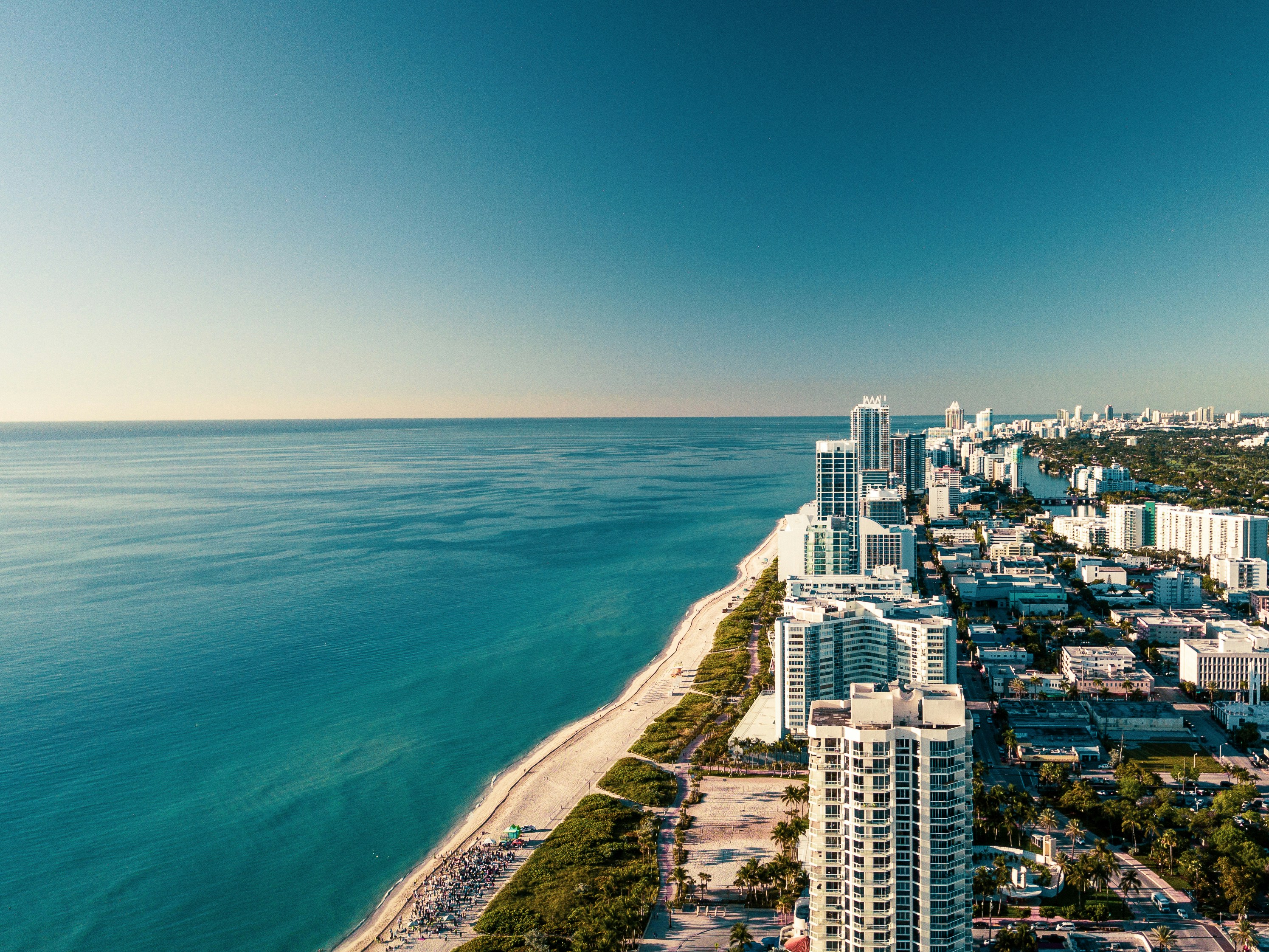
Prepare your website before customers need directions
Planned Miami-area closures affecting I-95, I-395, and SR 836 give nearby businesses a practical reason to review the information customers use before visiting, booking, or calling.
Local news reports have announced planned closures on these major routes. However, the reports do not establish how any individual business will be affected. A nearby business may receive more questions about access, parking, delayed arrivals, appointments, or alternate entrances—but that is a possibility to prepare for, not a guaranteed outcome.
The goal is simple: if a customer checks your website before leaving home, they should be able to quickly find the most current, verified information your business can provide.
Before publishing any route, detour, closure time, or reopening information, verify it through official transportation sources. Do not rely on a customer comment, a social media post, or an outdated map screenshot.
In this checklist
- What to verify before updating your site
- Where to place a temporary access notice
- How to update directions, parking, and entrances without guessing
- Booking and appointment messages to review
- Google Business Profile and contact-page checks
- Copy-and-paste website and customer-message templates
- What to monitor while closures are active
Start with verified access information
The safest website update is one based on facts your business can confirm directly.
The news coverage establishes that planned closures are affecting I-95, I-395, and SR 836 in the Miami area. It does not give every business enough information to publish a reliable customer route. Local 10 and WSVN are useful starting points for understanding the event, but your published customer directions should come from official, current transportation updates and your own verified location details.
Before changing your website, confirm:
- Whether your business entrance remains open
- Whether your parking lot, garage, street parking, or valet access is affected
- Whether a building entrance, driveway, loading area, or pickup point has changed
- Whether customers should allow additional travel time
- Whether your normal service area or mobile-service routes need temporary clarification
- Whether your staff has a single approved answer for customer questions
If you cannot verify a route, do not publish it. Instead, tell visitors where they can find official traffic information and give them a direct way to contact you before traveling.
Add a temporary notice in the right places
A useful notice should be visible without making your entire site feel like an emergency page. For most Miami businesses, the best approach is a short, dated message that links to fuller access details on the contact page or a dedicated update page.
Put the notice where visitors make travel decisions
Consider adding it to:
- The homepage Use a narrow banner near the top of the page, especially if walk-in visits, appointments, pickups, or in-person consultations matter.
- The contact page This is the most important permanent location because customers often look here immediately before leaving.
- Your booking or appointment page Add a brief note before the final confirmation step so customers have a chance to plan ahead.
- Location-specific service pages If you serve customers from a Miami office, studio, shop, clinic, restaurant, or showroom, include a concise access note on that page.
- Event, class, or reservation pages A customer attending a scheduled activity needs practical arrival information more than a general homepage visitor does.
Your notice does not need to claim that travel will be disrupted. It simply needs to acknowledge the planned closures and direct people to verified information.
Homepage banner example
Miami access update: Planned closures affecting I-95, I-395, and SR 836 may affect travel routes in the area. Please check official transportation updates before visiting and contact us if you need help confirming access to our location.
Link “contact us” to your contact page, not a generic email address hidden in the footer.
For additional guidance on making that page easier to use, see 7 contact page mistakes that cost local businesses leads.
Make your directions and parking information specific—but only when verified
During planned road work or closures, vague direction copy can become more frustrating than no direction copy at all. “Conveniently located near I-95” may not help a visitor whose usual approach is temporarily unavailable.
Review your contact and location information with a customer’s actual trip in mind.
Check these details
- Your full street address, including suite, unit, floor, or building name
- A linked map pin that opens correctly on a phone
- The correct customer entrance, rather than a staff, delivery, or rear entrance
- Parking instructions, including lot name or validation details if applicable
- Accessible entrance information, if you have a separate accessible route
- Pickup, curbside, or drop-off instructions
- A phone number customers can call when they are nearby
- Your current business hours
Do not replace your address with a long paragraph of improvised detour instructions. Directions can change quickly, and inaccurate instructions can send customers farther from your business.
A better structure is:
Getting here: Our address is [full address]. Please use your preferred navigation app and check official traffic updates before traveling, as planned closures affecting I-95, I-395, and SR 836 may affect some routes. For help locating our entrance or parking, call [phone number].
If you offer services across Miami rather than serving customers at one storefront, review your service-area pages as well. Confirm that the communities you list still reflect where you can reasonably schedule or travel during the closure period. Avoid making promises about same-day arrival times unless you can still meet them.
Update booking confirmations before appointment questions arrive
Businesses that depend on appointments, reservations, consultations, classes, deliveries, or scheduled pickups should review their automated messages before the closures begin.
A confirmation email or text is often the last message a customer sees before traveling. That makes it a practical place for a short planning reminder.
Include a concise arrival note
Add wording such as:
Travel note: Planned closures affecting I-95, I-395, and SR 836 may affect some Miami-area travel routes. Please check official transportation updates before your appointment and allow extra time if needed. If you expect to arrive late or need to reschedule, contact us at [phone number].
This is more helpful than telling everyone to “leave early” without offering a way to communicate. Include a clear late-arrival, rescheduling, or cancellation contact option that matches your normal policy.
For a broader review of what customers need before committing to a time slot, read Local business appointment booking website checklist.
Review these booking touchpoints
- Online booking confirmation emails
- Appointment reminder texts
- Reservation confirmation pages
- Calendar invite descriptions
- Automated “thank you” emails after a form submission
- Event registration emails
- Delivery or pickup confirmation messages
- Staff scripts for phone bookings
Keep the message temporary and remove it when it is no longer relevant.
Review your Google Business Profile and website together
Your website should be the detailed source of information. Your Google Business Profile can help customers find the same basics while searching for your business on Google Maps or Search.
Check that both places show the same:
- Business name
- Address
- Phone number
- Hours
- Website link
- Appointment or reservation link
- Primary customer entrance, where the profile supports relevant updates
If you publish a temporary access update on your Google Business Profile, keep it short and link back to the relevant page on your website. Avoid posting unverified closure schedules or detour directions there.
Your profile and website work best when they reinforce each other rather than creating two versions of the same information. For more on that relationship, see Google Business Profile and your website: how they work together to get you found.
Make the update easy to use on a phone
A customer sitting in traffic or walking from a parking garage is unlikely to read a long announcement. They need the phone number, address, entrance detail, or booking link immediately.
Before publishing, test the page on a mobile device and make sure:
- The alert is readable without excessive scrolling
- The phone number is tap-to-call
- The address opens in a maps app
- The contact form works
- The parking or entrance note appears before a long block of general business copy
- The banner does not cover your navigation or booking button
- The page loads quickly on a cellular connection
This is a good time to revisit why your local business website has to work on a phone first.
Give staff a simple response for access questions
Your website, front desk, customer-service inbox, and social profiles should not give conflicting answers.
Create one short internal response that staff can use when a customer asks how to reach you. It should include only confirmed information and a clear next step.
Customer-response template
Thanks for checking before you travel. Planned closures affecting I-95, I-395, and SR 836 may affect some Miami-area routes. Please check official transportation updates and your navigation app before leaving. Our current address is [address], and our customer entrance is [verified entrance detail]. If you need help with your appointment or arrival, call us at [phone number].
For a customer who may be late:
Thanks for letting us know. We understand planned road closures may affect travel in the Miami area. Please call us at [phone number] when you can safely do so, and we’ll let you know the available options for your appointment.
Do not promise flexibility, waive fees, or guarantee a rescheduling outcome unless that matches your actual policy.
Use a short checklist before publishing
Website access checklist for Miami businesses
- [ ] Verify official transportation information before publishing route-related guidance.
- [ ] Confirm your address, customer entrance, parking, and pickup details.
- [ ] Add a dated, temporary homepage notice if in-person visits are relevant.
- [ ] Update the contact page with a clear phone number and access instructions.
- [ ] Add a concise travel note to booking and appointment confirmations.
- [ ] Check that your map link opens to the correct location.
- [ ] Review location-specific service, event, reservation, and pickup pages.
- [ ] Make the notice easy to read and act on from a phone.
- [ ] Align staff responses with the wording on your website.
- [ ] Review your Google Business Profile for accurate hours, address, and website links.
- [ ] Remove or revise the temporary message after the closure period ends.
Monitor questions, not assumptions
The closures may create customer-access questions, delayed arrivals, or extra inquiries for some businesses. They may not affect others at all. Rather than assuming the impact, track what customers actually ask.
For the duration of the planned closures, watch for:
- Calls asking where to park or enter
- Form submissions mentioning traffic or access
- Appointment rescheduling requests
- Late-arrival patterns
- Questions about pickup, delivery, or service-area availability
- Confusion caused by a map pin, suite number, or outdated parking note
If one question keeps appearing, answer it clearly on the relevant page. That is more useful than adding a broad, permanent “traffic update” section to your site.
You can also use the period to identify what matters most to visitors beyond pageviews. Local business website analytics: what to track beyond traffic explains which on-site actions may be more meaningful than raw visitor counts.
Keep the change temporary and useful
A planned road closure is not a reason to overhaul every page of your website. It is a reason to make key customer information easier to find, more accurate, and more actionable.
Focus on the pages people use when deciding whether they can reach you: your homepage, contact page, booking flow, location details, and Google Business Profile. Publish only what you can verify, provide a direct contact option, and remove temporary messages once they no longer apply.
If your Miami business needs a website that makes location details, booking links, service areas, and customer contact information easier to manage, StoopCraft builds done-for-you local business websites and includes on-page SEO for $99/month. Visit StoopCraft to learn more.


