Local Landing Pages for Service Businesses: What to Include on Each City Page
Learn what to include on city landing pages so local customers can understand your services, coverage area, and next step.

Do service businesses need a page for every city they serve?
Sometimes—but only when each page can genuinely help a customer in that location understand what you offer, whether you serve them, and how to request service.
A location page is not simply a service page with one city name swapped for another. A useful city page gives visitors specific, accurate information about your work in that area. It should answer practical questions such as:
- Do you serve my neighborhood, ZIP code, or town?
- Which services are available here?
- Are there service boundaries, travel limitations, or appointment considerations?
- What should I do next to request an estimate, call, or booking?
For a local plumber, roofer, landscaper, HVAC company, salon, or other service business, clear service-area pages may make it easier for potential customers to determine whether the business is relevant to their needs. If those pages create additional inquiries, the site also needs a clear path for responding quickly and consistently.
The key is usefulness. Create a city page because it serves a real visitor need—not because you want a near-identical page for every nearby place on a map.
Contents
- When separate city pages make sense
- What every useful city landing page should include
- A practical city-page outline
- How to avoid duplicate and doorway-style pages
- Internal links and calls to action
- A final checklist before publishing
When separate city pages make sense
A separate page can be appropriate when you actively serve a city and have enough relevant information to make that page distinct.
For example, a home-services business might create a page for a nearby city when it can accurately explain:
- The specific services offered there
- The neighborhoods, communities, or ZIP codes it covers
- Any practical service-area boundary
- Relevant project photos, reviews, or examples, where available
- The best way for residents to get in touch
- Answers to location-specific customer questions
The page does not need to claim that the city is radically different from every other place you serve. It does need to offer more than a changed heading.
Good reasons to create a city page
Create a page when the location has a real connection to your business operations. That could include:
- You regularly schedule jobs or appointments there.
- You have a dedicated team, office, storefront, or service route there.
- You offer a distinct set of services in that area.
- Customers in that city commonly need clarification about coverage.
- You have real local work, photos, testimonials, or useful examples to feature.
- The city has meaningful boundaries, access considerations, or service differences worth explaining.
For instance, a landscaping company that serves several neighboring towns may use city pages to explain which lawn-care, cleanup, planting, or maintenance services are available in each area. A plumbing business may use them to clarify the communities included in its service radius and direct customers to the right emergency or non-emergency contact option.
When a separate city page is probably unnecessary
Do not create a page just because a city is nearby or because you would like to appear in searches there.
A dedicated page may not be worthwhile when:
- You do not actually serve the location.
- You only take occasional jobs there and cannot clearly explain your coverage.
- The page would repeat the same information as another page.
- You have no location-specific details to add.
- You would need to make vague or unsupported claims to fill the page.
In those situations, a clear service-area section on your main website or primary service pages may be more useful than a collection of thin pages.
Your website should be honest about where you work. A visitor who believes you serve their area, submits a request, and later learns otherwise has had a poor experience—and your team has spent time handling an unqualified inquiry.
What every useful city landing page should include
A strong location page helps visitors make a basic decision: “Can this business help me where I live or work?”
The sections below make that decision easier.
1. A clear location-specific headline
Lead with the service and city in plain language.
Examples:
- Plumbing Services in Cedar Grove
- Lawn Care and Landscaping in Northfield
- Roofing Repair for Homeowners in Lakeview
- Dental Care Near Downtown Riverton
Avoid vague headlines such as “Your Trusted Local Experts” unless the page immediately explains the service and area. A visitor should not have to hunt for the basics.
The opening paragraph should briefly confirm that you serve the area and describe the type of work available. Keep it accurate. If you serve only selected neighborhoods or have a defined travel area, say so.
2. The services available in that city
List the services customers can actually request from that location page. Link each item to the relevant core service page where possible.
A page for “HVAC Services in Oakwood,” for example, might link to pages covering maintenance, repair, installation, or seasonal tune-ups—provided the company performs those services in Oakwood.
Do not list every service your business has ever offered if some are unavailable in that area. Specificity helps visitors choose the right next step and can reduce confusion in incoming requests.
Your main service pages still need to do the deeper selling and explanation. For guidance on making those pages clearer, see how to write website copy that gets local customers to call.
3. Accurate service boundaries
This is one of the most useful parts of a city page, especially for businesses that travel to customers.
Explain your coverage in a way customers can understand. Depending on the business, that might mean listing:
- Neighborhoods or nearby communities served
- ZIP codes, if that is how your team plans routes
- A travel radius from your base
- Whether service is residential, commercial, or both
- Any exclusions or boundaries that affect availability
Keep the language direct:
We provide scheduled lawn-care services throughout Northfield and nearby neighborhoods, subject to route availability.
That is better than implying universal availability when it depends on schedules, distance, or the nature of the job.
If coverage is extensive but individual location pages would be thin, consider one well-maintained “Service Areas” page that links to the cities where you have enough detail for a dedicated page.
4. Local proof you can stand behind
Local proof can make a location page more credible, but only use evidence you can substantiate.
Useful options include:
- A real project photo from the area
- A customer review that identifies the location, if you have permission and the wording is accurate
- A short description of a completed job without adding unsupported results
- A photo of your team, vehicle, storefront, or equipment in the area
- A link to your business’s review profile
Do not invent testimonials, imply a project happened where it did not, or reuse stock photos as though they show local work. Real imagery often does more to build confidence than generic visuals. Read more about why real photos sell your local business better than stock.
5. Photos that help visitors recognize the work
Use images with a purpose. The strongest choices usually show:
- Your team at work
- A completed project
- Your service vehicle
- Your physical location, if customers visit it
- A visible local setting when it is genuinely connected to your work
Add descriptive image alt text based on what is visibly shown. For example: “Landscaping crew installing stone edging outside a Northfield home” is useful only if the image actually shows that work and setting.
Avoid treating every city page as a place to recycle the same stock image. If you do not have local photos yet, use fewer images rather than misrepresenting generic ones as local proof.
6. A short, useful local FAQ section
Location pages often attract practical questions that do not belong on a broad homepage. A brief question-and-answer section can address them.
Possible questions include:
- Do you serve my neighborhood?
- Which services are available in this city?
- How do I request an estimate or appointment?
- Do you work with residential and commercial customers here?
- Is there a minimum job size or travel boundary?
- Should I call or use the contact form for this type of request?
Only publish answers that reflect your actual business practices. Avoid adding generic questions just to make the page longer.
7. One clear next step
Every city page should give the visitor an obvious way to ask for help.
The call to action might be:
- Request an estimate
- Schedule service
- Call now
- Book an appointment
- Ask about service availability
Match the CTA to the type of decision the customer is making. A roofing company may invite estimate requests; a salon may direct visitors to booking; a restaurant may encourage reservations or online ordering.
Place the primary CTA near the top of the page and repeat it after important sections. Include the phone number and contact link where appropriate. Before sending traffic to the page, review these contact page mistakes that cost local businesses leads.
A practical city-page outline
Use this outline as a starting point when working with a web provider. It is intentionally simple: the goal is a useful page, not a longer page for its own sake.
Recommended page structure
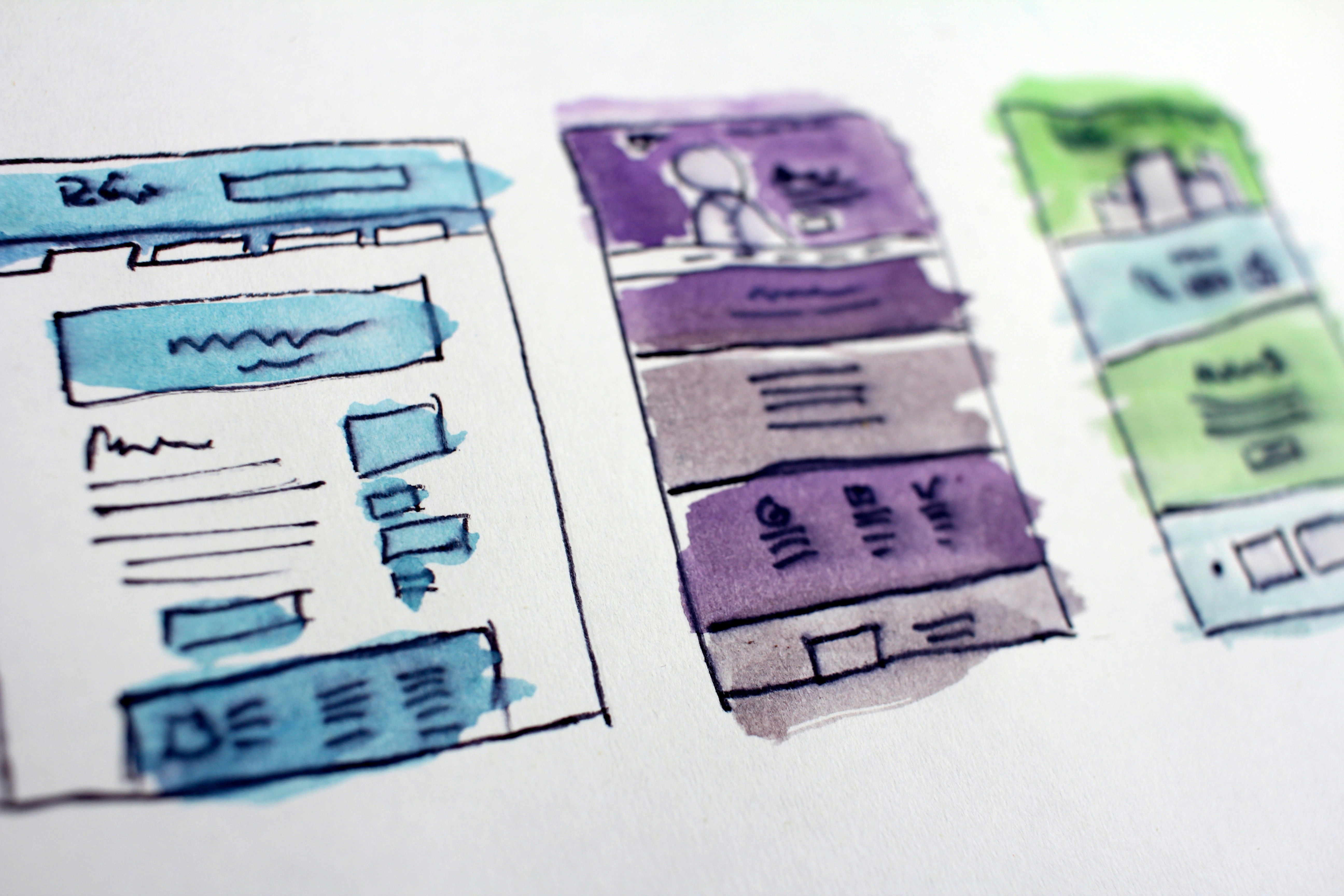
- Page title and H1 Service + city, such as “Plumbing Services in Lakeview.”
- Short introductory section Confirm that you serve the location, name the main service categories, and state the primary action a visitor can take.
- Services offered in the area Use a short list or cards that link to deeper service pages.
- Service-area details Explain neighborhoods, nearby communities, boundaries, or availability considerations.
- Local proof or relevant photos Add real work examples, team photos, or reviews where available.
- Why customers contact your business Keep this grounded in your actual approach, services, and experience. Avoid broad claims you cannot verify.
- Location-specific questions Answer a few genuine coverage, scheduling, or service questions.
- Primary CTA and contact options Make it easy to call, request an estimate, schedule, or ask a question.
- Related links Link to the main service pages, service-area hub, contact page, and any nearby city pages that are genuinely relevant.
This structure works because it follows the visitor’s decision path: understand the service, confirm the location, look for confidence signals, then take action.
How to avoid duplicate and doorway-style pages
The most common mistake with local landing pages is creating many versions of the same page with only the city name changed.
For example, if every page says, “We are the best [service] company in [city],” followed by identical service lists, photos, testimonials, and calls to action, visitors receive little location-specific value.
Publishing more pages does not guarantee that more people will find your business or contact you. Thin, repetitive pages may also make your website harder to maintain because every change must be repeated across many URLs.
Give each page a real job
Before creating a new city page, ask these questions:
- Do we actively serve this area?
- Can a visitor learn something specific about service availability here?
- Do we have different details, examples, photos, or FAQs to include?
- Is the page useful even if someone does not arrive from a search engine?
- Can we maintain it accurately as our services and boundaries change?
If the answer is mostly no, do not force a separate page.
Avoid these common local SEO mistakes
- Creating pages for places you do not serve. Be precise about your coverage.
- Copying the same content across every city. Write pages around actual local details.
- Stuffing city names into every sentence. Clear writing is more useful than repetition.
- Making unsupported “best,” “top,” or ranking claims. Use proof, not slogans.
- Hiding service boundaries. State limitations before someone submits a request.
- Sending visitors to a generic contact page with no context. Keep the city, service, and desired action clear.
- Neglecting mobile usability. Many local visitors will view the page on a phone. See why your local business website has to work on a phone first.
Internal links and calls to action
A city page should not sit alone on your website.
Link it naturally to the pages visitors need next:
- Your main service page
- Individual service pages
- Your service-area hub
- Your contact or booking page
- Relevant nearby city pages
- Your Google Business Profile information, when applicable
This helps visitors move from a broad local search to the specific information they need. It also helps your site stay organized as you add services or locations.
Your Google Business Profile and your website should also present consistent information about your business, service categories, contact details, and service area. Consistency does not guarantee visibility, but conflicting information can create avoidable customer confusion.
A final checklist before publishing
Review each city page against this list:
- [ ] We actively serve this city or service area.
- [ ] The page clearly says which services are available.
- [ ] Coverage boundaries, neighborhoods, or scheduling limits are accurate.
- [ ] The main headline identifies both the service and the location.
- [ ] The page contains useful local details beyond a city-name swap.
- [ ] Any reviews, project examples, and images are real and accurately represented.
- [ ] The CTA tells visitors exactly how to request service.
- [ ] The page links to relevant service and contact pages.
- [ ] The page works well on a phone.
- [ ] We can keep the information updated as our business changes.
Build location pages that are useful before they are promotional
The best local landing pages make a customer’s next decision easier. They explain what you do, where you do it, and how to get in touch—without pretending to serve places you do not or filling the site with duplicate pages.
If you serve multiple communities and want a website that presents your services clearly, StoopCraft builds done-for-you websites for local businesses and includes on-page SEO as part of its $99/month service. Visit StoopCraft to learn more.