Website Redesign Migration Checklist for Local Businesses
Use this website redesign migration checklist to protect key pages, contact paths, local details, and post-launch monitoring.
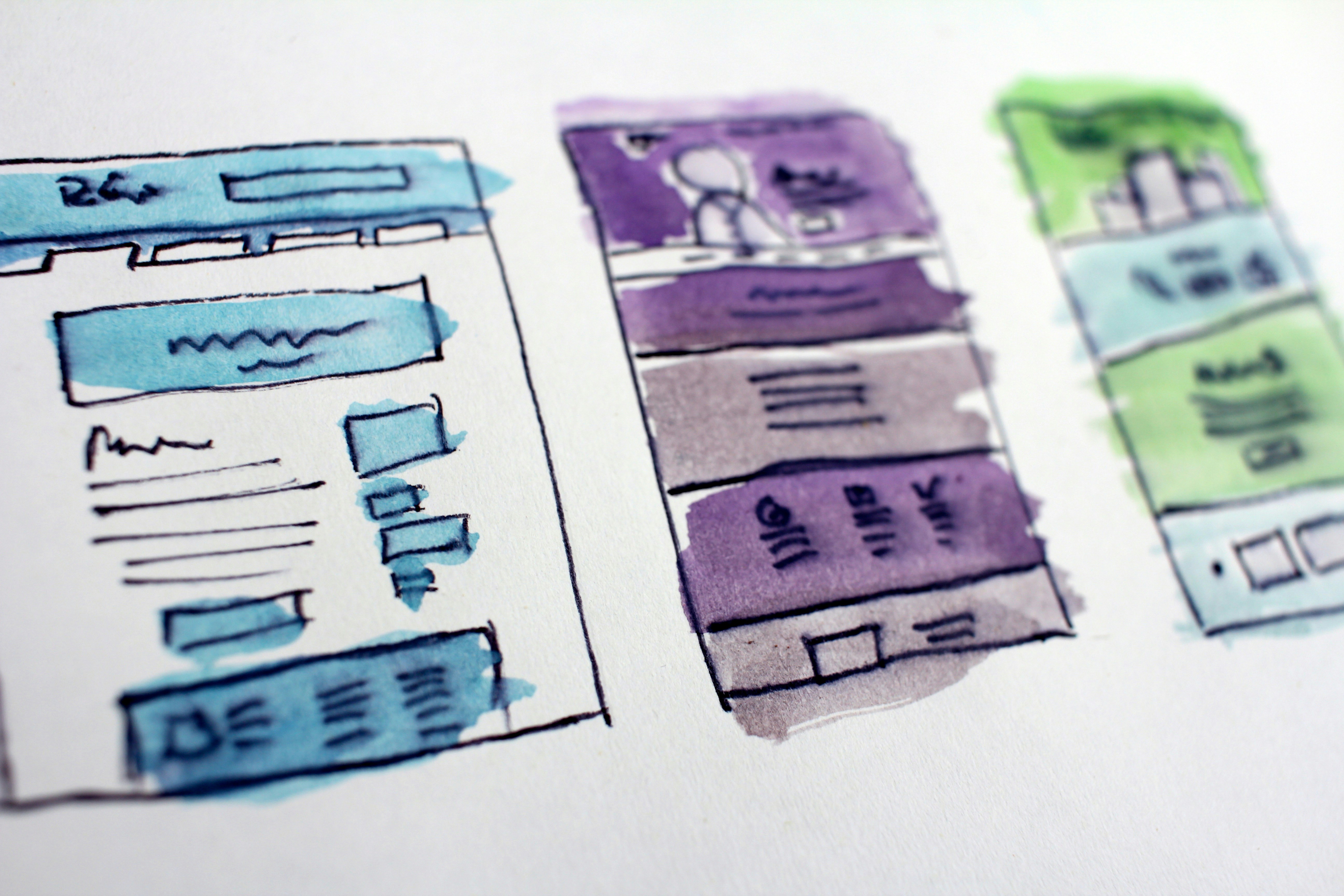
A redesign is also a website move
A new website can look better while accidentally dropping something customers rely on: a service page, a quote form, the correct phone number, or the link from your Google Business Profile.
That is why a redesign needs a migration plan, not just a design review. The goal is to account for what exists today, decide what belongs on the new site, test essential customer paths, and watch closely after launch.
This checklist is for local business owners moving to a redesigned website, especially when the project changes page URLs, hosting, forms, content management systems, or tracking tools. A qualified web professional should handle technical changes involving domains, redirects, hosting, forms, and analytics tracking.
Table of contents
- Before the redesign: assign ownership and define the launch scope
- Pre-launch website migration checklist
- Launch-day checklist
- Post-launch monitoring checklist
- Common local website migration mistakes
- A simple handoff document for your website provider
- Related reading
Before the redesign: assign ownership and define the launch scope
Do not let “the developer is handling it” become the entire migration plan. Your web professional may handle the technical work, but you are usually the best person to verify whether service descriptions, availability details, phone routing, and inquiry handling reflect how your business operates.
Before work begins, identify:
- The business owner or decision-maker who approves customer-facing details.
- The website provider or developer responsible for building, moving, and testing the site.
- The person who receives website inquiries and can confirm whether test submissions arrive.
- The person with access to your Google Business Profile, analytics, and Search Console, if those tools are in use.
- The launch date and low-risk launch window, if one is available.
Then document what is changing. A redesign may include only new visuals and copy, or it may also change page addresses, form providers, hosting, domain settings, tracking, and email notifications. The more systems that change at once, the more important it is to test each customer path deliberately.
Pre-launch website migration checklist
Complete this work before the redesigned site replaces the current one.
1. Inventory the current website
Start by making a list of the pages and functions that currently exist. Do not rely on memory or a navigation menu alone. Important pages may be linked from old ads, emails, social profiles, Google Business Profile, or other websites even when they are not prominent in the main menu.
Your inventory should include:
- Homepage
- About page
- Contact page
- Each core service page
- Location or city pages
- Booking, estimate, quote, or consultation pages
- FAQs
- Promotions or seasonal pages that are still active
- Blog posts or resources worth keeping
- Privacy policy, terms, cancellation policy, or other business-policy pages
- Thank-you pages shown after form submissions
- Download pages, payment links, scheduling links, or customer portals
For each item, record the current URL, the page’s purpose, and what should happen to it on the new site.
| Current item | What to record | Decision for the redesign |
|---|---|---|
| Service page | URL, service name, location details, contact action | Keep, revise, combine, or redirect |
| Contact page | Phone, email, form fields, map, hours | Rebuild and test |
| Quote form | Fields, notifications, thank-you page, spam protection | Rebuild and test |
| Old blog post | URL, topic, internal links | Keep, update, redirect, or retire |
| Location page | City/service area wording and unique details | Preserve or replace thoughtfully |
If a page no longer belongs on the new site, decide where visitors should go instead. Removing a page without a plan can leave customers at a dead end.
2. Identify pages customers are most likely to need
Not every page has equal importance. For a local business, protect the pages that help a customer decide whether to call, request a quote, book, or visit.
Pay particular attention to:
- Your main services
- High-value or frequently requested services
- Service-area and location information
- Contact details
- Hours and availability
- Directions, parking, or visit instructions where relevant
- Financing, pricing, or estimate information if currently published
- Testimonials, licenses, credentials, or other trust details
- Clear next steps for requesting service
Use the redesign as a chance to improve weak content, but do not unintentionally remove information customers need before they contact you. For a page-by-page review, see what to include on a local business service page before customers request a quote.
3. Create a redirect map before URLs change
A redirect map matches each old URL to the most relevant destination on the redesigned site.
For example:
| Old URL | New destination |
|---|---|
/roof-repair | /roof-repair-services |
/contact-us | /contact |
/services/old-service | A related current service page, if appropriate |
Redirects can help visitors who use old links reach a relevant page instead of an error message. They are not a guarantee that rankings, traffic, calls, or revenue will be preserved.
Avoid sending every removed page to the homepage. If a visitor clicked an old plumbing-repair link, a general plumbing service page is usually more useful than a homepage that makes them start over.
A qualified web professional should implement and verify redirects, especially if your redesign changes domains, URL structures, or hosting platforms.
4. Preserve the contact paths that matter
A local website should make it easy for people to take the next step. Before launch, list every way a prospective customer can contact you:
- Click-to-call phone number
- Contact form
- Quote or estimate request form
- Appointment or booking tool
- Email link
- Text-message link, if used
- Live chat, if used
- Directions or map link
- Social messaging link, if used
For each contact path, confirm the new site will use the correct destination, recipient, and business information.
This is not the time to assume a form “should work.” Test it. Submit a realistic test inquiry and verify:
- The form accepts the submission.
- Any required fields behave as intended.
- The confirmation or thank-you page appears.
- The notification reaches the correct inbox, person, or system.
- The inquiry contains the information your team needs to respond.
- The reply process still works.
Review your form fields carefully, particularly if the redesign changes the form provider. The local business website lead form privacy checklist can help you review what you collect before publishing.
5. Review phone numbers, hours, and availability
These details look basic, but they are easy to lose during a redesign because they may appear in several places:
- Header
- Footer
- Contact page
- Mobile menu
- Service pages
- Booking page
- Location page
- Structured business information
- Google Business Profile
Check that the phone number is correct and tappable on a phone. Confirm that published hours, seasonal schedules, holiday closures, emergency availability, and service-area statements are current.
If your availability changes often, establish a simple process for making future edits. What to put on a local business website when your hours or availability change covers the customer-facing details worth reviewing.
6. Test mobile use before launch
Many local customers will encounter the redesigned site on a phone, often while deciding whether to call or request help. Test the actual customer journey on a phone, not only in a desktop browser preview.
On at least one phone, check:
- The homepage loads and is readable.
- The menu opens and closes properly.
- The primary phone number is easy to find and tap.
- Service pages are readable without awkward zooming.
- Forms fit on the screen and can be completed.
- Buttons are large enough to use comfortably.
- Maps, booking tools, and external links open correctly.
- Popups or cookie notices do not block critical content or actions.
Read why your local business website has to work on a phone first for a more focused mobile review.
7. Check practical accessibility basics
A redesign is a useful moment to catch barriers that make the site harder to use. Accessibility needs can be technical, and a professional may be needed for a fuller audit, but you can still review practical basics before launch.
Check that:
- Text is readable against its background.
- Buttons and links have clear labels.
- Important actions are not communicated by color alone.
- Images that convey useful information have appropriate text alternatives.
- Forms show clear labels and useful error messages.
- Keyboard users can reach key navigation and forms.
- Videos, if used, have captions or an appropriate alternative.
For practical improvement ideas, see local business website accessibility: practical fixes that make your site easier to use.
8. Confirm analytics and Search Console access
If you use analytics or Google Search Console, make sure the relevant people still have access before the old site is taken down.
Your provider should be able to explain:
- Which analytics property is connected to the new site, if applicable
- Whether existing tracking is being retained or replaced
- Who owns the accounts
- Who can access reporting after launch
- Whether the new site can be verified in Search Console, if you use it
Keep account ownership under your business’s control whenever possible. A redesign is a poor time to discover that login access lives only with a former employee or previous provider.
9. Review local-search touchpoints
Your website and Google Business Profile should point customers toward the same current business information. After the redesign is ready, review your Google Business Profile website link and make sure it directs visitors to the intended page.
Also compare the business name, phone number, address, service area, and hours across your website and profile. The goal is not to duplicate every sentence; it is to make sure customers are not receiving conflicting basic details.
For more on this relationship, read Google Business Profile and your website: how they work together to get you found.
10. Decide how after-hours inquiries will be handled
A new website can change when and how people submit inquiries. Before launch, make sure the recipient of website leads knows:
- Which inbox or system receives form notifications
- Who checks it
- What happens outside business hours
- What information should be included in a response
- Who takes over when the primary contact is unavailable
Do not assume that a form notification is the same as a completed follow-up process. If inquiries rise after launch, someone should be ready to spot and respond to them. See how local businesses should handle website leads that arrive after hours.
Launch-day checklist
Once the redesigned site is live, run through the most important customer tasks immediately.
Check the public site
- Visit the homepage using the main domain.
- Open key service pages.
- Open the contact page.
- Check the site on a phone.
- Tap the phone number from a phone.
- Test the primary call to action.
- Submit a test contact or quote form.
- Confirm the thank-you page appears.
- Confirm the test notification arrives in the correct place.
- Test appointment, payment, map, and external links where applicable.
- Check the footer for current contact details and policy links.
Check old links and redirects
Test a sample of old URLs from your redirect map. Include your most important service pages, contact page, location pages, and any URLs used in older marketing materials.
A redirect should lead to the relevant intended page. If it leads to an error page, an unrelated destination, or an endless loop, flag it for your web professional.
Check search and profile links
- Search for your business name and open the website link shown in your Google Business Profile, if applicable.
- Check links from major social profiles.
- Check links in active email signatures, ads, or online directories that you control.
- Update any link that still points to an obsolete page when needed.
Post-launch monitoring checklist
Migration work continues after launch. The first days and weeks are the time to identify broken paths while the project is still fresh.
Assign one person to monitor the site and inquiries for a defined period, such as daily during the first week and regularly afterward.
Watch for customer-facing issues
Look for:
- Contact form messages that do not arrive
- Calls or emails about trouble booking, finding information, or using the site
- Broken links reported by customers or staff
- Incorrect hours, phone numbers, pricing, or service details
- Pages that look wrong on phones
- Spam changes after a form-provider switch
- Outdated links on Google Business Profile or social profiles
Review the key pages again
After launch, revisit the pages that matter most:
- Homepage
- Top service pages
- Contact page
- Quote or booking page
- Location or service-area pages
- Thank-you page
- Policy pages
Ask a simple question on each: Could a first-time visitor understand what we do, where we serve, and how to take the next step?
Keep a post-launch issue log
Use a shared document or spreadsheet with four columns:
| Issue | Where it appears | Owner | Status |
|---|---|---|---|
| Contact form notification missing | Estimate form | Website provider | Open |
| Old service URL reaches error page | /old-service | Website provider | Open |
| Holiday hours need revision | Footer and contact page | Business owner | Complete |
This prevents launch issues from getting buried in email threads or informal messages.
Common local website migration mistakes
Treating the redesign as only a visual project
Fonts, colors, and photos matter, but customers also need accurate services, contact options, hours, and next steps. A polished site with an untested quote form is not ready.
Rewriting every page without preserving essential details
New copy can be useful, but avoid removing service specifics, service-area information, credentials, process explanations, or contact details that help a customer make a decision.
Forgetting the thank-you page
A thank-you page confirms that a form was submitted and can tell the customer what happens next. Test it as part of every form submission. For ideas, see what to put on a local business website thank-you page after a form submission.
Launching without testing on a real phone
A desktop review cannot reliably show whether phone users can tap the call button, use the menu, complete a form, or read the content comfortably.
Assuming redirects and tracking are automatic
They may require separate setup and verification. Ask your web professional what will be migrated, what needs to be configured, and how it will be tested.
Having no named person responsible for inquiries
A redesigned site may change how messages arrive. Assign ownership before launch so a test inquiry does not become the first message anyone notices.
A simple handoff document for your website provider
Give your provider one document that includes:
- Your current website URL
- A list of must-keep pages
- A list of pages that can be retired
- Your current phone number, email, address, hours, and service area
- The intended recipient for each form
- Booking, payment, map, social, or portal links
- Access details or ownership contacts for your domain, hosting, analytics, Search Console, and Google Business Profile
- Your redirect map
- The person who approves final customer-facing content
- The person who will test form notifications and monitor inquiries after launch
This makes the project easier to verify and gives both sides a shared record of what “ready to launch” means.
A redesign checklist is a safeguard, not a guarantee
A careful website migration can help your business prepare for avoidable disruptions to important customer paths and local information. It cannot guarantee rankings, traffic, calls, or revenue.
The practical goal is simpler: know what your existing website does, preserve or intentionally replace the pieces customers need, test the new experience, and monitor it after launch.
If you want a done-for-you local business website with on-page SEO included, learn more about StoopCraft. StoopCraft builds websites for local businesses for $99/month.