Measles Exposure Website Communication Checklist for Local Businesses
A privacy-safe website checklist for local businesses named in a potential measles exposure notice.
What to publish after a potential measles exposure notice
If a health department or other public authority names your local business in a potential measles exposure notice, your website should give customers one clear place to find current business information and the official public-health source.
Do not speculate about what happened, identify any individual, diagnose visitors, or offer medical guidance. A potential exposure notice is not the same thing as a confirmed infection at your business, and it does not establish that your business caused or transmitted an illness.
Recent Missouri reporting described measles-related exposure events associated with a train, Busch Stadium, and several local businesses. Those reports show why a business may need to communicate quickly and carefully when public notices name locations where people may have been present. They do not establish that affected businesses experienced higher website traffic, more inquiries, or lost bookings. Still, businesses should prepare for possible customer questions and make official information easy to find.
Before publishing, confirm the wording, links, and any operational guidance with the relevant health department or public authority.
Table of contents
- Start with the official notice
- Use a prominent website update
- Keep hours and operations current
- Give customers a simple contact path
- Protect privacy in every update
- Publish a short, factual example notice
- Set an update and removal process
- Coordinate the rest of your online presence
- A final pre-publish checklist
Start with the official notice
Your website should not become a substitute for public-health guidance. Its job is to help customers find the right source while understanding what is happening with your business today.
Link directly to the relevant health department notice whenever one is available. Use descriptive link text, such as:
Read the latest information from the [County Health Department].
Avoid vague links such as “click here,” especially when customers may be scanning a page quickly on a phone.
Before linking, verify:
- The notice comes from the relevant city, county, state, or other official public-health authority.
- The link goes to the current notice, not a news story that may be superseded.
- Your business name, location, and dates are described accurately if you repeat them.
- The health department has not asked the business to use specific language or channels.
- A staff member knows who is responsible for checking for updates.
News coverage can help a business understand why customers may be searching. For example, FOX 2 reported on a third Missouri measles case linked to exposure on a train, while KSDK reported on potential exposure locations including Busch Stadium and local businesses. For your customer-facing update, however, the official health department notice should be the primary destination.
Use a prominent website update
Customers should not have to search through your blog, social feed, or footer to learn whether your location is open or where official information is available.
Place a short update in one or more prominent locations:
- A sitewide announcement banner for urgent, time-sensitive information.
- A homepage notice for visitors arriving through search or direct links.
- A location page update if only one branch or address is named.
- A temporary update page if the official notice requires more context than a banner can hold.
The banner should be brief. It should answer three immediate questions:
- Is the business operating normally, operating with changes, or temporarily closed?
- Where can the visitor find official information?
- How can the visitor contact the business about appointments, orders, or access?
A useful format is:
Important update: [Business Name] has been named in a public-health notice regarding a potential measles exposure. Our current hours are [hours/status]. Please see the latest information from [Health Department Name] or contact us at [phone/email] with business-operation questions.
Do not put unverified details in the banner. If you do not yet have confirmed information about operations, say so plainly and provide a time for the next update:
We are confirming current guidance with the relevant public-health authority and will update this page by [time and date].
That is more useful than leaving customers to guess.
Keep hours and operations current
A health notice can lead customers to ask practical questions that have nothing to do with medical guidance:
- Are you open today?
- Is my appointment still scheduled?
- Can I pick up my order?
- Has this location changed hours?
- Should I contact the business before arriving?
Answer only the questions your business can answer. Put current operational details in the places customers already check:
- Homepage
- Location page
- Contact page
- Booking or appointment page
- Online ordering or pickup page
- Google Business Profile, if applicable
- Automated phone greeting, if one is used
If operations have not changed, say that only after confirming it. If hours, access, scheduling, pickup, or service availability have changed, publish the exact change and the effective date.
For example:
Current operations: Our [location] is open during regular hours. Existing appointments remain scheduled unless we contact you directly. For the latest public-health information, please refer to [Health Department Name].
Or, if there is a verified change:
Current operations: Our [location] will be closed on [date]. We will share our reopening status on this page after receiving updated guidance.
If a temporary disruption affects availability, use the same practical approach described in what to put on your website when a business location closes: state what changed, when it applies, and what customers should do next.
Give customers a simple contact path
People may contact your business with questions after seeing an exposure notice. Your website should route those questions without collecting unnecessary personal or health information.
Use a clearly labeled contact option for business questions, such as:
- “Questions about your appointment or order? Call [number].”
- “Need help rescheduling? Email [address].”
- “For current store operations, contact our team at [phone number].”
- “For health guidance, please contact [Health Department Name] through its official channels.”
Keep the distinction clear:
- Your business can address hours, appointments, orders, closures, and access.
- The health department or a medical professional is the appropriate source for health-related guidance.
Keep forms narrow and privacy-safe
Do not create an “exposure report” form unless an authorized public-health authority specifically directs you to do so.
A standard support form can ask for only what the business needs to solve an operational issue:
- Name
- Preferred contact method
- Appointment, order, or reservation reference if relevant
- A short description of the business question
Avoid fields that invite visitors to disclose symptoms, diagnoses, vaccination status, medical history, or details about other people. Those details are not necessary for most scheduling or customer-service requests and can create avoidable privacy concerns.
Review your form language and notifications before publishing. The guidance in this local business website lead form privacy checklist can help you remove unnecessary fields and make the contact path clearer.
Protect privacy in every update
In a public-facing notice, less is usually safer when it comes to personal details.
Do not publish:
- Names, initials, photos, job titles, or schedules that could identify a person
- Details about an employee’s, customer’s, or visitor’s health
- Claims about how, where, or by whom an illness was transmitted
- Internal cleaning, staffing, or operational details unless they are confirmed and appropriate to share
- Medical recommendations that should come from an official authority
Use neutral, accurate wording instead:
- “Our location was named in a potential exposure notice issued by [authority].”
- “We are following guidance from the relevant public-health authority.”
- “For official health information, please visit [link].”
- “For questions about your booking, order, or visit, contact our team.”
Avoid language that overstates the situation, including:
- “There was a measles outbreak at our business.”
- “A customer caught measles here.”
- “Everyone who visited is at risk.”
- “Our business is completely safe.”
Unless an authority has explicitly established those claims, they can mislead customers or create unnecessary alarm.
Publish a short, factual example notice
Use this as a starting point only after confirming the facts and wording with the relevant public-health authority.
Important update for our customers
[Business Name] has been named in a public notice regarding a potential measles exposure on [date or date range].
Our current business status is: [open during regular hours / modified hours / temporarily closed]. For the latest official information, please visit [Health Department Name and link].
If you have questions about an appointment, order, reservation, or our current operations, contact us at [phone number] or [email address].
We will update this page if official guidance or our operating status changes.
This example deliberately does not interpret the notice, assess an individual’s health situation, or make claims beyond the confirmed public information.
For a banner, shorten it further:
Customer update: [Business Name] is named in a potential exposure notice. Current operations: [status]. Read the latest official information from [Health Department Name].
Set an update and removal process
A notice that is accurate on Monday can be outdated by Tuesday. Assign ownership before publishing so the page does not linger after guidance changes.
Create a simple internal record with:
| Item | What to record |
|---|---|
| Notice owner | One person responsible for checking official updates |
| Source link | The exact official notice URL |
| Publication time | When the website notice was posted |
| Next review time | A specific date and time to check for changes |
| Operational status | Open, modified, closed, or pending confirmation |
| Approved contact path | Phone, email, or support form for business questions |
| Removal decision | Who decides when the banner or notice comes down |
Review the notice at scheduled intervals
At each review, check:
- Has the health department updated, corrected, or removed its notice?
- Has your business’s operating status changed?
- Are your published hours still accurate?
- Is the official link still working?
- Do your Google Business Profile and website say the same thing?
- Is the banner still necessary, or should it link to an archived update page instead?
When official guidance changes, update the website promptly and add a visible “last updated” date. When the notice no longer needs to be prominent, remove the sitewide banner and either remove the temporary page or replace it with a brief dated update, depending on what is appropriate for your business.
Do not leave a stale emergency-style banner on the site. It can confuse customers long after the original notice is no longer current.
Coordinate the rest of your online presence
Your website should be the detailed, controlled source of information. Other channels should point back to it or repeat only the confirmed operational update.
Check these customer touchpoints:
- Google Business Profile
- Social media profiles
- Online booking tools
- Order confirmation emails
- Appointment reminders
- Voicemail greeting
- Front-desk or customer-service scripts
Keep the wording consistent. If your homepage says “open during regular hours,” but your Google Business Profile says “temporarily closed,” customers may not know which source to trust.
For more on aligning search and website information, read Google Business Profile and your website: how they work together to get you found.
Give staff a short approved response
Prepare a simple script so employees do not have to improvise:
“For the latest official public-health information, please visit [Health Department Name]. For help with your appointment, order, or visit to our business, I can help you with that now.”
This keeps staff focused on business operations and directs health-related questions to the appropriate authority.
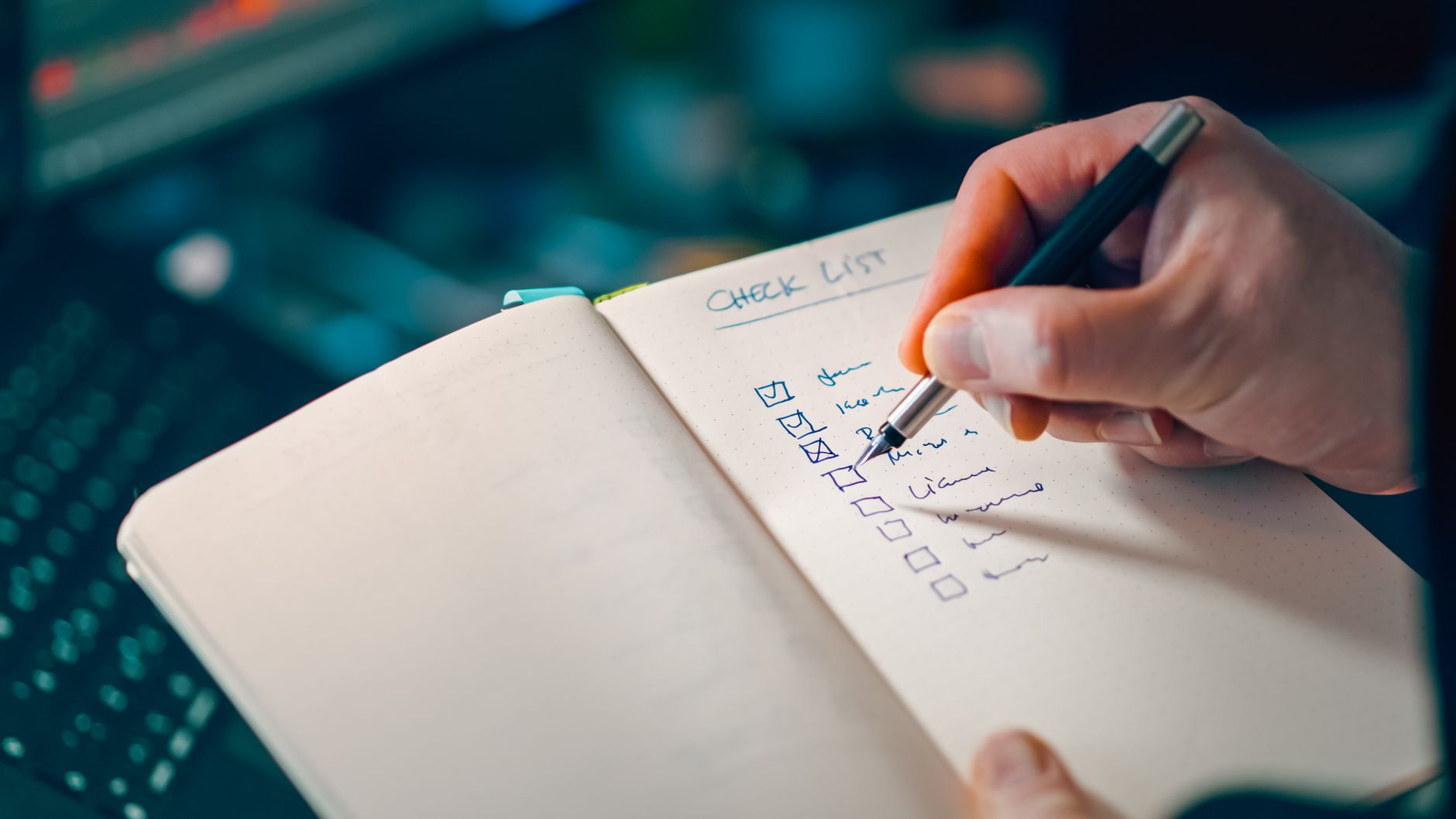
A final pre-publish checklist
Before making your notice live, confirm that you have:
- [ ] Verified the business name, location, date, and wording with the relevant public-health authority.
- [ ] Clearly described the notice as a potential exposure notice when that is what the authority has stated.
- [ ] Added a direct link to the current official health department notice.
- [ ] Stated current hours or operational status only after confirming it.
- [ ] Added a phone number, email address, or support path for operational questions.
- [ ] Kept health guidance separate from business-support information.
- [ ] Removed requests for symptoms, diagnoses, or other unnecessary health details from customer forms.
- [ ] Checked mobile display, since many customers may find the notice on a phone.
- [ ] Updated your Google Business Profile and other customer-facing channels if operations changed.
- [ ] Assigned an owner and a scheduled time to review, revise, or remove the notice.
Keep the response clear, current, and limited to what you know
A potential measles exposure notice calls for careful communication, not speculation. A short, prominent website update can help customers find your current operating status, reach the right business contact, and access the official public-health source.
If your website is difficult to update when customers need timely information, StoopCraft builds done-for-you websites for local businesses and includes on-page SEO as part of its $69/month service. Visit StoopCraft to learn more.
Related reading
- What to put on your local business website during a prolonged power outage
- What to put on your website when a business location closes
- How to create a local business website FAQ page that helps customers take the next step
- Local business website lead form privacy checklist: what to review before publishing