Local Business Website Checklist for Large Events and Downtown Traffic
Use this pre-event website checklist to clarify hours, parking, access, appointments, and contact options during major local events.
Prepare your website before downtown traffic changes customer plans
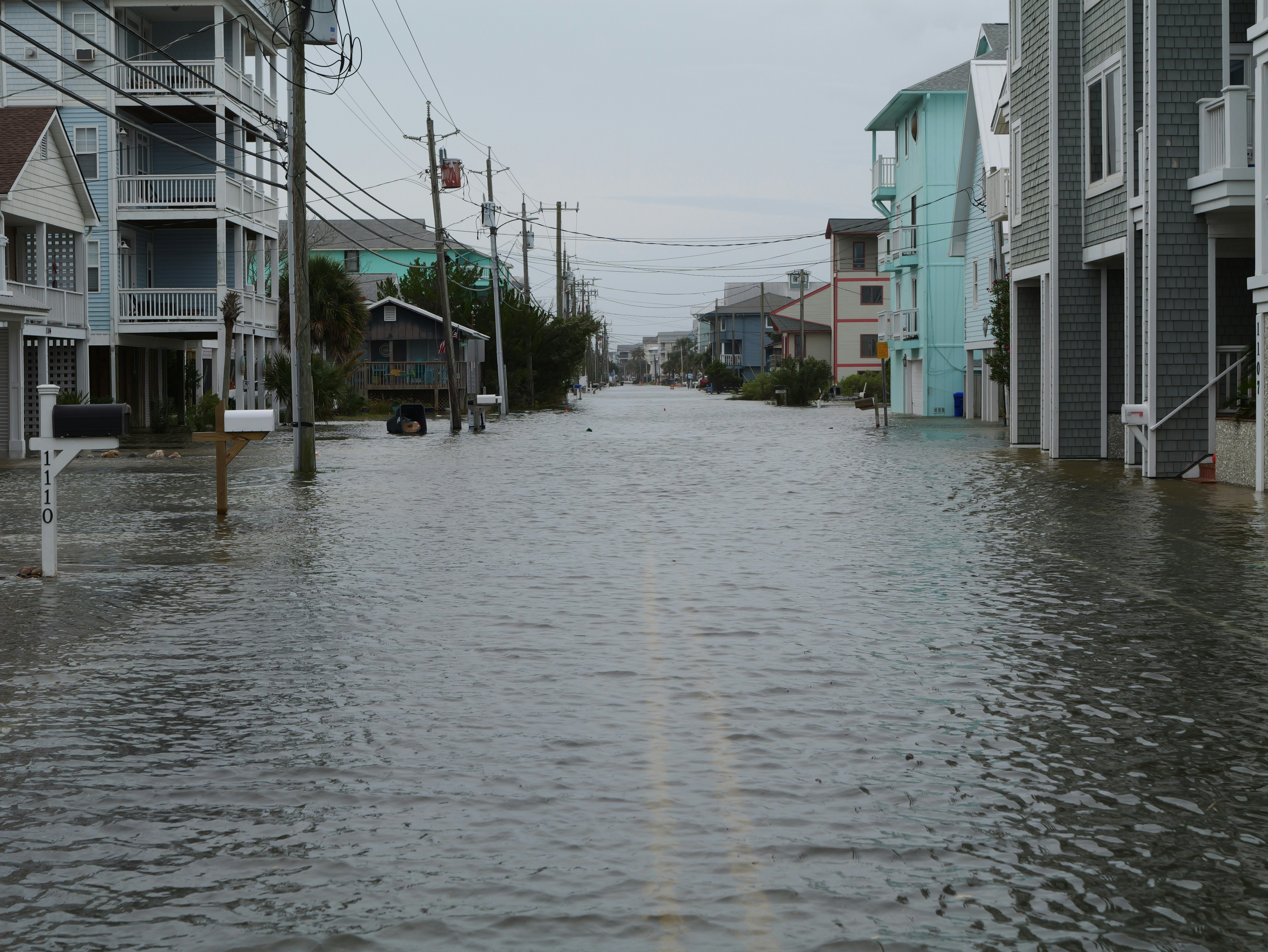
A major local event can change how customers reach your business, where they park, whether appointments run on time, and what questions your team receives.
In Orlando, news outlets reported that more than 60,000 visitors were expected downtown for a weekend with multiple events, heavy traffic, and parking constraints. That is a useful reminder for businesses near event districts: customers need clear, current access information before they leave home—not an update posted after they have already arrived confused.
An expected visitor increase does not automatically mean every nearby business will receive more website visits, calls, bookings, or leads. Some businesses may see more walk-in interest, while others may face delayed appointments, access problems, or changed delivery routes. The practical goal is preparation: make it easy for customers to understand what is open, how to get there, and how to contact you if plans change.
Before publishing event-specific details, confirm road closures, parking rules, schedules, and transit information through official city, venue, transportation, or event sources.
Table of contents
- Start with a single event update
- Update hours and availability
- Explain parking, entrances, and access
- Set expectations for appointments, deliveries, and service areas
- Make mobile contact options obvious
- Add event-specific questions to your FAQ content
- Create a plan for inquiries during the event
- Review and remove the update after the event
Start with a single event update
Do not make customers hunt through a homepage banner, social post, contact page, and Google listing to piece together the same information. Create one short, dated website update that acts as the source of truth.
Place a visible link to it on your homepage and, if access is materially affected, near the contact or booking button.
A useful event update should answer:
- What is happening: Name the event or describe the expected downtown activity.
- When it affects customers: Include the relevant dates and hours.
- Whether you are open: State normal, adjusted, or limited hours.
- How customers should reach you: Explain the best entrance, parking approach, pickup point, or alternate route if verified.
- Whether appointments or service windows may need flexibility: Be specific without promising timing you cannot control.
- How to get help: Give customers a phone number, contact form, or booking link.
Keep the message operational rather than promotional. “We’re open Saturday, but downtown traffic may affect arrival times” is clearer and more useful than “Join us during the excitement.”
For Orlando businesses, the reported attendance estimate and traffic concerns are specific to that downtown weekend—not a benchmark every city should use. Similar preparation makes sense whenever a parade, festival, convention, game, concert, race, or street closure may change customer access.
Example website notice:
“Downtown events are expected to affect traffic and parking this weekend. We are open during our normal hours. Please allow extra travel time and check local traffic guidance before leaving. If you need to adjust an appointment, call us at [phone number].”
Only publish parking locations, street names, closure times, or detour instructions once you have confirmed them with an official local source.
Update hours and availability
Event weekends can create uncertainty even when your schedule has not changed. Customers may assume a downtown business is closed, inaccessible, or too busy to serve them. Your site should remove that uncertainty quickly.
Review these locations for consistent hours:
- Homepage header, announcement area, or featured notice
- Contact page
- Location page
- Booking page
- Pickup, delivery, or ordering page
- Google Business Profile
- Social profiles where customers commonly check updates
If your hours are unchanged, say so plainly. If you are closing early, opening late, reducing walk-in availability, or operating by appointment only, publish the exact change and its effective dates.
Businesses with multiple locations should identify which location is affected. A citywide statement can confuse customers who are trying to visit an unaffected neighborhood.
For more help keeping operational details current, see what to put on your website when a business location closes.
Explain parking, entrances, and access
“Parking may be limited” is better than saying nothing, but it is often not enough. Customers need to know what to do next.
Use the access section of your event update to clarify only the details you can verify:
- Which entrance customers should use
- Whether your usual entrance remains available
- Whether curbside pickup is temporarily unavailable or moved
- The nearest confirmed public parking option
- Whether customers should expect a longer walk from parking
- Whether a delivery, rideshare, or accessible drop-off process has changed
- A link to official traffic, parking, or event guidance
Avoid publishing maps, closure diagrams, or parking instructions copied from memory. Conditions can change, and inaccurate directions can create more frustration than a concise link to the official source.
If your business depends on scheduled visits, add an arrival note directly beside the booking tool:
“Downtown event traffic may affect travel time on [dates]. Please plan extra time before your appointment. Contact us if you need to discuss a scheduling change.”
That message does not assume delays will happen. It gives customers a reasonable way to prepare if traffic becomes heavier than usual.
Set expectations for appointments, deliveries, and service areas
Large events affect more than storefront foot traffic. Home-service businesses, mobile providers, delivery-based businesses, and appointment-led businesses may need to adjust how they describe availability.
For appointment-based businesses
Review appointment confirmations and booking-page copy. If the event could affect arrival times, tell customers what happens if they are late and where they should contact you.
Do not create a strict event policy at the last minute unless your business can consistently honor it. A simple instruction is often enough:
- Arrive early if possible.
- Call if traffic prevents an on-time arrival.
- Check your confirmation email for the fastest way to reschedule.
- Expect staff to confirm any schedule changes directly.
A clear booking flow matters in normal conditions too. See 7 contact page mistakes that cost local businesses leads for common issues that make it harder for customers to reach a business.
For delivery, pickup, and mobile-service businesses
Your website should distinguish between what is affected and what is not. For example:
- “Downtown delivery windows may take longer on Saturday.”
- “Pickup is available, but our usual curbside location is unavailable during the event.”
- “We continue to serve customers outside the event district.”
- “Service calls within the downtown area may require flexible arrival windows.”
Be careful with service-area language. If you are temporarily unable to serve a zone, name the affected area and dates rather than rewriting your entire service-area page. If your normal coverage is unclear, review local business website service areas: what to include without creating confusion.
Make mobile contact options obvious
During an event, many customers will check your website from a phone while they are already in transit, parked nearby, or deciding whether to change plans. Your most important information should appear before a visitor has to scroll through a long story.
On mobile, prioritize:
- Current hours
- Event dates
- The access or parking update
- A tap-to-call phone number
- A booking, contact, or directions link
- A link to official local event information
Test the page yourself on a phone. Check that:
- The notice is readable without zooming.
- Phone numbers can be tapped.
- Buttons are large enough to use quickly.
- Important information is not hidden in an image.
- The page does not send visitors through several menus to find directions or contact details.
- The update loads quickly on a mobile connection.
For a broader mobile review, read why your local business website has to work on a phone first.
Add event-specific questions to your FAQ content
An event update should answer the questions your team expects to hear repeatedly. Put the most important answers on the event page itself, then add them to a relevant location, booking, or FAQ page if the information will remain useful throughout the affected period.
Common questions include:
- Are you open during the event?
- Can I still park near the business?
- Which entrance should I use?
- Is pickup or delivery available?
- What should I do if I am late for my appointment?
- Can I reschedule?
- Will you serve customers outside downtown as usual?
- What is the best way to contact you during the event?
Write short answers that reflect your actual operations. Avoid speculative statements such as “There will be no delays” or “Parking will be easy.” If conditions are uncertain, explain what customers can do: allow extra travel time, use the confirmed entrance, or contact your team.
A well-structured FAQ can reduce repeated confusion without forcing visitors to call for basic information. For guidance on building one, see how to create a local business website FAQ page that helps customers take the next step.
Create a plan for inquiries during the event
A major event may create more customer questions, but it does not guarantee more inquiries. Prepare for either situation: a quieter-than-usual day, a spike in access questions, or a mix of both.
Decide in advance:
- Who monitors website contact forms and voicemail
- Which contact channel gets the fastest response
- How staff should handle parking and access questions
- When a customer should be directed to an official city, venue, or event resource
- Who can approve a website update if conditions change
- How appointment changes are recorded and confirmed
Create a short internal response note so staff give consistent answers. It might include your hours, verified access information, the customer contact number, and a reminder not to guess about closures or parking availability.
If your team cannot answer every message immediately, set a realistic expectation on the contact page or auto-response. Do not promise an instant reply unless someone is assigned to provide one.
Review and remove the update after the event
Event updates are time-sensitive. Leaving an old traffic warning on your homepage can make your business appear closed, disorganized, or difficult to visit long after normal access has returned.
After the event:
- Remove homepage banners and temporary booking notices.
- Restore normal pickup, delivery, and parking language.
- Check that hours are current everywhere.
- Confirm that no temporary closure notice remains in search results or your Google Business Profile.
- Review messages received during the event for questions that may reveal a permanent website gap.
For example, if many customers asked where to park, your location page may need a clearer permanent parking section. If customers struggled to reschedule, your booking confirmation or contact page may need a better path for changes.
You can also review basic patterns without treating traffic as a success metric by itself. Local business website analytics: what to track beyond traffic explains which signals can be more meaningful than raw visits.
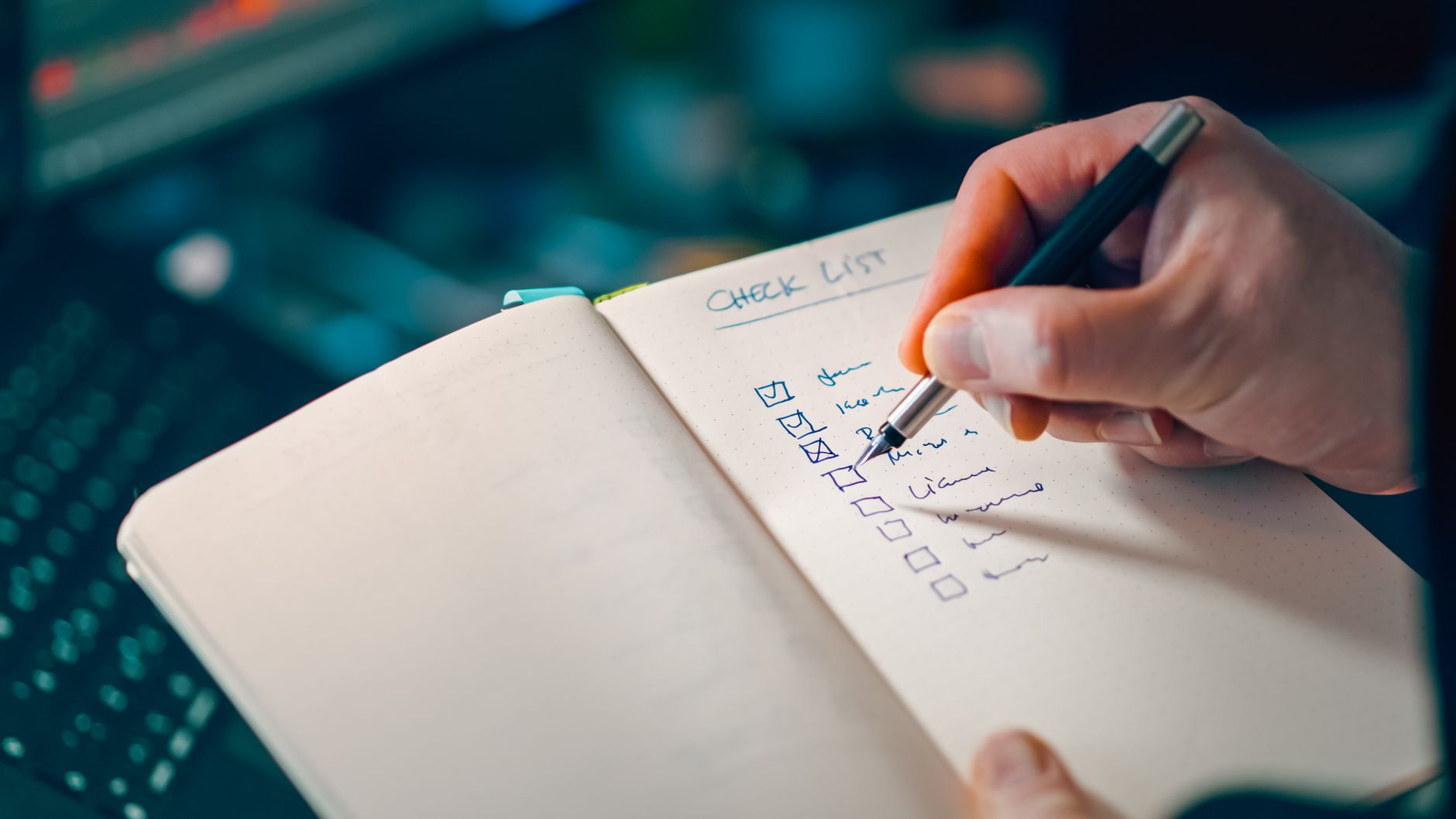
A practical pre-event website checklist
Use this checklist before a large event, downtown festival, convention, race, parade, or street closure period:
- [ ] Confirm event dates, access changes, parking details, and closures with official local sources.
- [ ] Decide whether your hours, staffing, appointments, deliveries, pickup, or service areas need to change.
- [ ] Publish one dated event update page or notice.
- [ ] Link to the update from the homepage and relevant booking or contact pages.
- [ ] State clearly whether you are open, closed, or operating with adjusted hours.
- [ ] Explain confirmed access, entrance, parking, pickup, or drop-off changes.
- [ ] Add appointment timing guidance where customers book.
- [ ] Update delivery or service-area language if certain zones may be affected.
- [ ] Make phone, contact, booking, and directions options easy to use on mobile.
- [ ] Add answers to common event-related questions.
- [ ] Assign someone to monitor inquiries and approve urgent updates.
- [ ] Remove temporary notices and restore normal information after the event.
Keep your website ready for changing local conditions
The best event update is not elaborate. It is accurate, easy to find, mobile-friendly, and removed when it is no longer relevant.
Orlando’s expected downtown crowds illustrate why businesses should prepare before traffic and parking changes affect customer plans. The same approach applies in any city where a major event could change access or availability. Clear website updates cannot guarantee more leads or smoother operations, but they can give customers the information they need to make a better next-step decision.
If keeping hours, service pages, local SEO details, and timely website updates current feels like another job on top of running your business, StoopCraft builds done-for-you websites for local businesses and includes on-page SEO for $69/month. Learn more about StoopCraft.