iPhone 18 Website Checklist for Local Phone Repair Shops and Retailers
A practical website checklist for phone repair shops and retailers preparing for iPhone 18 questions about service, accessories, trade-ins, and availability.
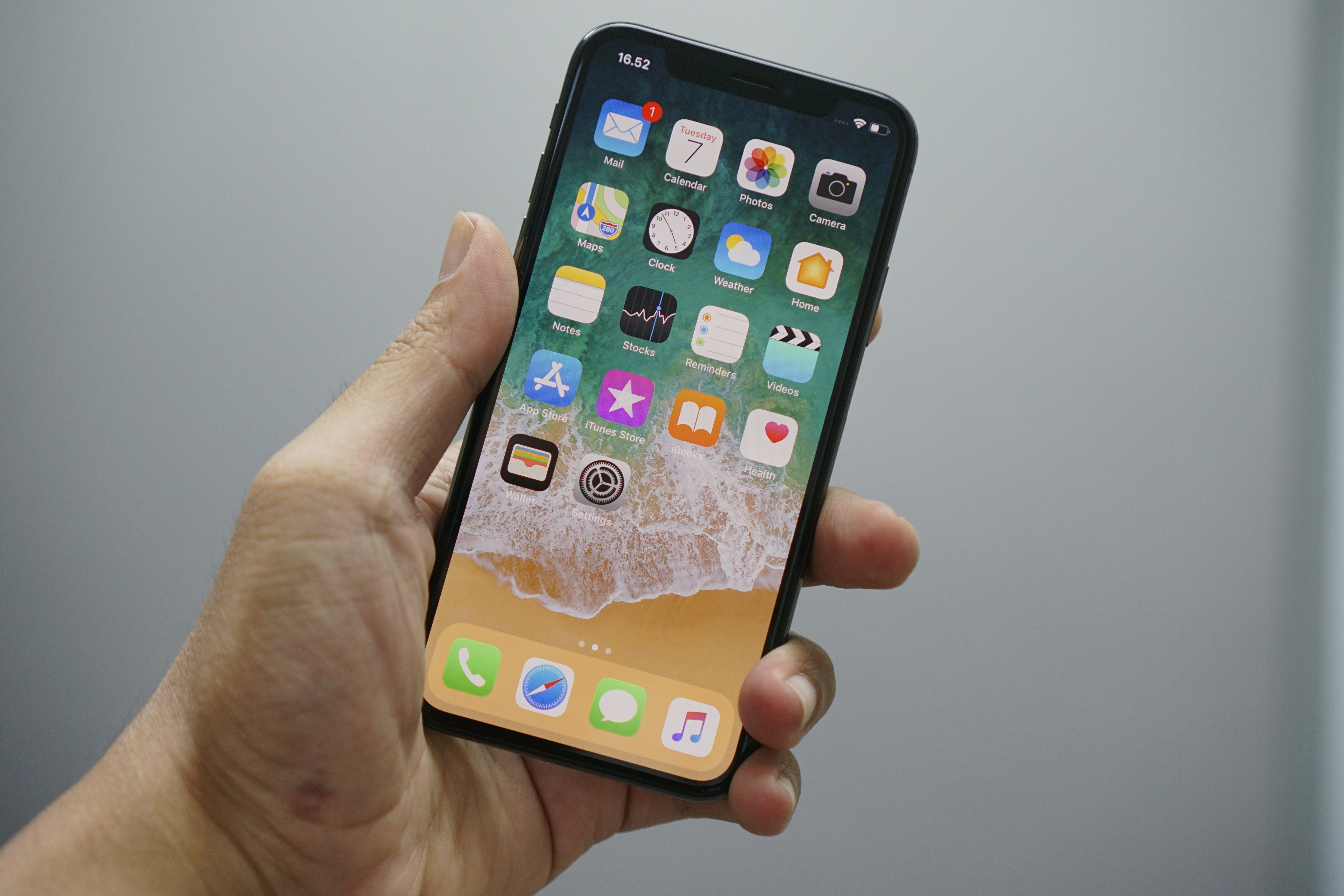
Review your website before iPhone 18 questions arrive
Apple has announced the iPhone 18 Pro and related products, giving local phone repair shops, device retailers, and accessory businesses a reason to review their websites before publishing any launch-related information. Apple’s announcement may prompt customers to ask local businesses about device compatibility, accessories, repairs, trade-ins, and availability.
That does not mean every shop will see more calls, visits, or sales. But it is a useful moment to make sure customers can quickly find accurate answers if inquiries rise.
The priority is not to make broad claims about the new devices. It is to publish only what your business has verified—and make the next step clear for customers who need help.
Table of contents
- Start with verified model and service information
- Update repair pages carefully
- Clarify accessory compatibility and inventory
- Make trade-in and device-purchase information specific
- Create clear appointment and quote paths
- Check local details customers need before visiting
- Prepare a launch-inquiry follow-up process
- Avoid common iPhone launch website mistakes
- A final pre-publish checklist
Start with verified model and service information
Before adding “iPhone 18” to a homepage banner, service page, product listing, or social post, verify what you can actually support.
A new-device launch can create vague customer questions such as:
- “Do you repair the iPhone 18?”
- “Do you have cases for the 18 Pro?”
- “Can I trade in my old phone?”
- “Can you transfer my data to a new iPhone?”
- “Do you have the new model in stock?”
Your website should not answer these questions with assumptions. Confirm the official model names, your repair capabilities, supplier availability, accessory fit, and business policies first.
A simple internal verification sheet can help your team avoid conflicting messages. Include:
| Website item | Confirm before publishing |
|---|---|
| Supported models | Exact model names your shop can service or sell |
| Repair services | Which repairs you currently perform for each model |
| Parts availability | Whether parts are in stock, ordered as needed, or not yet available |
| Accessories | Exact compatible models, colors, brands, and inventory status |
| Trade-ins | Eligible devices, condition requirements, valuation process, and exclusions |
| Device sales | Models you carry, preorder policy if applicable, and current availability |
| Data transfer | Whether you offer setup, transfer, backup, or activation assistance |
| Pricing | Current prices, diagnostic fees, deposits, and any variables that affect quotes |
Do not publish an unverified compatibility table just to appear early in search results. A smaller, accurate page is more useful than a broad page customers cannot rely on.
Update repair pages carefully
If your shop repairs iPhones, review the repair pages customers already use—not only the homepage.
Your existing iPhone repair page should state what customers need to know before requesting service:
- Which iPhone models you currently repair
- The kinds of issues you assess or repair, if applicable
- Whether customers need an appointment or can walk in
- How customers can request a quote
- Whether a diagnosis is needed before a final price is provided
- Whether parts or service availability varies by model
- Your turnaround expectations only if you can support them consistently
If you are not yet ready to offer repairs for a newly announced model, say so plainly. For example:
We are reviewing service options for newly released iPhone models. Contact us with your model and issue, and our team can confirm current repair availability before you visit.
This is more credible than claiming support before you have confirmed parts, tools, technician training, or repair procedures.
Add model selection to your repair inquiry form
A generic “What phone do you have?” field creates extra back-and-forth. If you regularly receive repair requests online, use a structured form with fields such as:
- Phone brand
- Device model
- Storage or carrier information, when relevant to your service
- Problem type
- Whether the phone powers on
- Whether the customer needs to preserve data
- Preferred location or appointment time
- Photo upload, if your business can review device damage from images
Keep the form focused. Customers should not need to diagnose their device before contacting you.
For more guidance on making service pages easier to act on, see what to include on a local business service page before customers request a quote.
Clarify accessory compatibility and inventory
Accessory businesses should treat compatibility as a publishing requirement, not a footnote.
Cases, screen protectors, chargers, mounts, cables, and other accessories may have model-specific fit or performance considerations. Before listing an item as compatible with an iPhone 18 model, verify that compatibility with the manufacturer, supplier, or product documentation.
On each relevant product or category page, make these details easy to scan:
- Compatible device model or models
- Product type
- Brand
- Color or style options, if sold
- Whether the item is currently in stock
- Whether it is available for pickup, shipping, or special order
- Return or exchange limitations for opened items, if applicable
Avoid vague copy such as “fits the newest iPhone” or “works with all iPhones.” It creates confusion and can lead customers to buy the wrong item.
Use “confirm before purchase” language where needed
If a product’s fit or functionality is not fully confirmed, do not present it as verified. Instead, use a short, clear note:
Compatibility with newly released iPhone models is being confirmed. Contact our team before purchase if you need help choosing the right accessory.
This language protects the customer experience without making a claim your business has not verified.
Make trade-in and device-purchase information specific
A new iPhone announcement may lead customers to consider selling, trading in, or replacing an older device. If your business offers trade-ins, used devices, buyback services, or device resale, your website should explain the process before customers arrive.
A useful trade-in page can cover:
- Which device types you consider
- Whether trade-in values depend on condition, storage, carrier status, or functionality
- Whether an in-person inspection is required
- Whether you offer cash, store credit, or another form of value
- What customers should do with personal data before handing over a device
- Whether devices must be paid off, unlocked, or free of activation restrictions
- What identification or paperwork, if any, customers should bring
Do not publish fixed trade-in values unless you are prepared to honor and maintain them. If values vary, explain the factors that affect an estimate and provide a quote-request path.
Retailers selling devices should also be precise about availability. If you do not sell a particular model, do not imply that you do. If availability changes frequently, use a date-stamped status or direct customers to call before visiting.
Create clear appointment and quote paths
Launch-related questions can be varied. Some customers want a screen protector installed. Others need a repair assessment, a trade-in evaluation, or help moving data to a new device.
Your website should route each need to the right next step.
Use task-specific calls to action
Rather than sending every visitor to one broad contact form, use calls to action that match the service:
- Request a repair quote
- Book a device assessment
- Ask about accessory compatibility
- Check current inventory
- Request a trade-in evaluation
- Schedule new-device setup help
- Call the store before visiting
Each path should tell customers what information to provide. For example, an accessory inquiry can ask for the exact phone model and desired item. A repair inquiry can ask about the issue and whether the device is usable.
If your business accepts appointments, make the booking option visible on mobile. Customers researching a new phone or accessory often do so from their current device, not from a desktop computer. Review why your local business website has to work on a phone first before publishing launch updates.
Set expectations after form submission
A confirmation message should tell customers what happens next without promising a response time you cannot reliably meet.
For example:
Thanks for your request. Our team will review your phone model and service question, then follow up with the next steps.
If customers need a faster answer about inventory or same-day service, provide your phone number and current business hours near the form.
Check local details customers need before visiting
A customer who finds your shop through an iPhone-related search still needs practical local information before they can visit.
Review these details across your contact page, footer, location pages, and Google Business Profile:
- Store name
- Address
- Phone number
- Current hours
- Holiday or special hours
- Parking, suite, mall, or entrance instructions
- Walk-in and appointment policy
- Service-area details if you offer mobile repair
- Directions link
- Whether inventory, repair availability, or trade-in evaluations should be confirmed before the visit
Phone repair and retail customers often make fast decisions. Outdated hours or an unclear location can stop an otherwise qualified inquiry.
For a fuller contact-page review, read 7 contact page mistakes that cost local businesses leads. You can also review how Google Business Profile and your website work together so the information customers see in local search matches your site.
Prepare a launch-inquiry follow-up process
Apple’s announcement does not prove that your business will receive more inquiries. Still, it is sensible to prepare your team for a possible mix of questions.
Create short, approved responses for common situations:
- A customer asks whether you repair a particular iPhone 18 model.
- A customer wants an accessory that has not been verified for their device.
- A customer asks whether an item is in stock.
- A customer wants a trade-in estimate.
- A customer needs data transfer or setup help.
- A customer asks about warranty effects or manufacturer authorization.
Your team should not guess. When the answer depends on the device, damage, parts availability, or a manufacturer policy, the response should explain that confirmation is needed.
A useful internal response pattern is:
- Confirm the customer’s exact model and request.
- State only what the shop has verified.
- Explain what needs to be checked.
- Give a clear next step: call, visit, submit photos, book an assessment, or wait for an inventory update.
If inquiries arrive after closing time, your confirmation message and voicemail should set a realistic expectation. See how local businesses should handle website leads that arrive after hours for practical follow-up guidance.
Avoid common iPhone launch website mistakes
Claiming support before it is confirmed
Do not list repair services, compatible accessories, or device inventory until your business has verified each claim.
Using model names inconsistently
Check headlines, product pages, forms, menus, and Google Business Profile updates for consistent model names. A mismatch can make customers unsure whether you support their device.
Hiding important limits in fine print
If availability is limited, an estimate requires inspection, or compatibility has not been confirmed, say so near the relevant offer—not only in a policy page.
Making warranty or authorization claims
Do not imply that your business is Apple-authorized, that a repair preserves a warranty, or that a third-party part or accessory is approved for every device unless you have documentation supporting that specific claim.
Sending all customers to a generic contact page
A customer looking for a case is not necessarily ready to fill out a repair form. Separate the paths for repairs, inventory, trade-ins, and accessory questions.
Forgetting old information
Review past launch banners, discontinued accessory pages, outdated trade-in values, and old availability notices. New content can create confusion if stale information remains visible elsewhere on the site.
A final pre-publish checklist
Before publishing iPhone 18-related website updates, confirm that you can check each item below.
- [ ] Model names match verified Apple and supplier information.
- [ ] Repair pages list only services your business currently offers.
- [ ] Availability language reflects actual inventory or ordering policies.
- [ ] Accessory compatibility is verified by model.
- [ ] Trade-in terms explain how values are determined.
- [ ] Pricing is current, or the page explains why a quote or inspection is required.
- [ ] Customers can request a quote, book an appointment, call, or ask an inventory question without unnecessary friction.
- [ ] Your address, hours, phone number, and visit instructions are current.
- [ ] Mobile visitors can read key details and use contact options easily.
- [ ] Your team has approved responses for unsupported, unconfirmed, or out-of-stock requests.
- [ ] No page implies Apple authorization, warranty outcomes, or universal compatibility without proof.
- [ ] Older promotional or product information does not conflict with the new update.
Keep the update useful after launch week
The best iPhone 18 website update is not a one-time banner. It is a set of accurate service, product, trade-in, and contact pages that continue helping customers after launch interest fades.
Start with the pages that affect a customer’s next decision: your iPhone repair service page, accessory category pages, trade-in information, contact page, and location details. Then review the questions your team actually receives and update the site when a recurring question reveals missing information.
If you would rather not manage those updates yourself, StoopCraft builds websites for local businesses and includes on-page SEO as part of its $69/month website service. Contact StoopCraft to discuss a website that makes your services, locations, and customer next steps easier to find.