Austin Temperature Swing Website Checklist for HVAC Businesses
A practical website checklist for Austin HVAC businesses preparing for possible customer questions during rapid temperature swings.
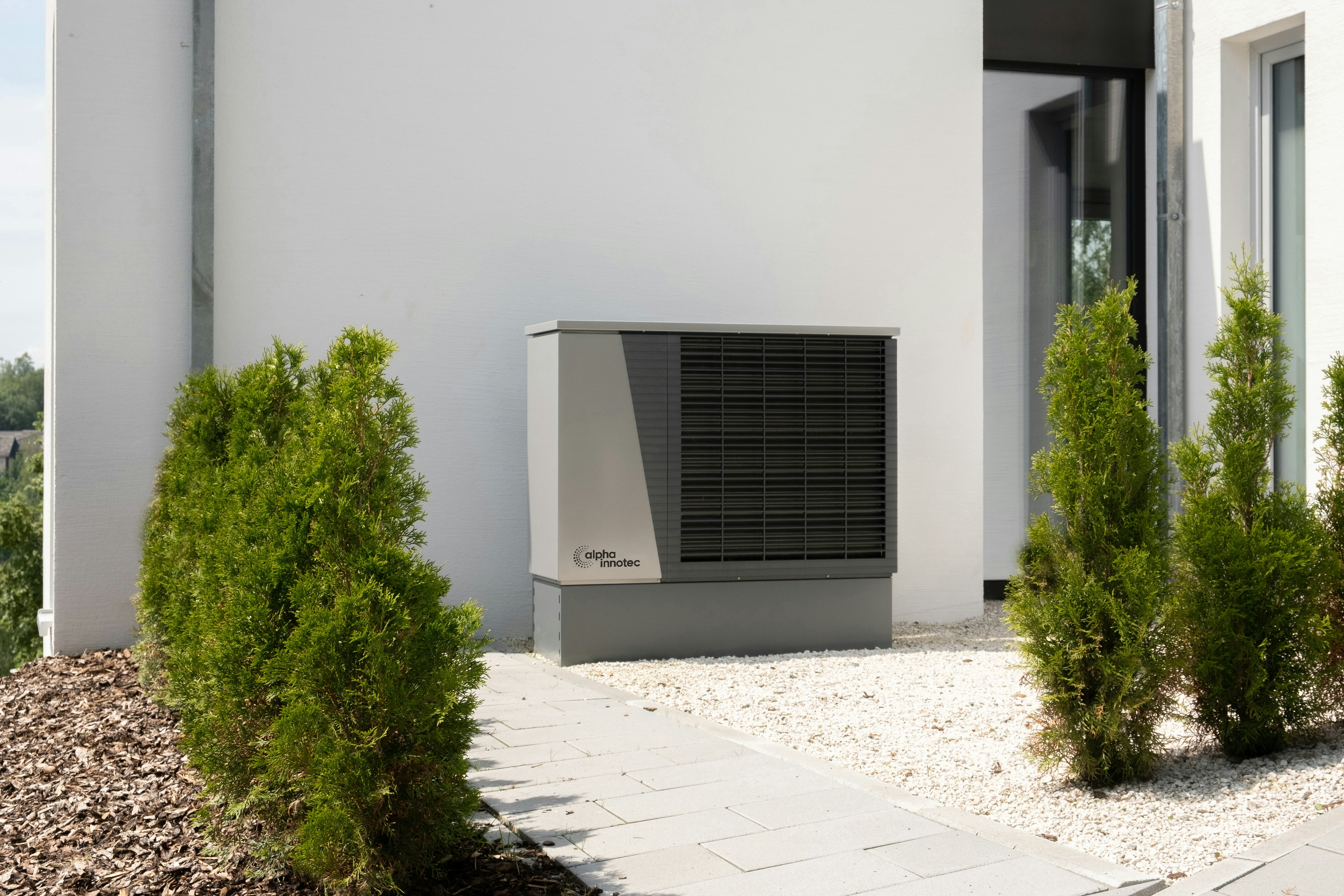
Austin’s temperature swing is a reason to check your website—not predict demand
Austin-area forecasts have described a sharp short-term shift from 90°-plus afternoons to much cooler mornings in the 50s. See reporting from the Austin American-Statesman and KSAT.
That kind of change does not prove that HVAC calls, searches, or bookings will rise. But it can give local HVAC companies a useful prompt: make sure the website clearly answers the questions a homeowner may have when switching between cooling and heating.
The goal is not to turn a weather forecast into a marketing promise. It is to remove uncertainty if someone visits your site looking for help with a thermostat setting, seasonal maintenance, an air-conditioning concern, a heating concern, or your current availability.
Table of contents
- Start with a quick accuracy check
- Make dual-season services easy to understand
- Review your hours and emergency messaging
- Add useful thermostat and maintenance FAQs
- Clarify Austin-area service locations
- Route weather-driven inquiries properly
- Publish only what your team can support
- A short website checklist for the next temperature swing
Start with a quick accuracy check
Before changing homepage copy or posting an update, verify what is true today.
A temperature swing is temporary. Your website should not imply that a weather condition is ongoing after the forecast has changed, and it should never advertise services, hours, response times, or service areas that your team cannot actually provide.
Check these details first:
- Current forecast context. If you mention the weather at all, keep the language dated and short-lived.
- Available services. Confirm whether you are currently scheduling heating, cooling, tune-up, maintenance, diagnostic, or thermostat-related appointments.
- Office and dispatch hours. Check the website, Google Business Profile, voicemail, answering service, and contact form confirmation message for consistency.
- Service-area coverage. Confirm which Austin neighborhoods and surrounding communities your team serves.
- Lead ownership. Decide who will review form submissions, voicemail, chat messages, and after-hours requests.
A practical weather update should make the next step clearer for a visitor. It should not make broad claims about demand, urgency, or indoor comfort.
Make dual-season services easy to understand
During a rapid warm-to-cool change, visitors may not know whether their question belongs under “AC,” “heating,” “maintenance,” or “thermostats.” If your navigation forces them to guess, they may leave before contacting you.
Use clear labels that reflect the situations customers may be considering:
- Air conditioning service
- Heating service
- Seasonal HVAC maintenance
- Thermostat help or thermostat installation, if offered
- Repair requests
- Request service
If your company handles both heating and cooling, a short homepage message can connect the services without overreacting to the weather.
For example:
Austin’s changing temperatures can put both cooling and heating systems back on the radar. If you need HVAC service or want to schedule seasonal maintenance, contact our team to discuss available options.
This does not claim a weather-driven service surge. It simply tells visitors that both sides of the system are relevant.
Avoid vague seasonal copy
Phrases such as “Get ready for winter” may be too broad when Austin is experiencing warm afternoons and cool mornings in the same week. More specific copy is more useful:
- “Heating and cooling service for changing Austin temperatures”
- “Schedule HVAC maintenance before your next heating or cooling need”
- “Questions about your thermostat, AC, or heating system? Contact our team.”
Put the message where visitors will see it: near the primary call to action on the homepage, on relevant service pages, or in a brief sitewide announcement if your website supports one.
For more help organizing those pages, read what to include on a local business service page before customers request a quote.
Review your hours and emergency messaging
Temperature changes can cause visitors to check availability before they fill out a form. Conflicting business hours create doubt, especially when a website says one thing and a Google Business Profile or voicemail says another.
Review the following:
| Website location | What to verify |
|---|---|
| Header or contact button | The phone number and main contact path are current |
| Contact page | Office hours, service hours, and service-area details are accurate |
| Footer | Phone number, email, and business location information match other pages |
| Form confirmation | Sets realistic expectations about when someone will reply |
| Google Business Profile | Hours and contact details match the website |
| After-hours page or banner | Appears only when it reflects your real process |
If you advertise emergency or after-hours service, explain the scope carefully. “Emergency service available” can mean different things to different customers. If your team has specific after-hours availability, communicate the actual contact method and the kinds of requests you handle.
Do not use a temporary weather banner to imply 24/7 service if you do not offer it.
Separate immediate calls from routine requests
A contact page should make the route obvious:
- Call: for people who need to speak with the business now.
- Request service: for people who can submit their details for follow-up.
- Maintenance request: for visitors seeking a non-urgent appointment, if this is a separate process for your team.
That structure can help your staff identify what a visitor needs without asking every person to interpret a long, open-ended form. See local business lead form fields: what to ask and what to leave out for guidance on keeping forms focused.
Add useful thermostat and maintenance FAQs
A rapid shift in outdoor conditions may lead homeowners to look for basic context before deciding whether to contact an HVAC business. Your site does not need to offer remote diagnosis or publish technical instructions it cannot support. It should answer the practical questions your staff regularly receives.
Consider a compact FAQ section on your heating, cooling, or maintenance page.
FAQ topics worth covering
Do you service both heating and air-conditioning systems?
State the services your company actually provides and link to the relevant pages.
Can I request seasonal HVAC maintenance online?
Explain whether visitors can use the form, call, or use another booking option.
Do you help with thermostat installation or replacement?
Include this only if it is a real service. If there are limitations by model or system type, avoid making promises your team cannot verify before an appointment.
Which Austin-area locations do you serve?
List the cities, neighborhoods, or ZIP codes you actively cover, or link to a dedicated service-area page.
How soon will someone respond to a service request?
Use only a response expectation your team can reliably meet. If you cannot state a timeframe, say that requests are reviewed during your stated business hours.
What information should I include when requesting service?
Ask for the property location, preferred contact method, system concern, and appointment availability. Avoid requesting more personal information than your team needs.
A good FAQ reduces avoidable friction. It should not replace an inspection, a service visit, or professional judgment.
For a broader framework, see how to create a local business website FAQ page that helps customers take the next step.
Clarify Austin-area service locations
“Austin HVAC company” can be useful website language, but it is not enough for someone outside central Austin who wants to know whether you travel to their address.
During a possible weather-driven increase in inquiries, unclear service-area language can create extra back-and-forth for both customers and staff.
Make your coverage easy to find by including:
- Austin, if served
- Specific surrounding cities or communities you serve
- Any geographic limits that affect scheduling
- A clear instruction for visitors outside the listed area
For example:
We serve homeowners in Austin and selected nearby communities. Not sure whether your address is within our service area? Contact us with your location and service request.
Only list areas you genuinely serve. A long list of locations may look comprehensive, but it creates a poor experience when the business cannot take work there.
Read local business website service areas: what to include without creating confusion for a more detailed approach.
Route weather-driven inquiries properly
The website update is only useful if incoming requests reach the right person. Before changing a headline or adding a seasonal message, test the path from visitor to follow-up.
Check your contact form
Submit a test request and confirm:
- The notification reaches the correct inbox or system.
- The sender name and contact information appear clearly.
- The form identifies the requested service type.
- Mobile visitors can complete the form without difficulty.
- The confirmation message gives a realistic next step.
- Spam protection does not block legitimate submissions.
A simple service-interest field can help your team sort requests:
- Heating
- Air conditioning
- Maintenance
- Thermostat
- Not sure / need help choosing
Do not make the form so detailed that a visitor needs to know the model number, diagnosis, or technical cause before contacting you. If your team needs more information, collect it during follow-up.
Create a short internal response plan
A sudden forecast shift may lead to different kinds of questions. Prepare a consistent internal response rather than assuming every request is urgent.
For example, your team can decide:
- Who monitors form notifications during business hours
- Who checks messages after hours, if applicable
- Which requests should be routed to a dispatcher or service manager
- What staff should say when a requested service is not currently available
- How to handle inquiries outside the service area
This is operational preparation, not a prediction that a surge will happen.
Publish only what your team can support
The most common mistake with timely website updates is treating a forecast as a reason to overpromise.
Avoid statements such as:
- “We’re experiencing high demand.”
- “Book now before appointments disappear.”
- “Same-day service guaranteed.”
- “Emergency HVAC help available everywhere in Austin.”
- “This cold front will cause heating problems.”
Unless you have verified facts to support those claims, they create unnecessary risk and can confuse customers.
Instead, use plain, durable language:
- “Contact us to discuss available HVAC service options.”
- “Review our service area before requesting an appointment.”
- “Our team can help you determine the right next step for your heating or cooling concern.”
- “Check our current hours before calling or submitting a request.”
Clear copy is more credible than dramatic weather messaging.
A short website checklist for the next temperature swing
Use this before publishing a temporary seasonal update:
- [ ] Confirm the current forecast before referencing it.
- [ ] Check that heating, cooling, maintenance, and thermostat services are described accurately.
- [ ] Make the primary phone number and request-service button easy to find on mobile.
- [ ] Verify business hours, after-hours details, and voicemail messaging.
- [ ] Review your Google Business Profile for matching information.
- [ ] Confirm the service-area page reflects where you currently work.
- [ ] Add or refresh FAQs around maintenance, thermostat services, and appointment requests.
- [ ] Test the contact form and notification routing.
- [ ] Set realistic reply expectations in the form confirmation.
- [ ] Remove temporary weather language once it is no longer current.
Keep the update useful after the forecast changes
The best version of this update is not a disposable weather post. It is a stronger HVAC website that makes dual-season services, availability, locations, and contact options easier to understand year-round.
If your site needs help presenting local services clearly, StoopCraft builds websites for local businesses and includes on-page SEO as part of its $99/month service. Visit StoopCraft to learn more.
Related reading
- Record Heat Website Checklist for Local HVAC Businesses: Prepare for Possible Cooling-Service Inquiries
- Super El Niño Winter Website Checklist for Local HVAC and Home-Service Businesses
- Why Your Local Business Website Has to Work on a Phone First
- Google Business Profile and Your Website: How They Work Together to Get You Found


