Flores Amarillas Website Checklist for Local Florists: What to Update Before September 21
A practical website checklist for local florists preparing a clear Flores Amarillas promotion before September 21.
Prepare a clear Flores Amarillas page before customers ask
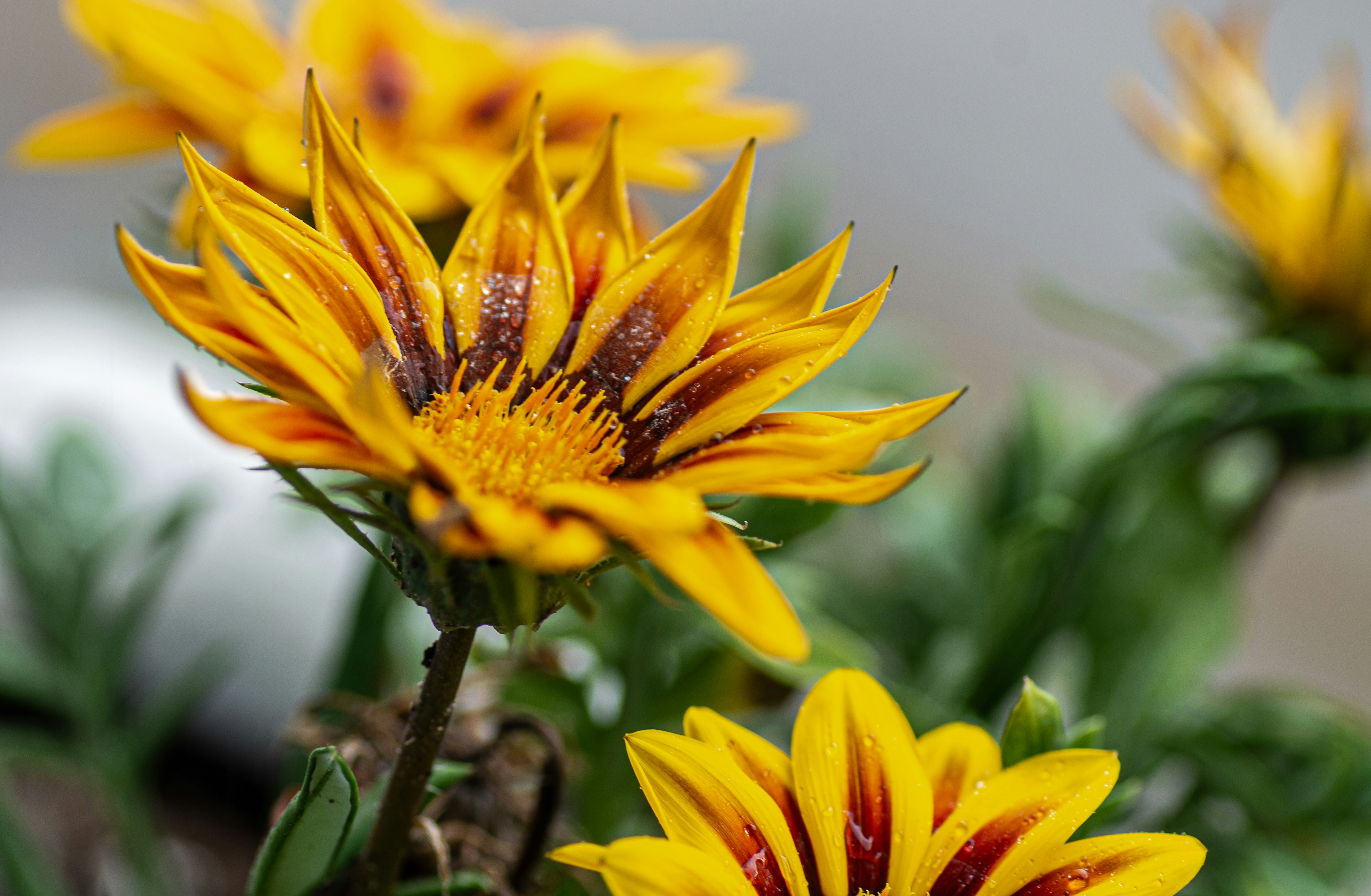
Flores Amarillas, or yellow flowers, are associated with a September 21 gifting tradition in some Spanish-speaking communities. Reporting on the tradition describes florists using the date in promotions and social content, making it a useful seasonal moment to review the information on your own website. Infobae and TV4 Noticias describe the tradition and its use in florist promotions.
That does not mean every customer observes the date, or that it will automatically bring more website visits, inquiries, or orders to your shop. But if you plan to mention Flores Amarillas in a promotion, your website should make the practical details easy to find: what is available, where you deliver, when customers need to order, and how to reach you with a request.
Use this checklist to build or update a short seasonal landing page, homepage section, or featured collection before September 21.
Table of contents
- 1. Decide what you are actually offering
- 2. Add a Spanish-friendly landing section
- 3. Show featured yellow-flower options
- 4. Set expectations about substitutions and availability
- 5. Publish delivery zones, pickup details, and cutoffs
- 6. Give customers one clear ordering path
- 7. Improve the inquiry form for flower orders
- 8. Confirm what happens after someone contacts you
- 9. Prepare your team for possible last-minute requests
- 10. Check the page on a phone
1. Decide what you are actually offering
Do not publish a broad “Flores Amarillas available now” message until you have confirmed what your shop can provide.
Before writing page copy, decide:
- Which yellow flowers you expect to use
- Whether you will sell a fixed arrangement, a few size options, or custom designs
- Whether you can accept same-day requests
- Whether delivery, pickup, or both are available
- Which dates and time windows you can serve
- Whether your usual service area will change
- Whether a customer can order online or must request a quote
This is not just an inventory exercise. The answers determine the right call to action.
For example, a florist with three ready-to-order designs can use buttons such as “Order for delivery” or “Reserve for pickup.” A shop creating arrangements based on current stock may need “Request a custom yellow bouquet” instead.
If you have a minimum order, a delivery fee, or a limited number of delivery slots, make that information visible before the customer starts a form or calls. Clear service details reduce avoidable back-and-forth. For a broader guide to presenting areas served, see Local Business Website Service Areas: What to Include Without Creating Confusion.
2. Add a Spanish-friendly landing section
A full bilingual website is not required for every florist. But if you are promoting Flores Amarillas to customers who may prefer Spanish, a concise Spanish-friendly section can make the offer easier to understand.
Place it in one of these locations:
- A seasonal section near the top of your homepage
- A dedicated Flores Amarillas page linked from your homepage
- A featured collection page in your online shop
- A temporary announcement bar linking to the relevant page
Keep the message practical. It should identify the offer, date, fulfillment options, and next step.
A simple structure could include:
Flores Amarillas para el 21 de septiembre
Consulta nuestros arreglos disponibles, opciones de entrega y recogida, y fechas límite para ordenar.
Then add buttons that match your actual process, such as:
- Ver arreglos disponibles
- Solicitar un ramo personalizado
- Consultar entrega
- Llamar a la florería
Have a fluent Spanish speaker review any customer-facing copy before publishing. Regional wording and the meaning customers attach to the tradition can vary, so avoid presenting one version of the custom as universal.
3. Show featured yellow-flower options
A customer who lands on a seasonal page should not have to guess what “yellow flowers” means at your shop.
Feature a small number of real options, such as:
- A petite yellow bouquet
- A standard yellow-flower arrangement
- A premium arrangement
- A wrapped bouquet for pickup
- A custom design request
For each option, include:
- A current photo, if available
- The arrangement name or a plain-language description
- A starting price or a clear “request a quote” route
- Whether it is available for delivery, pickup, or both
- Any ordering cutoff that applies
Do not use photos that imply a specific flower variety or abundant stem count if you cannot reliably supply it. If each arrangement will vary, say so near the product description rather than hiding the limitation in a distant policy page.
A useful note might read:
Designs are created with seasonal yellow flowers available at the time of your order. Flower varieties may vary while the overall color palette and style are maintained.
Only publish that statement if it reflects your real substitution practice.
4. Set expectations about substitutions and availability
September 21 promotions can encourage customers to request a particular color, flower, delivery time, or presentation style. A short availability note can help your shop set expectations before an inquiry arrives.
Your page should answer:
- Are arrangements made with a specific flower or a yellow color palette?
- Can customers request a preferred flower variety?
- What happens if a requested flower is unavailable?
- Are certain designs limited in quantity?
- Is a deposit required for custom work?
- When will the customer receive confirmation?
Avoid vague urgency such as “Order before it’s too late” unless you can name the actual cutoff. Better language is specific:
Delivery requests for September 21 are accepted through [date and time], subject to available delivery capacity.
Review that line whenever capacity changes. A dated update is more useful than a seasonal page left online with last year’s deadlines.
5. Publish delivery zones, pickup details, and cutoffs
Delivery questions are often the most time-sensitive part of a florist promotion. Put the answer on the promotion page itself, not only in the footer.
Include:
- Cities, neighborhoods, ZIP codes, or other clearly defined delivery zones
- Delivery fees, if you publish them
- Delivery-date availability
- Delivery time-window expectations, if you offer them
- The final time to place an order for delivery
- Store address and pickup hours
- Pickup instructions, including where customers should check in if relevant
- A phone number for questions that cannot wait
If your delivery area is limited on September 21, say that plainly. A smaller, accurate service area is better than accepting a request you cannot fulfill.
Also ensure that your Google Business Profile, social bio links, and homepage point customers to the same current details. Your website and Google Business Profile work best when they reinforce one another; see Google Business Profile and Your Website: How They Work Together to Get You Found.
6. Give customers one clear ordering path
A seasonal page can become confusing when it includes several equally prominent options: call, email, DM, browse, request a quote, and visit the store. Choose one primary action based on how you fulfill orders.
Use an order button when customers can select and pay for defined arrangements online.
Use a quote-request form when pricing depends on flower availability, design preferences, or delivery details.
Use a call button when your shop needs to confirm short-notice availability personally.
You can still provide secondary contact options, but make the main route visually obvious. For example:
- Primary button: “Request a September 21 bouquet”
- Secondary link: “Call for same-day availability”
The button should lead to the right place, not a generic contact page with no context. If customers need to request a specific service, your page should prepare them for that request. What to Include on a Local Business Service Page Before Customers Request a Quote offers a useful framework for making that next step clearer.
7. Improve the inquiry form for flower orders
A generic “Name, email, message” form may leave your team chasing basic details. Add only the fields needed to determine whether you can fulfill the request.
For a Flores Amarillas inquiry, consider asking for:
- Name
- Phone number
- Email address
- Preferred contact method
- Delivery or pickup
- Requested date
- Preferred delivery time window, if applicable
- Delivery address or ZIP code
- Arrangement size or budget range
- Color or flower preferences
- Card-message request
- Special delivery notes
Do not ask for sensitive information you do not need to fulfill the order. A shorter form can be easier to complete, but it still needs enough detail to let your team check availability quickly. Review Local Business Website Lead Form Privacy Checklist: What to Review Before Publishing before adding fields.
8. Confirm what happens after someone contacts you
The form confirmation message should not overpromise an order is secured when it is only a request.
Use language that matches your process. For example:
Thanks for your Flores Amarillas request. We’ll review your requested date, delivery area, and flower preferences, then contact you to confirm availability and next steps.
If the inquiry comes outside business hours, state when a reply can reasonably be expected. Do not promise an immediate response unless your team can provide one.
A confirmation email can repeat the submitted details and provide a phone number for changes. This helps customers catch an incorrect delivery date or address before your team begins preparing the order.
9. Prepare your team for possible last-minute requests
No outside source can tell you whether your individual shop will receive more inquiries for this date. Still, if you promote Flores Amarillas, it is sensible to prepare for possible short-notice questions.
Create a simple internal response sheet covering:
- Available arrangements and current prices
- Remaining delivery capacity
- Pickup hours
- Approved substitution language
- The ordering deadline
- The person responsible for checking form submissions
- The person responsible for updating the website when availability changes
Write two or three response templates in advance. One might address an available request; another can explain that a delivery zone or time slot is no longer available while offering pickup or the next available date.
For additional guidance on handling submissions outside normal hours, read How Local Businesses Should Handle Website Leads That Arrive After Hours.
10. Check the page on a phone
Many customers will encounter a social post or shared link on a phone, then decide whether to contact your shop. Before publishing, test the page on a mobile device.
Verify that:
- The seasonal offer appears without excessive scrolling
- Buttons are easy to tap
- Phone links open the dialer correctly
- The form is manageable on a small screen
- Arrangement photos load clearly
- Delivery and pickup details are readable
- The ordering cutoff is visible near the call to action
- Confirmation messages display correctly after form submission
A mobile-first review matters for every local business website, not only seasonal promotions. See Why Your Local Business Website Has to Work on a Phone First.
A final pre-publish checklist
Before you share the page in social posts, email, or your Google Business Profile, confirm that every detail is current:
- [ ] The Flores Amarillas offer reflects real inventory and capacity
- [ ] Spanish copy has been reviewed by a fluent speaker
- [ ] Arrangement photos and descriptions match what you can provide
- [ ] Pricing, starting prices, or quote instructions are clear
- [ ] Delivery zones and fees are current
- [ ] September 21 delivery and pickup cutoffs are visible
- [ ] Substitution language reflects your actual policy
- [ ] The form collects the details your team needs
- [ ] The confirmation message does not imply an unconfirmed order is booked
- [ ] A staff member knows who will monitor and respond to requests
- [ ] The page works on a phone
A timely Flores Amarillas page will not guarantee orders. It can, however, help customers understand your offer and give your shop a more organized way to handle requests if interest rises.
Need help keeping seasonal updates off your to-do list?
StoopCraft builds websites for local businesses and includes on-page SEO as part of its $69/month website service. If you want a done-for-you website that makes seasonal offers, service areas, and inquiry paths easier to keep current, visit StoopCraft.