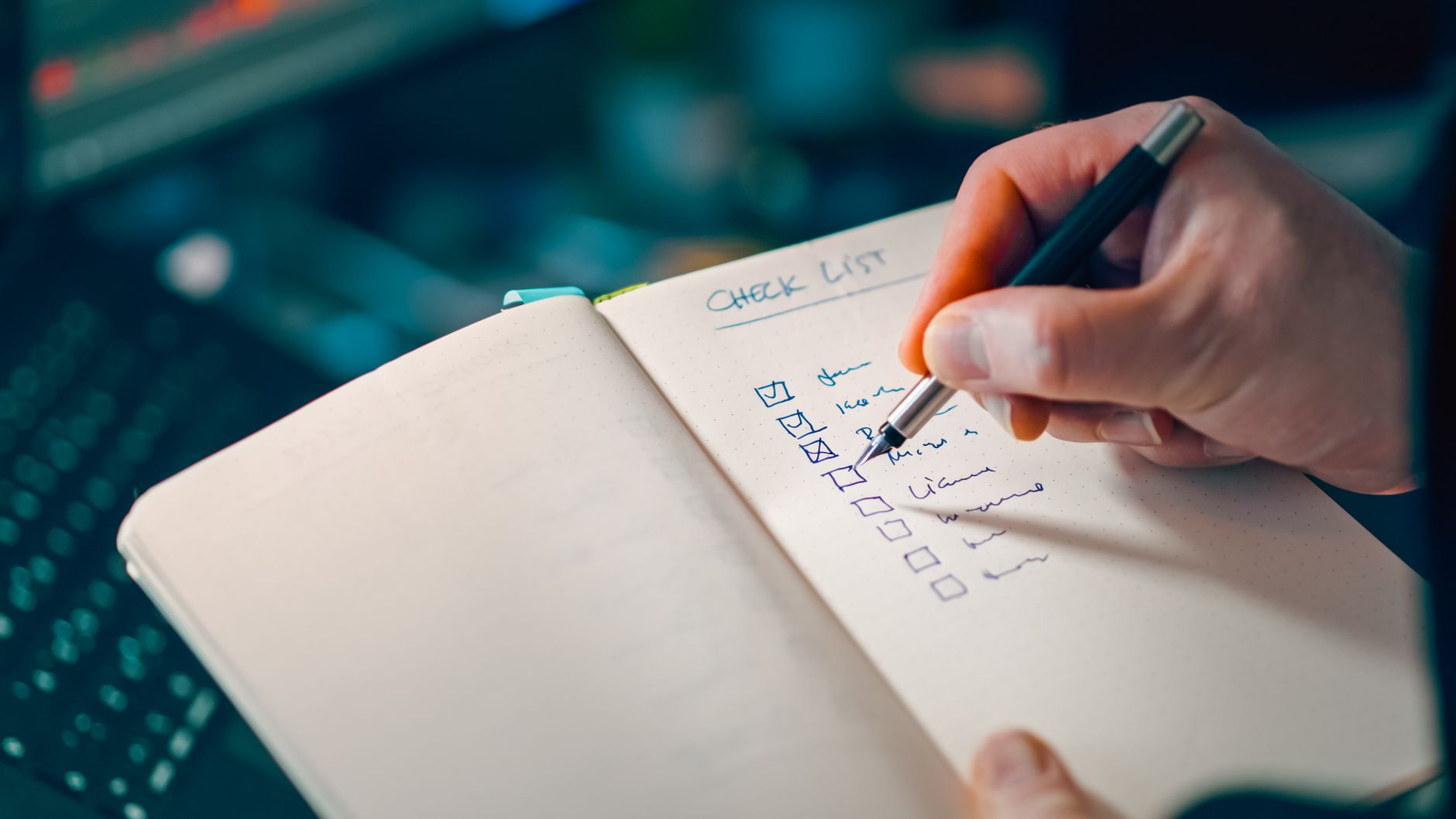
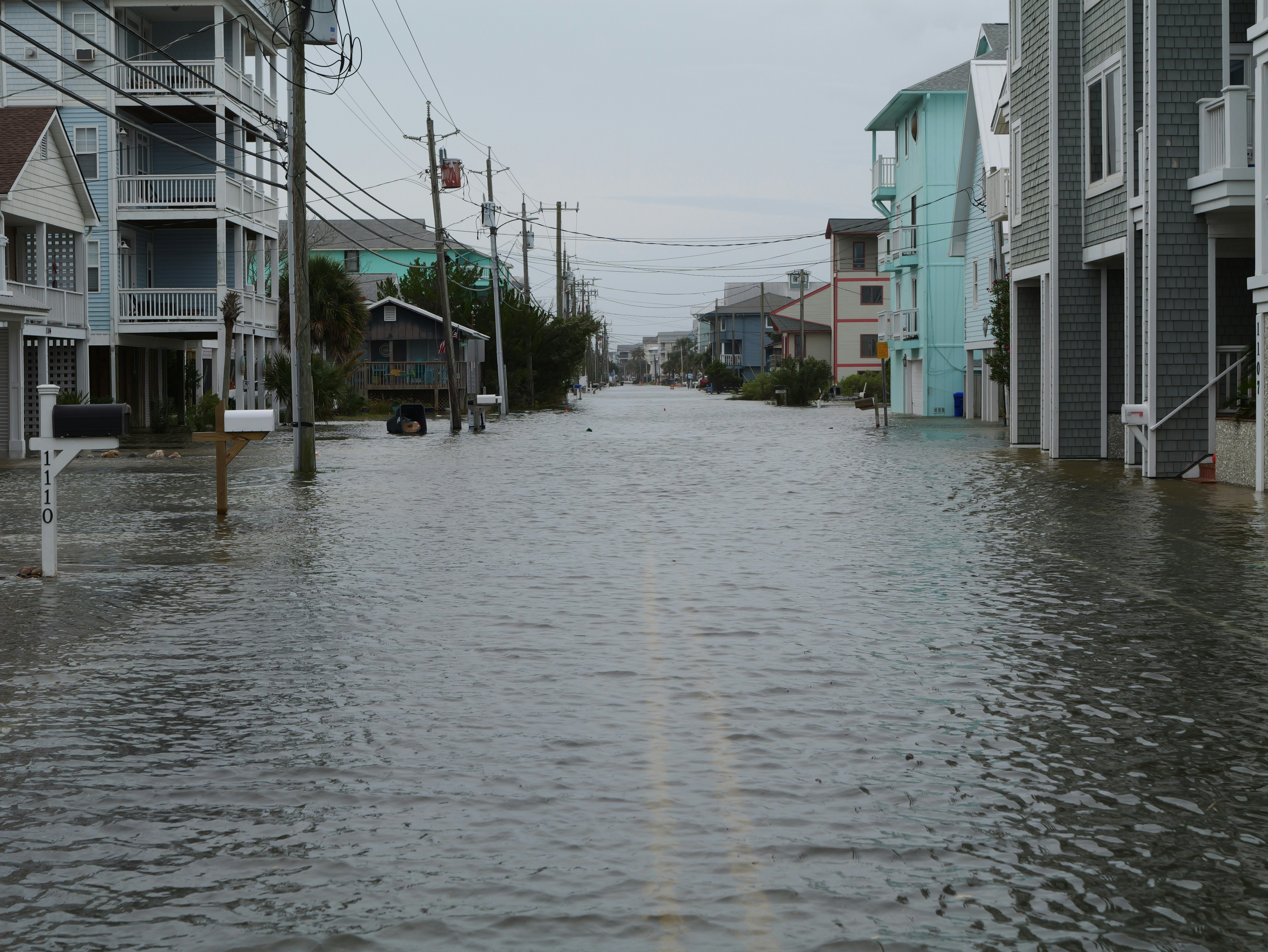
Chicago Local Business Website Checklist for Mexican Independence Day Road Closures
A practical website checklist for Chicago businesses preparing for possible Mexican Independence Day road closures and traffic disruptions.
Prepare your website for possible access changes
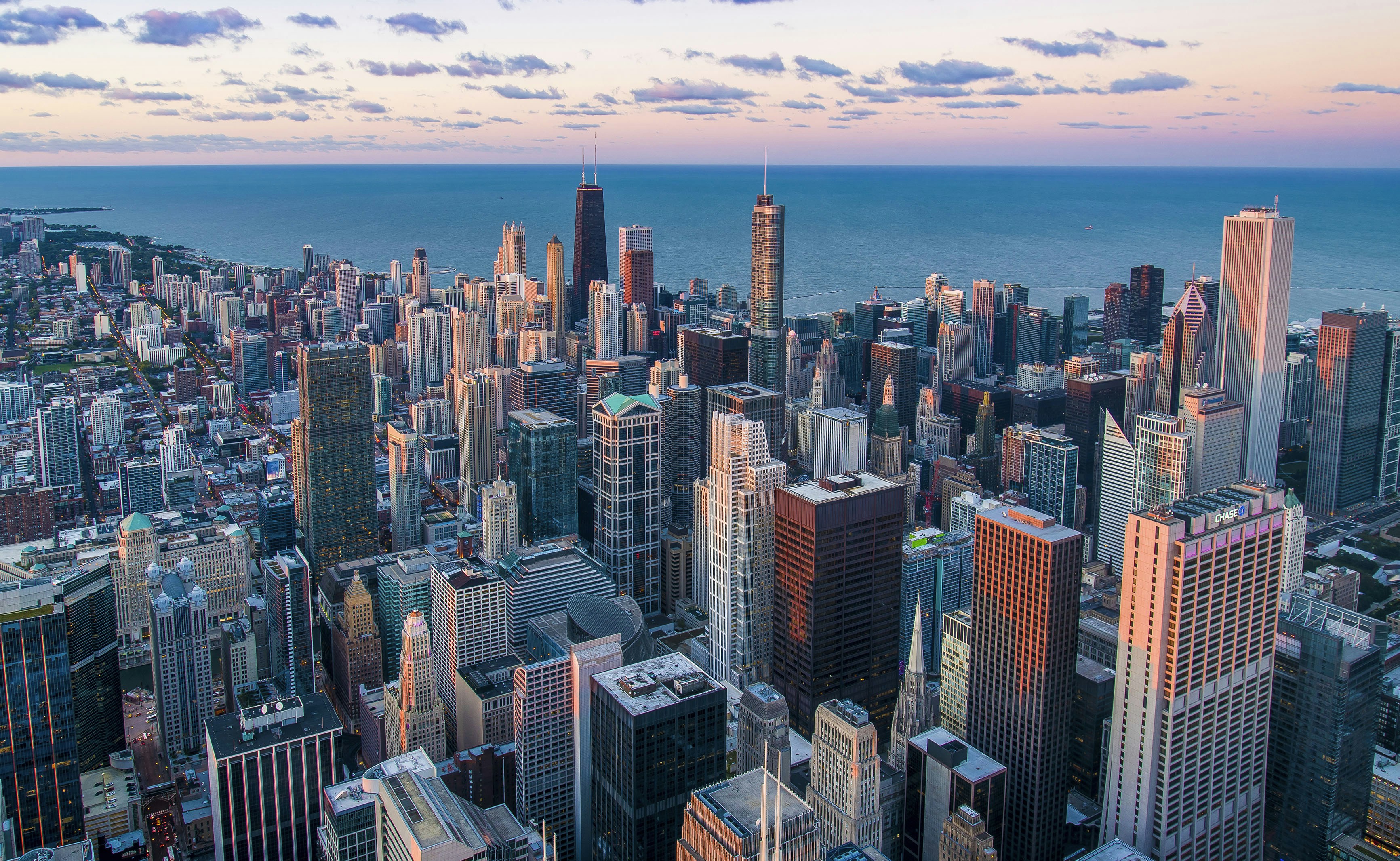
Mexican Independence Day events and other overlapping weekend activity may bring possible downtown Chicago road closures and traffic disruptions, according to Block Club Chicago and CBS News Chicago.
That does not mean every Chicago business will close, lose appointments, or receive more website inquiries. But if your location, deliveries, appointments, parking, or customer travel routes could be affected, your website should make the current plan easy to find before someone heads out.
The goal is simple: publish only verified temporary information, place it where customers will see it, and give visitors a clear next step if their plans need to change.
In this checklist
- Verify what applies to your location
- Add a temporary access notice to the right pages
- Clarify hours, appointments, deliveries, and pickup
- Update contact and booking instructions
- Prepare answers for common traffic-related questions
- Remove the notice when conditions return to normal
Start with verified local information
Do not publish a generic “road closures may affect us” message without checking whether it actually applies to your business.
Before changing your website, confirm:
- The relevant event dates and expected time windows
- Whether the reported possible closures affect streets near your location
- Your actual business hours during the affected period
- Whether customers can still enter your building or storefront
- Available parking, pickup, delivery, or appointment options
- Any changes your delivery platform, building manager, landlord, venue, or service team has confirmed
The cited local reporting describes possible downtown closures and traffic effects. It does not establish that a particular business is inaccessible. Avoid stating that customers cannot reach you unless you have confirmed that fact.
If you link customers to closure maps, parking details, transit alerts, or public-safety information, link to the relevant official source rather than summarizing details you cannot keep current.
Add a clear temporary notice where customers make decisions
A temporary notice should be prominent without taking over the entire site. A small banner near the top of the website, combined with a message on the most relevant page, is usually more useful than burying an update in a blog post.
For many businesses, the most important pages are:
- The homepage
- Location or contact page
- Booking or appointment page
- Online ordering, delivery, or pickup page
- Event page
- Individual service pages for visits scheduled downtown
Use a notice that says what has changed, when it applies, and what the customer should do next.
Sample website notice
Temporary access update: Possible downtown road closures and heavier traffic may affect travel near our location during Mexican Independence Day weekend. Please allow extra travel time before your visit. Our current hours are listed below. For appointment, pickup, or access questions, call us at [phone number] before leaving.
Only include a date range if you have verified it. If you are still confirming details, make that clear:
We are monitoring possible downtown traffic and closure impacts. Please check this page before your visit for the latest confirmed business information.
Do not change permanent hours in your sitewide footer or standard business-hours fields for a short-lived event. Use a dated temporary notice instead. That makes it easier to remove and reduces the chance that outdated hours remain visible after the weekend.
Update the information customers need before leaving home
Road closure concerns are usually practical. A visitor wants to know whether they should keep an appointment, where to park, whether delivery is available, or whether they should call first.
Your update should answer the questions most likely to apply to your business type.
Restaurants, cafés, and bars
Publish confirmed information about:
- Dine-in hours
- Reservations and walk-in availability
- Pickup entrance or pickup procedures
- Delivery availability and any confirmed limitations
- Whether customers should allow additional travel time
- Any event-specific menu, private event, or reservation policy changes
If your usual pickup entrance remains open, say so. If you do not know whether it will remain accessible, do not promise it will.
Retail stores, salons, spas, and fitness studios
Focus on:
- Open hours
- Appointment confirmation or rescheduling instructions
- Whether late arrivals should contact the business
- Building-entry instructions, if applicable
- Confirmed parking alternatives or transit guidance
- The best number to call before traveling
For appointment-based businesses, a temporary message on the booking page can prevent a customer from assuming the normal arrival process applies.
Home-service and professional-service businesses
Your customers may not be visiting your office, but traffic can still affect technician arrival windows, onsite consultations, deliveries, and staff travel.
Update your website if you have confirmed changes to:
- Appointment windows
- Service-area availability
- Delivery timing
- Office visit availability
- The process for rescheduling a consultation
Avoid broad claims such as “all appointments will be delayed.” A more accurate message is: “Downtown traffic conditions may affect travel times. If your appointment requires a schedule change, we will contact you using the information on your booking.”
Venues, event businesses, and nearby attractions
If you host an event, customers need a dedicated arrival plan. Include:
- The confirmed entrance guests should use
- When doors open
- Whether guests should allow extra travel time
- Your event contact method for day-of questions
- A link to verified official transportation or closure information, when relevant
Keep event logistics on the event page itself. Do not assume visitors will find the answer on a general contact page.
Make contact and booking instructions specific
A “Contact us” button is not enough when someone is deciding whether to leave for an appointment in the next hour.
Add a short instruction next to your phone number, form, booking tool, or online order link. For example:
- “For today’s access or arrival questions, call us before traveling.”
- “Need to adjust an appointment? Use the rescheduling link in your confirmation email or call our front desk.”
- “For pickup access questions, call when you are nearby.”
- “If traffic affects your arrival, contact us as soon as possible.”
Make sure the phone number is tap-to-call on mobile. Customers checking a road closure or route update are likely doing so from a phone, which is why a mobile-first website experience matters especially during a fast-changing local event.
If you use a contact form, add an optional dropdown such as:
- Appointment question
- Pickup or delivery question
- Location access question
- Rescheduling request
- Other
This does not guarantee faster replies, but it can help your team identify traffic-related messages and route them to the right person.
Create a simple response process before questions arrive
The local reporting does not show that individual Chicago businesses will experience a surge in inquiries. Still, businesses that may be affected should prepare for possible questions about access, arrival times, and availability.
Choose one person to own the temporary update and create a short internal process:
- Name the source of truth. Decide where your team checks confirmed closure, transit, building, and operating updates.
- Set review times. Review your website notice before opening, before major service periods, and when confirmed conditions change.
- Use one approved response. Give staff a short message they can use by phone, email, and contact form.
- Document confirmed changes. If hours, pickup procedures, or appointments change, update the website before publishing different wording on social media.
- Remove outdated messages promptly. Once the affected period ends, take down the banner and temporary booking language.
Short response template for customer questions
Thanks for checking with us. We are currently [open / operating on our regular schedule / operating with the following temporary change: ___]. Downtown traffic or possible closures may affect travel times near our location. Please allow extra time and contact us at [phone number] if you need help with your appointment, pickup, or visit.
Replace the bracketed details only with information your business has confirmed.
For businesses that receive messages after closing, review your after-hours lead response process so customers know when to expect a reply without being promised immediate assistance.
Keep your website, Google Business Profile, and customer messages aligned
Customers may find your business through Google Maps, a branded search, a booking link, or a social post—not necessarily your homepage.
Use the same confirmed temporary information across the channels you control:
- Website notice
- Google Business Profile updates, where appropriate
- Booking confirmation emails
- Reservation or order confirmations
- Social media posts
- Staff phone scripts
Your website should remain the detailed reference point. A short Google or social update can direct customers there: “See our website for the latest confirmed visit, appointment, and pickup information.”
If your Google Business Profile lists different hours or contact information than your website, fix that before adding an event notice. Read how Google Business Profile and your website work together for a practical overview.
Avoid these common temporary-update mistakes
Publishing unverified road details
Do not copy a closure list from social media or rely on a prior year’s event plan. Link to verified official information when customers need route or public-safety guidance.
Saying “we’re closed” when you mean “plan extra time”
A traffic disruption and a closure are not the same thing. State your actual operating status clearly.
Hiding the update in a blog post
A post can provide context, but customers deciding whether to visit need the notice on the page where they view your hours, book, order, or get directions.
Changing permanent business information
Do not overwrite your standard hours, parking page, or service-area copy for a temporary situation. Add dated temporary language that can be removed.
Forgetting to update the booking path
If a visitor can book online, make sure the booking page, confirmation email, and reminder message do not conflict with your temporary arrival instructions.
Leaving the notice live after the event
An outdated traffic notice can cause unnecessary uncertainty. Put a calendar reminder in place to review and remove it.
Final pre-event website checklist
Before the affected weekend, confirm that you have completed the following:
- [ ] Verified whether possible closures or traffic conditions apply near your business
- [ ] Confirmed actual temporary hours, if any
- [ ] Added a dated notice to your homepage and relevant customer-decision pages
- [ ] Explained confirmed parking, entrance, pickup, delivery, or appointment changes
- [ ] Made your contact number easy to tap on a phone
- [ ] Added clear instructions for rescheduling or access questions
- [ ] Checked that your website, Google Business Profile, booking tool, and staff messages match
- [ ] Assigned someone to review updates as conditions change
- [ ] Scheduled removal of the temporary notice after the event
A short website update can prevent avoidable uncertainty
Possible Mexican Independence Day road closures and downtown traffic disruptions do not require every Chicago business to overhaul its website. They do create a reason to check whether customers can find accurate, current information before they travel.
A clear temporary notice, verified operating details, and a simple contact path can help customers understand what to expect if their route, timing, pickup, delivery, or appointment may be affected.
If you would rather not manage website updates yourself, StoopCraft builds websites for local businesses and includes on-page SEO as part of its $69/month service. Visit StoopCraft to learn more.