First Snow Website Checklist for Utah Snow Removal and Winter Service Businesses
A practical first-snow website checklist for Utah snow removal, plowing, de-icing, and winter-service businesses.
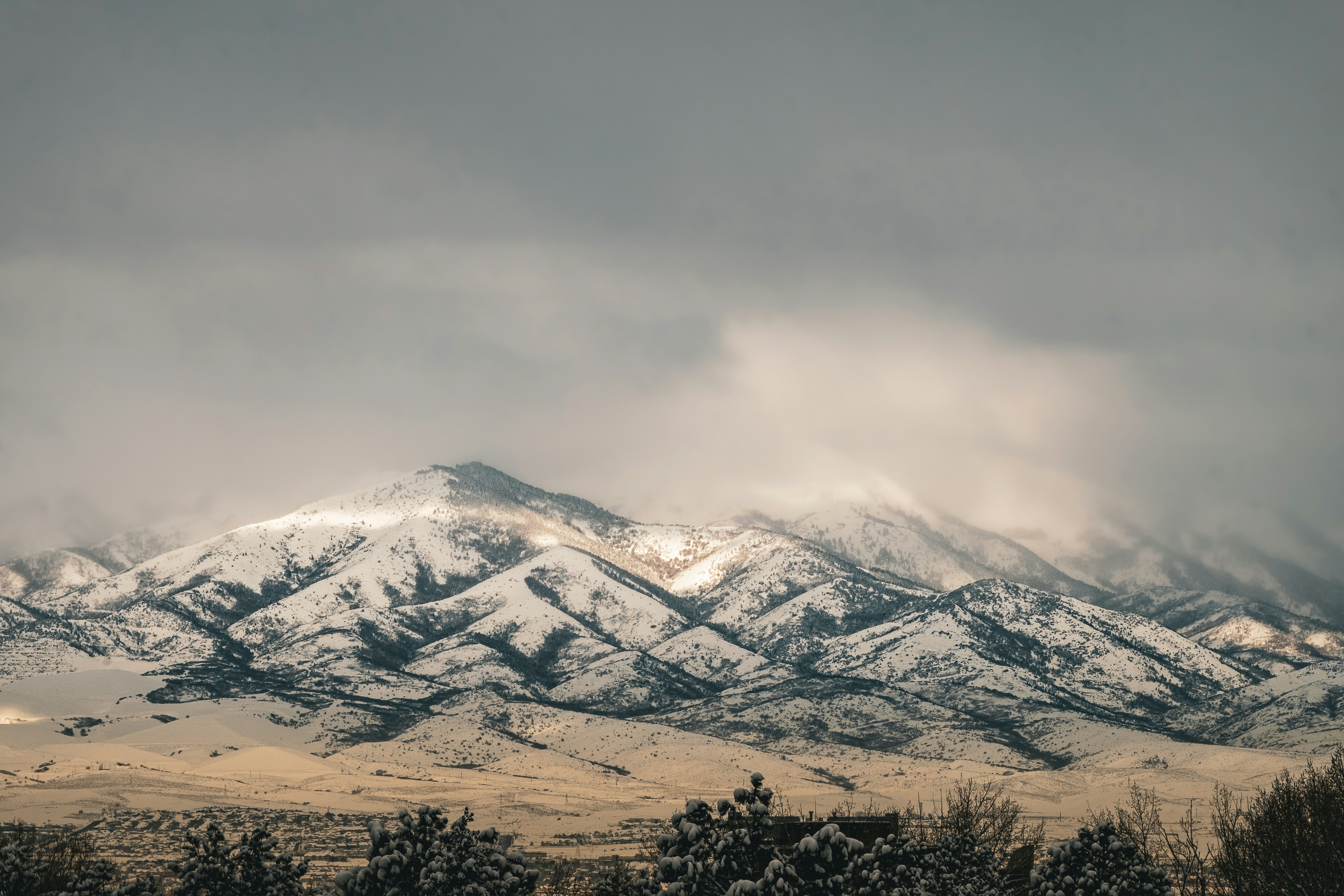
Get your snow-service website ready before the next Utah storm
Early-season snow has already reached Utah. Local reporting documented a first snow dusting in the Wasatch Back, while Utah resorts also saw early snowfall. KPCW and FOX 13 covered those conditions.
That snowfall does not prove that snow-removal businesses have received more website traffic or inquiries. But it is a useful prompt to review the information a property owner will need if they search for plowing, shoveling, de-icing, or other winter property services before the next storm.
A snow-service website should make a few points immediately clear:
- Where you work
- What services you provide
- Whether you serve residential, commercial, or both
- How customers can request service
- What information you need to evaluate a request
- What customers should expect after contacting you
The goal is not to promise immediate availability or a particular response time you cannot consistently deliver. It is to reduce avoidable confusion when weather-related inquiries may arrive close together.
In this checklist
- Confirm service areas and service boundaries
- Make plowing, shoveling, and de-icing services easy to find
- Clarify residential and commercial availability
- Explain minimums, pricing approach, and contract options
- Set realistic storm-response expectations
- Simplify quote and service-request forms
- Make your phone number visible on mobile
- Create an internal inquiry-priority process
- Review the site after publishing updates
1. Put Utah service areas where customers can find them quickly
A visitor should not need to submit a form just to learn whether you serve their neighborhood, city, or property type.
Place a concise service-area statement on your homepage and relevant service pages. For example:
Serving residential and commercial properties in [city or region list]. Contact us to confirm availability for your address.
Only name places you actually serve. A long list of cities can create the wrong expectation if crews do not travel there during a storm, if routes are limited, or if you only accept seasonal contracts in certain areas.
What to review
- Your main service area and any secondary areas
- The cities, neighborhoods, or communities you actively serve
- Areas that require address confirmation before you can accept a job
- Whether your service radius changes for one-time versus recurring work
- Whether commercial routes have different geographic limits than residential work
For a more detailed framework, see Local Business Website Service Areas: What to Include Without Creating Confusion.
Avoid vague wording
“Serving all of Utah” may attract requests your team cannot realistically handle. “Serving the Wasatch Front” can also be unclear if your crews only cover selected cities.
Specificity is more useful than a broad claim. If storm coverage depends on route capacity, say so plainly:
Service availability is based on location, route capacity, and the services requested.
That is more helpful than implying universal availability.
2. Give each winter service a clear description
A visitor searching during snowy weather may not know your terminology. They may search “driveway snow removal,” “parking lot plowing,” “sidewalk shoveling,” or “ice melt service” rather than the exact name you use internally.
Create or update clear service sections for the work you offer. Depending on your business, that may include:
- Driveway plowing
- Parking-lot plowing
- Sidewalk and walkway clearing
- Shoveling
- De-icing or ice-management services
- Snow hauling or relocation
- Roof snow removal
- Seasonal snow-service agreements
- One-time or per-visit service
Do not list a service just because customers commonly ask for it. If you do not provide roof snow removal, for example, say nothing about offering it rather than creating a page that implies you do.
Include the details that affect a request
For each service, explain practical basics such as:
- Who the service is for: homeowners, property managers, businesses, or HOAs
- The property types you work on
- Whether the service is recurring, one-time, or both
- Whether customers must request service before a storm
- What details you need to assess the job
- Any service boundaries or conditions that affect availability
Keep the copy focused on your actual business. Avoid generic winter safety claims or technical de-icing guidance unless your company has verified expertise and a reason to publish it.
For help shaping these pages around a customer’s decision process, read What to Include on a Local Business Service Page Before Customers Request a Quote.
3. Separate residential and commercial availability
Residential and commercial customers often need different information. A homeowner may want to know whether you can clear a driveway. A property manager may need to understand whether you service parking areas, pedestrian routes, multiple properties, or recurring contracts.
Do not make visitors guess which category applies to them.
For residential pages, clarify
- The types of properties you serve
- Whether you offer driveway, walkway, or other listed services
- Whether work is one-time, recurring, or seasonal
- Whether there is a service minimum
- How a homeowner should request an estimate or availability check
For commercial pages, clarify
- The types of commercial properties you serve
- Whether recurring agreements are available
- Which services are available for commercial properties
- What information a property manager should provide
- Whether a site assessment or address review is needed before quoting
If you serve both audiences, link to dedicated sections or pages from the homepage. A commercial property manager should not have to sort through homeowner-focused copy to find out whether you work with their property type.
4. Explain pricing without publishing unsupported promises
Snow-service pricing can depend on the property, route, service scope, snow conditions, contract terms, and other business-specific factors. If you do not publish fixed prices, you can still make your pricing approach less mysterious.
A useful pricing section can answer:
- Do you offer estimates, seasonal agreements, per-visit work, or another arrangement?
- Is there a minimum service charge or minimum property size?
- Is pricing based on the service requested, property details, or site review?
- Does a customer need to submit photos, an address, or property dimensions?
- When should commercial customers request a quote?
Do not add a “starting at” price unless it is current, accurate, and representative of the work you will accept at that price. A misleading low number can create more back-and-forth, not less.
A simple alternative is:
Pricing depends on your location, property layout, requested services, and current availability. Submit your address and service needs to request a quote.
If you have minimums, state them clearly. Customers are better able to self-qualify when they know that certain job sizes, locations, or service types may not fit your routes.
5. Set storm-response expectations you can keep
Snow-related requests can be time-sensitive from the customer’s perspective. Your website should explain the process without making promises your team may not be able to meet during active weather.
Consider adding a short “What happens next” section near your request form:
- Submit your address, service type, and property details.
- Our team reviews the request and confirms whether the property is within our service area and current availability.
- If the request is a fit, we will follow up with next steps or a quote.
Only add response windows, dispatch times, snowfall triggers, or completion expectations if they are established parts of your operation and you can maintain them. Avoid broad claims such as “always available,” “guaranteed same-day service,” or “we plow every storm” unless those statements are genuinely true for every applicable customer.
If schedules become limited, update your site rather than leaving an outdated open-for-business message in place. For broader guidance on service-status communication, see Severe Weather Website Communication Checklist for Local Businesses.
6. Make the request form useful during weather-driven inquiries
A short form is usually easier for an urgent visitor to complete, but a snow-service request still needs enough detail for your team to triage it.
A practical minimum form may ask for:
- Name
- Phone number
- Email address
- Service address
- Requested service
- Residential or commercial property
- A message field for useful details
You can make the service field a dropdown with only the services you actually provide. For example: plowing, shoveling, de-icing, seasonal service, commercial service, or “not sure.”
Ask only for information you will use
Avoid turning the first contact form into a full site-inspection questionnaire. If you need additional details, collect them after confirming that the request is within your service area and potentially workable.
At the same time, do not omit the service address. Without it, a team may have to spend valuable time confirming a location before it can evaluate the request.
For more form-design guidance, read Local Business Website Lead Form Fields: What to Ask and What to Leave Out.
7. Put the phone number where mobile visitors expect it
Someone looking for snow service may search from a phone, possibly while away from a desk. Make it easy to call without copying and pasting a number.
Check that your phone number is:
- Visible in the site header or near the main call to action
- Clickable on mobile devices
- Accurate on every relevant page
- Consistent with the number listed on your Google Business Profile
- Accompanied by clear instructions if calls are not monitored at all times
A primary button such as “Request Snow Service” can sit alongside a visible “Call [business name]” option. That gives visitors a choice without forcing every inquiry into the same channel.
Mobile usability matters here because small navigation issues can become bigger obstacles when someone is trying to submit an address quickly. Review Why Your Local Business Website Has to Work on a Phone First before the season becomes busier.
8. Create a simple process for incoming snow-service requests
Your website is only one part of readiness. If inquiries rise after additional snowfall, an internal process can help your team handle them consistently.
Use a shared intake process that records:
- Date and time received
- Contact information
- Service address
- Requested service
- Residential or commercial status
- Whether the address is in your service area
- Whether the request is an existing customer, seasonal client, or new inquiry
- Follow-up status and next action
Decide how your team will prioritize requests
Your priority order should reflect your real commitments and capacity. For example, a business may choose to review existing contract obligations before evaluating new one-time requests. Another may assign commercial estimate requests to a specific team member.
The important point is to define the process before the inbox becomes crowded. Do not promise a website visitor that their request will be prioritized unless that is your actual policy.
A simple internal label system can help:
- New request — needs service-area review
- Needs more property details
- Quote or availability follow-up needed
- Not currently serviceable
- Scheduled or accepted
That gives staff a consistent way to see what has happened and what still needs a response.
9. Test the full path from search to follow-up
Before you consider the checklist complete, act like a new customer.
From your phone, test whether you can:
- Find the services you offer.
- Confirm whether you serve your own test address or city.
- Tell whether the business serves residential or commercial properties.
- Find a phone number quickly.
- Submit a request form without confusion.
- Receive the form notification where your team expects it.
- Identify who owns the follow-up.
Also review your Google Business Profile. Its phone number, website link, hours, and service information should match the information on your website. The two should support the same customer journey, not create conflicting expectations. Learn more in Google Business Profile and Your Website: How They Work Together to Get You Found.
A short pre-season website review can reduce uncertainty
The early snow reported in the Wasatch Back and at Utah resorts does not establish that snow-service demand has increased. Still, it is a timely reason to check whether your website answers the questions customers may have if more winter weather leads them to look for help.
Start with the essentials:
- Accurate Utah service areas
- Clear descriptions of your actual services
- Separate residential and commercial guidance where needed
- Honest pricing and minimum information
- Realistic availability expectations
- A short, useful inquiry form
- A visible mobile phone number
- A documented follow-up process
The best version of this checklist is the one that reflects how your business actually operates when weather changes quickly.
Need help updating your local service website?
StoopCraft builds websites for local businesses and includes on-page SEO as part of its $99/month website service. If your snow-service site needs clearer service pages, easier inquiry paths, or a more mobile-friendly structure before winter weather brings possible new requests, explore StoopCraft.


