Tortuga Music Festival 2027: Website Checklist for Fort Lauderdale-Area Businesses
A practical website checklist for Fort Lauderdale-area businesses preparing for possible Tortuga Music Festival 2027 inquiries.
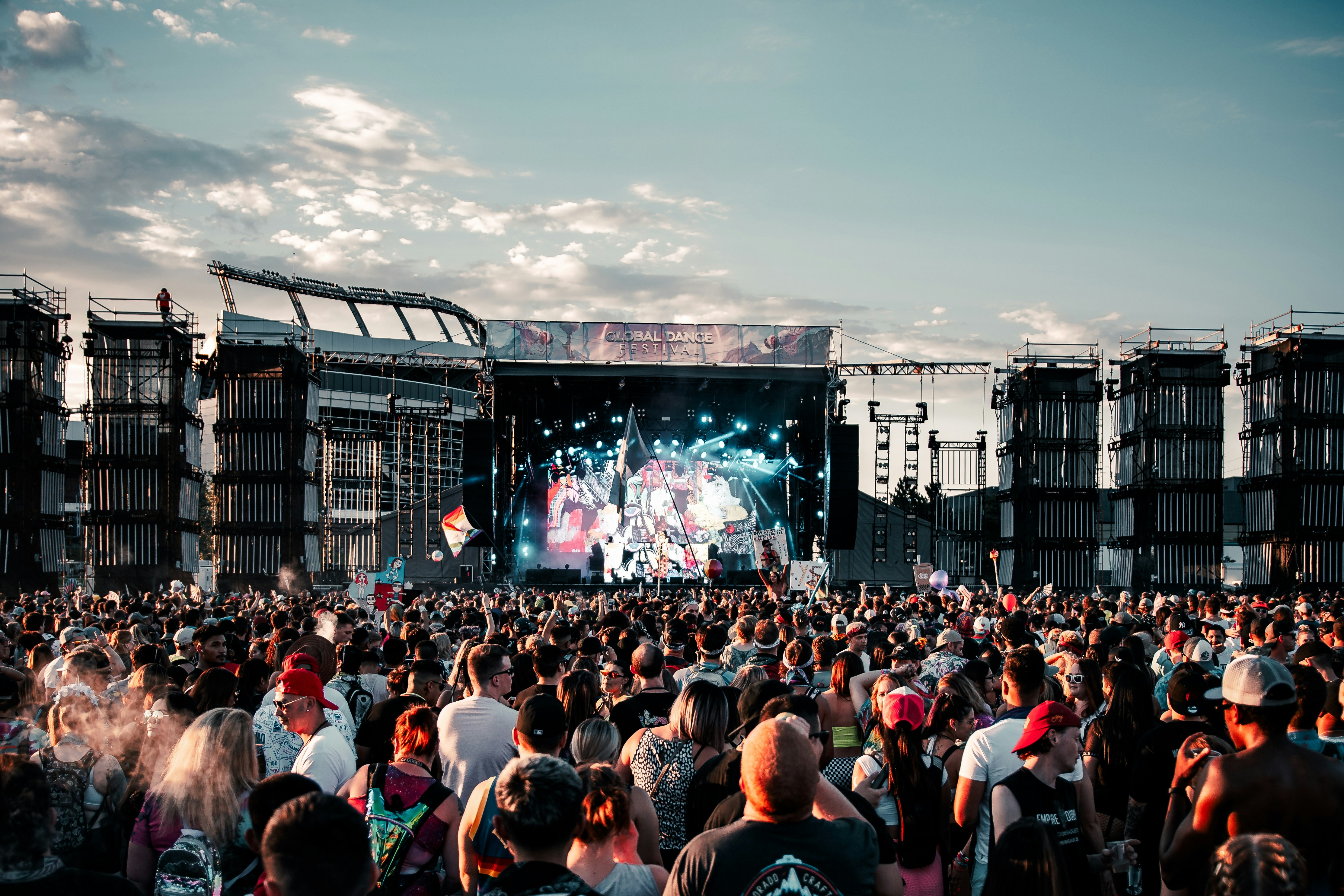
Prepare your website before festival-related questions begin
Tortuga Music Festival has announced a 2027 lineup that includes FGL, Eric Church, and Megan Moroney, according to Modern Luxury and Country Insider.
That announcement gives Fort Lauderdale-area restaurants, hotels, transportation providers, retailers, and service businesses an early reason to review the information visitors may look for before, during, or around the festival.
The lineup news does not prove that local searches, reservations, bookings, or inquiries will increase. But businesses that could serve visitors should prepare for the possibility that people may compare hours, routes, pickup options, availability, and policies on their phones before contacting anyone.
This is not about implying that your business is affiliated with Tortuga Music Festival. It is about making your own website clear enough for a visitor who is unfamiliar with the area and needs a quick answer.
In this checklist
- Create or update event-relevant service information
- Make your Fort Lauderdale-area location and service area easy to understand
- Confirm hours, availability, and booking instructions
- Clarify parking, pickup, delivery, and transportation details
- Review cancellation and change policies
- Test the mobile experience
- Prepare a simple process for changing website information if conditions shift
1. Publish only the event-related information you can support
Start with your normal customer questions—not a page full of festival keywords.
A restaurant may need to clarify whether it takes reservations, accepts walk-ins, offers takeout, or can accommodate larger parties. A hotel may need to explain parking, check-in timing, luggage storage availability if offered, and how guests should contact the property with questions. A transportation company may need to state its service area, booking process, pickup expectations, and vehicle or passenger limitations.
A retail business might simply need accurate store hours, a clear address, and information about in-store pickup.
Create a dedicated page only if you have enough useful, lasting information to warrant one. Otherwise, a short notice on a relevant location, service, booking, or contact page may be more useful.
Avoid unsupported claims such as:
- “The closest hotel to Tortuga”
- “Official festival transportation”
- “Guaranteed festival parking”
- “Festival shuttle service”
Do not use the festival’s name in a way that suggests sponsorship, partnership, or official status. If you mention it, keep the wording factual and customer-focused:
“Planning to be in the Fort Lauderdale area during Tortuga Music Festival weekend? Review our current hours, reservation options, and parking details before visiting.”
Before publishing any event-specific details, verify dates, venue information, transportation plans, and policies through official festival channels. The reported lineup announcement is not a complete source for operational event details.
2. Make your location and service area unmistakable
Visitors may know they are coming to the Fort Lauderdale area without knowing nearby neighborhoods, municipal boundaries, or travel times. Your site should answer the basic location question without forcing them to decode vague language like “conveniently located” or “serving South Florida.”
Include:
- Your full street address, if customers visit in person
- The city and neighborhood or district, where relevant
- A linked map or clear directions link
- Nearby landmarks you can accurately identify
- The cities or areas you serve, if you travel to customers
- Any service-area limits, fees, or minimums that apply
- Whether service is by appointment, walk-in, delivery, pickup, or on-site visit
For example, a transportation provider should not merely say “Fort Lauderdale service.” It should explain where pickups are available, whether advance booking is required, and what a customer should do if their requested location falls outside the usual area.
A mobile service business should be equally direct:
“We provide scheduled service in Fort Lauderdale, Las Olas, Wilton Manors, and nearby areas. Contact us before booking if you are staying outside these areas.”
For more guidance, see Local business website service areas: what to include without creating confusion.
3. Confirm hours and update every place customers may see them
During a major local event, inaccurate hours can create avoidable calls, frustrated visitors, and missed opportunities to serve customers who are ready to act.
Review the hours shown on:
- Your website header or footer
- Location pages
- Contact page
- Booking page
- Google Business Profile
- Reservation, ordering, or scheduling platform
- Social profiles, if you use them for customer updates
If you expect normal hours, say so. If you may extend, shorten, or alter them, do not publish speculative hours too early. Instead, add a clear note such as:
“Hours for the festival period will be updated here when confirmed.”
That is better than leaving old information in place or making promises your team cannot meet.
If your business has different hours for dining, retail, phone support, pickup, check-in, or appointments, distinguish them. A visitor should not have to call just to learn that the kitchen, front desk, and phone line operate on different schedules.
4. Remove friction from reservations, bookings, and quote requests
A visitor on a phone may make a decision in a minute or less. They should be able to tell what action to take next.
Review the main path for your business:
| Business type | Website information to confirm |
|---|---|
| Restaurant or bar | Reservation link, walk-in policy, party-size limits, takeout or delivery details |
| Hotel or lodging provider | Availability path, check-in instructions, parking information, contact method |
| Transportation provider | Booking requirements, pickup area, lead time, contact options |
| Retailer | Store hours, address, inventory caveats, pickup details |
| Appointment-based service | Appointment availability, service area, booking process, cancellation terms |
Put the action where the customer expects it: near the service description, at the top of a location page, and on mobile.
If you accept requests rather than instant reservations, set expectations. For example:
“Submit your requested date, time, and party size. We will confirm availability before your reservation is final.”
Do not label a request form “Book now” if it does not create a confirmed booking.
Keep forms brief. Ask only for the information needed to respond: name, contact method, requested service, date or time when relevant, and a concise message. The guide to local business website lead form fields can help you remove unnecessary questions.
5. Explain parking, pickup, delivery, and arrival details
For in-person businesses, the operational details often matter more than promotional copy.
Add a short, easy-to-find section covering the details you know:
- Where customers should park
- Whether parking is on-site, nearby, paid, limited, or unavailable
- Where pickup orders should be collected
- Whether curbside pickup is offered
- Which entrance guests should use
- Whether an appointment or reservation is needed before arrival
- Any accessibility information you can accurately provide
- The best phone number or contact method for arrival questions
Do not guess about road closures, official traffic controls, event parking, shuttle routes, or public transportation changes. Those details can change, and publishing incorrect instructions can make a difficult arrival worse.
Instead, explain your business’s own process and link customers to appropriate official sources only when you have verified those sources are current.
6. Put cancellation and change policies in plain language
Visitors planning a trip may need to change a reservation, appointment, order, or transportation request. Make your policy readable before they commit.
Your page should answer:
- Can a customer cancel or reschedule?
- How should they make the request?
- Is there a deadline?
- Are deposits, fees, credits, or refunds involved?
- What happens if the business must change operating hours or cannot provide a service?
- Where will updates be posted?
Do not bury the answer in a long terms page if it directly affects booking decisions. A short summary near the booking action, with a link to the full policy, is usually clearer.
If your existing policy is vague, now is a good time to improve it. How Kauai vacation rentals should update their websites after a hurricane offers broader guidance on making cancellation and no-show policies easier for customers to understand.
7. Test the website on a phone, not just a desktop computer
Festival visitors may search while traveling, waiting for a ride, standing in line, or making a last-minute plan. Your mobile site should make essential information available without pinching, zooming, or hunting through menus.
Check these tasks on an actual phone:
- Find your address and open directions.
- Find today’s hours.
- Call or message your business.
- Start a reservation, booking, order, or inquiry.
- Read parking or pickup instructions.
- Find the cancellation policy.
- Complete the contact form without difficulty.
Pay particular attention to buttons. A “Reserve,” “Book,” “Order,” or “Contact” button should be visible, work correctly, and lead to the intended destination.
If your site has a pop-up, test whether it blocks the details visitors need most. A discount pop-up is not helpful if it covers the address or booking button.
Read Why your local business website has to work on a phone first for a more complete mobile review.
8. Prepare an update process before you need one
The most useful pre-event preparation is often internal: decide who can update the website, who approves changes, and where the latest operating information comes from.
Create a simple update plan that identifies:
- The person responsible for checking hours, availability, and policies
- The person who can publish website changes
- The pages that must be updated first
- The matching platforms that need the same update
- The customer contact method to use if a booking or order cannot be fulfilled
- A date to remove temporary notices after the event period
A basic priority order is:
- Homepage notice or top-of-site banner, if a material change affects customers
- Hours and location page
- Booking, reservation, ordering, or contact page
- Google Business Profile and other customer-facing listings
- Confirmation emails or messages, if your system supports them
Keep temporary language dated. “Updated March 10” is more useful than “Important update,” especially when visitors are trying to decide whether the information is current.
If the event is canceled or your business must change plans, use the same approach: state what changed, explain what affected customers should do, and provide a direct contact option. See Major event canceled? Local business website and customer communication checklist.
A practical final review
Before festival-related planning picks up, confirm that your website can answer these questions:
- Where are you located, and how do customers reach you?
- What areas do you serve?
- What are your current hours?
- Do customers need a reservation, booking, appointment, or advance notice?
- How do pickup, parking, delivery, or arrival work?
- What happens if a customer needs to cancel or change plans?
- Is the information easy to find and use on a phone?
- Who updates the site if your operating conditions change?
The Tortuga Music Festival 2027 lineup announcement is a useful planning signal, not proof of a customer surge. The right goal is simple: if visitors do begin looking for local options, your website should give them accurate answers without creating confusion or making promises you cannot keep.
Need a local-business website that is easier to keep current?
StoopCraft builds websites for local businesses and includes on-page SEO as part of its $99/month service. If you want help creating clear service, location, booking, and contact pages before a busy local period, visit StoopCraft.


