State Fair of Texas 2026: Website and Lead-Response Checklist for Local Businesses
A practical website and lead-response checklist for Texas businesses serving visitors during the State Fair of Texas.
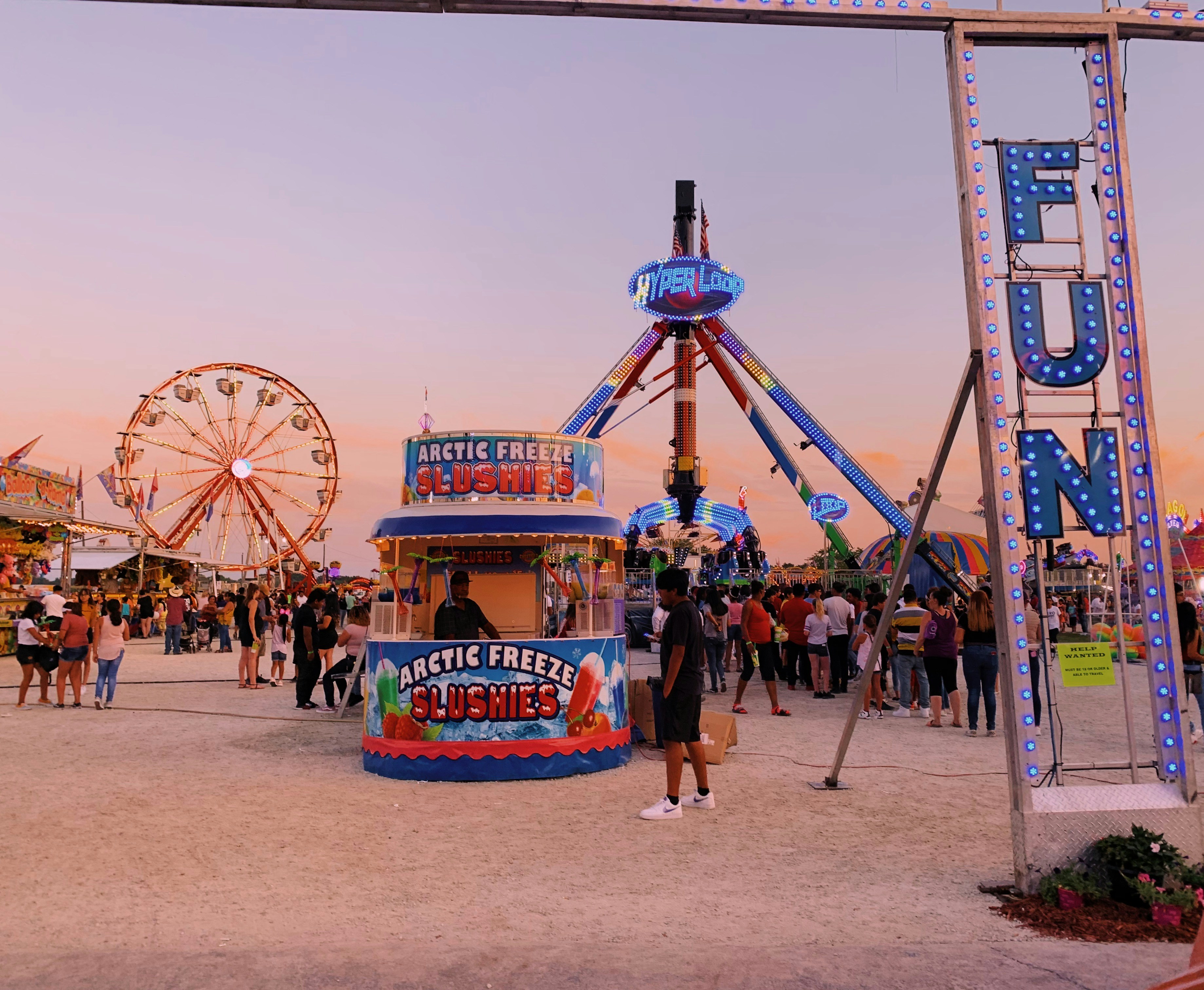
Prepare your website for fair-related customer questions
The State Fair of Texas draws substantial visitor interest, and current coverage has focused on helping attendees plan their visits and get more from the experience. That attention can change the questions nearby customers ask local restaurants, retailers, attractions, and service businesses.
The available sources do not establish that the fair will increase calls, bookings, website visits, or revenue for any particular business. Still, businesses that could be relevant to visitors should prepare for a possible increase in practical questions: Where are you located? Are you open? Can customers park nearby? Do you take reservations? Do you serve my area?
A useful response is not a separate “fair website.” It is a short-term review of the information customers need before they decide whether to contact or visit you.
Visitor-oriented coverage of the fair is a signal to check your own digital information, especially if your business is near Fair Park, along common visitor routes, or offers something people may look for before or after a fair visit. ESPN’s Red River guide and KETR’s visitor-focused fair coverage illustrate the kind of planning information attendees seek.
Table of contents
- Start with a relevance check
- Publish clear location and access details
- Review hours, availability, and reservations
- Explain offers without implying official affiliation
- Make every contact path easy to use
- Set up a simple lead-response plan
- Check mobile usability before visitors need it
- Use a short event-readiness checklist
Start with a relevance check
Not every Texas business needs to mention the State Fair of Texas. Adding event language where it does not help customers can create confusion and make a website feel dated once the event period passes.
Consider updating event-related website information if your business is one of the following:
- A restaurant, café, bar, bakery, or food retailer that may serve visitors before or after their fair visit
- A shop, attraction, museum, hotel, or entertainment venue within a practical travel distance
- A transportation, parking, delivery, luggage-storage, or similar convenience service
- A local service business that expects customers may ask whether travel conditions affect appointments or service areas
- A business with special hours, staffing limits, reservations, or pickup procedures during high-traffic days
For other businesses, the most valuable preparation may be less visible: confirm that your contact page, forms, service areas, and hours are correct. A customer who finds an outdated phone number or unclear service territory may leave without asking a question.
Do not present your business as affiliated with, endorsed by, or located inside the State Fair of Texas unless that relationship is true and verifiable.
Publish clear location and access details
During a major recurring event, “Where are you?” is not always a simple address question. Visitors may be unfamiliar with the area, navigating from a phone, or trying to decide whether your business is convenient enough to visit.
Your website should make the basics easy to find without requiring visitors to call.
Put your full address in more than one useful place
Include the business address in the site footer and on the contact page. If in-person visits matter, include it on the homepage or a location page as well.
A useful location section includes:
- Street address
- City, state, and ZIP code
- A map or clearly labeled map link
- Main phone number
- Normal business hours
- A brief arrival note when relevant
For example, a restaurant could write:
Located in East Dallas, about [accurate travel context] from Fair Park. See our map for the best route from your starting point.
Only use travel-time or route descriptions you have verified. Conditions can change, especially when event traffic, road work, or closures are involved.
Avoid vague phrases that force customers to guess
“Near the fair” may be meaningful marketing language, but it does not tell a visitor how to find you. Pair any general reference with concrete location information.
If parking is available, explain what customers should know:
- Whether it is on-site, shared, street-only, or unavailable
- Whether spaces are limited
- Whether customers should use a particular entrance
- Whether parking rules change at certain times
Do not publish parking, access, road closure, or transit details unless you have verified them. If you need to mention official event access information, link customers to the official event source rather than relying on copied details that may become outdated.
For a broader framework on setting accurate territory expectations, see Local Business Website Service Areas: What to Include Without Creating Confusion.
Review hours, availability, and reservations
Event periods can create unusual operating decisions. You may extend hours, pause walk-ins, offer limited menus, adjust delivery areas, or require bookings. If any of those changes apply, your website should say so before a customer starts a trip.
Update the pages customers actually use
Do not bury a time-sensitive update in one social post. Review:
- Homepage announcement area
- Contact page
- Location page
- Booking or reservation page
- Online ordering or pickup page
- Google Business Profile, if applicable
- Confirmation emails or booking confirmations
Your site and Google Business Profile should not tell customers different things. Learn how these channels support one another in Google Business Profile and Your Website: How They Work Together to Get You Found.
Be specific about availability
A vague note such as “Hours may vary” creates more calls and uncertainty. If you know a change will occur, publish the actual date, time, and customer action.
Examples:
- “Walk-ins are welcome during our normal hours, subject to table availability.”
- “Reservations are recommended for parties of six or more.”
- “Online pickup orders are available until 8 p.m.”
- “We are open for scheduled appointments only on [date].”
- “Our usual service area remains unchanged. Please include your ZIP code when requesting service.”
If you cannot confirm a schedule yet, do not make a promise. Instead, use language such as: “Please check this page before visiting for the latest confirmed hours.”
Do not turn normal capacity limits into surprises
A service business may have limited appointment availability. A retailer may be unable to hold merchandise. A restaurant may not be able to accommodate large groups. State those limits before the contact form or booking step.
Clear availability details can help customers choose the appropriate next step instead of submitting inquiries your team cannot fulfill.
Explain offers without implying official affiliation
A business may decide to run a visitor-focused promotion, fixed-price menu, bundle, extended pickup window, or other event-period offer. That can be useful, but it needs plain terms.
If you publish an offer, include:
- What the customer receives
- Start and end dates
- Any time-of-day limits
- Whether reservations, a code, or a minimum purchase is required
- Whether it applies to online orders, in-person visits, or both
- Any relevant availability limitation
Use your own business name. Avoid names, logos, imagery, or language that could suggest an official relationship with the State Fair of Texas.
A simple format is often enough:
Visitor-weekend dinner special: Available Friday through Sunday, 4–8 p.m., while supplies last. Dine-in only. This is an offer from [Business Name] and is not affiliated with the State Fair of Texas.
Only publish terms your team can consistently honor. A promotion that is unclear, expired, or unavailable when customers arrive creates more support work than it solves.
Make every contact path easy to use
Visitors may be on a phone, short on time, and uncertain about local logistics. A prominent contact option gives them a way to ask before they abandon the visit or booking process.
Put the right action near relevant information
A customer reading a location section may need directions. A customer reviewing a service area may need to confirm eligibility. A customer seeing limited availability may need to reserve.
Match the call to action to the task:
| Customer question | Useful website action |
|---|---|
| “Can I find you?” | Get directions |
| “Are you open?” | View today’s hours |
| “Can I book?” | Reserve a table or request an appointment |
| “Do you serve my location?” | Check service area or request service |
| “Can I ask a quick question?” | Call, text, or send an inquiry |
Avoid sending every visitor to a generic “Contact us” page when a direct action would answer their need faster.
Keep lead forms short
A form for event-period inquiries should capture enough context for a useful reply, not every detail you might eventually need.
For many local businesses, a practical first-contact form includes:
- Name
- Preferred contact method
- Phone number or email address
- What the customer needs
- Requested date or time, if relevant
- Location or ZIP code, if service area matters
A restaurant may ask for party size and preferred time. A home-service company may ask for ZIP code and service needed. A retailer may ask what product the customer is seeking.
For more guidance, read Local Business Lead Form Fields: What to Ask and What to Leave Out and 7 Contact Page Mistakes That Cost Local Businesses Leads.
Set up a simple lead-response plan
Website readiness does not end at publishing the information. If inquiries rise, a clear internal process helps your team respond consistently.
You do not need complicated automation. Start with an owner or staff member who knows:
- Who checks website form submissions
- How often submissions are checked during business hours
- Which questions can be answered immediately
- Which requests need approval or a callback
- What to do when requested times, inventory, or service areas are unavailable
- Who updates the website if a published detail changes
Create approved responses for repeat questions
Write short, reusable answers for questions you expect to receive. These should be accurate, easy to personalize, and consistent with the website.
For example:
Thanks for reaching out. Our current hours are listed at [link]. For the fastest route to our location, please use the map on our contact page. If you are planning to visit with a larger group, please call us before arriving so we can confirm availability.
For an appointment-based business:
Thanks for contacting us. Please send your ZIP code and preferred appointment time, and we’ll confirm whether we can serve your location and what availability we have.
Do not promise a reservation, delivery window, parking space, or appointment until it is confirmed.
Track questions that signal a website gap
Keep a simple list of repeated questions during the event period. If several customers ask the same thing, the answer may belong on the site.
Examples:
- “Where should we park?”
- “Are you open after the fair?”
- “Do you take same-day appointments?”
- “Can we bring a group?”
- “Do you deliver to our hotel?”
- “Which areas do you serve?”
This is a practical way to improve an event page or location page without guessing what visitors need. It also supports a more useful ongoing FAQ strategy; see How to Create a Local Business Website FAQ Page That Helps Customers Take the Next Step.
Check mobile usability before visitors need it
Fair attendees and nearby customers are likely to search from their phones. A desktop-only review can miss the details that make mobile visitors give up.
Test these items on an actual phone:
- Can you see today’s hours without pinching or zooming?
- Is the phone number tap-to-call?
- Does the map link open correctly?
- Is the primary button visible near the top of the page?
- Can customers complete the form without excessive typing?
- Are announcements readable and current?
- Does the reservation, ordering, or booking link work?
A useful local-business website should make the next action clear on a small screen. Read Why Your Local Business Website Has to Work on a Phone First for a more complete mobile review.
Use a short event-readiness checklist
Use this checklist before and during the fair period.
Before publishing or promoting event-related information
- [ ] Confirm that your business has a real reason to address fair visitors.
- [ ] Verify normal and special hours.
- [ ] Confirm your address, map link, phone number, and contact email.
- [ ] Review parking and arrival information for accuracy.
- [ ] Confirm reservation, pickup, ordering, appointment, or inventory policies.
- [ ] Check whether your service area or delivery area needs clarification.
- [ ] Write clear terms for any business-run offer.
- [ ] Remove language that could imply official event affiliation.
- [ ] Test every important page and contact path on mobile.
- [ ] Assign a person to monitor new inquiries.
During the event period
- [ ] Check the homepage, contact page, and booking links each day.
- [ ] Respond to inquiries using your approved process.
- [ ] Update time-sensitive information promptly when it changes.
- [ ] Note repeated customer questions.
- [ ] Do not publish unverified traffic, access, parking, or event details.
- [ ] Remove expired offers and time-sensitive notices when they end.
A website review is useful even when demand is uncertain
The State Fair of Texas may create a relevant window for nearby businesses to make their location, availability, and contact information easier to use. It does not guarantee a measurable increase in inquiries or sales.
The practical goal is simpler: if visitors or local customers look for your business during the event period, they should be able to understand where you are, what you offer, when you are available, and how to reach you without unnecessary back-and-forth.
StoopCraft builds done-for-you websites for local businesses and includes on-page SEO as part of its $99/month service. If you want help reviewing or updating the pages customers rely on most, visit StoopCraft.


