Space Coast Launch-Day Website Checklist for Hotels, Tours, and Local Businesses
A practical website checklist for Space Coast businesses preparing for Crew-13 launch-day schedule changes and visitor questions.
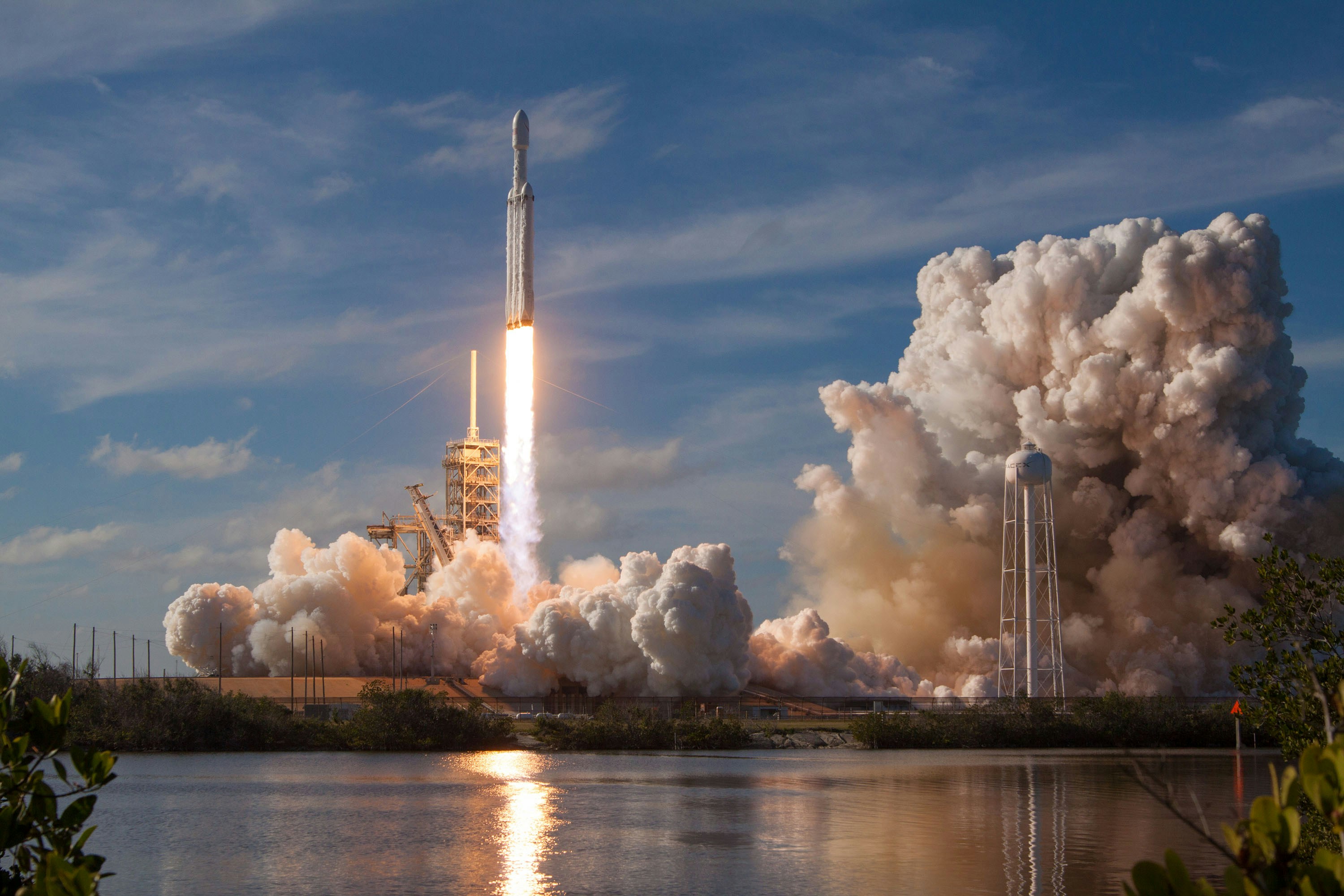
Prepare your website for launch-day questions
NASA has published an update for the planned SpaceX Crew-13 mission from Florida’s Space Coast. NASA identifies Crew-13 as a four-astronaut mission to the International Space Station, and local outlet WESH has also reported on the planned Florida launch. Check NASA’s Crew-13 update and WESH’s coverage for current context.
A launch can create local interest, but neither source establishes that it will increase bookings, walk-ins, website traffic, or inquiries for nearby businesses. Hotels, tours, restaurants, attractions, and service businesses should prepare for the possibility of more visitor questions—especially when plans, traffic, weather, or launch timing change.
The goal is not to turn your website into a launch-news site. It is to make sure people can quickly understand what your business is offering, whether normal service is available, and how to reach you.
Table of contents
- Start with a temporary launch-day notice
- Link to official launch information
- Clarify location, access, and viewing claims
- Review booking, cancellation, and weather language
- Confirm service availability
- Make directions easy on a phone
- Prepare for inquiries without overcollecting information
- Check the rest of your local presence
- Launch-day publishing checklist
Start with a temporary launch-day notice
A short, visible notice can prevent visitors from hunting through several pages for basic answers. Put it near the top of the homepage and on any pages likely to receive launch-related traffic, such as your booking, contact, tour, restaurant, or directions page.
Keep the notice factual and specific to your business.
A simple hotel example:
Planning to visit during the Crew-13 launch window? Our normal check-in and guest services are scheduled to operate as listed. Launch schedules and local travel conditions can change. Please review official NASA updates before making launch-viewing plans.
A tour operator example:
Our scheduled tours operate according to the availability shown during booking. Launch timing is subject to change, and launch viewing is not guaranteed. Contact us with questions about your reservation.
A restaurant or café example:
We are open during our posted hours. If you are visiting the Space Coast for launch activities, check current directions before leaving and allow extra travel time where appropriate.
Avoid vague copy such as “Don’t miss the launch!” unless your business is actually hosting a confirmed event. Also avoid publishing an unverified launch time, promising a view, or suggesting that your location provides guaranteed access.
Set a reminder to remove or revise the notice after the relevant launch window. An old event banner can confuse visitors and make routine information look outdated.
Link to official launch information
Launch schedules can change. Your website should not make a planned time sound final.
Instead of copying a time into a permanent page, link visitors to NASA’s official updates. If you mention Crew-13, describe it as planned and make the source easy to find.
Use language like:
Crew-13 launch information is subject to change. For the latest official mission and schedule updates, visit NASA.
Then link “NASA” to the relevant official page.
This protects visitors from relying on stale information and keeps your business focused on the details you control: your hours, reservations, meeting points, menu, access policies, and contact options.
If you operate a launch-related package or special offering, assign one person to verify every public reference before publishing. Check that the launch language on your homepage matches your booking page, confirmation emails, Google Business Profile updates, and social posts.
Clarify location, access, and viewing claims
A visitor may assume that any Space Coast hotel, waterfront restaurant, or tour is a launch-viewing location. Do not leave room for assumptions when the answer is more limited.
Use a dedicated section on the relevant page to answer these questions:
- Is your business a viewing location, or simply located in the Space Coast area?
- Do guests need a reservation to enter, park, dine, or participate?
- Is parking available at your business?
- Does parking apply only to customers or registered guests?
- Are there arrival-time recommendations?
- Is your address the actual meeting point for a tour?
- Are there accessibility considerations visitors should contact you about directly?
- Can conditions, access, or sightlines change?
If you do not offer launch viewing, say so plainly. For example:
We do not provide launch-viewing admission or reserved viewing areas. Guests should confirm official viewing and access information before making plans.
If your property may offer a view under some conditions, do not promise it:
Views may vary based on launch conditions, timing, location, weather, and access. We cannot guarantee visibility.
That language is more useful than a broad promotional claim because it gives visitors a realistic basis for planning.
Review booking, cancellation, and weather language
Launch-related visitors may have questions about changes to their own plans when a launch is delayed or rescheduled. Your website should make existing policies easy to find before a customer calls.
Review these pages and steps:
- Reservation or booking page: Link to the current cancellation, refund, rescheduling, deposit, and no-show terms.
- Confirmation email: Make sure it repeats the key policy link and shows a direct contact method for reservation questions.
- Package or event page: State what happens to the business’s own service if a launch changes—not what NASA or other event organizers will do.
- Weather page or FAQ content: Explain only policies you actually offer. Do not imply weather-related flexibility if it is not available.
For example, a tour business could write:
Our reservation policies apply to all bookings, including bookings made around planned launches. Please review your confirmation details or contact us with questions about an existing reservation.
A hotel may instead direct people to the booking terms attached to their selected rate. A restaurant may simply need to clarify whether large-party reservations are required and how long the table will be held.
For broader help making policy information easy to find, see How Kauai vacation rentals should update their websites after a hurricane.
Confirm service availability
Visitors do not only need launch information. They need to know whether your normal business operations are available around the planned launch window.
Update the pages that answer practical questions:
| Business type | Information to confirm on your website |
|---|---|
| Hotel or vacation rental | Check-in process, front-desk availability, parking rules, property contact details, and booking policy links |
| Tour operator | Meeting point, departure instructions, what guests should bring, timing expectations, and how to contact you about a reservation |
| Restaurant or café | Hours, reservation availability, ordering options, parking details, and any limited-service notice you can confirm |
| Attraction or activity business | Hours, ticket requirements, entry instructions, parking, and accessibility details |
| Local service business | Normal service area, availability statement, and a clear contact route if customers need to confirm an appointment |
Only publish a limited-hours, road-access, staffing, or parking notice when you have confirmed it applies to your business. Do not copy rumors or treat anticipated congestion as a certainty.
A brief “normal operations” statement can be valuable too:
We expect to operate during our regular posted hours. Check this page before visiting for any business-specific updates.
Make directions easy on a phone
A launch-day visitor may be unfamiliar with the Space Coast and checking your website while already in the car or at a hotel. Your directions section needs to work well on a small screen.
Review your contact and location pages for these essentials:
- A clickable phone number
- A tappable address that opens a map app
- A visible “Get directions” link or button
- The correct entrance, suite, dock, lobby, or tour meeting-point instructions
- Parking guidance, if you provide parking
- A short note about when customers should arrive, if timing matters
- A clear contact option for people who cannot find the location
Do not bury these details inside an image, PDF, or social-media post. Visitors should be able to find them from the main navigation and use them without pinching, zooming, or copying an address manually.
For a fuller mobile review, read Why your local business website has to work on a phone first.
Prepare for inquiries without overcollecting information
If launch interest leads to more questions, a clear inquiry path can help your team respond consistently. Keep the form short and ask only for information needed to answer the request.
For launch-period questions, consider these fields:
- Name
- Email address or phone number
- Type of request: reservation, directions, parking, tour, group booking, or general question
- Date or reservation number, if applicable
- Message
Avoid adding unnecessary fields just because visitors may be traveling. You usually do not need identification details, travel itineraries, or extensive personal information to answer a question about access, a reservation, or business hours.
Add a short expectation-setting line near the form:
For the fastest help, include your reservation number if you have one and tell us the date you plan to visit.
Then make sure someone is assigned to monitor submissions during the relevant period. A form that collects questions but receives no timely response can create more frustration than no form at all.
For more form-planning guidance, see Local business lead form fields: what to ask and what to leave out and 7 contact page mistakes that cost local businesses leads.
Check the rest of your local presence
Your website should be the most complete source for your business-specific details, but it should not conflict with information elsewhere.
Before the planned launch window, compare:
- Website hours and temporary notices
- Google Business Profile hours, posts, and phone number
- Booking platform availability
- Reservation confirmation emails
- Social-media updates
- Voicemail greeting, if you use one
Use the same basic message everywhere, but do not try to fit every detail into every channel. A Google Business Profile post can direct people to your website’s launch-day information page; your website can hold the fuller explanation.
Learn more about keeping your site and profile working together in Google Business Profile and your website: how they work together to get you found.
Launch-day publishing checklist
Use this final checklist before publishing:
- [ ] Add a short, dated notice to the homepage or a relevant landing page.
- [ ] Describe Crew-13 as planned, not guaranteed.
- [ ] Link to NASA’s official Crew-13 update rather than relying on a copied launch time.
- [ ] Confirm your own hours, reservations, parking rules, meeting points, and contact information.
- [ ] State clearly whether you offer viewing access, and never guarantee visibility, access, or attendance.
- [ ] Link directly to cancellation, rescheduling, and booking policies.
- [ ] Check that addresses and directions work on a phone.
- [ ] Keep inquiry forms short and assign someone to monitor them.
- [ ] Align your website information with your Google Business Profile, booking tools, and confirmation emails.
- [ ] Remove or update temporary launch messaging after the relevant window.
Keep the update useful, not promotional
The best launch-day website update answers practical questions without overstating what your business—or the launch schedule—can control. Give visitors current business information, link to official mission updates, and make it simple to contact you if plans change.
If you want a local-business website that is easier to update when timely local events affect customer questions, visit StoopCraft. StoopCraft builds websites for local businesses and includes on-page SEO as part of its $99/month service.


