San Francisco Local Business Website Checklist for Pokémon Worlds 2026
A practical website checklist for San Francisco businesses preparing for possible Pokémon Worlds 2026 visitor inquiries.
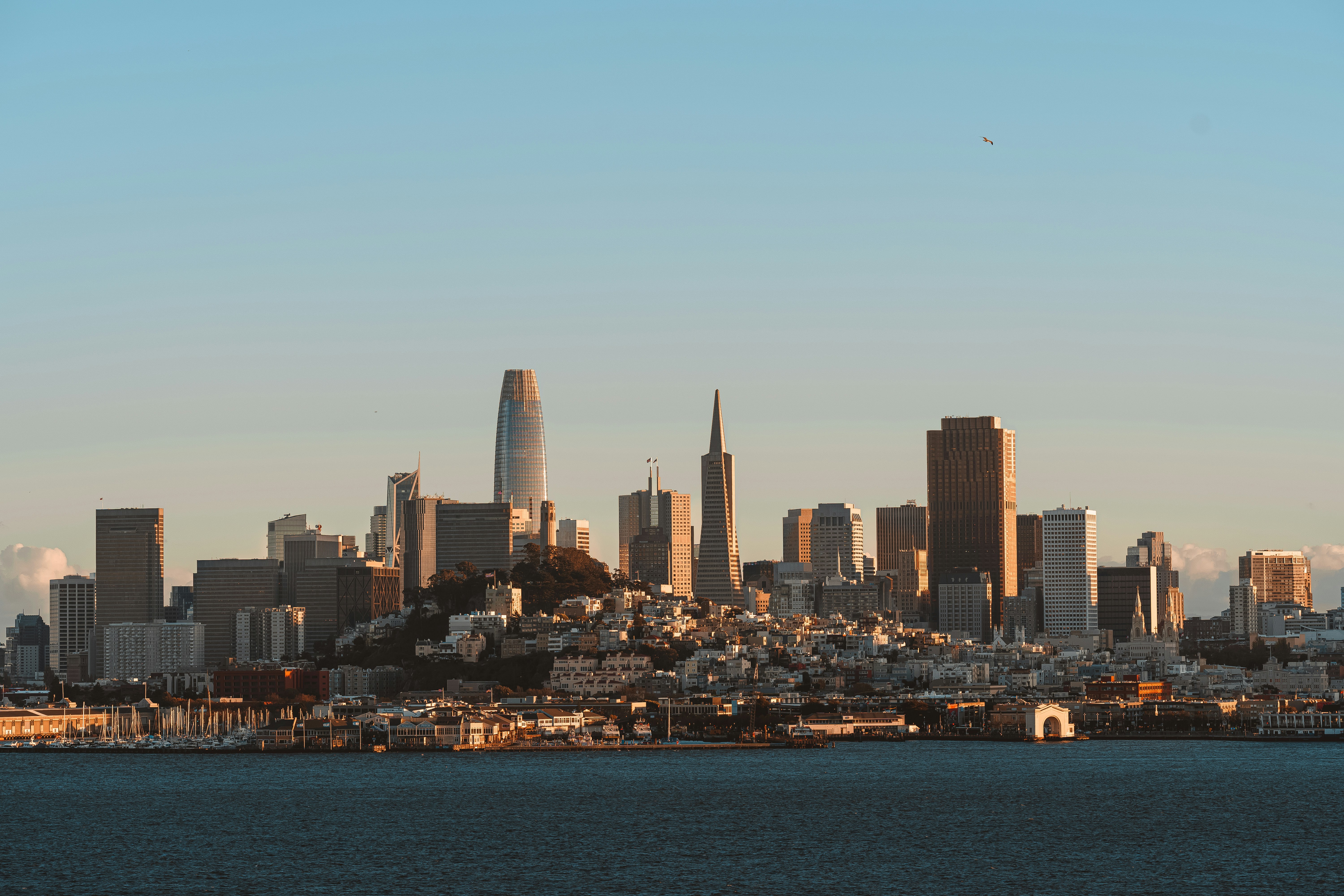
Prepare your website for possible event-related inquiries
Pokémon Worlds 2026 events are scheduled in San Francisco, with the Moscone Center and Chase Center associated with the event. Local reporting and organizers indicate that more than 50,000 fans are expected. That does not mean every nearby business will see more website visits, calls, reservations, or quote requests—but it is a sensible reason to review the information customers may need if interest rises.
For restaurants, retailers, hotels, attractions, and local service businesses, the most useful preparation is usually not a broad “event promotion.” It is making sure your website answers practical questions quickly: Are you open? Where are you located? How should visitors get there? Do you need a reservation? Can someone reach you after hours?
Before publishing any event-specific page or offer, verify dates, schedules, venue access rules, transit conditions, and attendance information through official event and venue sources. Local coverage from ABC7 and the San Francisco Examiner provides the basis for the expected-attendance context.
What this checklist helps you do
Use it to make your business easier to understand for a visitor who may be unfamiliar with San Francisco, your neighborhood, or your usual process. Keep all references factual, and avoid using event logos, characters, or language that could imply sponsorship or affiliation.
Table of contents
- Confirm hours, availability, and policies
- Improve directions, parking, and transit details
- Create a clear event-relevant page only if it helps
- Make temporary offers easy to understand
- Review mobile usability and contact options
- Prepare for after-hours inquiries
- Check your Google Business Profile and website consistency
- Use a simple pre-event publishing checklist
Confirm hours, availability, and policies
A visitor deciding where to eat, shop, stay, or book a service is often looking for a fast answer. If your usual hours, reservation rules, appointment availability, delivery area, or walk-in policy may change during the event period, publish the change clearly.
Review these items first:
- Current business hours on your website
- Holiday or special-date hours, if applicable
- Reservation, waitlist, pickup, delivery, or booking options
- Appointment availability and cut-off times
- Cancellation and no-show policies
- Any limits on group size, walk-ins, or same-day bookings
- Phone, email, and contact-form response expectations
Do not bury a temporary change in a social media post or assume customers will call to verify it. Put the information on the page they are most likely to visit, such as your homepage, contact page, booking page, or location page.
For example, a restaurant that expects to use reservations during busy periods can add a short notice near its booking button:
Reservations are recommended during select San Francisco event dates. Please check current availability before visiting.
That is more useful than making a vague claim about being “ready for event crowds.”
If availability changes, see this guide to updating your website when hours or availability change. If you have cancellation rules that may affect reservations or appointments, review how to explain cancellation and no-show policies.
Improve directions, parking, and transit details
Businesses near Moscone Center, Chase Center, downtown hotels, or visitor-heavy areas should not assume out-of-town customers know the neighborhood.
Your website does not need to become a city transportation guide. It should give customers enough information to decide whether they can reach you and what to do when they arrive.
Add location details customers can act on
On your contact or location page, confirm that you have:
- Your complete street address
- A clickable map link
- The neighborhood name, when useful
- The nearest recognizable cross streets or landmark
- Building, suite, floor, or entrance details
- Parking instructions if you provide or validate parking
- Accessible entrance information, if applicable
- A short note about transit options only when you can keep it accurate
- A direct phone number for arrival questions
Be precise. “Conveniently located near the action” is not a direction. “Enter through the Market Street lobby; check in at Suite 400” is.
If you mention parking or transit, avoid making promises about availability, travel time, street closures, or venue access unless you have verified those details immediately before publishing. Conditions can change quickly around major events.
Put directions where mobile visitors can find them
A person standing outside may not scroll through your About page. Put a “Get directions” link beside the address in the header, footer, contact page, and any location-specific page.
This is also a good time to check that your site works well on a phone. Large tap targets, readable hours, easy-to-use maps, and a visible call button can matter more than a long event announcement. Read why your local business website has to work on a phone first for a practical mobile review.
Create a clear event-relevant page only if it helps
Not every business needs a page targeting Pokémon Worlds 2026. A page is worthwhile only if you have specific, verified information that makes a visitor’s decision easier.
For example, a hotel may have useful information about booking availability, check-in details, luggage storage policies, or transportation options. A restaurant may have group reservation instructions. A retailer may have a verified limited-time product collection or extended hours.
A local plumber, dentist, or home-remodeling company probably does not need an event page unless there is a real customer-facing change or useful local relevance.
Keep the page factual and independent
If you publish a page, use a plain title such as:
- “Visitor Information for Our San Francisco Location”
- “Downtown San Francisco Group Reservations”
- “Special Hours and Directions for August 2026”
- “Planning a Visit to Our SoMa Location”
Then include only information you can maintain:
- Your address and standard or temporary hours
- Reservation, booking, or ordering instructions
- Directions and arrival details
- Accessibility information, when relevant
- A direct contact method
- Any temporary offer terms
- The date you last reviewed the page
Avoid suggesting that your business is an official event partner unless that relationship is documented and approved. Do not use event logos, character images, or trademarked promotional language merely to attract search traffic.
If you add a page, make it easy to find from your homepage, location page, and navigation where appropriate. The page should answer a customer question—not create another dead-end page with a trendy phrase in the title.
Make temporary offers easy to understand
A temporary offer can be useful if it is real, available, and clearly explained. It should not create confusion for staff or customers.
Before publishing, define:
- What the offer includes
- Who can use it
- When it starts and ends
- Whether it is available online, in person, or both
- Whether reservations, a code, or a minimum purchase are required
- Whether it can be combined with other offers
- What happens if an item or appointment slot is unavailable
A simple offer page or homepage banner should state the terms in plain language. Do not rely on tiny fine print to explain the main conditions.
For restaurants, this may be a limited menu, group dining option, or extended ordering window. For retailers, it may be a store-only offer with dates and exclusions. For attractions or service businesses, it could be a clearly defined visitor package if one genuinely fits the business.
For more help with offer structure, see how local restaurants should add a limited-time promotion to their website.
Review mobile usability and contact options
Visitors may arrive from search, maps, social links, or a recommendation while already on the move. A slow, cluttered, or difficult mobile page can make basic information harder to find.
Check these items on an actual phone:
- Is your phone number clickable?
- Is the address easy to copy or open in maps?
- Are hours visible without excessive scrolling?
- Does the booking or reservation button work?
- Can a customer submit the contact form without pinching, zooming, or fighting error messages?
- Are temporary notices readable and dismissible?
- Are photos and menus loading reasonably?
- Do popups block the page’s most important information?
If someone needs to contact you, offer the method your business can reasonably monitor. A phone call, form, booking tool, email, or text option can work—but only if the customer knows what response to expect.
For a deeper review, use this contact page mistakes checklist and the local business website accessibility basics.
Prepare for after-hours inquiries
If the event creates extra interest, some inquiries may arrive while your team is closed. You do not need to promise immediate responses. You do need a dependable handoff.
Set a basic after-hours process
Decide in advance:
- Which inbox or person receives new form submissions
- Whether booking and reservation notifications are working
- Who checks messages each morning
- How quickly you aim to respond during business hours
- Which inquiries require an urgent response and which can wait
- Whether your voicemail, auto-reply, or thank-you page explains next steps
A useful confirmation message can set expectations without overpromising:
Thanks for contacting us. We received your message and will respond during our business hours. For current hours and directions, please visit our contact page.
Test every form before the event period. Submit a real test inquiry, confirm that notifications arrive, and make sure the confirmation page or email does not contain outdated details.
Read how local businesses should handle website leads that arrive after hours, how to stop missing new inquiry notifications, and the lead follow-up checklist for a fuller process.
Check your Google Business Profile and website consistency
Your website and Google Business Profile should not contradict each other. A visitor who sees one set of hours in Google and another on your site may call, leave, or arrive at the wrong time.
Before event-related interest may increase, compare:
- Business name
- Address
- Primary phone number
- Regular and special hours
- Website link
- Booking or ordering link
- Categories and services
- Current photos
- Temporary updates, if you publish them
Keep the website as the place for fuller details. Your Google Business Profile can point people to the relevant location, booking, or visitor-information page.
Learn more about how Google Business Profile and your website work together.
Use a simple pre-event publishing checklist
Complete this review before publishing any temporary event-related information:
- [ ] Verify the event dates, venue details, and any local-access information you plan to mention.
- [ ] Confirm your business hours and special-hour dates.
- [ ] Check reservation, booking, ordering, and payment links.
- [ ] Confirm your address, map link, suite number, and entrance instructions.
- [ ] Remove outdated banners, expired offers, and old seasonal notices.
- [ ] Publish only offers your team can honor.
- [ ] Add clear start and end dates to temporary information.
- [ ] Test your contact form and notification emails.
- [ ] Review your homepage and contact page on a phone.
- [ ] Match important website details with your Google Business Profile.
- [ ] Assign a team member to remove or update temporary content after the event period.
- [ ] Avoid language, logos, or imagery that could imply event affiliation.
The goal is not to predict a lead surge. It is to ensure that, if potential customers look for your business during Pokémon Worlds 2026, they can find accurate information and take the next step without unnecessary friction.
Keep the update manageable
A short, accurate update is better than an elaborate event page no one has time to maintain. Start with the pages that affect real customer decisions: homepage, contact page, location details, booking flow, and temporary hours or offers.
If your team would rather not manage those website updates internally, StoopCraft builds websites for local businesses and includes on-page SEO as part of its $99/month service. It can be a practical option when you need help keeping essential business information clear and current.
Related reading
- The local business website checklist: everything your site needs to win customers
- What to include in a local business service page before customers request a quote
- Local business website maintenance checklist: what to review each month
- What to put on a local business website thank-you page after a form submission


