Potential Puente Libre Closure: Website and Customer Communication Checklist for El Paso Businesses
A practical website and customer communication checklist for El Paso businesses preparing for possible Puente Libre crossing delays.
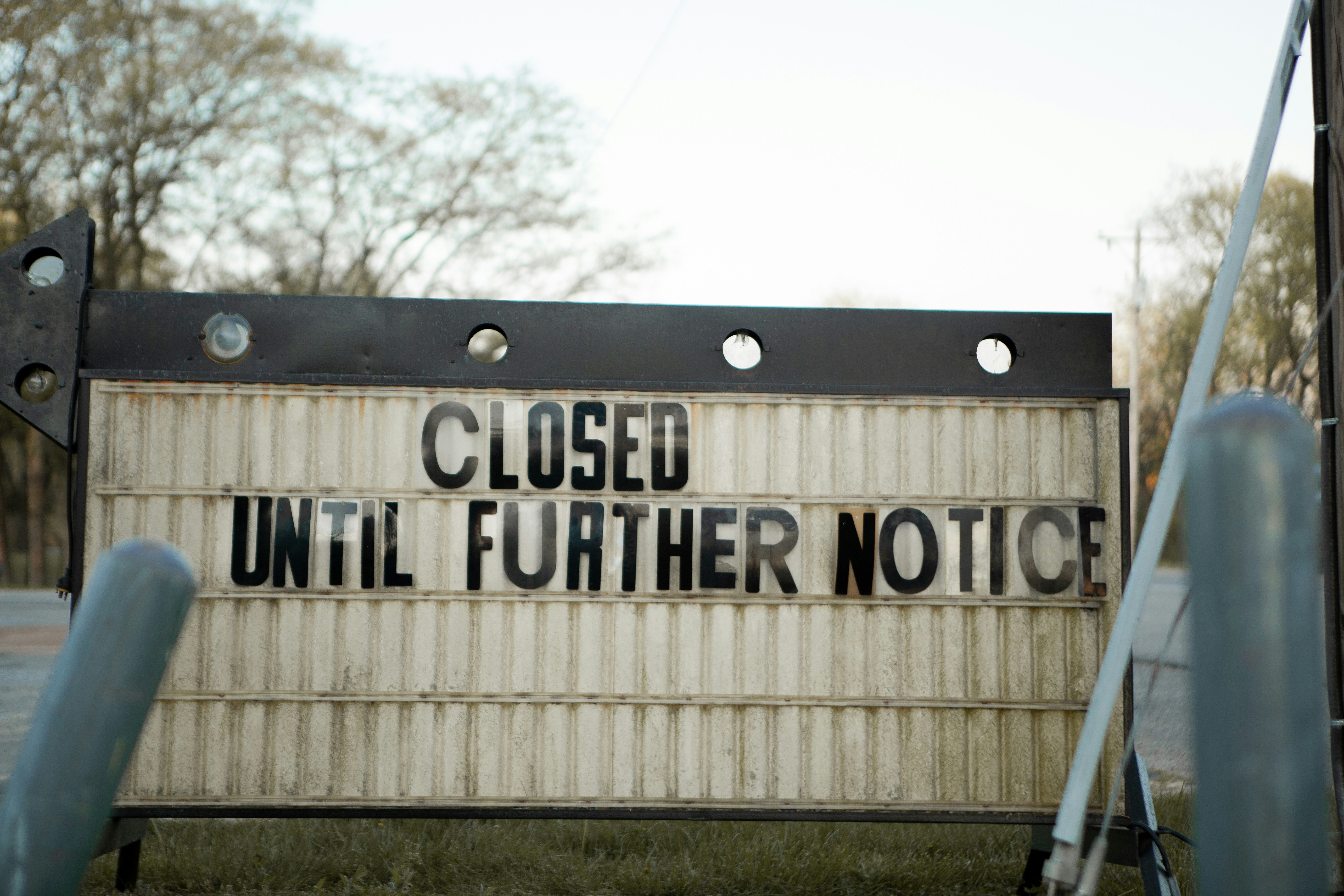
Prepare your website before customers have to ask
A reported potential closure of Puente Libre could push wait times at the Zaragoza crossing beyond seven hours, according to a local report from El Heraldo de Juárez. That matters for El Paso-area businesses whose employees, customers, deliveries, appointments, or service routes depend on cross-border travel.
Not every business will be affected, and a potential closure does not automatically mean missed appointments, canceled orders, or more inquiries. But businesses with customers or operations on either side of the border should prepare clear, flexible website and communication updates in case travel conditions change.
Before publishing a notice, verify the current crossing status, applicable dates, and official travel guidance. For current border wait information and advisories, consult U.S. Customs and Border Protection and relevant local authorities.
What this checklist helps you update
- Service-area pages
- Appointment and booking confirmations
- Delivery and arrival estimates
- Temporary route notices
- Cancellation and rescheduling language
- Contact information and response expectations
- Customer follow-up messages
Table of contents
- Start with a clear, temporary website notice
- Review service areas and appointment availability
- Update delivery and arrival expectations
- Make rescheduling policies easy to find
- Use confirmation messages that acknowledge travel uncertainty
- Give staff one consistent customer-response script
- Check your contact paths and lead forms
- Remove or revise notices when conditions change
Start with a clear, temporary website notice
If a closure or unusually long delays are confirmed and relevant to your operations, publish a short notice where customers will see it before booking, calling, or placing an order.
The goal is not to predict exact delays. It is to explain what your business is monitoring and what customers should expect from you.
Place the notice in one or more of these locations:
- A banner at the top of the website
- Your contact page
- Booking or quote-request pages
- Delivery or shipping information pages
- Relevant service-area pages
- Your Google Business Profile posts, if applicable
- Confirmation emails and text messages
Example website banner
Cross-border travel update: We are monitoring reported conditions affecting Puente Libre and other area crossings. Appointments, deliveries, and arrival windows involving cross-border travel may require additional flexibility. Please contact us before traveling if you have a time-sensitive visit or order.
Avoid stating that Puente Libre is closed unless you have verified that status. Avoid publishing estimated crossing times as a promise. Conditions can change quickly, and your notice should make clear that it is an operational update, not official travel guidance.
For broader guidance on making important updates easy to find, see Google Business Profile and your website: how they work together to get you found.
Review service areas and appointment availability
Businesses often list “El Paso and Juárez” or “serving the Borderplex” on a website without explaining how cross-border appointments work. If delays may affect travel, that vague language can create confusion.
Review your service-area pages and answer the questions customers are likely to have:
- Which cities, neighborhoods, or ZIP codes do you currently serve?
- Are in-person appointments available on both sides of the border?
- Are there days, time windows, or service types that may be more affected by travel conditions?
- Should customers contact you before booking a cross-border appointment?
- Can some consultations, estimates, or follow-ups happen by phone or video instead?
- Is the service performed at your location, at the customer’s location, or both?
Better service-area copy
Instead of:
We serve El Paso and Juárez.
Use:
We serve customers in El Paso and, when scheduling permits, Juárez-area locations. If your appointment requires cross-border travel, please contact us before booking so we can confirm the available time window and location.
This does not promise uninterrupted availability. It gives customers a useful next step.
If your website needs clearer service boundaries in general, read Local business website service areas: what to include without creating confusion.
Update delivery and arrival expectations
For delivery businesses, mobile service providers, contractors, wholesalers, retailers, and businesses coordinating product pickup, a single “same-day” or “on-time” promise may become risky when a route depends on a border crossing.
Review the wording on:
- Product pages
- Checkout pages
- Delivery-policy pages
- Order confirmation emails
- Invoice notes
- SMS delivery alerts
- Quote pages for mobile or on-site services
What to change
Replace rigid language such as:
Delivery will arrive by 3 p.m.
With conditional language such as:
Delivery timing may vary when cross-border travel conditions affect the scheduled route. We will contact you if your expected arrival window changes.
For service businesses, consider using an arrival range instead of a specific arrival time:
Your technician is scheduled for a 1–3 p.m. arrival window. If border travel conditions affect the route, our team will contact you with an update.
Only use this language where cross-border travel is actually part of the job. A general notice on every page can confuse local customers whose service is not affected.
For more detail on setting customer expectations during logistics disruptions, see Shipping delays and your local business website: what to update before customers ask.
Make rescheduling policies easy to find
Customers facing uncertainty may hesitate to book if they cannot tell what happens when travel delays interfere. A clear temporary rescheduling policy can reduce avoidable back-and-forth.
Your policy should state:
- How customers can request a new appointment time
- How much notice you prefer when possible
- Whether customers should call, text, email, or use an online booking link
- Whether your team will contact customers when a provider is delayed
- Which types of appointments may need to be reconfirmed
Do not introduce penalties, fee waivers, or guarantees unless they are already part of your actual policy.
Example temporary policy language
If travel conditions affect your ability to arrive for an appointment, please contact us as soon as possible. We will review available rescheduling options with you. If our team expects to arrive outside the confirmed window, we will make reasonable efforts to contact you using the information provided at booking.
This language is practical without promising a result you cannot control.
Use confirmation messages that acknowledge travel uncertainty
Appointment confirmations are one of the best places to prevent misunderstandings because customers receive them close to the scheduled service time.
If your business uses email, text, or booking software, add a temporary note only to appointments that may involve cross-border travel.
Appointment confirmation template
Hi [First Name], this is a confirmation for your [service] on [date] during the [time window] window. Because cross-border travel conditions may affect routes, please let us know as soon as possible if you anticipate a delay. If our team’s arrival window changes, we will contact you at [phone number/email].
Customer reminder template
Reminder: Your [service] is scheduled for [date/time]. If your visit requires crossing the border, please check current official travel information before leaving and contact us if you need to discuss rescheduling.
Delivery update template
Your order is scheduled for delivery on [date]. Cross-border travel conditions may affect the delivery window. If the estimated arrival changes, we will send an update to this number or email address.
Keep the message focused on your own appointment or delivery. Do not offer immigration, customs, or legal advice, and do not speculate about which crossing a customer should use.
Give staff one consistent customer-response script
A website notice works best when your front desk, sales team, dispatchers, and service staff give customers the same answer.
Without a shared script, one customer may hear “no problem,” another may hear “we are not sure,” and a third may receive an unverified claim about crossing conditions.
Create a short internal response for common questions.
Phone or email response template
We are monitoring whether current cross-border travel conditions affect appointments and deliveries that require a border crossing. We can confirm your appointment details, review available scheduling options, and contact you if our expected timing changes. For official crossing information, please check the relevant border authorities before traveling.
Questions staff should capture
When a customer contacts you about a potentially affected job, record:
- Appointment or order number
- Best phone number and email address
- Whether the customer is traveling to you or you are traveling to them
- The scheduled time window
- Whether the service is time-sensitive
- Whether a remote consultation or a different appointment time may be workable
This is not about creating extra paperwork. It helps your team avoid asking the customer to repeat details if conditions change later.
Check your contact paths and lead forms
If delays create uncertainty, customers may contact you before booking. That does not mean your business will receive more leads, but it does mean every contact path should be accurate and monitored.
Check that your website has:
- A working click-to-call phone number on mobile
- A current business email address
- A contact form that sends notifications to the right person
- Clear business hours
- A booking link that reflects current availability
- A short message field for scheduling questions
- A confirmation page that tells customers when to expect a response
A useful optional form field could be:
Does your request involve cross-border travel or service?
[ ] Yes
[ ] No
[ ] Not sure
Do not make that question required unless it is necessary for scheduling. Keep forms focused and avoid collecting more personal information than you need. For a practical review, see Local business lead form fields: what to ask and what to leave out.
Remove or revise notices when conditions change
Temporary notices become less trustworthy when they outlive the situation that prompted them.
Assign one person to own the update and set a review time. For example:
- Verify the notice before publishing
- Review it at the start and end of each business day while conditions are active
- Update appointment or delivery language if your operations change
- Remove the banner when it is no longer relevant
- Keep a record of the final wording in case customers refer to it later
If your business has to pause a service area or temporarily stop taking certain appointments, say so directly. It is better to show limited availability than to leave customers with an outdated promise.
A quick publish checklist
Before publishing a Puente Libre-related customer notice, confirm that you have:
- Verified the relevant crossing status and official guidance
- Named only the services, appointments, or deliveries that may be affected
- Avoided guarantees about arrival times, availability, or outcomes
- Added a clear customer action, such as calling before booking
- Updated confirmation messages for affected appointments
- Checked your phone, form, email, and booking links
- Given staff an approved response script
- Assigned someone to review and remove the notice when appropriate
Keep the update useful, not alarming
A potential Puente Libre closure may be highly relevant to some El Paso-area businesses, especially those serving customers or moving people and goods across the border. But the most helpful website update is usually calm, specific, and limited to what you know.
Tell customers what may change, how they can reach you, and what your team will do if a scheduled service is affected. Do not overstate the disruption, publish unverified travel claims, or treat a possible operational impact as a proven business outcome.
StoopCraft builds websites for local businesses and includes on-page SEO as part of its $99/month service. If you need help keeping service-area pages, contact details, and customer-facing website updates clear, visit StoopCraft.
Related reading
- Local business website reopening checklist: what to update before you resume service
- Major event canceled? Local business website and customer communication checklist
- How to write website copy that gets local customers to call
Source
- El Heraldo de Juárez: Cierre del Puente Libre dispararía a más de 7 horas las filas en Zaragoza


