Proposed Metrolink Service Cuts: Website Communication Checklist for Nearby Businesses
Use this website checklist to communicate access and appointment details while proposed Metrolink service cuts remain unconfirmed.
Publish a clear access notice without treating proposed cuts as final
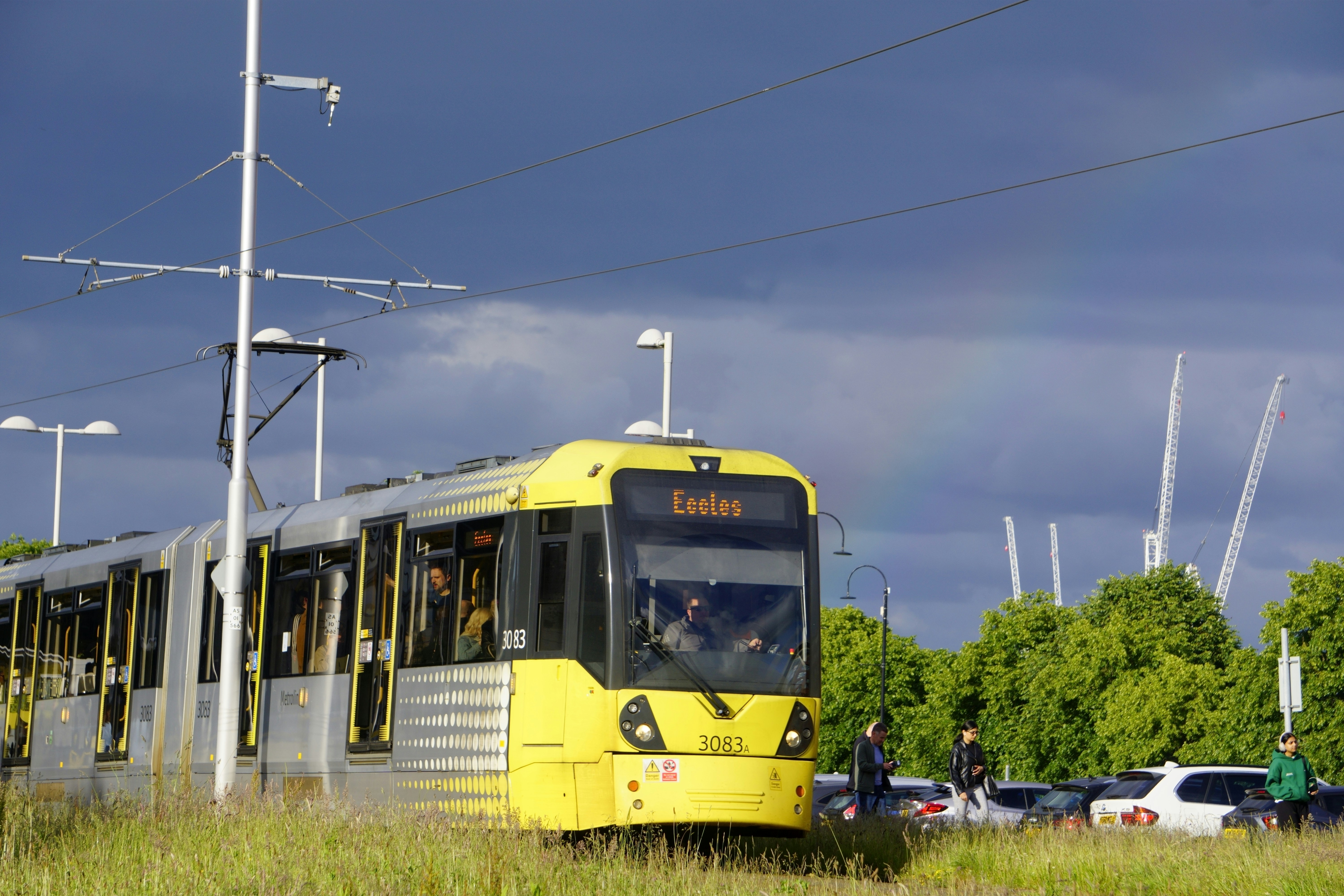
Metrolink is considering service reductions that could affect riders in Orange County and the Antelope Valley as soon as the following month, according to reports from LAist and CBS Los Angeles.
For businesses near stations, this is a reason to review website access information—not a reason to announce a schedule change that has not been confirmed.
Customers, staff members, patients, and visitors who usually take the train may need clearer arrival instructions if service changes move forward. A temporary website notice can help people find current information, understand their options for reaching your location, and know whom to contact if a delay affects an appointment.
The key is accuracy: describe the situation as proposed, link to official transit information, and remove or revise your notice when Metrolink publishes a final schedule.
Table of contents
- When to publish a temporary transit notice
- What your notice should say
- Where to place the update on your website
- Access details to verify before publishing
- Appointment and arrival guidance
- A copy-and-paste notice template
- How to manage the update after schedules are finalized
- Common mistakes to avoid
When to publish a temporary transit notice
A notice is useful when train access is a meaningful part of how people reach your business. That may include businesses such as:
- Medical, dental, therapy, and wellness offices with scheduled visits
- Salons, barbershops, fitness studios, and other appointment-based businesses
- Restaurants, cafés, shops, and entertainment venues near a station
- Professional offices that receive clients or visitors
- Hotels, short-term lodging operators, and tourism businesses
- Employers whose staff regularly commute by rail
You do not need to publish a notice simply because your business is in Orange County or the Antelope Valley. First, confirm whether your location is reasonably connected to the service area under discussion and whether customers or employees actually use Metrolink to reach you.
Before publishing, check the latest information directly from Metrolink’s official schedule resources rather than relying on news coverage, old timetables, social posts, or assumptions about specific stations.
Until final service information is available, use language such as:
Metrolink is considering service changes that may affect some Orange County and Antelope Valley riders. Please check Metrolink’s official schedule information before traveling to your appointment or visit.
Avoid writing that service “has been cut,” that a particular station “will close,” or that a train “will not run” unless current official transit information confirms it.
What your notice should say
A helpful temporary notice answers the practical questions a visitor may have before leaving home.
1. State what is known—and what is not
Lead with a short, dated update. Make it clear that the potential changes are under consideration.
Include:
- The date your notice was updated
- A plain-language statement that service changes are proposed or being considered
- A link to official Metrolink schedule information
- A reminder for visitors to check current transit details before traveling
This approach respects the uncertainty of the situation while still giving visitors useful context.
2. Confirm that your business is open, if that is true
Do not make people guess whether a transit issue affects your operating hours.
For example:
Our business remains open during normal hours. If you travel by train, please review current Metrolink service information and allow additional travel time if needed.
Only say you remain open during normal hours if that is accurate. If your staffing, pickup process, or appointment availability changes, explain the specific change instead.
3. Give directions from the station you actually use
If customers commonly walk, take a bus, or use a rideshare service from a nearby station, add simple directions to the relevant location page or contact page.
Useful details can include:
- The station name
- Approximate walking or driving directions, if you have verified them
- Your business address
- A map link
- A rideshare drop-off point
- Which entrance visitors should use
- Accessibility or curbside-arrival details, where applicable
Do not list train arrival times or make route claims unless you have checked current official information. Transit schedules can change, and an outdated “last train” note may cause more confusion than no note at all.
If your location information is scattered across several pages, this is a good time to strengthen your local business service-area information and make the address, map, and contact details easy to find.
4. Offer alternatives without overpromising availability
A visitor who cannot use their usual train may look for another way to reach you. If you have verified alternatives, list them clearly.
Depending on your location, that might include:
- Customer parking instructions
- Nearby public parking, when you can confirm it is available
- Bicycle parking
- Rideshare pickup and drop-off guidance
- Bus or shuttle information, linked to the relevant provider
- Telehealth, virtual consultations, delivery, pickup, or remote service options that your business already offers
Keep these details factual. Do not imply that parking will always be available or that an alternate route will be faster. State what you know, provide a useful link where possible, and let visitors make their own travel plans.
Where to place the update on your website
A transit update should be visible enough to help affected visitors without turning every page into an alarm.
Use a sitewide announcement bar for short notices
An announcement bar near the top of the site works well for a brief message, such as:
Travel update: Proposed Metrolink service changes may affect some riders. Check current travel details before visiting. [View access information]
Link the call to action to a dedicated access update, your contact page, or a location page with the full details.
Add detail to the contact or location page
Your contact page is the natural permanent home for arrival information. Add a short “Getting here” section with:
- Full address
- Map and directions link
- Parking instructions
- Rideshare drop-off guidance
- Station-to-business directions, if relevant
- Your preferred number or email for travel-related questions
For appointment-based businesses, this information should also appear near the booking action. Visitors should not have to submit a form before learning how to reach you. Review these contact page mistakes if your location, directions, or phone number are difficult to find.
Put a short reminder in booking and confirmation flows
If you use an appointment request form, booking page, or confirmation email, add a brief travel reminder while the proposed changes are relevant.
For instance:
If you plan to travel by Metrolink, please check the current schedule before your appointment. Contact us as early as possible if a travel delay may affect your arrival.
This is not an invitation to create complicated policies. It is a way to set an expectation before someone is already late.
Your notice must work on a phone. A commuter checking directions at a station is likely using a mobile device, so keep the message short, links easy to tap, and the phone number clickable. See why your local business website has to work on a phone first for a broader mobile review.
Access details to verify before publishing
Use this checklist before making the notice live:
- [ ] Confirm your business hours are current.
- [ ] Confirm your address, suite number, and entrance instructions.
- [ ] Test your map and directions links on a phone.
- [ ] Verify customer parking details before listing them.
- [ ] Confirm the correct rideshare drop-off location.
- [ ] Check that your phone number and contact form work.
- [ ] Link to official Metrolink information rather than copying unconfirmed schedule details.
- [ ] Add an “Updated” date to the notice.
- [ ] Ask front-desk or customer-facing staff to review the wording.
- [ ] Set a date to review the notice once Metrolink announces final schedule information.
The point is not to build a transit-information hub. It is to make your own access instructions accurate and easy to use.
Appointment and arrival guidance
Businesses with scheduled services should decide in advance how they want to handle possible transit delays.
A concise policy can reduce uncertainty for both visitors and staff. It should explain:
- Whether visitors should call, text, email, or use an existing rescheduling link
- When you ask them to contact you if they anticipate a delay
- Whether late arrivals may need to be shortened or moved, if that is your established policy
- Whether virtual or remote alternatives are available for a specific service
- Where visitors can find the most current information
Avoid creating a special policy you cannot consistently honor. If your regular cancellation or rescheduling terms still apply, say so plainly. If you are temporarily allowing greater flexibility, state the exact terms and the dates they apply.
For example:
If a travel delay may affect your appointment, please call us at [phone number] as soon as you can. We will review available options based on the day’s schedule. Our regular cancellation and rescheduling policy applies unless we confirm otherwise.
This wording is specific without promising a particular outcome.
A copy-and-paste notice template
Adapt the details in brackets, and remove anything you cannot verify.
Travel update — updated [Month Day, Year]
Metrolink is considering service changes that may affect some riders in Orange County and the Antelope Valley. Our [business/office/store] remains open at [address] during our regular hours.
If you plan to travel by train, please check Metrolink’s official schedule information before you leave and allow time for your trip.
Getting here: [Verified directions from relevant station or map link.]
Parking or drop-off: [Verified parking, rideshare, or entrance details.]
Appointment delays: If a travel delay may affect your arrival, please [call/text/email] us at [contact information] as early as possible. [Insert your applicable rescheduling or cancellation policy.]We will update this page when final service information is available.
For a homepage banner, use a shorter version:
Proposed Metrolink service changes may affect some riders. Please check current travel information before visiting. [Access and appointment details]
How to manage the update after schedules are finalized
A temporary notice needs an owner and an end date. Otherwise, it can become an outdated warning that confuses visitors long after it is useful.
When final schedule information is released:
- Check the official Metrolink schedule and determine whether it affects your location, customers, or staffing.
- Update the notice date and replace “proposed” language with confirmed details only where necessary.
- Revise station directions, arrival guidance, or booking reminders if your verified access information has changed.
- Remove the sitewide banner if the situation no longer requires special attention.
- Keep evergreen location details—such as parking, entrance instructions, and map links—on the contact page.
- Tell staff what changed so the website, phone responses, and in-person guidance stay consistent.
If service changes do not materially affect how people reach your business, remove the temporary notice rather than leaving a vague warning online.
Common mistakes to avoid
Publishing unconfirmed train times or closures
The reports establish that service reductions are being considered, not the final details of every affected trip or station. Link to official information instead of turning a proposal into a definitive customer instruction.
Hiding the notice in a blog post
A news post alone may not reach someone trying to find parking or check an appointment right before departure. Put the short notice where visitors make decisions: the homepage, location page, contact page, and booking flow when appropriate.
Offering alternatives you have not verified
Do not recommend a parking lot, shuttle, bus connection, or pickup option unless you know it is available and relevant. A wrong alternative is worse than a simple request to contact your business.
Forgetting the update date
A date helps visitors understand whether they are reading current guidance. It also gives your team a visible reminder to review the page.
Treating communication as a guarantee
Clear access information may help visitors prepare, but it cannot guarantee that customers will arrive on time, that appointments will be kept, or that traffic will remain unchanged. The practical goal is simply to make accurate information easier to find.
Keep the access information useful after the news cycle
Even if the proposed cuts do not move forward, the work is still valuable. Clear directions, parking details, and contact instructions help any first-time visitor plan a trip to your business.
If your website needs a clearer location page, mobile-friendly contact path, or on-page SEO support, StoopCraft builds websites for local businesses and includes on-page SEO for $99/month. Visit StoopCraft to learn more.


