Los Angeles Restaurant Website Checklist for a New Opening
A practical website checklist for Los Angeles restaurants preparing to publish opening details, menus, reservations, and updates.
Get the essential information online before guests start searching
A new restaurant website does not need every future detail on day one. It does need to answer the practical questions a potential guest will have right now: What is this place? Where is it? When does it open? Can I see the menu? Can I reserve a table or ask about a private event?
That preparation matters when local attention turns to openings and activities. Eater Los Angeles has published a roundup of anticipated fall 2026 restaurant openings, while We Like LA regularly covers current activities around Los Angeles. Coverage does not guarantee visits, reservations, or inquiries. But restaurants preparing to open should have a clear, current website in place in case people look them up.
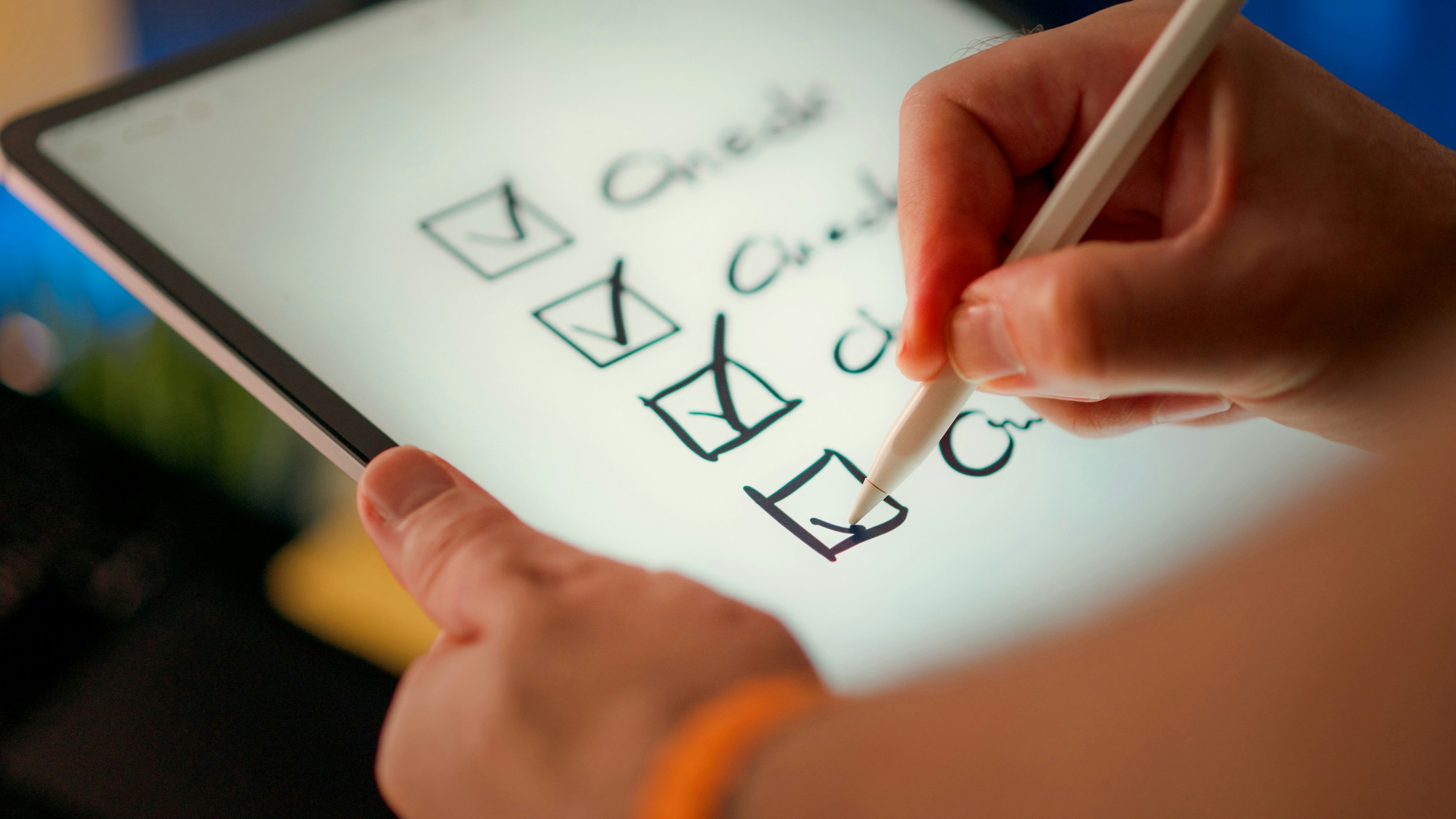
Use this checklist to publish a useful pre-opening site without presenting tentative details as confirmed.
Table of contents
- Choose what your homepage must answer
- Publish a menu without overpromising
- Make location and parking details easy to find
- Set expectations for opening dates and hours
- Add reservation, ordering, and private dining paths
- Include accessibility and contact information
- Check the site on a phone before publishing
- Create a pre-opening inquiry process
- Review the site as opening plans change
- Sources
Choose what your homepage must answer
Your homepage is not the place for a long origin story before the basics. A visitor who heard about the restaurant through a local article, social post, friend, or neighborhood search should be able to find the essentials immediately.
Before publishing, confirm that the top of the page includes:
- Restaurant name
- Cuisine or restaurant concept
- Los Angeles neighborhood or full street address, if confirmed
- Opening status, such as “Now open,” “Opening soon,” or “Opening this fall”
- A primary next step, such as viewing the menu, joining an email list, making a reservation, or contacting the restaurant
- One current photo, rendering, logo, or other visual that accurately represents the business
A simple pre-opening homepage message might read:
Opening soon in [neighborhood]. We’ll share our confirmed opening date, menu, and reservation details here.
That is more useful than a vague “Coming soon” page because it tells visitors what to expect and where to check for updates.
Avoid putting an unconfirmed opening date in a large headline simply because it looks more complete. If the date moves, old screenshots, social links, and search results can continue sending people to outdated information.
For more homepage structure guidance, see the local business website checklist.
Publish a menu without overpromising
Menus often change during recipe testing, vendor setup, pricing review, and staff training. That does not mean you need to wait until the final menu is printed before publishing anything.
Choose the menu format that matches what is confirmed.
If the menu is final
Publish a web page with the menu categories, item names, descriptions, and current prices. A webpage is generally easier for visitors to read on a phone than a large image or PDF.
Review every item for:
- Accurate spelling and descriptions
- Current prices
- Allergen or dietary information that the restaurant is ready to publish
- Clear labeling for vegetarian, vegan, gluten-free, or other dietary designations only when those labels are confirmed
- A date or “last updated” note if pricing or selections may change
If the menu is still being finalized
Publish a sample menu or a short preview instead. Label it clearly:
Sample menu. Selections and prices may change before opening.
A sample menu can show the restaurant’s direction without turning unfinished details into promises. Include only dishes, categories, and prices that the team is comfortable revising publicly.
Do not label a menu “final,” “available daily,” or “allergen-safe” unless that statement has been verified by the restaurant. For a new opening, clarity is more valuable than trying to make every page look finished.
Make location and parking details easy to find
Los Angeles guests often need more than an address. They may be deciding whether they can walk from nearby shops, find parking, use a rideshare pickup point, or access the entrance.
Create a dedicated location section or page with the confirmed information guests need:
- Full street address
- Neighborhood name
- Map link
- Cross streets or suite number, if useful
- Parking information, if confirmed
- Valet information, if applicable and confirmed
- Public transit details only if you can state them accurately
- Entrance instructions if the restaurant is inside a hotel, market, courtyard, or larger building
- Phone number, if one is monitored
- A link to the restaurant’s Google Business Profile once it is accurate and active
If parking arrangements are still being determined, do not guess. Use a straightforward note such as:
Parking information will be posted before opening.
The same rule applies to valet, patio access, and nearby lot validation. Guests can make better plans when the site is direct about what is known and what is not.
Your website and Google Business Profile should use the same confirmed address, hours, and phone number. Read how Google Business Profile and your website work together before publishing those details in multiple places.
Set expectations for opening dates and hours
Opening dates are especially likely to shift. Treat the opening status as information that needs a clear owner and a regular review schedule.
Use one of these labels based on your level of certainty:
| Situation | Clear website language |
|---|---|
| No date is confirmed | “Opening soon in Los Angeles.” |
| A season is the best available estimate | “Expected to open in fall 2026. Please check back for confirmed details.” |
| A target date may change | “Targeting an opening on [date], pending final preparations.” |
| Opening date is confirmed | “Opening [day, month, date].” |
| Restaurant is serving guests | “Now open.” Include current service hours. |
Do not use “opening soon” indefinitely. Once the business is open, replace it across the homepage, title tag, reservation page, contact page, and social-profile links.
For hours, distinguish between:
- Dining room hours
- Bar hours
- Takeout or pickup hours
- Delivery availability
- Lunch, dinner, brunch, or late-night service
- Holiday closures or limited service
If hours are not final, say so. A “hours coming soon” note is preferable to publishing a schedule that will immediately be wrong.
Add reservation, ordering, and private dining paths
Every visitor should be able to tell what action is available now. Do not show a “Reserve now” button that leads to an unavailable reservation page, or an “Order online” button before ordering is actually active.
Reservations
If reservations are open, link directly to the restaurant’s reservation platform. Add a short note if walk-ins are accepted, if seating is limited, or if reservations have not yet opened.
If reservations are not open, replace the booking button with an honest alternative:
- “Reservations will open soon”
- “Join our email list for reservation updates”
- “Contact us about future group dining”
Online ordering
Only publish ordering links when the restaurant is ready to receive and fulfill orders. If pickup or delivery will come later, state that plainly rather than leaving a broken or empty ordering flow.
Private dining and group inquiries
Private events may generate questions before regular service begins. Add a dedicated inquiry form or a clear contact route with fields that help the team evaluate the request:
- Name
- Email address
- Phone number, if needed
- Preferred event date
- Estimated guest count
- Type of event
- Notes or accessibility needs
Do not imply that private dining is available until the restaurant has confirmed the space, capacity, pricing, and process. You can instead invite prospective hosts to submit an inquiry for future availability.
A focused form is easier to manage than asking people to send unstructured messages. For form details worth reviewing before launch, see 7 contact page mistakes that cost local businesses leads.
Include accessibility and contact information
Accessibility information should be specific, current, and limited to what the restaurant has verified. It can help guests plan before they arrive.
Depending on the location, the page may cover:
- Step-free entrance availability
- Accessible restroom information
- Seating considerations
- Patio access
- Service-animal policy, where applicable
- A phone or email route for questions about a guest’s visit
Avoid broad claims such as “fully accessible” unless the restaurant has verified what that means for the entire guest experience. Describe the actual feature instead.
Your contact page should also identify the best route for common pre-opening questions:
- General questions
- Press inquiries
- Careers
- Private events
- Partnerships
- Reservation questions
A single generic inbox can work initially, but the website should tell visitors what kind of response they can expect. If a form collects personal information, review this local business website lead form privacy checklist before publishing it.
Check the site on a phone before publishing
Many potential guests will find the restaurant while they are already out, deciding where to eat, or sharing a link with friends. A site that works on a desktop but is difficult to use on a phone can create unnecessary friction.
Test these tasks on an actual phone:
- Find the address without zooming.
- Tap the phone number and map link.
- Read the opening status and current hours.
- Open the menu.
- Make a reservation or understand why reservations are unavailable.
- Submit the contact or private-event form.
- Confirm that buttons do not overlap, disappear, or lead to placeholder pages.
Pay particular attention to PDFs, image-heavy menus, embedded reservation tools, and maps. They are common sources of mobile usability problems.
For a broader review, use why your local business website has to work on a phone first.
Create a pre-opening inquiry process
A website should not invite questions that no one is prepared to answer. Before publishing forms, email addresses, or reservation waitlists, assign responsibility for checking them.
Create a simple internal process:
- Choose who monitors the primary inbox and forms.
- Decide which questions can receive a standard reply.
- Set a realistic response expectation internally.
- Keep a current list of confirmed opening details.
- Identify who can approve changes to dates, hours, menus, and reservation links.
- Record unanswered recurring questions so the website can address them.
For example, if multiple guests ask about parking, add the confirmed parking guidance to the location page. If people repeatedly ask when reservations open, add a clear note next to the reservation button.
Do not promise a response time on the website unless the team can reliably meet it. The goal is a clear path for communication, not an unsupported service promise.
Review the site as opening plans change
New-opening websites need frequent, small updates. Set a recurring review before opening, then repeat the review immediately after the first service days.
Pre-opening review
- Is the opening status still accurate?
- Does every date use the right year?
- Are address, map link, and contact details correct?
- Does the menu match what the restaurant intends to serve?
- Are reservation and ordering links live and correct?
- Are private-event inquiries routed to the right person?
- Are tentative details labeled as tentative?
- Does the site work on a phone?
Opening-week review
- Change “opening soon” to “now open” when appropriate.
- Publish confirmed service hours.
- Remove unavailable reservation or ordering options.
- Confirm that menu prices and availability are current.
- Update any parking, entrance, or accessibility notes that changed during final setup.
- Check that the Google Business Profile and website agree.
When a detail changes, update the website first or at the same time as social posts. Social updates can be useful, but the website should remain the place where guests can find the complete, current information.
Keep the pre-opening site simple, accurate, and ready to change
A restaurant website before opening is not a one-time launch asset. It is a living source of information for guests who may be deciding whether to visit, reserve, inquire about an event, or wait for updates.
Start with the confirmed essentials. Clearly label what is tentative. Give visitors one appropriate next step. Then assign someone to keep the information current as the opening approaches.
If you would rather have a done-for-you local business website built and maintained for your restaurant, StoopCraft builds websites for local businesses and includes on-page SEO for $69/month.
Related reading
- The local business website checklist: everything your site needs to win customers
- How local businesses should handle website leads that arrive after hours
- What to put on your website when a business location closes
- How to create a local business website FAQ page that helps customers take the next step