Daycare Website Essentials: What Parents Need Before They Inquire
A practical daycare website checklist for sharing program details, enrollment steps, tours, contact options, and parent questions clearly.
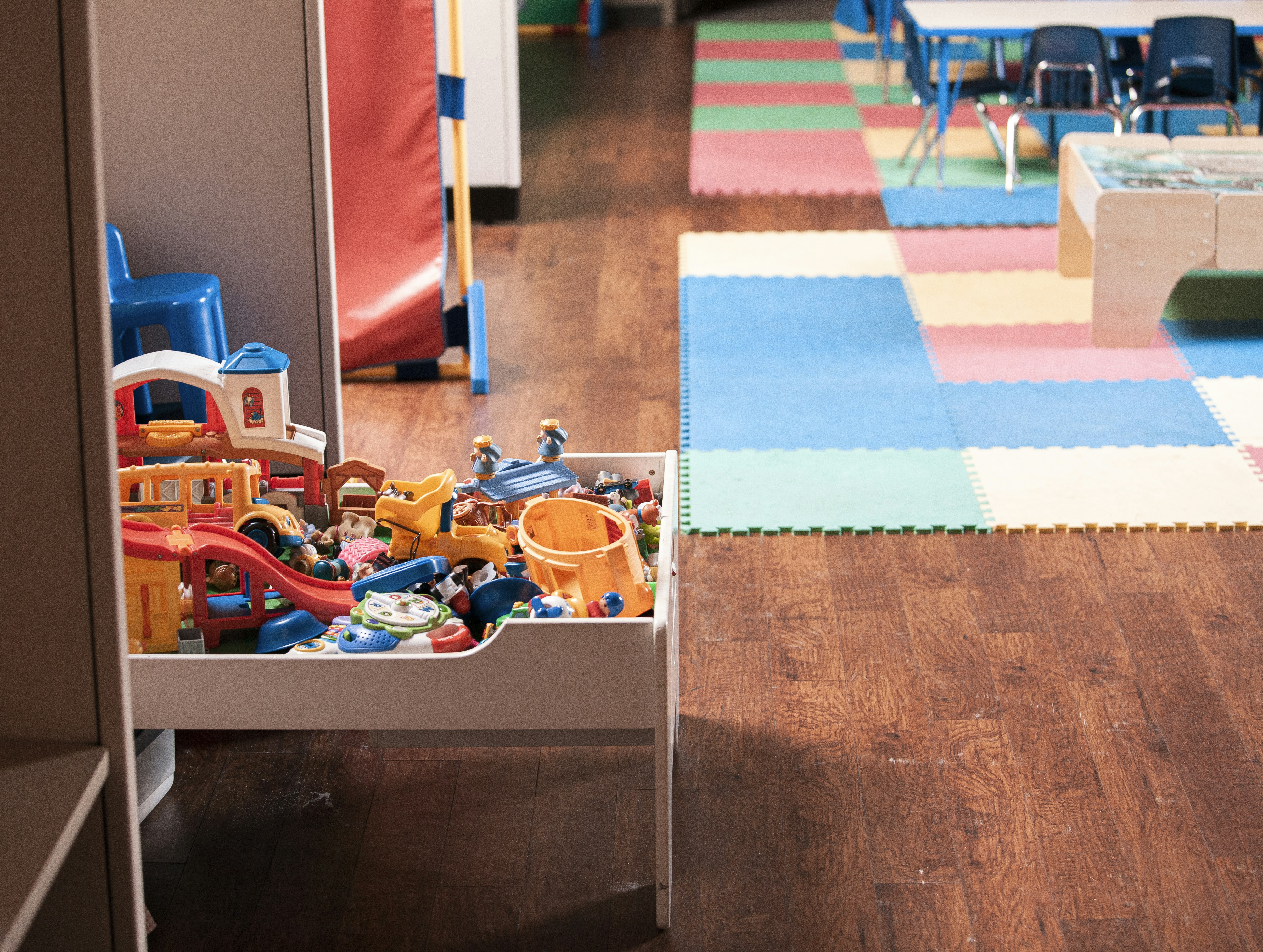
A daycare website should answer the first round of parent questions
Choosing childcare is a high-consideration decision. Before a parent calls, books a tour, or submits an inquiry, they often need enough information to decide whether your program is worth exploring further.
A daycare website does not need to replace a tour, enrollment conversation, family handbook, or state and local requirements. It should make the first step clearer.
At a minimum, parents should be able to find:
- The ages your program serves
- Your location, hours, and calendar basics
- Whether you are accepting inquiries or maintaining a waitlist
- Tuition guidance or an explanation of how tuition is shared
- Your enrollment and tour process
- A clear overview of your approach to care, routines, and communication
- Safety-related information you are prepared to publish accurately
- Simple ways to contact you
- What happens after they inquire
When those essentials are scattered across social media posts, buried in a PDF, or missing altogether, parents may have to guess whether your program fits their family’s practical needs.
Table of contents
- Start with the information parents use to rule programs in or out
- Build clear program and classroom pages
- Make availability and tuition guidance easy to understand
- Explain your enrollment and tour process
- Share safety and care information carefully
- Create an inquiry experience that respects parents’ time
- Use real photos and clear contact options
- Daycare website checklist
- A short website review routine
Start with the information parents use to rule programs in or out
A parent searching for daycare may be comparing several programs quickly, often from a phone. Your homepage should make the most practical details visible without forcing them to open several menus or submit a form first.
Put your core fit details near the top
Your homepage should plainly state:
- Your program name
- Your city, neighborhood, or service area
- The ages served
- Whether you offer full-day, part-day, or other scheduling options
- Your regular operating hours
- A primary next step, such as “Schedule a Tour,” “Join the Waitlist,” or “Ask About Enrollment”
Avoid vague opening copy such as “quality care for every child” without the details that help a parent determine fit. A family with an infant, a preschooler, or a child who needs care on specific days has immediate questions. Answer those first.
If your program has multiple locations, create a separate page or clearly separated section for each one. Each location should have its own address, hours, phone number, age groups, available programs, and tour instructions where applicable.
For navigation help, see what to put in your local business website menu.
Make your location easy to verify
Parents should not have to hunt for your address. Include it on the contact page and, when practical, in the site footer.
A useful location section can include:
- Street address
- City, state, and ZIP code
- Phone number
- A map or map link
- Parking, entrance, pickup, or drop-off notes if you choose to provide them
- The neighborhoods or communities you commonly serve, if relevant
Keep these details current. An outdated address, disconnected phone number, or old hours can create immediate uncertainty.
Build clear program and classroom pages
A single “Programs” page may be enough for a small daycare, but it should still help parents understand what differs by age group or classroom.
For each program, explain the information a parent would use to compare it with other options.
What to include for every age group
Consider including:
- Age range served
- Program or classroom name
- Typical schedule or attendance options
- A short description of the daily experience
- Activities, routines, or learning approach you can describe accurately
- Meal, nap, outdoor, or transition information if it is central to the program
- Whether the program follows a school-year, year-round, or other calendar
- The next step for asking about that specific program
For example, a page for an infant program might explain the ages served, the care schedule options offered, how families can ask about current openings, and what they should expect during an introductory conversation. It does not need to make broad claims about outcomes to be useful.
Describe your approach in parent-friendly language
Parents may want to understand how your program handles a typical day—not just read a list of values.
Instead of only saying “we provide a nurturing environment,” explain what you can substantiate about your program:
- How children spend time during the day
- How you communicate with families
- How classroom routines are introduced
- How meals, rest, play, and transitions are approached
- What families can expect to discuss during a tour or enrollment conversation
Be specific without overstating. Your website should reflect your actual program and current policies, not generic childcare marketing language.
Make availability and tuition guidance easy to understand
Availability and cost are often deciding factors. You do not need to publish information you are not prepared to maintain, but parents should know how to get a straightforward answer.
Be direct about enrollment status
Use clear, current language such as:
- “Now accepting inquiries for [program/age group].”
- “We maintain a waitlist for selected programs.”
- “Availability varies by classroom and start date.”
- “Contact us to discuss current and upcoming openings.”
Do not imply that a spot is available unless it is. If enrollment status changes frequently, direct parents to an inquiry form built around their child’s age and intended start date.
A dated notice can help your team remember when to review an availability statement. For example: “Updated [month, year].” Only use this if someone will actually keep it current.
Give useful tuition guidance without overcomplicating the page
Some daycare operators publish tuition ranges or rates. Others prefer to share pricing after learning about a family’s schedule and child’s age. Either approach can be clearer than leaving parents with no guidance at all.
If you publish tuition information, identify what it covers and when it may vary. If you do not publish rates, explain the process:
Tuition depends on the child’s program and schedule. Submit an inquiry with your child’s age and preferred start date, and we’ll share the information relevant to your family.
Only publish fees, schedules, deposits, discounts, or policies that are current and approved for publication. Review this content whenever your pricing or enrollment process changes.
For a broader discussion of what local businesses can share, read should you put prices on your local business website?.
Explain your enrollment and tour process
An inquiry button is more useful when parents understand what it leads to.
A parent may wonder:
- Can we tour before applying?
- Is there a waitlist?
- What information should we prepare?
- What happens after we submit the form?
- When will someone respond?
- Are there program-specific steps?
Answering these questions on the website can set reasonable expectations before a family reaches out.
A simple parent inquiry workflow
Your website can describe a process like this, adjusted to match how your daycare actually works:
- Submit an inquiry. Ask for the parent’s name, email, phone number, child’s age or birth date, preferred start date, and desired schedule.
- Receive an initial response. State your usual response window only if you can consistently meet it. For example, “We typically respond within two business days” is appropriate only when it reflects your real practice.
- Discuss program fit and availability. Explain that your team may confirm age group, scheduling needs, start date, and current enrollment status.
- Schedule a tour or call. Tell parents whether tours are available, how they are scheduled, and what they can expect to see or discuss.
- Share next enrollment steps. If a family wishes to proceed, explain that your team will provide the applicable forms, policies, and next steps.
This workflow helps avoid the frustrating “form submitted—now what?” experience. A well-designed thank-you page after a form submission can repeat the next step and give families a clear confirmation that their inquiry was received.
Keep the form focused
A first-contact form should collect what your team needs to route the inquiry without asking families to disclose more than necessary.
Useful fields may include:
- Parent or guardian name
- Email address
- Phone number
- Child’s age or birth date
- Desired start date
- Preferred schedule
- Program or location of interest
- A short optional message
Avoid using the form as a substitute for enrollment paperwork. Review what your form collects, who can access it, and whether each field is necessary. The local business website lead form privacy checklist can help with that review.
Share safety and care information carefully
Parents may look for safety-related information before they inquire. Your site should make it easy to find the information you are prepared to share accurately, while avoiding vague or overly broad assurances.
Possible topics include:
- Your published health or illness policy
- Arrival, pickup, and authorized-pickup procedures
- Emergency communication approach
- Food, meal, or allergy-related information you choose to publish
- Whether families receive a handbook, policy packet, or enrollment materials
- Where parents can ask program-specific questions
Do not present general website copy as proof of licensing, background checks, health practices, emergency readiness, or legal compliance. Those obligations vary by state and locality, and your website should be reviewed against your own current requirements and policies.
The goal is not to place every policy on one page. It is to show parents where they can find the right information and what questions they can bring to a tour or enrollment conversation.
Use real photos and clear contact options
Parents are trying to picture the environment where their child may spend time. Real, current photos can make your website more informative than stock imagery alone.
Show visible aspects of your actual program where appropriate, such as:
- Exterior entrance or building
- Classroom spaces
- Play areas
- Learning materials
- Common areas
- Staff photos, with permission
- Meals or activity setups, where appropriate
Use photos responsibly and according to your organization’s permissions and policies. Do not publish images of children without appropriate authorization.
Real photos should support—not replace—clear written information. A warm classroom image cannot tell a parent whether you serve their child’s age group, offer the needed schedule, or have a process for future openings.
Read more about why real photos build trust on a local business website.
Offer more than one way to reach you
A daycare contact page should make the next step obvious. Include the options your team can manage reliably:
- Inquiry form
- Phone number
- Email address
- Tour request link
- Location-specific contact details
- Regular contact hours, if relevant
If you do not answer calls during program hours, say so plainly and direct families to the best option. For example: “For enrollment questions, please use our inquiry form or leave a voicemail, and our team will follow up during our regular administrative hours.”
That is more helpful than creating an expectation of immediate phone availability that your staff cannot support.
Daycare website checklist
Use this checklist before publishing or refreshing your daycare website.
Homepage
- [ ] Program name, location, and ages served are visible
- [ ] Regular hours or schedule information is easy to find
- [ ] The primary call to action matches your real process
- [ ] Parents can quickly reach programs, tuition, tours, and contact information
- [ ] Mobile visitors can read and use the page without excessive scrolling or tiny buttons
Program information
- [ ] Each age group or classroom has a clear description
- [ ] Attendance options and calendar basics are explained where relevant
- [ ] Your daily routine or care approach is described accurately
- [ ] Program pages include a relevant next step
Enrollment and availability
- [ ] Availability language is current and not misleading
- [ ] Waitlist information is explained if applicable
- [ ] Tuition rates, ranges, or the pricing conversation process are clear
- [ ] Tour steps and inquiry expectations are easy to find
- [ ] The inquiry form asks only for information needed at this stage
Trust and contact details
- [ ] Address, phone number, email, and location information are current
- [ ] Safety- and policy-related information is accurate and easy to locate
- [ ] Photos reflect the actual environment where possible
- [ ] Families know what happens after they submit an inquiry
- [ ] Contact options work on a phone
Mobile usability matters especially for this audience. Review why your local business website has to work on a phone first before treating the work as complete.
A short website review routine
A daycare website is not a one-time project. Small operational changes can make a page inaccurate quickly.
Review these items whenever they change:
- Hours, closures, and calendar dates
- Age groups or schedules offered
- Tuition and fees
- Availability and waitlist language
- Tour procedures
- Contact details
- Enrollment forms and policy links
- Staff or classroom photos
- Location information
A monthly check is often enough for core website details, with additional updates whenever enrollment, hours, or program offerings change. For a broader maintenance process, see the local business website maintenance checklist.
A clear website can make the first conversation easier
Parents do not need every answer before they contact your daycare. They do need enough accurate information to understand whether your program may fit their child, schedule, location, and next-step needs.
Start with the basics: ages served, hours, location, program details, enrollment status, tuition guidance, tours, and an inquiry process that explains what happens next. Then keep those details current.
If you want a done-for-you local business website with on-page SEO, StoopCraft builds websites for local businesses for $99/month.


