Athleticism Is Trending: A Gym Website Checklist for Potential Training and Membership Inquiries
Update your gym website for athleticism-focused training interest with clearer program pages, schedules, safety details, and inquiry paths.
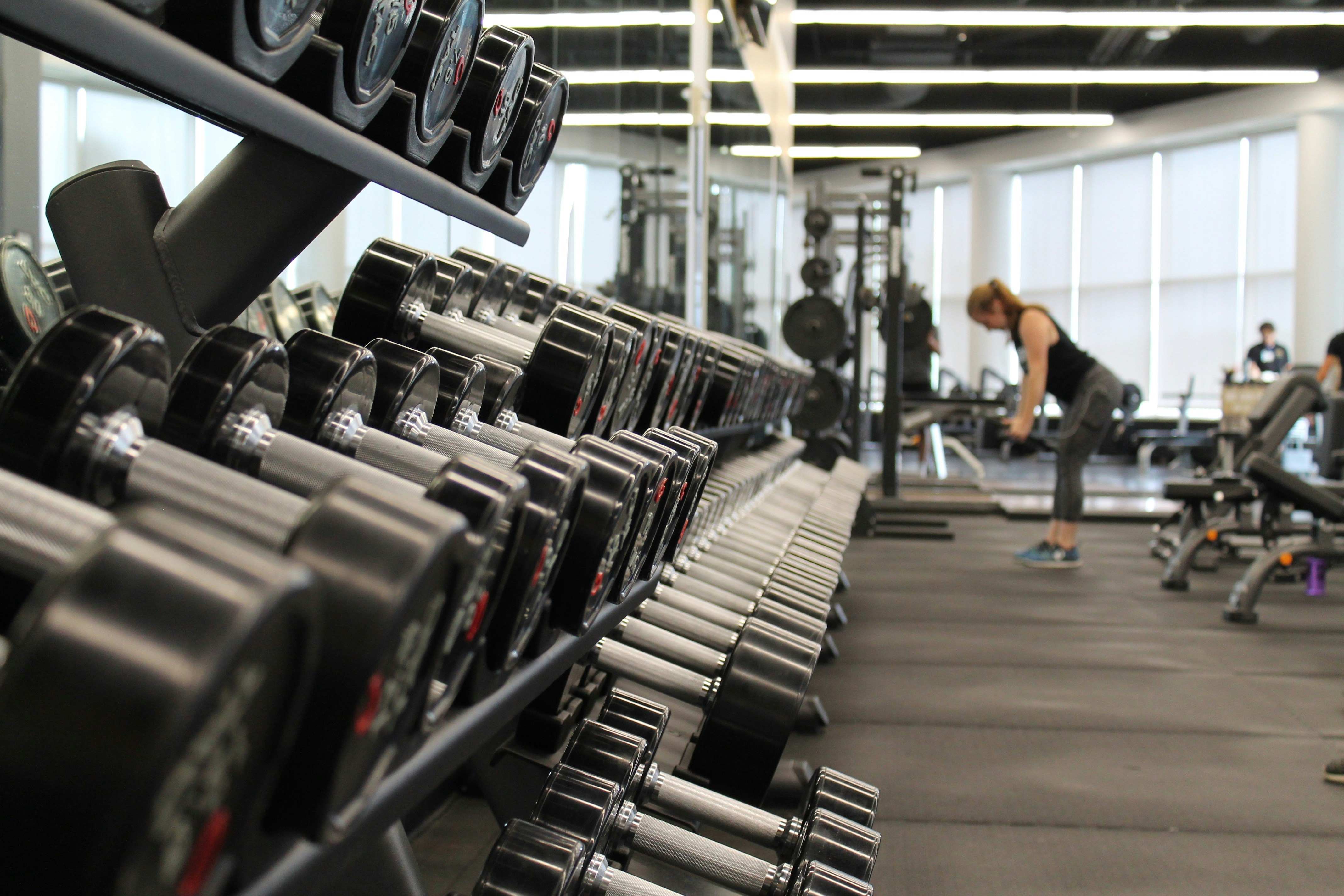
Make athletic training easier to understand on your gym website
“Fitness” can mean almost anything to a prospective member. Someone looking for athletic, performance-oriented training may be trying to find strength work, conditioning, mobility sessions, sports performance coaching, or a structured small-group program—but a generic homepage may not tell them whether your facility offers the right fit.
A recent Men’s Health report on athleticism-focused training identifies athleticism as a prominent fitness trend. That does not prove that every local gym is seeing more inquiries or memberships. It does mean gyms, performance facilities, and trainers should be ready to explain their actual services clearly if interest rises.
The goal is not to relabel every class “athletic training.” Athleticism is not a standardized medical or exercise category. Instead, use the moment to replace vague claims such as “get fit” or “reach your potential” with accurate information about what you teach, who it is designed for, and how someone can take the next step.
In this checklist
- Clarify what “athletic” means at your facility
- Build distinct pages for real training programs
- Publish the practical details prospective members need
- Make safety and screening information easy to find
- Create a simple path from interest to inquiry
- Prepare your team to respond consistently if questions increase
1. Define your version of athletic training without overpromising
Do not assume visitors share your definition of athleticism. On your homepage and program pages, describe the methods, format, and intended participant—not a broad outcome you cannot guarantee.
For example, a facility might accurately describe its offering as:
- Coach-led strength and conditioning sessions
- Small-group training focused on movement, strength, and conditioning
- Mobility-focused sessions for adults participating in recreational activities
- Sports performance coaching for specific age groups or sports
- One-to-one coaching with an assessment or consultation before programming
Avoid unsupported promises such as:
- “Become more athletic in 30 days”
- “Prevent injuries”
- “Train like a professional athlete”
- “Guaranteed performance gains”
- “The best athletic training in town”
Instead, show what a visitor can expect to do and how your coaching model works.
A more useful homepage message
Generic:
Training for every goal.
More specific:
Coach-led strength, conditioning, and mobility sessions for adults who want structured training in a small-group setting.
The second version gives a visitor something concrete to evaluate. It also gives your staff a better starting point if that visitor gets in touch.
2. Create a separate page for every real program
A visitor should not have to guess whether “classes” includes strength training, mobility work, personal coaching, or sport-specific sessions. If these are materially different services, give them distinct pages or clearly separated sections on one well-organized programs page.
Possible program pages include:
- Strength training
- Conditioning classes
- Mobility sessions
- Small-group training
- Personal coaching
- Sports performance training
- Youth or adult athlete programs
- Introductory assessments or consultations
Only publish pages for services you actually offer. A page built around a trend term that does not match your real program can create confusion for visitors and your team.
For each program, answer the same core questions.
Who is this program for?
Be specific about experience level, age range where relevant, and intended use.
Examples:
- “Designed for adults who are new to coached strength training.”
- “For recreational runners and other active adults looking for a structured conditioning class.”
- “For high school athletes participating in our listed sports-performance program.”
- “For members who prefer individual coaching rather than group sessions.”
Do not imply that a program is appropriate for everyone. If participation depends on an assessment, medical clearance, a parent or guardian, previous experience, or another requirement, state that clearly.
What happens in a first session?
New visitors often want to know whether they will be dropped into a demanding class, meet with a coach first, or receive an introduction to your facility.
Explain your actual process, such as:
- Submit an inquiry or request a consultation.
- Speak with a team member about the available program options.
- Attend an introductory session, assessment, or class if applicable.
- Review next steps, membership options, or coaching availability.
Do not call something a “free assessment” unless it is truly free. Do not describe an assessment as individualized programming if that is not what your team provides.
What is included?
Use clear language. A prospective member should be able to tell whether the program includes classes, coaching, facility access, a consultation, or something else.
For example:
- Number of sessions per week, if fixed
- Class format and approximate duration
- Whether instruction is group-based or one-to-one
- Whether advance reservations are required
- What equipment participants use or need to bring
- Whether the program is offered at every location
This level of detail makes your service pages more helpful than a list of motivational phrases. For a practical page structure, see what to include on a local business service page before customers request a quote.
3. Put schedules, locations, and availability where visitors can find them
A strong program description still leaves a practical question: “Can I actually attend?”
For each program, publish or link to current information about:
- Class days and times
- Facility address or relevant location
- Whether online booking is required
- Whether a first visit must be arranged in advance
- Current enrollment or waitlist status, if you choose to share it
- Parking, entrance, or check-in instructions when useful
- Cancellation and late-arrival policies
If schedules change frequently, avoid copying a static timetable onto several pages where it can become outdated. Link to one maintained schedule page or booking tool instead.
Your Google Business Profile should also match the essentials on your website, especially your address, hours, and phone number. Read Google Business Profile and your website: how they work together to get you found for a practical overview.
4. Show who is coaching—and what their qualifications mean
Coaches are central to an athleticism-focused training decision. Visitors may want to know who is leading the session, what experience they have, and whether they are qualified for the program described.
A useful coach profile can include:
- Name and photo
- Role at the facility
- Relevant certifications, licenses, education, or coaching background
- The programs or populations they work with
- A short statement in their own words about their coaching approach
Keep profiles factual. Listing a credential is useful; turning it into a guarantee is not.
The broader fitness industry is shaped by coaches and innovators as well as facilities. Athletech News documented the influence and legacy of coach and fitness innovator Eric von Frolich. For a local gym, that is a reminder that visitors may be evaluating the people behind a program—not only the equipment or class name.
5. Be transparent about pricing, consultations, and membership expectations
Not every gym needs to publish a full pricing table. But visitors should understand what happens before they commit.
At minimum, state which of these applies:
- Pricing is published on the program page
- A consultation is required before a recommendation or quote
- Membership options are discussed after an introductory session
- Personal coaching is priced separately from group classes
- A trial, drop-in, or introductory option is available, if true
- Pricing varies by program, frequency, or location
A vague “contact us for pricing” message can be appropriate in some cases, but it should be paired with a useful expectation:
Submit an inquiry to discuss available coaching options, program fit, and current membership details.
Do not hide a required consultation behind a “Book now” button. Label the next step accurately: “Request a consultation,” “Ask about membership,” or “Check class availability.”
6. Publish safety, waiver, and screening information clearly
Fitness businesses should have qualified professionals review their safety, screening, waiver, and participation language. Your website should describe your real process without offering medical advice or making health claims.
Depending on your operation, a prospective participant may need to know:
- Whether a waiver is required before participation
- When and how they complete it
- Whether newcomers need an introductory session
- Whether age restrictions apply
- Whether parents or guardians must complete forms for minors
- What to bring or wear for the first visit
- Whether participants should contact an appropriate healthcare professional about personal medical questions
Keep this information easy to find before a visitor submits a form or arrives for a session. A surprise waiver or participation requirement at check-in can create frustration and no-shows.
7. Build an inquiry form around the actual choice a visitor is making
A gym inquiry form should help staff identify the appropriate next step without asking for unnecessary personal information.
Useful fields may include:
- Name
- Email address or phone number
- Program of interest
- Preferred location, if applicable
- Preferred contact method
- A short optional message
For a sports performance or youth program, you may also need fields relevant to your actual intake process, such as participant age range. Collect only information your team needs to handle the request appropriately, and explain how you use it.
Avoid asking visitors to disclose detailed medical information in a general website contact form. Keep safety screening and formal intake within the process designed and reviewed by your qualified team.
For more form-design guidance, see local business website lead form fields: what to ask and what to leave out and the local business website lead form privacy checklist.
Match the form CTA to the program
Generic button:
Submit
Better options:
- Ask About Small-Group Training
- Request a Coaching Consultation
- Check Class Availability
- Ask About Youth Performance Training
- Learn About Membership Options
The button does not need to promise a result. It simply needs to tell visitors what will happen next.
8. Prepare a follow-up process before inquiries rise
A website cannot create a consistent member experience on its own. If your clearer program pages lead to more questions, your team should be ready to respond with the same accurate information published online.
Create a short internal response guide for common inquiries:
| Visitor question | Information your team should confirm |
|---|---|
| “Is this right for beginners?” | The actual experience level the program serves and whether an intro session is required |
| “What does the first visit cost?” | Current introductory, drop-in, consultation, or membership information |
| “Can I attend this week?” | Current schedule, availability, and booking requirements |
| “Is this personal training?” | Whether the session is group-based, one-to-one, or another format |
| “What should I bring?” | Your real first-visit instructions, waiver steps, and facility guidance |
Review this guide whenever schedules, program names, pricing, or intake requirements change.
A prompt response is helpful, but accuracy matters more than sending a rushed answer that conflicts with the website. If staff members are unsure, give them a clear handoff person or process.
9. Check the experience on a phone
Many prospective members will view a program page between work, school, or other commitments. On a phone, they should be able to quickly find:
- What the program is
- Who it is for
- The next available step
- Schedule or location information
- A working inquiry option
- A phone number or email address, if you provide one
Test every important action yourself. Open the page on a phone, select a program, follow the schedule link, submit a test inquiry where possible, and confirm the confirmation message is clear.
For a broader mobile review, use why your local business website has to work on a phone first.
A practical athletic-training website checklist
Before promoting an athleticism-focused program or updating your homepage language, verify that you can check off the following:
- [ ] Your homepage explains the actual type of training you provide.
- [ ] Every distinct program has a clear page or section.
- [ ] Each program says who it is for and what a first visit involves.
- [ ] Schedules, locations, and booking requirements are current.
- [ ] Coach profiles accurately identify relevant qualifications and roles.
- [ ] Pricing, consultation, or membership expectations are not hidden.
- [ ] Waiver and participation information is easy to locate.
- [ ] Inquiry forms ask only for information your team needs.
- [ ] Form buttons describe the next step accurately.
- [ ] Your team has a consistent process for handling program questions.
- [ ] The full journey works on a phone.
Keep the trend useful, not generic
Interest in athleticism-focused training can be a useful prompt to examine whether your website reflects what happens inside your facility. The strongest update is usually not a new buzzword in a headline. It is a clearer explanation of your real programs, credible coach information, transparent expectations, and an easy way for the right person to inquire.
If your gym needs a website that makes its services easier to understand, StoopCraft builds done-for-you websites for local businesses and includes on-page SEO as part of its $99/month service. Visit StoopCraft to learn more.


