SpaceX Rocket Launch Website Checklist for Florida Tourism Businesses
A practical website checklist for Florida tourism businesses preparing for possible SpaceX Bandwagon-5 visitor questions.
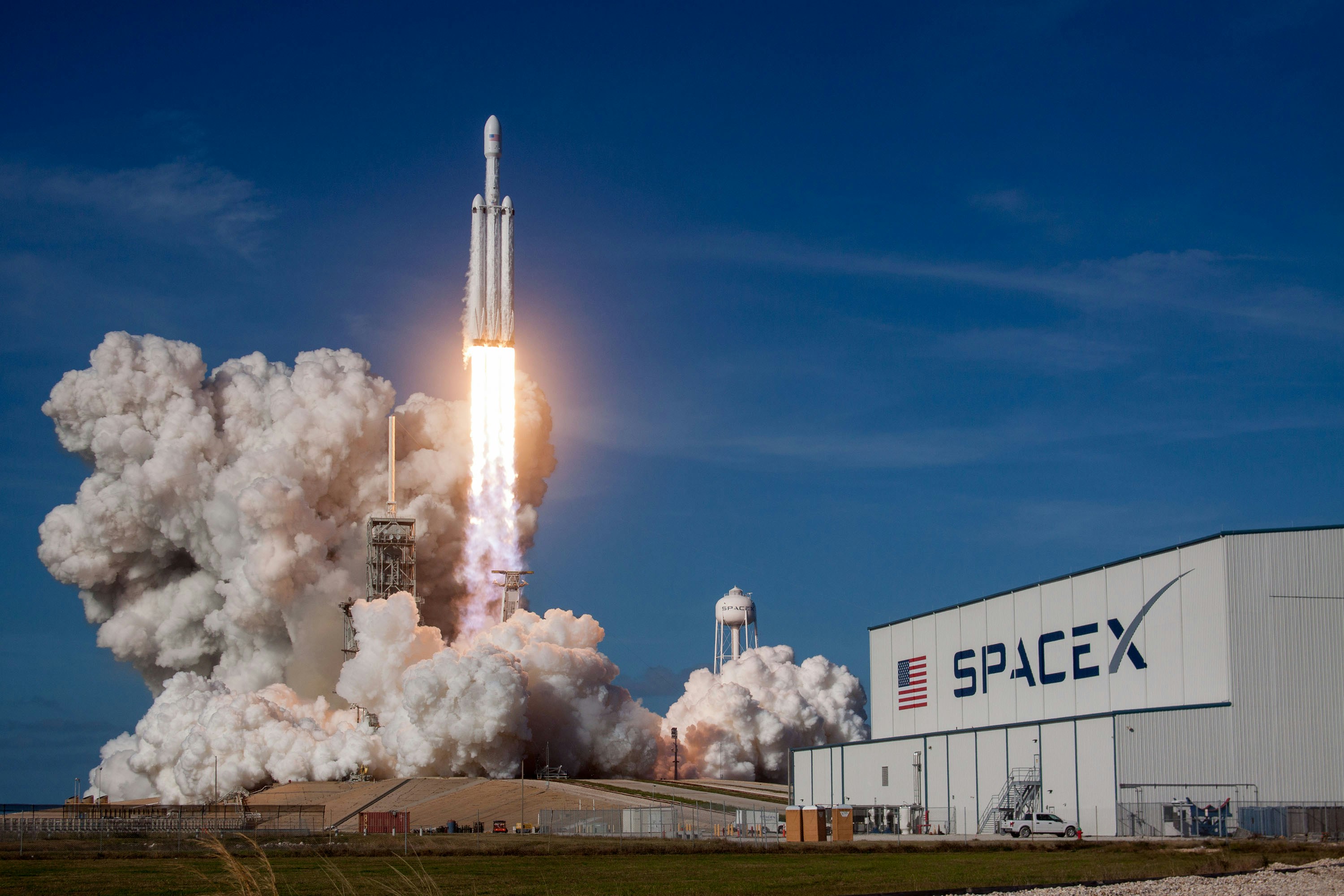
Prepare your website for launch-related visitor questions
SpaceX lists the Bandwagon-5 mission on its official launch page, and ClickOrlando reports that the launch could create a visible “space jellyfish” effect over Central Florida. That reported effect may prompt travelers and local visitors to look for places to stay, eat, park, book activities, or spend time near possible viewing areas.
That does not mean a visitor surge, more bookings, or more website traffic is guaranteed. The available sources do not document increased tourism demand. Still, Florida tourism and hospitality businesses can prepare for possible launch-related questions by making their websites clearer before interest arrives.
The goal is simple: publish accurate information about your own business, avoid assumptions about launch conditions, and make it easy for visitors to understand what is available.
Table of contents
- Start with information you can verify
- Add a concise launch-related website notice
- Update hours, availability, and booking details
- Make parking and access information specific
- Use careful visibility and weather language
- Prepare your contact and inquiry process
- Check the mobile visitor experience
- Know what to change if plans shift
- A practical pre-launch publishing checklist
Start with information you can verify
Before adding “rocket launch” language across your site, decide what you can state with confidence. Your website should describe your business’s actual plans—not repeat unverified launch timing, visibility claims, road conditions, or access rules.
SpaceX’s official Bandwagon-5 mission page is the appropriate source to monitor for mission information. Local reporting from ClickOrlando describes the potential “space jellyfish” effect, but potential is the key word. Visibility can depend on conditions that change.
Create a short internal list before publishing:
- Your current opening and closing hours
- Whether reservations or walk-ins are accepted
- Available room, tour, table, rental, or activity inventory
- Your normal parking options and any business-specific parking limits
- Accessible entrances or pickup locations
- Areas that are private, restricted, or unavailable to guests
- Your cancellation, rescheduling, and late-arrival policies
- The best staff member or inbox for time-sensitive questions
This prevents a common event-week problem: a homepage message says one thing, a booking page says another, and staff provide a third answer by phone.
Add a concise launch-related website notice
A launch-related notice can be useful if your location, hours, or services are relevant to visitors who may be interested in the event. Keep it factual and temporary.
Place the notice where a visitor will actually find it:
- A homepage banner
- A short section on a relevant location or visitor-information page
- A booking-page note, if availability or arrival details may change
- A Google Business Profile post that links back to the fuller website update
Do not turn the notice into a promise that guests will see a launch or a “space jellyfish.” Your business cannot control the launch schedule, weather, cloud cover, viewing conditions, or public access.
Example homepage notice
Planning a visit around the SpaceX Bandwagon-5 mission? Our current hours, reservations, and visitor information are listed below. Launch schedules and visibility can change, so please confirm mission updates through official sources before making viewing plans.
If your business does not provide viewing access, say so plainly. For example:
We do not offer designated launch viewing, event parking, or viewing-area access. Please use only legal, publicly permitted locations and follow local guidance.
That single sentence can reduce confusion without discouraging legitimate customers from visiting for your regular services.
Update hours, availability, and booking details
If launch-related interest leads to more questions, people will usually want quick answers before they decide whether to call or book. Put those answers on the page where they make decisions.
Hotels, vacation rentals, restaurants, charter operators, attractions, and tour companies should review:
Operating hours
Confirm that your homepage, contact page, booking tool, Google Business Profile, and social profiles all show the same hours. If you expect normal hours, say “regular hours apply” rather than suggesting a special event schedule.
If you will close early, extend hours, limit walk-ins, or restrict a service, publish the specific change and the effective date. Do not leave an old banner live after plans return to normal.
Availability status
Do not imply scarce availability unless it is true. A simple, accurate status line works better:
- “Reservations are available through our online booking page.”
- “Please check the booking calendar for current availability.”
- “Call us for same-day availability.”
- “Private tour availability is limited to the dates shown in our booking system.”
For accommodation providers, show minimum-stay requirements, check-in windows, and cancellation terms where visitors can see them before submitting an inquiry. For restaurants, clarify whether reservations are required and whether takeout, bar seating, or walk-ins are available.
Arrival expectations
Visitors traveling around a launch may arrive earlier or later than usual. Make your policies easy to find:
- Latest check-in or arrival time
- What happens if a tour departs without a guest
- Reservation grace periods
- Whether schedule changes can be accommodated
- Where to call if a guest is delayed
A clear policy is more helpful than a vague “contact us for details” line.
Make parking and access information specific
Parking is often the missing detail on small-business sites. During any locally visible event, uncertainty about parking can generate avoidable calls and frustrated arrivals.
Publish only the information you control or have verified for your property:
- Your street address and entrance location
- Whether on-site parking exists
- Whether parking is free, paid, limited, or reserved for customers
- Whether oversized vehicles can be accommodated
- Where rideshare drivers should pick up and drop off guests
- Any accessibility parking or entrance information
- Whether customers need a reservation to use your lot
- Whether your location has restroom access for customers
Avoid directing people to roadside pull-offs, private property, residential streets, restricted areas, or unofficial viewing spots. Do not suggest that customers can park at your business unless you intend to provide that access.
A useful format is a short “Before you arrive” block:
Before you arrive: Customer parking is available in our designated lot while spaces last. Please use the marked entrance from [street name]. We cannot provide overflow parking or launch-viewing access.
Replace bracketed details with facts specific to your business. If you do not have reliable overflow options, do not invent alternatives.
Use careful visibility and weather language
The reported “space jellyfish” effect is a possible visual phenomenon, not a guaranteed guest experience. Your website should preserve that distinction.
Avoid language such as:
- “See the space jellyfish from our property.”
- “Guaranteed rocket launch views.”
- “The best place to watch the launch.”
- “Clear skies expected.”
- “The launch is happening at [time].”
Unless you have current, authoritative information and a reason to publish it, those claims create risk and disappointment.
Use language that accurately reflects uncertainty instead:
- “The mission may be visible in parts of Central Florida, depending on conditions.”
- “We cannot guarantee launch visibility from our location.”
- “Mission schedules and weather conditions may change.”
- “Check official sources for the latest mission information before traveling.”
If your business has an outdoor experience, explain what happens in ordinary weather conditions. For example, a kayak tour company can link to its standard weather policy; a restaurant can tell guests whether seating is indoors, outdoors, or both. Keep the focus on the service you actually provide.
Prepare your contact and inquiry process
A website update only helps if incoming questions reach someone who can answer them. Review your contact flow before publishing a launch-related note.
Keep the form short
For a general launch-related question, ask only what you need:
- Name
- Email or phone number
- Requested date
- Type of service or reservation
- Message
Do not add unnecessary personal questions just because interest may be time-sensitive. For more guidance, see Local Business Website Lead Form Fields: What to Ask and What to Leave Out.
Add a useful form option only if staff will use it
If launch-related questions are likely to be relevant to your operations, a dropdown option such as “Hours, parking, or visit information” can help staff sort messages. Avoid adding a “launch viewing” option if you do not offer viewing services.
Write a short response template
Prepare a staff response that does not overpromise:
Thanks for contacting us. Our current hours and booking information are available at [link]. We cannot confirm launch timing or visibility from our location, so please check official mission updates before making travel plans. For questions about your reservation or visit, reply here or call us at [phone number].
This keeps answers consistent and redirects visitors toward verified information.
If calls matter to your business, make the phone number tappable on mobile and place it near the relevant booking or visitor-information section. Clear calls to action matter most when someone is searching from a car, hotel room, or airport. Review How to Write Website Copy That Gets Local Customers to Call for practical page-level guidance.
Check the mobile visitor experience
People researching a same-day or next-day visit are likely to use a phone. A detailed launch notice is not useful if it covers the booking button, loads slowly, or makes the essentials difficult to find.
Check these items on an actual phone:
- Can visitors find your address, hours, and phone number without scrolling through a large announcement?
- Does the booking link work and open the correct page?
- Is the parking or arrival note readable without pinching to zoom?
- Are forms easy to complete with a mobile keyboard?
- Does the contact page have one obvious next action?
- Are important updates still visible after a visitor dismisses a banner?
Your website should remain useful for normal customers, not only visitors looking for launch information. Why Your Local Business Website Has to Work on a Phone First explains why this is a core usability issue rather than a cosmetic detail.
Know what to change if plans shift
Launch schedules can change. So can weather, business hours, private-event plans, and local travel conditions. Build your page so it can be updated or removed quickly.
Use a simple update process:
- Name one owner. Decide who can approve website updates.
- Keep the message modular. Put time-sensitive content in one homepage block or dedicated notice, rather than rewriting multiple pages.
- Add an update date. A visible “Last updated” line helps visitors understand whether information is current.
- Remove stale details. Take down special notices once they are no longer useful.
- Keep your regular policies visible. Cancellations, reservations, and normal operating information should not disappear behind an event announcement.
If the mission is delayed, scrubbed, or no longer relevant to your business’s operations, replace the notice with your ordinary visitor information. For a broader process, read Major Event Canceled? Local Business Website and Customer Communication Checklist.
A practical pre-launch publishing checklist
Use this checklist before publishing any Bandwagon-5-related website update:
- [ ] Confirm business hours, reservation rules, and availability are current.
- [ ] Verify the address, parking instructions, and entrance details.
- [ ] State clearly whether your business offers any designated viewing access.
- [ ] Do not promise launch visibility, timing, clear weather, or a visual effect.
- [ ] Link visitors to official mission information rather than reposting uncertain details.
- [ ] Add a concise homepage, booking-page, or visitor-information notice if relevant.
- [ ] Make the notice clear that schedules and conditions may change.
- [ ] Confirm mobile visitors can call, book, find directions, and submit a form.
- [ ] Prepare a staff response for questions about hours, parking, reservations, and access.
- [ ] Add a “Last updated” date to temporary information.
- [ ] Assign someone to remove or revise the notice if plans change.
Keep the website useful after the launch
The best launch-related update is not a dramatic event page. It is a short, accurate layer of visitor information that makes your regular website easier to use.
If inquiries rise, your team will have clearer answers ready. If they do not, the work still improves practical details that visitors need year-round: reliable hours, accurate arrival guidance, clear availability, and a simple way to get in touch.
StoopCraft builds websites and provides on-page SEO for local businesses for $99/month. If your tourism business needs a clearer, easier-to-manage website before your next seasonal moment or local event, visit StoopCraft.


