Salmonella Oyster Outbreak: Website Checklist for Seafood Restaurants
A practical website and inquiry-handling checklist for seafood restaurants responding to an oyster food-safety advisory or menu pause.
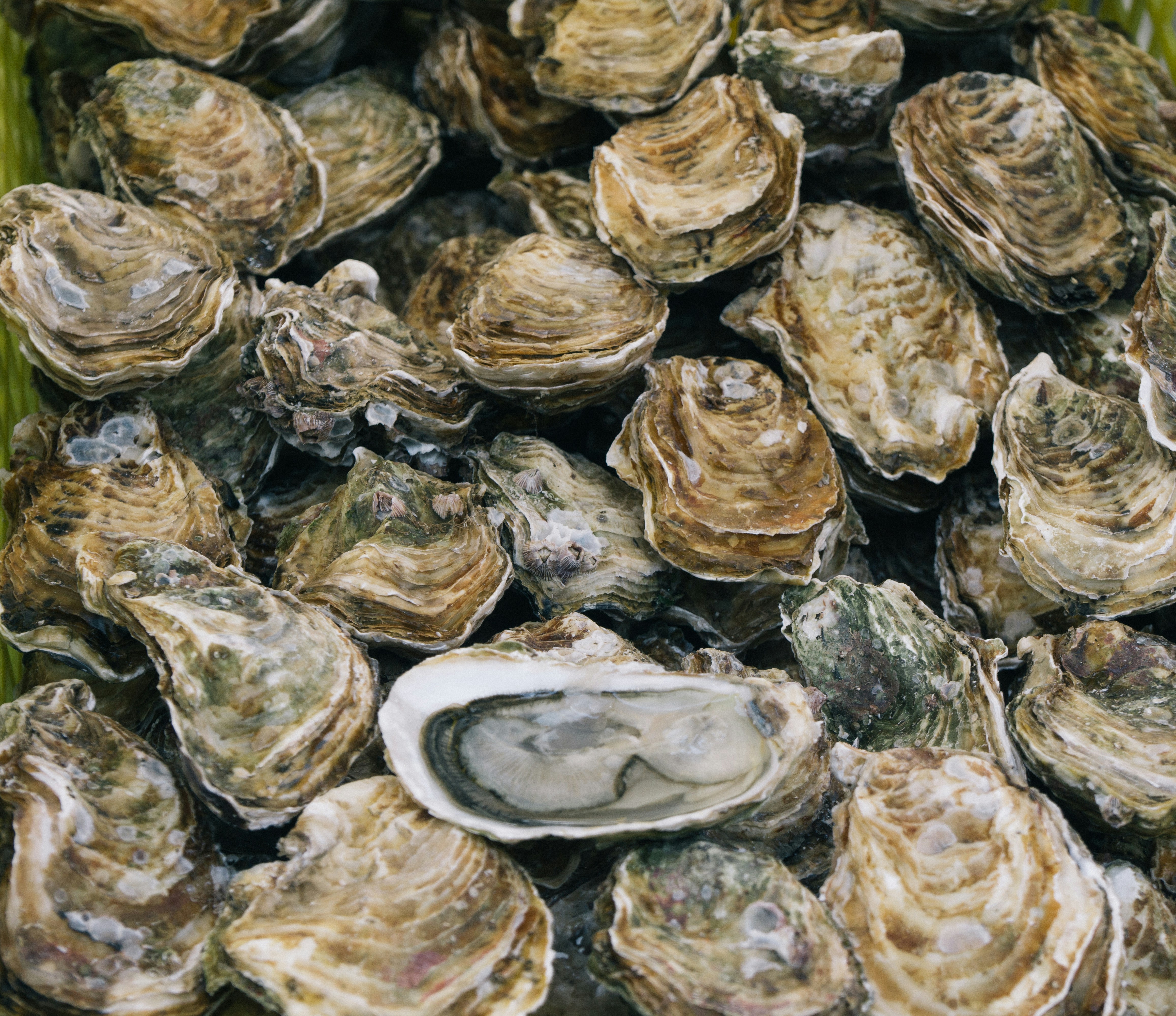
What seafood restaurants should update during an oyster-related food-safety advisory
A salmonella outbreak associated with raw oysters sold in Virginia has prompted an October 2026 investigation, according to reporting from WTKR and the CDC’s outbreak locations page.
That does not mean every seafood restaurant, oyster bar, market, or caterer is connected to the outbreak. Do not suggest that your business, supplier, inventory, or customers are involved unless an appropriate authority has confirmed it.
But if your restaurant serves raw oysters—or temporarily changes availability while reviewing information from suppliers or public-health authorities—your website should give customers a clear, current answer. A vague menu, stale ordering page, or unanswered contact form can create unnecessary confusion.
This checklist focuses on communicating accurately online, keeping menus consistent, and routing customer questions to the right place.
Table of contents
- Start with verified information
- Publish a short, factual website notice
- Update every menu and ordering surface
- Handle reservations, events, and oyster-specific packages
- Route health questions appropriately
- Set up a simple inquiry-handling process
- Avoid common communication mistakes
- A same-day website checklist
- Keep the notice current, then remove it
Start with verified information
Before changing your website, separate what you know from what you are still confirming.
For a restaurant, the facts worth verifying internally may include:
- Whether raw oysters are currently available at your location
- Which specific menu items use raw oysters
- Whether an oyster special, tower, happy-hour offering, catering package, or private-event menu is affected
- Whether online ordering reflects current availability
- Which staff member is responsible for approving public updates
- What information your supplier, distributor, or local public-health authority has provided
Do not fill gaps with assumptions. In particular, avoid publishing statements such as:
- “Our oysters are safe.”
- “Our supplier is not affected.”
- “We are not connected to the outbreak.”
- “No customers have been impacted.”
- “This does not affect our restaurant.”
Those may be true in some cases, but they should not appear on your website unless they are supported by verified information you are authorized to share.
A better approach is to describe only your current service status. For example:
Raw oyster availability is currently being reviewed. Please see our menu for the latest offerings or contact the restaurant directly with reservation questions.
That statement tells visitors what they need to know without making an unsupported claim about the broader investigation.
Publish a short, factual website notice
If raw oyster availability changes or customers are likely to have questions, place a brief notice where visitors can find it quickly. For most restaurants, that means the menu page first—not a buried blog post.
Use a notice only when it is relevant to your actual operations. A restaurant that does not serve raw oysters does not need to publish an outbreak notice simply because it serves seafood.
What a useful notice should include
A practical notice can cover four points:
- What has changed: Is a specific item unavailable, paused, or subject to substitution?
- Where to find current information: Link to the current menu or ordering page.
- How to contact the restaurant: Give one clear channel for reservation or menu questions.
- Where health-related questions belong: Link to the CDC or the appropriate public-health authority rather than attempting to answer medical questions yourself.
Example website notice
Raw oyster availability update
Some raw oyster selections may be temporarily unavailable or subject to change. Please review our current menu before visiting or placing an order. For reservation and menu questions, contact our team directly. For public-health information about the CDC’s oyster-related salmonella outbreak investigation, visit the CDC outbreak page.
Adjust this copy to match your circumstances. If only one item is unavailable, name that item. If the full raw bar is paused, say so plainly. Do not imply more than you know.
Where to place the notice
Prioritize pages that customers use immediately before deciding to visit, reserve, or order:
- Your raw bar or dinner menu page
- Online ordering pages
- Reservation pages
- Oyster-happy-hour, seafood tower, and special-event pages
- Catering pages if raw oysters are part of catered offerings
- A homepage alert, if the change is substantial or affects a major part of your service
Make the notice easy to read on a phone. A customer standing outside your restaurant or trying to book a table should not have to open a PDF, search Instagram, and call the host stand to learn whether a menu item is available. For a broader mobile review, see Why Your Local Business Website Has to Work on a Phone First.
Update every menu and ordering surface
The most common communication problem is inconsistency: a restaurant removes an item from one page while it remains available somewhere else online.
Make a list of every customer-facing place where oysters appear. Then update, pause, or remove the affected offering consistently.
Check more than the main menu
Raw oysters may be listed in places such as:
- A downloadable PDF menu
- A mobile menu
- A raw bar page
- A daily specials page
- Online ordering platforms
- Gift-card or package pages that mention oyster experiences
- Catering menus
- Private dining packages
- Reservation notes
- Promotional landing pages
- Google Business Profile posts or menu links
- Recent social posts that direct people to an outdated menu
If an item is not currently available, do not leave an active “Order Now” button beside it. If substitutions are possible, label them carefully rather than automatically substituting a different raw item without notice.
Be specific about what is and is not changing
Customers may not understand the difference between a raw oyster offering and cooked seafood items. Your website can clarify availability without making a health claim.
For example:
Our raw oyster selection is currently unavailable. Our cooked seafood menu remains available; please see the current menu for today’s offerings.
Only publish language like this if it accurately describes your menu. The goal is not to reassure visitors broadly. It is to prevent them from arriving with the wrong expectation.
A clear website navigation structure makes updates easier to find. If menu categories and booking links are scattered, review Local Business Website Navigation: What to Put in Your Menu.
Handle reservations, events, and oyster-specific packages
An oyster-related menu pause can affect more than walk-in guests. Review any offer where oysters are a named part of the experience.
This may include:
- Raw bar reservations
- Oyster tastings
- Seafood tower packages
- Happy-hour promotions
- Chef’s table menus
- Private parties
- Wedding and corporate catering
- Holiday or festival menus
For each offer, decide whether it is:
- Available as advertised
- Available with a stated change
- Temporarily unavailable
- Available only after direct confirmation
Then make that status visible before someone submits a request or pays a deposit.
Add a reservation note when needed
If your booking tool allows notes, use a brief, factual message:
Raw oyster availability may vary. Contact us before booking if raw oysters are central to your reservation.
That is more useful than letting a guest discover a change after arriving. It also gives staff a consistent prompt to address the question before the reservation is finalized.
For private-event forms, include a simple field such as:
- Are raw oysters or a raw bar part of your event request?
- Do you have menu questions before submitting this inquiry?
Do not ask customers to share health details in a restaurant contact form. Keep the form focused on service, availability, reservations, and events. For help keeping forms appropriately simple, see Local Business Lead Form Fields: What to Ask and What to Leave Out.
Route health questions appropriately
A restaurant website should not provide medical advice, assess symptoms, or advise visitors whether they should eat oysters.
If a customer asks about the outbreak itself, direct them to authoritative public-health information. The CDC’s outbreak investigation page is the appropriate starting point for information about locations connected with the October 2026 investigation.
Your customer-facing response can remain short:
We can help with questions about our current menu, reservations, and availability. For health-related questions or information about the oyster-related outbreak investigation, please refer to the CDC’s published guidance.
This protects your staff from trying to answer questions outside their role and gives customers a credible source for public-health information.
Set up a simple inquiry-handling process
The research does not show that this outbreak has caused a measurable increase in restaurant inquiries, cancellations, or website traffic. Still, businesses that serve raw oysters should prepare for possible questions while menu availability is changing.
The key is consistency. A customer should get the same basic answer from your website, host stand, contact form, and event coordinator.
Choose one internal owner
Assign one person to:
- Confirm the current website message
- Approve menu edits
- Share the approved response with customer-facing staff
- Check whether old offers remain live online
- Remove or revise the notice when circumstances change
Without one owner, a restaurant can end up with conflicting updates across the website, online ordering system, and reservation platform.
Create a short staff response
Give staff a response they can use for menu and reservation questions:
Thanks for checking. Our current raw oyster availability is listed on our menu. If you are planning a reservation or event around a raw oyster offering, please contact us directly so we can confirm the latest details.
Keep this response focused on what your team can verify.
Respond to website messages promptly
If inquiries rise, prioritize messages involving:
- Same-day reservations
- Event deposits or catering requests
- Orders placed for unavailable items
- Questions about a named raw-oyster offering
- General menu questions
A contact form should set realistic expectations. Avoid promising an immediate response unless your team can reliably provide one. If your restaurant has limited hours for handling online messages, state that clearly on the contact page.
Avoid common communication mistakes
During a food-safety-related news event, restraint matters. The following shortcuts can create confusion or overstate what your business knows.
Do not copy public-health language without context
A CDC page may describe an investigation, locations, or health information. That does not automatically establish anything about your restaurant. Link to the source rather than rewriting it as a claim about your business.
Do not use vague reassurance
“Everything is fine” is not helpful when a menu item is unavailable or under review. Tell customers what is available today and where they can confirm details.
Do not leave outdated promotions live
An old event page advertising “unlimited oysters” or a raw bar package can undermine a carefully written menu update. Search your site for “oyster,” “raw bar,” “tower,” and other relevant terms.
Do not turn the notice into marketing
Avoid using an advisory as a promotional opportunity. A clear menu update and a useful contact path are enough.
Do not send health information through customer forms
Contact forms are not the right place to collect symptom descriptions, medical histories, or illness reports. Direct health-related questions to the appropriate public-health resource instead.
A same-day website checklist
Use this checklist when you need to publish or verify an oyster-related menu update.
- [ ] Confirm current information with the appropriate internal decision-maker and suppliers where applicable.
- [ ] Identify every raw-oyster menu item, package, special, and event offering.
- [ ] Update the main menu and mobile menu.
- [ ] Update online ordering availability.
- [ ] Add a concise notice to the menu page if customers may encounter a change.
- [ ] Review reservation, catering, and private-event pages.
- [ ] Pause or revise oyster-specific calls to action and promotions.
- [ ] Add a direct contact route for reservation and availability questions.
- [ ] Link health-related questions to the CDC outbreak information.
- [ ] Give staff one approved response for customer questions.
- [ ] Check the website on a phone after publishing.
- [ ] Record the date and person responsible for the update.
Keep the notice current, then remove it
A temporary notice should not become permanent website clutter.
Set a reminder to review the page after publishing. When availability changes again, update the menu first, then revise or remove the notice. Check associated promotions, order pages, and reservation copy at the same time.
If your restaurant resumes a paused item, do not simply delete the alert and assume every page is current. Verify that the item description, pricing, ordering controls, availability labels, and event packages all match the current offering. This is the same principle behind a careful local business website reopening checklist: customers need one accurate version of the truth across every important page.
Make urgent website updates easier to manage
Food-safety-related updates should be factual, limited to what your restaurant can verify, and easy for customers to find. If raw oyster availability changes, a clear menu update and a consistent inquiry process can reduce avoidable confusion without making unsupported claims.
StoopCraft builds websites for local businesses and includes on-page SEO as part of its $69/month service. If you want a website that is easier to keep accurate when menus, offers, or business details change, visit StoopCraft.