Plumbing Contractor Website Essentials: What Customers Need to See Before Calling
A practical plumbing website checklist for clear service details, emergency contact paths, service areas, forms, and follow-up.
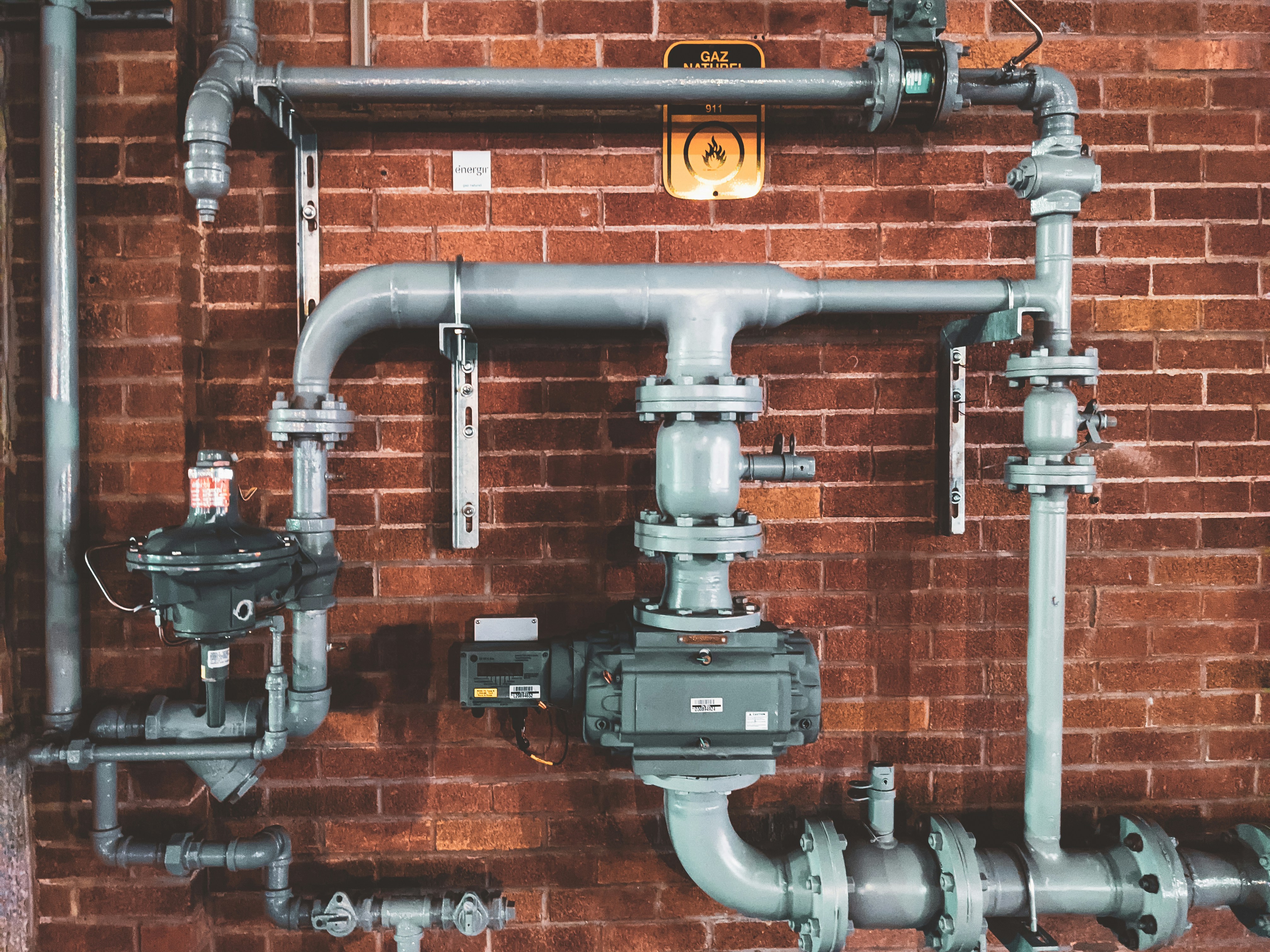
A plumbing website has to answer urgent and routine questions quickly
A plumbing customer may be standing near a leaking fixture, dealing with a drain problem, or planning a bathroom project weeks in advance. Those are very different situations, but both visitors need the same basic confidence before they contact your business:
- Do you handle this type of work?
- Do you serve their address?
- Can they reach someone now, or should they submit a request?
- What information should they provide?
- What should they expect next?
A clear website cannot guarantee more calls or booked jobs. It can, however, make it easier for a prospective customer to determine whether your plumbing business is a fit and send a useful inquiry.
For situations involving immediate danger, suspected gas leaks, fire, medical needs, or other urgent hazards, your website should direct people to the appropriate local emergency or utility guidance rather than attempting to provide improvised safety instructions.
Table of contents
- Make emergency and routine contact paths obvious
- State your service area and availability clearly
- Explain plumbing services in customer language
- Set pricing expectations without making unsupported promises
- Use proof points you can verify
- Build a service-request form that captures the right details
- Plan for after-hours inquiries
- Make the site easy to use on a phone
- Use a practical plumbing website checklist
Make emergency and routine contact paths obvious
A visitor with an active plumbing problem should not have to hunt through a menu to find your phone number. A visitor planning a replacement or installation should not be forced to call when a request form would be more convenient.
Your website can serve both needs by showing two distinct options in prominent places:
- Call now: A tap-to-call phone number in the site header and near urgent-service messaging.
- Request service: A clear button that leads to a short form.
- Emergency availability: A plain-language statement about whether you offer emergency service and how customers should contact you.
- Scheduled work: A separate path for estimates, planned repairs, installations, or other non-urgent requests.
The distinction matters. “Contact us” is vague. “Call for urgent plumbing service” and “Request a scheduled visit” help visitors choose the route that fits their situation.
Keep the same primary actions consistent across the homepage, service pages, contact page, and mobile menu. If the header says “Request Service,” the form page should use that same language rather than changing to “Get Started” or “Book Now.”
For broader guidance on writing action-oriented website language, see how to write website copy that gets local customers to call.
State your service area and availability clearly
Before a homeowner explains a problem, they often want to know whether you travel to their neighborhood. Put that answer near the top of the homepage and on the contact page.
A useful service-area section may include:
- The city or region where your business is based
- Named cities, neighborhoods, or communities you regularly serve
- Any boundary, distance, or travel considerations that affect requests
- A note asking customers outside the listed area to contact you if you are open to reviewing the job
Avoid a long, unstructured list of every possible location. It can become difficult to maintain and may confuse customers about where you actually work. A concise overview plus a dedicated service-area page is often easier to read.
Availability deserves the same precision. Publish your normal business hours, then separately state emergency availability if you offer it. Do not imply 24/7 response, same-day appointments, or a specific response time unless your business can consistently support that statement.
For example:
Office hours: Monday–Friday, 8 a.m.–5 p.m.
Emergency service: Call our main number for current availability.
That is clearer than a general “We’re here when you need us” claim that does not explain what a customer should do next.
Read local business website service areas: what to include without creating confusion for a deeper look at organizing this information.
Explain plumbing services in customer language
Customers do not always know the technical name for the problem they are experiencing. A site organized only around industry terminology can leave them uncertain about whether to call.
Build service pages around understandable needs, then add technical detail where helpful. Depending on what your business actually provides, pages may cover categories such as:
- Leak detection and repair
- Drain cleaning and clogs
- Toilet, faucet, and fixture repair
- Water heater service or replacement
- Sewer or drain line concerns
- Garbage disposal repair
- Pipe repair or repiping
- Plumbing for remodels or new installations
- Commercial plumbing services
Do not list a service just because competitors do. Every listed service should be one your team is prepared to discuss and perform.
What each service page should answer
A useful plumbing service page does more than name the service. It should help a customer decide whether to inquire. Include:
- A straightforward description of the issue or project. Explain what the service covers in plain terms.
- Common situations customers may recognize. For instance, a drain page might mention slow drainage, recurring clogs, or backups—but avoid diagnosing a visitor’s specific issue online.
- What information to have ready. Tell customers what will help you understand the request: property type, affected fixture, visible symptoms, approximate timing, and preferred contact method.
- Your service-area reminder. Link back to the areas you serve.
- A relevant next step. Use a CTA such as “Call to discuss urgent service” or “Request service for a planned repair.”
For a reusable page framework, see what to include on a local business service page before customers request a quote.
Set pricing expectations without making unsupported promises
Plumbing customers commonly want to know what a visit or repair may cost. Your website does not need to publish a universal price list to address that question honestly.
Instead, explain your process in terms you can stand behind. For example, you may clarify:
- Whether you provide estimates for certain types of work
- When the scope of a problem needs to be assessed before pricing is discussed
- Whether site conditions, parts, access, or the nature of the repair can affect the final price
- What customers should include when they request an estimate
Avoid publishing “starting at” prices, fixed repair figures, financing claims, warranty terms, or no-surprise guarantees unless those details are current, accurate, and applicable to the work described.
A good pricing-expectation statement is specific about the process without pretending every plumbing issue is identical:
Tell us what is happening, where the issue is located, and when it began. We’ll review the details and explain the appropriate next step for your request.
This helps a visitor understand what to do without making a promise your business has not approved.
Use proof points you can verify
A plumbing website should give customers reasons to trust the business, but credibility works only when the claims are real and supportable.
Potential proof points include:
- Your business name, phone number, and service-area information
- Photos of your actual team, vehicles, office, or completed work, used with permission
- Reviews or testimonials you are authorized to display
- Years in business, if accurately stated
- Relevant licenses, registrations, insurance, manufacturer affiliations, or certifications that you have verified for the locations where you work
- Clear information about residential, commercial, or property-management experience when applicable
Do not use stock-style claims such as “the area’s most trusted plumber,” “guaranteed satisfaction,” or “best prices” unless you can substantiate and consistently honor them.
Testimonials need context, too. A short customer quote connected to a real service experience is more useful than a wall of anonymous praise. Learn more in how to use customer testimonials on a local business website.
Build a service-request form that captures the right details
A plumbing request form should reduce back-and-forth without becoming a barrier to contact. Ask for enough information to understand the request, but do not make the form feel like an inspection report.
A practical starting set of fields includes:
- Name
- Phone number
- Email address
- Service address or ZIP code
- Preferred contact method
- Type of request
- Description of the issue or project
- Preferred appointment timing, if applicable
For a dropdown labeled “Type of request,” use categories that match the services you actually offer. Include “Not sure” so a customer is not forced to diagnose the problem before getting in touch.
Add useful prompts, not risky instructions
A description box can guide visitors with prompts such as:
- Which fixture, room, or area is affected?
- When did you first notice the issue?
- Is this a repair request, replacement, installation, or estimate?
- Is there anything that would affect access to the property?
Avoid asking customers to upload sensitive documents or to provide excessive personal information. If your form collects contact details and property information, explain how you will use that information and keep the request path appropriately protected.
For more form-design guidance, read local business lead form fields: what to ask and what to leave out and local business website lead form privacy checklist: what to review before publishing.
Plan for after-hours inquiries
An after-hours form should not create an expectation of an immediate reply if nobody is monitoring it.
Set expectations directly beside the form and in the confirmation message. If you offer emergency service by phone, say that phone is the appropriate channel for checking current emergency availability. If you do not offer after-hours service, say when the business will review new requests.
A confirmation message might include:
Thanks for contacting us. We received your request and will review it during our posted business hours. For urgent needs, call our main number to check current availability.
Use wording that reflects your actual process. Do not promise a callback window unless you have committed to it operationally.
Preserve the context of each inquiry
When a form submission arrives, the person handling it should be able to see the original details: the service requested, address or service area, issue description, preferred contact method, and time the request was submitted.
A simple handoff process can help:
- Route form submissions to the right inbox or system.
- Make one person or role responsible for checking new requests.
- Keep the original inquiry attached to follow-up notes.
- Mark whether the request was contacted, scheduled, declined, or still awaiting a response.
- Review missed or incomplete requests periodically to identify website changes that may help.
This will not guarantee faster responses, but it can reduce the chance that a useful detail disappears between the website form and the next conversation.
Make the site easy to use on a phone
Many plumbing website visitors will arrive from a phone. A customer may be looking at a leak, checking a service area while away from a computer, or trying to find a phone number quickly.
Test these tasks on an actual phone:
- Can someone see the phone number without zooming in?
- Does the number open the calling app when tapped?
- Is the service-request button easy to find?
- Are hours and emergency availability readable?
- Can a visitor find the service area in one or two taps?
- Does the form work without tiny fields, excessive typing, or hard-to-use dropdowns?
- Are photos, menus, and buttons loading and displaying properly?
Mobile usability is not just a design preference. It affects whether a visitor can access the basic information needed to decide what to do next. See why your local business website has to work on a phone first for a practical review process.
Use a practical plumbing website checklist
Before publishing or revising your plumbing website, check the following.
Contact and availability
- [ ] Phone number appears prominently and is tap-to-call on mobile
- [ ] Service-request option is visible on key pages
- [ ] Normal business hours are current
- [ ] Emergency availability is described accurately, if offered
- [ ] After-hours form expectations are clear
Services and service area
- [ ] Listed services match the work you actually provide
- [ ] Service pages describe customer situations in plain language
- [ ] Each service page gives visitors a relevant next step
- [ ] Service areas are specific and easy to locate
- [ ] Visitors outside the core area know what to do next
Trust and pricing expectations
- [ ] Business details are consistent across the site
- [ ] Photos, testimonials, credentials, and affiliations are accurate and authorized
- [ ] Claims about licensing, guarantees, availability, or pricing have been verified
- [ ] Pricing language explains your process without unsupported promises
Forms and follow-up
- [ ] The form asks for the details your team needs
- [ ] “Not sure” is an option for customers who cannot identify the issue
- [ ] The confirmation message explains what happens next
- [ ] Submissions reach the appropriate person or inbox
- [ ] The team can retain the original inquiry context during follow-up
A short website checklist can prevent avoidable uncertainty
A plumbing website does not need complicated features to be useful. It needs accurate information, obvious contact paths, clear service boundaries, and a request process that works for both urgent and planned needs.
If your current site is difficult to update or does not clearly support those essentials, StoopCraft builds websites for local businesses and includes on-page SEO as part of its $99/month service.


