The MSG Phishing Incident: A Website Lead-Protection Checklist for Local Businesses
Use this practical phishing checklist to help protect customer inquiries, form notifications, and shared business inboxes.
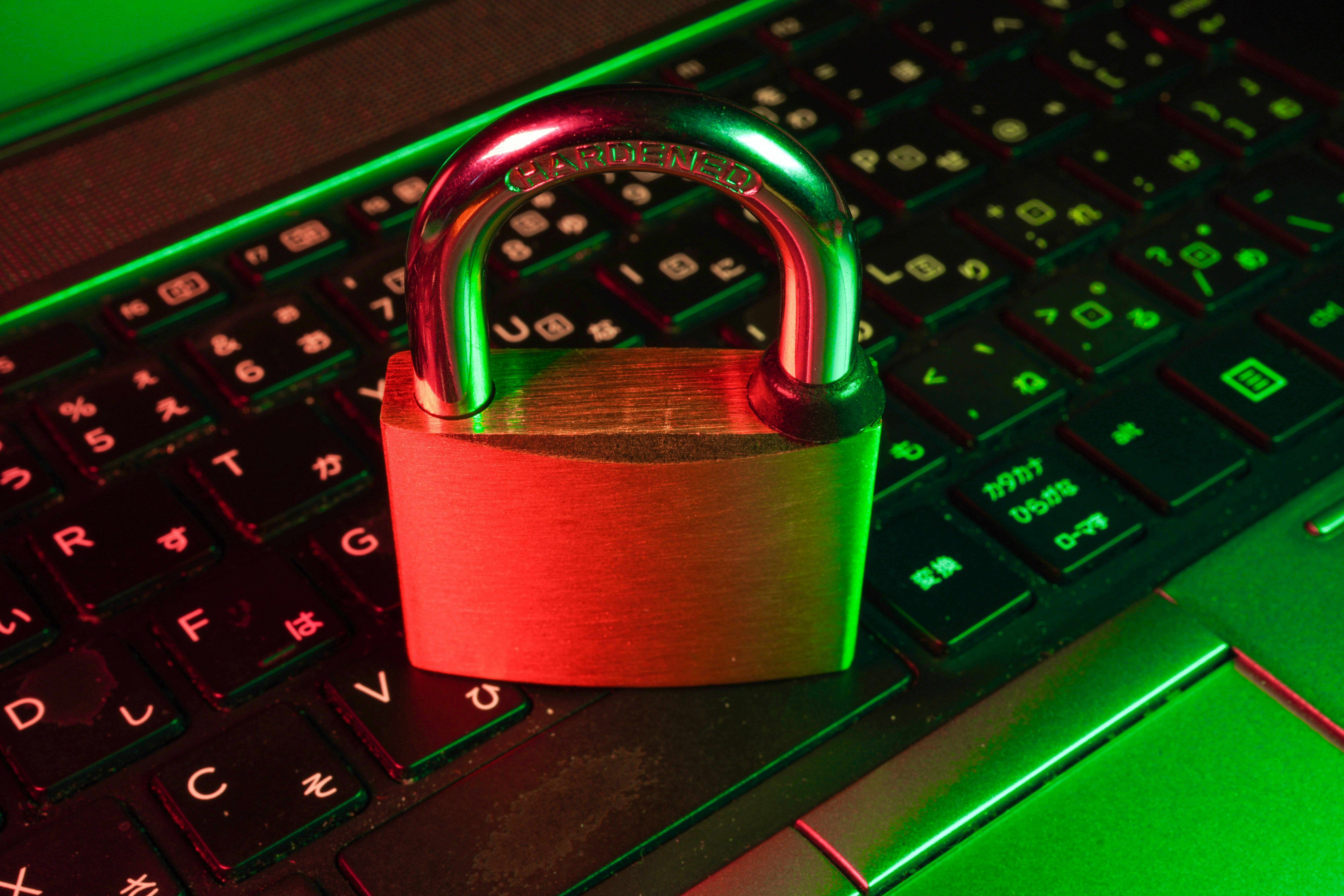
A phishing incident is a reason to review how your business handles leads
Reports about a phishing offer involving MSG staffers during a high-profile Knicks event are a useful reminder that convincing messages do not always arrive as obvious scams. According to reporting from The Athletic and ABC7 New York, staffers received or were duped by a phishing offer while Knicks coaches reportedly awaited championship rings.
Those reports establish the incident. They do not establish a customer-data breach, stolen information, website compromise, or an effect on MSG customer inquiries.
Still, the situation offers a practical lesson for local businesses: a phishing message can look timely, familiar, or personally relevant enough to make someone act before verifying it. For a business that receives quote requests, appointment inquiries, contact-form submissions, or booking notifications, that risk may affect the inboxes and accounts used to manage potential customers.
A website alone cannot prevent phishing. But a clear lead-handling process can reduce the chance that a suspicious message is mistaken for a real customer request—or that one mistaken click disrupts access to the systems your business uses to respond to inquiries.
In this checklist
- How phishing can overlap with ordinary lead handling
- What staff should verify before replying, downloading, or signing in
- How to protect form notifications and shared inboxes
- What to do if someone clicks a suspicious link
- Website changes that can make legitimate inquiries easier to recognize
Why local-business lead systems can be attractive targets
Small businesses often keep lead handling simple: a contact form sends messages to a shared inbox, the owner forwards a request to an employee, and someone replies from a phone between appointments.
That setup can work well—but it can also make it harder to spot an unusual message.
A phishing attempt may imitate something a business expects to receive, such as:
- A new customer asking for pricing or availability
- A calendar or booking notification
- A form-submission alert
- A document-sharing request
- A payment, invoice, or refund question
- A message that appears to come from a website provider, domain registrar, or email platform
- A request to “confirm” an account before viewing a lead
The danger is not that every unusual inquiry is fraudulent. Many legitimate customers write brief, imperfect, or unexpected messages. The goal is to separate normal customer communication from requests that ask someone to take a risky action: clicking a link, opening an attachment, sharing a code, entering a password, or changing account settings.
Start with a simple rule: a lead should not require a surprise login
A real website inquiry should give your team enough information to evaluate and answer it without asking them to sign in through an unfamiliar link.
Review how your business receives leads. Ideally, a form notification should include the information submitted by the visitor directly in the email or in a known dashboard your team accesses through its usual bookmark or saved URL.
Treat these situations as a reason to pause and verify:
- A “new lead” email says you must log in through a link to view the message.
- A form submission includes an attachment you were not expecting.
- A sender claims to be a customer but immediately asks you to move the conversation to another platform.
- A message says your website, domain, email, or booking account will be suspended unless you act immediately.
- A request asks for a password, verification code, backup code, or payment details.
- The sender wants you to change where notifications, payments, or customer messages are routed.
Instead of using the link in the message, open the service the way you normally do: through a saved bookmark, your password manager, or a URL you enter yourself. If a customer’s message seems unusual, reply through the contact information already provided in your legitimate form notification or call a known number—not a number supplied in the suspicious message.
Phishing checklist for customer inquiries and website notifications
1. Make legitimate form notifications easy to identify
Your team should know what a real inquiry notification looks like.
Review the sender address, subject format, and fields included in notifications from your website. Document them in a short internal note. For example:
Website inquiries come from [known sender address]. They include the customer’s name, email, phone number, requested service, and message. Staff do not need to click a link or download a file to read the inquiry.
This is not about making every message look identical. It is about giving staff a reliable baseline. If a new notification looks materially different, they can inspect it before acting.
Your website form should also collect only the information needed for an initial response. Asking for fewer sensitive details reduces what a customer shares before trust is established. See our guide to local business lead form fields for practical decisions about what to ask—and what to leave out.
2. Verify unusual requests through a separate channel
A phishing message often relies on urgency or convenience. It may claim an account issue needs immediate action, offer an unexpected opportunity, or request a quick approval.
Create a verification habit for messages that involve access, money, account changes, or sensitive information:
- Do not use the email’s link, phone number, or reply address to verify it.
- Find the company’s official website independently.
- Sign in through your normal route, if needed.
- Contact the customer, vendor, or provider using a number or address you already trust.
- Ask a second team member to review the message if something still feels off.
This process matters most when a message seems plausible. Obvious spam is easy to delete. A realistic request that resembles a booking, software notice, or supplier update deserves more care.
3. Keep website, email, and booking credentials separate
Shared credentials create a bigger problem than a single forgotten password. If several people use the same login for email, website administration, domain settings, or a booking system, it becomes difficult to limit access or understand what changed after a suspicious event.
Where your tools allow it:
- Give each staff member their own login.
- Provide access only to the systems they need.
- Remove access when a staff member leaves or changes roles.
- Avoid sending passwords in shared documents, chat threads, or email.
- Use a password manager rather than a shared spreadsheet or document.
- Turn on multi-factor authentication where it is available.
For a related risk, read how to avoid exposing passwords in shared Google Docs.
4. Protect the inbox that receives lead notifications
Your lead inbox is operationally important. If your team loses access to it, overlooks messages, or has notifications silently redirected, genuine inquiries may go unanswered.
Review the shared inbox or account used for website leads:
- Confirm who has access.
- Remove old staff accounts and outside access that is no longer needed.
- Check that lead notifications go to the intended address.
- Review forwarding rules and filters for anything unfamiliar.
- Make sure more than one trusted person can access the account if the primary owner is unavailable.
- Keep a current list of the website platform, domain registrar, email provider, booking system, and payment tools your business uses.
If your business relies heavily on email or an online booking tool, it is also worth having a customer communication backup plan. Our internet outage communication checklist can help you think through alternate contact paths when normal systems are unavailable.
5. Do not let phishing concerns turn into poor customer service
A cautious process should not mean ignoring real people.
If a lead appears unusual but does not request access, credentials, money, or a download, respond normally—but keep the conversation in a channel you control. You might reply:
Thanks for reaching out. To help with your request, could you confirm your preferred service date and the best phone number to reach you?
That response moves the conversation toward useful details without clicking an unfamiliar link or opening an unexpected file.
For businesses that receive lots of generic spam through forms, use basic form protections and review whether your fields invite unnecessary attachments or sensitive information. A clear contact page and well-designed form can help legitimate customers provide the details your team actually needs.
If someone clicks a suspicious link
A click does not automatically prove that an account or device has been compromised. But it is a reason to act promptly and carefully, especially if the person entered a password, shared a code, downloaded a file, or approved a login request.
Use this internal response sequence:
- Stop interacting with the message. Do not reply, download more files, or enter additional information.
- Tell the person responsible for business systems. For a small company, that may be the owner or a trusted IT provider.
- Change the affected password through the official service website, not through the suspicious message.
- Review account activity and active sessions in the affected service, if those options are available.
- Check forwarding rules, recovery email addresses, and connected devices for changes your team did not make.
- Notify your email provider, website provider, or IT support contact if you suspect account access or a malicious download.
- Document what happened. Record the time, account involved, and actions taken without forwarding the suspicious link around your team.
- Check lead channels. Confirm that contact-form notifications, booking alerts, and customer emails are still reaching the right people.
If a customer may have been affected by a genuine service interruption, communicate only what you know. Do not speculate about data access, cause, or impact before you have reliable information.
For a broader website response plan, see our local business website downtime checklist.
Use your website to make real communication more recognizable
Your website cannot eliminate fraudulent email. It can, however, give customers and staff a clearer reference point for legitimate communication.
Review these pages and details:
Contact page
Make sure your primary phone number, business email, hours, and preferred contact method are current. Customers should be able to confirm how to reach you without relying on an unexpected message.
Lead form
Use a straightforward form with clear labels. Tell visitors what happens after they submit it—for example, that your team will reply by email or phone. Do not promise a response time unless your business can consistently meet it.
Booking page
If you use online scheduling, explain which platform customers will see and what confirmation messages they can expect. That can make unfamiliar or lookalike requests easier to question.
Privacy and trust information
Explain, in plain language, how you use information submitted through the form. Avoid collecting details you do not need for an initial inquiry. Our lead form privacy checklist can help you review this page before publishing changes.
The practical takeaway
The MSG reports are a reminder that phishing can be built around something timely, desirable, or believable. The incident does not show that local businesses or website leads were affected. But local businesses can use the moment to prepare for a common operational risk.
A practical lead-protection plan is not complicated:
- Make normal website notifications recognizable.
- Verify any message that requests access, credentials, codes, or urgent account action.
- Keep credentials individual rather than widely shared.
- Limit access to lead-related systems.
- Maintain a backup process if the primary inbox or staff member is unavailable.
- Review your website’s contact, form, and booking communications so real customer interactions are easier to recognize.
Build a website that supports clearer customer communication
A well-organized local-business website can make it easier for customers to understand how to contact you and what to expect after they inquire. StoopCraft builds done-for-you websites for local businesses and includes on-page SEO as part of its $99/month service.
Explore StoopCraft to see whether a clearer, professionally managed website is a fit for your business.


